
 Wynncraft TooltipsShader · 1.20 – 1.21
Hinzugefügt Wynncraft style tooltips using vanilla shader
Kostenlos67,050 Downloads

Shader designed for Wynncraft.
Direkter Download von Modrinth · 70,197 Downloads
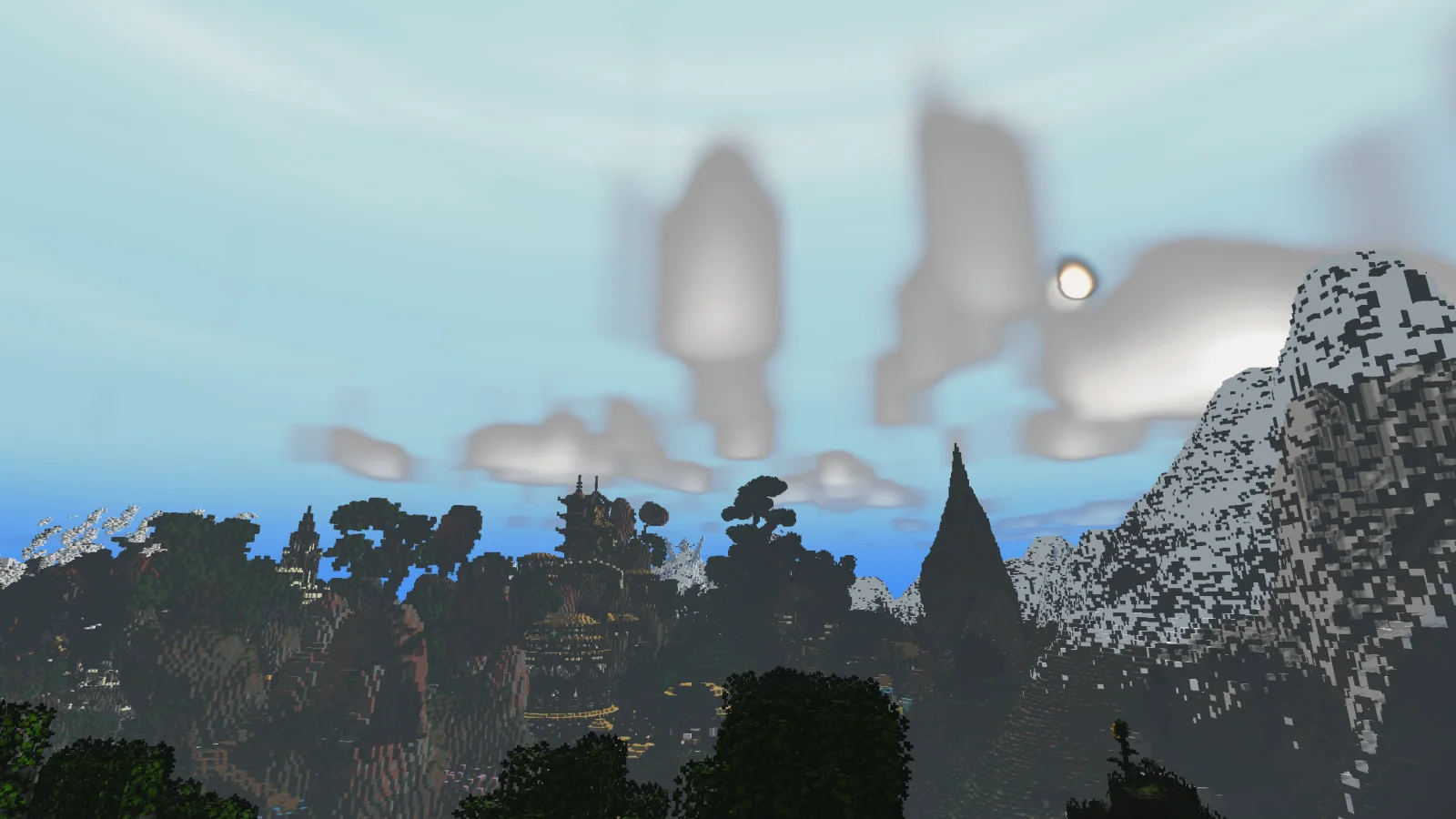
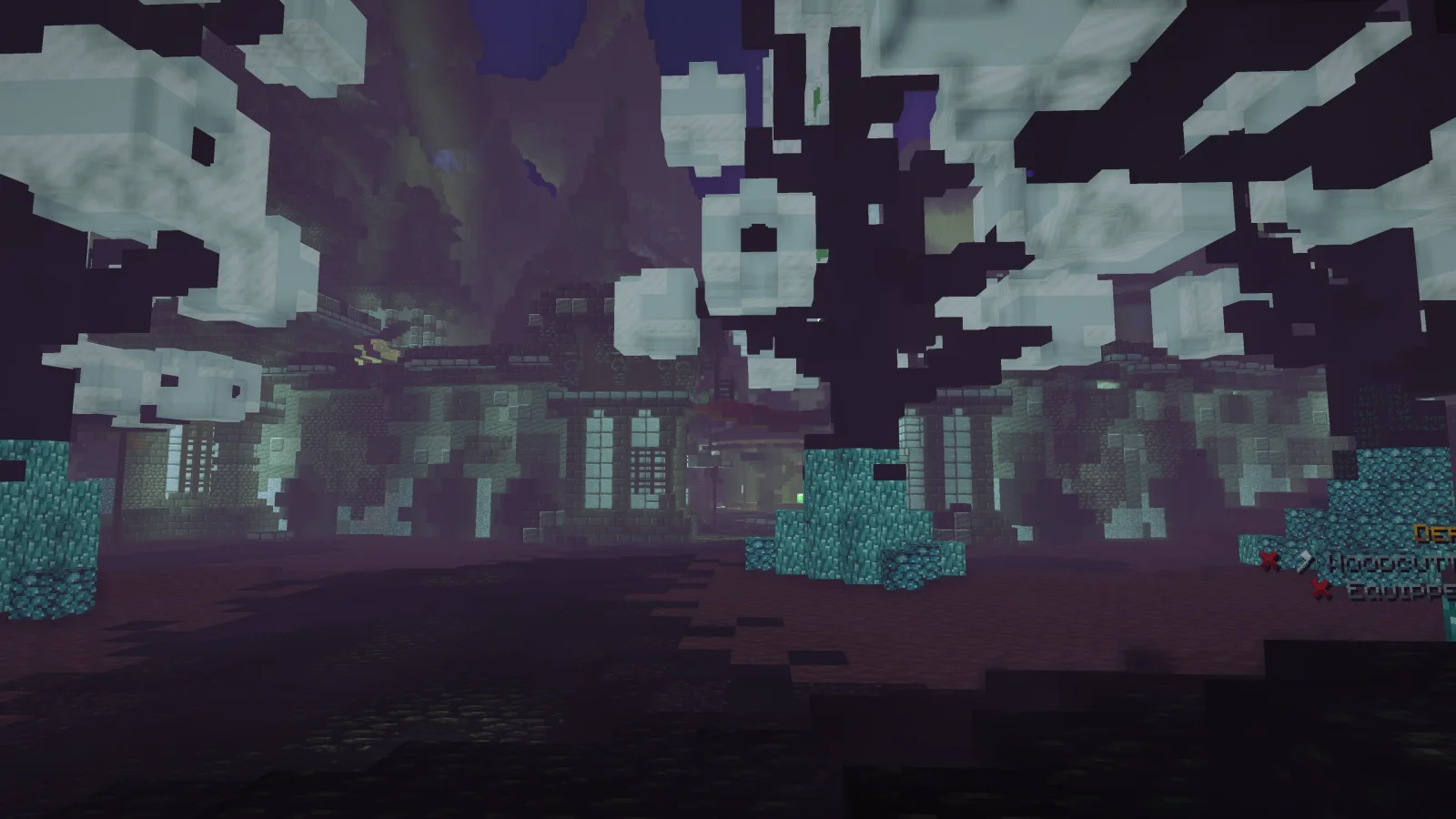
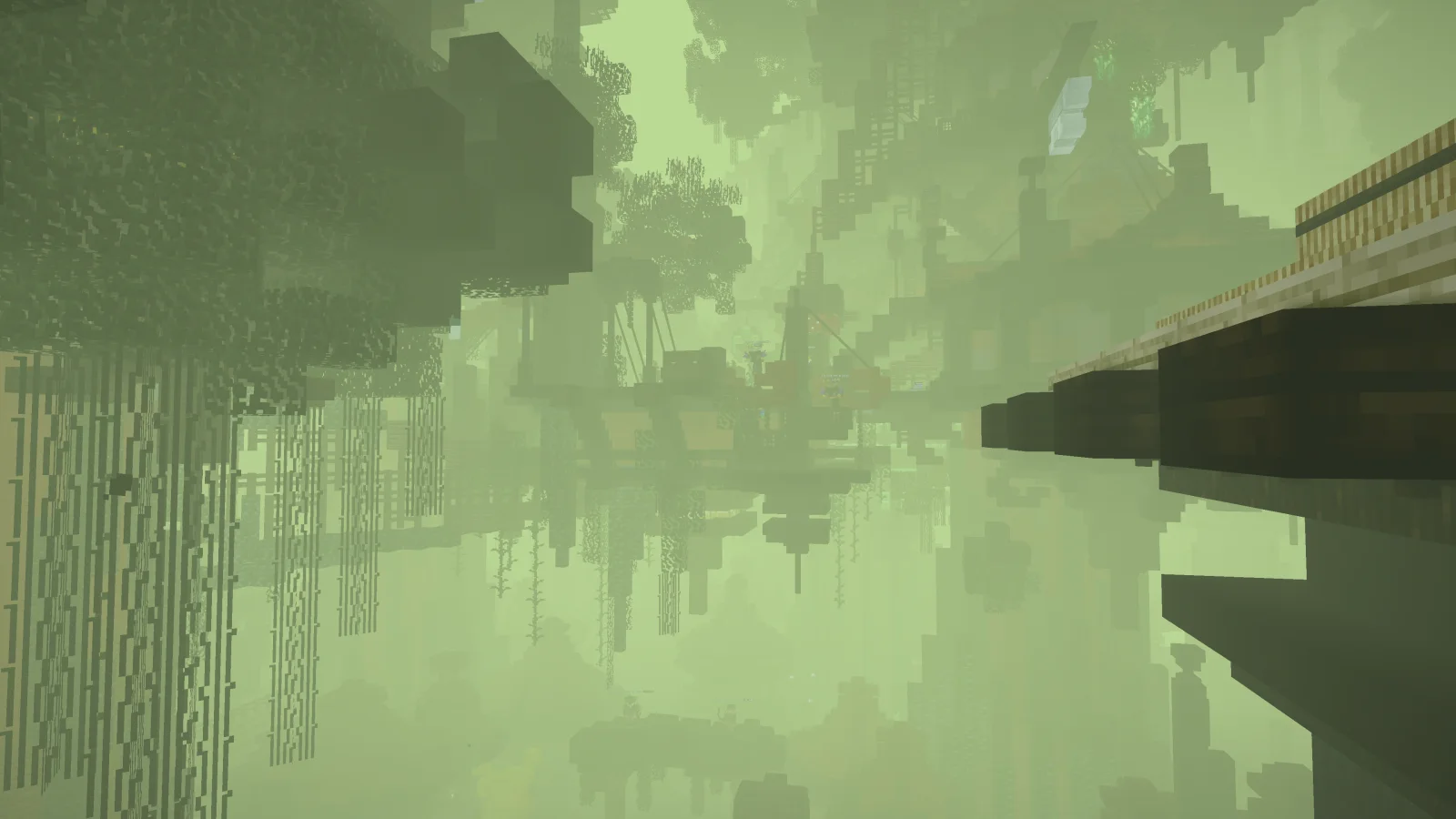
Nwoof's Wynn Shader (Shaderpack) stammt von nwoof2012. Shader designed for Wynncraft.
Unterstützt wird Minecraft 1.21 – 26.x. Auf Modrinth gibt es 70,197 Downloads. Das letzte Update erschien am 01.11.2026.
Nwoof's Wynn Shader hat seit 20.08.2024 97 Versionen auf Modrinth veröffentlicht. 29 davon erschienen im letzten Jahr. Die neueste ist 0.2.3, erschienen am 01.11.2026. Sie ist für Minecraft 1.21 – 26.3 gemacht. Sie läuft auf Iris. Der Download ist 34.2 MB groß.
| Version | Veröffentlicht | Minecraft | Typ |
|---|---|---|---|
0.2.3 | 01.11.2026 | 1.21 – 26.3 | Beta |
0.2.2 | 29.09.2026 | 1.21 – 26.3 | Beta |
0.2.1 | 09.09.2026 | 1.21 – 26.2 | Beta |
0.2.0 | 07.09.2026 | 1.21 – 26.2 | Beta |
0.1.13 | 01.07.2026 | 1.21 – 26.2 | Beta |
Nwoof's Wynn Shader ist Open Source. Die neueste Version auf GitHub ist Beta-0.2.3, veröffentlicht am 01.11.2026.
Davor: Beta-0.2.2 (29.09.2026), Beta-0.2.1 (09.09.2026).
THIS PROJECT IS CURRENTLY IN BETA. IF YOU ENCOUNTER ANY ERRORS/BUGS, I HIGHLY RECOMMEND REPORTING IT ON THE GITHUB PAGE, ESPECIALLY IF NO ONE ELSE HAS YET.
Are you looking to play Wynncraft with shaders, but don't want to compromise on playability or visuals? Nwoof's Wynn Shader is designed with a goal to fulfill that wish at its core. Designed and written based on problems encountered by Wynncraft players regarding shaders, this is the first shader designed with the Wynncraft player's experience in mind.
Virtual texture-based shadow system. Provides customization options such as adjustable resolution and culling distance.
Simulates a glow effect for added realism to the world's lighting and illumination. The amount of total samples in this effect can be adjusted to provide the right balance of performance and visual quality.
The lighting algorithms include Scene-Aware Lighting that adjusts the color of the world's lighting based on the original light source, toggleable Path-Traced Global Illumination which simulates the emission and reflection of light rays, and a customizable range for controlling/balancing light levels. There is also Custom Water with Screen Space Reflections and Light Refraction.
The shader also comes with sky features such as Customizable Sky/Fog/Atmosphere Colors for various times of day, and Volumetric Clouds that adapt to the weather.
When travelling throughout the world, the tonemapping and color grading will automatically adjust to a scheme which is appropriate for your location.
Nwoof's Wynn Shader has integrated support for mods like Wynncraft Dynamic Weather, Distant Horizons, and Physics Mod.
Nwoof's Wynn Shader is in no way affiliated with Wynncraft or any of the supported mods. Do not send them any bugs related to my shader, instead send them directly to me.
Frequently Asked Questions
Why is the shader so dark/bright?
The optimal/preferred light levels can vary from person to person. If you feel the shader is too dark/bright, adjust the minimum/maximum light.
Why is the fog so strong?
The default fog settings are set for my personal taste. If you'd prefer something different, you can change the fog's settings.
Geschrieben von nwoof2012. Mit Bildern auf Modrinth lesen.
Installiere Iris (mit Sodium) oder OptiFine für deine Minecraft-Version: Shader brauchen eins davon.
Lade die .zip-Datei von Modrinth herunter. Entpacke sie nicht.
Öffne in Minecraft Optionen, dann Grafikeinstellungen, dann Shaderpacks und klicke auf Shaderpack-Ordner öffnen.
Lege die .zip-Datei in diesen Ordner, wähle Nwoof's Wynn Shader in der Liste und klicke auf Fertig.
Shader belasten die Grafikkarte. Wird das Spiel langsam, wähle in den Shader-Einstellungen ein niedrigeres Profil.
Ja. Nwoof's Wynn Shader unterstützt Minecraft 26.x. Alle unterstützten Versionen: 26.x, 1.21.
Ja. Nwoof's Wynn Shader kannst du kostenlos bei Modrinth herunterladen.
Ja: Iris Shaders, Distant Horizons, voxy. Installiere es vor Nwoof's Wynn Shader.
Ja. Das letzte Update kam innerhalb des letzten Tages.
Wynncraft TooltipsShader · 1.20 – 1.21Hinzugefügt Wynncraft style tooltips using vanilla shader
Logg dich ein, um eine Bewertung zu schreiben.