mod that auto login to a server that required /login
Direkter Download von Modrinth · 31 Downloads
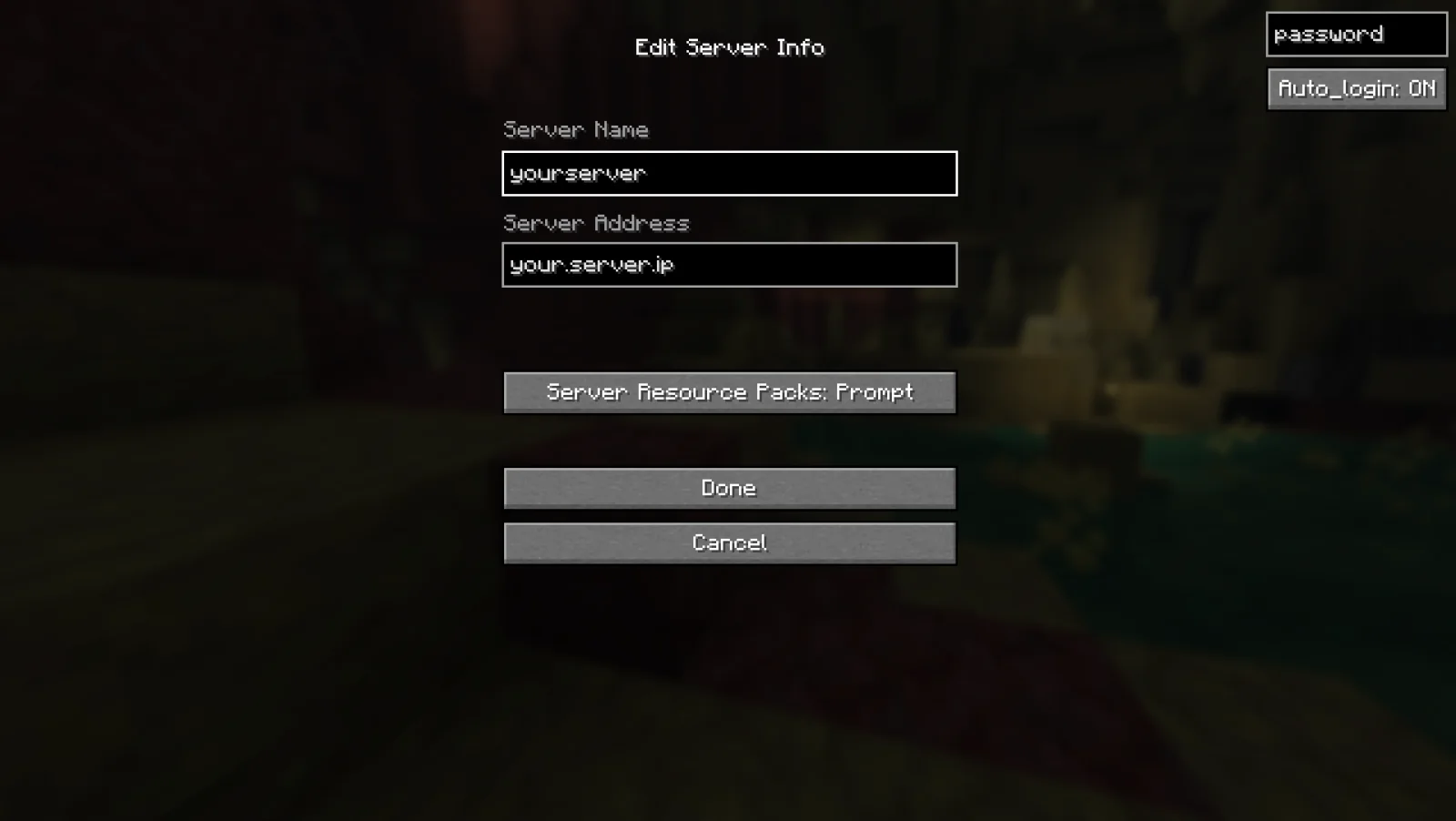
AutoLogin (Mod) stammt von Yaroki123. mod that auto login to a server that required /login.
Unterstützt wird Minecraft 26.x. Auf Modrinth gibt es 31 Downloads. Das letzte Update erschien am 25.09.2026.
AutoLogin hat seit 25.09.2026 4 Versionen auf Modrinth veröffentlicht. 4 davon erschienen im letzten Jahr. Die neueste ist 0.1.0, erschienen am 25.09.2026. Sie ist für Minecraft 26.1 gemacht. Sie läuft auf Fabric. Der Download ist 779 KB groß.
| Version | Veröffentlicht | Minecraft | Typ |
|---|---|---|---|
0.1.0 | 25.09.2026 | 26.1 | Release |
0.1.0 | 25.09.2026 | 26.1.1 | Release |
0.1.0 | 25.09.2026 | 26.1.2 | Release |
0.1.0 | 25.09.2026 | 26.2 | Release |
AutoLogin is a mod that works on the client side and will automatically log you into servers that require the use of the /login command.
Rather than having to type your password each time you log in, you only need to set up the password once and then AutoLogin will send the login command on your behalf.
Geschrieben von Yaroki123. Mit Bildern auf Modrinth lesen.
Diese Mod läuft nur in deinem eigenen Spiel. Server brauchen sie nicht, du kannst sie also auf jedem Server nutzen.
Installiere Fabric für Minecraft 26.x.
Lade die .jar-Datei von Modrinth herunter und lege sie in den mods-Ordner deines .minecraft-Verzeichnisses.
Starte Minecraft mit dem Fabric-Profil.
Einfacher: Suche in Prism Launcher oder der Modrinth App in den Mods deiner Instanz nach AutoLogin und klicke auf Install. Loader und benötigte Mods werden für dich hinzugefügt.
Ja. AutoLogin unterstützt Minecraft 26.x. Alle unterstützten Versionen: 26.x.
Ja. AutoLogin kannst du kostenlos bei Modrinth herunterladen.
Clientseitig. AutoLogin kommt in deinen eigenen mods-Ordner und funktioniert auf jedem Server, auch auf Servern ohne Mods.
Ja. Das letzte Update kam innerhalb des letzten Tages.
Logg dich ein, um eine Bewertung zu schreiben.
