
 PvP UtilsPacks de texturas · 1.21 – 26.x
A texture pack, which adds Quality of Life Improvements for PvP, while keeping it in a vanilla style.
Gratis226,314 descargas
Better Bedwars is a texture pack that simplifies your experience while still keeping the original look and feel of Minecraft. The aim is to simplify your…
Descarga directa desde Modrinth · 143,630 descargas

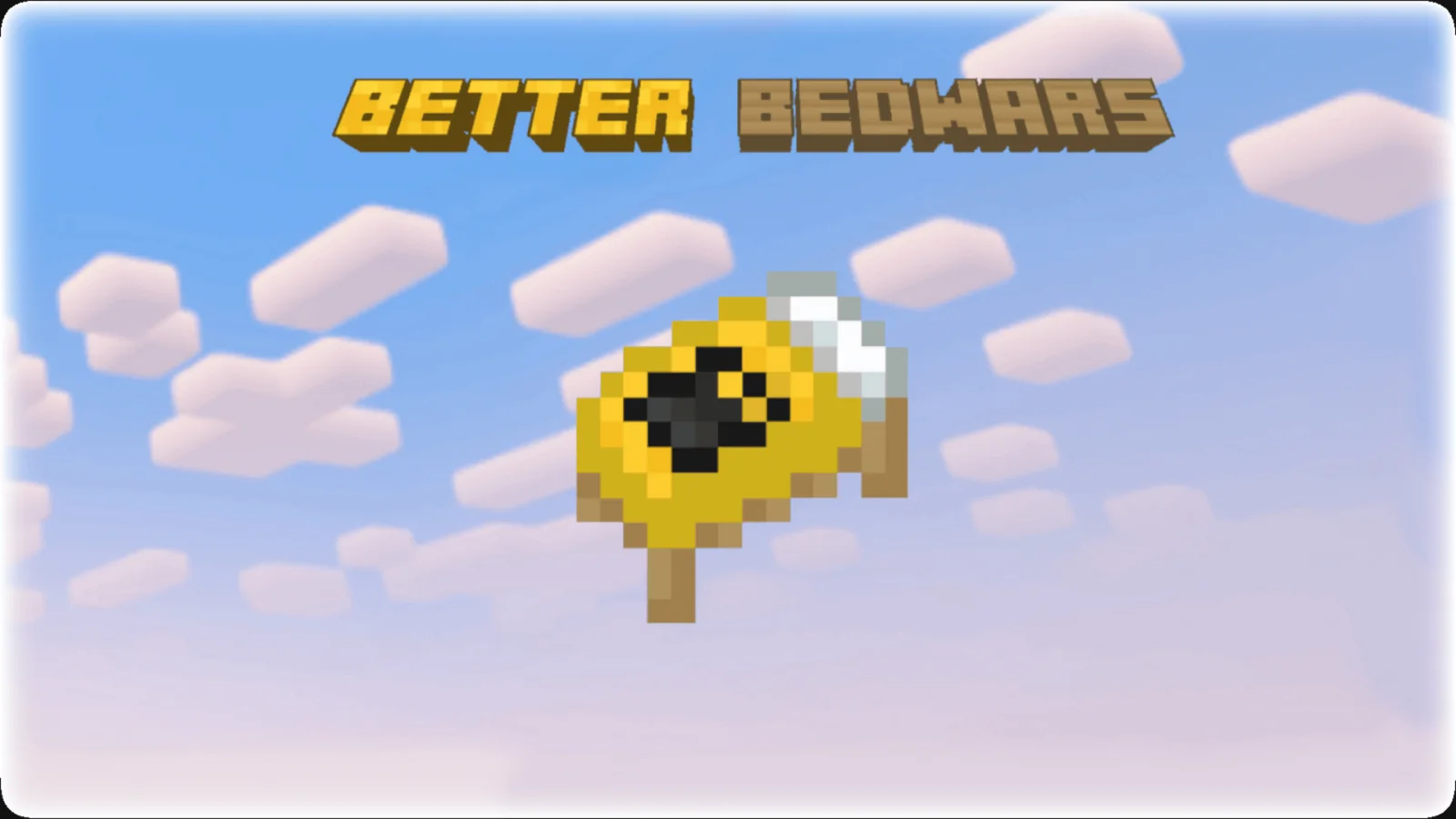
Better Bedwars (pack de texturas) es obra de ColinMcCloud. Better Bedwars is a texture pack that simplifies your experience while still keeping the original look and feel of Minecraft. The aim is to simplify your…
Es compatible con Minecraft 1.8. Se ha descargado 143,630 veces en Modrinth. La última actualización salió el 07/09/2026.
Better Bedwars ha publicado 2 versiones en Modrinth desde el 07/09/2026. 2 salieron en el último año. La más reciente es 7.1.1, publicada el 07/09/2026. Está hecha para Minecraft 1.8.9. Funciona en Minecraft. La descarga ocupa 14.4 MB.
| Versión | Publicado | Minecraft | Tipo |
|---|---|---|---|
7.1.1 | 07/09/2026 | 1.8.9 | Estable |
7.1.1SE | 07/09/2026 | 1.8.9 | Estable |
=
Better Bedwars is a texture pack that simplifies your experience while still keeping the original look and feel of Minecraft. The aim is to simplify your Bedwars experience by making stuff less distracting.
The Special Edition (SE) version of this pack uses an OptiFine feature called Custom Sky to change the skybox texture.
THE SKYBOX WILL NOT BE SHOWN IF OPTIFINE IS NOT USED!
As an alternative to OptiFine, you can choose one of these two options
Forge: ForgeSkyboxes (alongside the MCPPPP tool)
Fabric: Nuit (combined with the Nuit Interop addon mod) or alternatively Skyboxify
If you ask a question that's already answered in the spoiler below, I will most likely ignore it.
Frequently Asked Questions:
Q: Can you make a version for 1.XX ? / The pack is warning me that it's made for another version of Minecraft.
A: No, also don't worry. Better Bedwars is intended to work on all versions of the game, the only requirement is that it is a version after 1.8.9 and if using the Special Edition (SE) that you are using a compatibile version of OptiFine. So, feel free to play on whatever version you are most comfortable with, including the most recent version as this pack is always tested on both versions 1.8.9 and the most recent Minecraft release to check for any possible combatibility issues. Don't worry about the version warning!
Q: Can you make a Bedrock port?
A: No need to ask, as there is now a version of Better Bedwars for Bedrock Edition. The Better Bedwars: Bedrock Edition can be downloaded on both CurseForge and MCPEDL.
Q: Can you add _______ to Better Bedwars?
A: Most likely not. I work and add new stuff to Better Bedwars at my own pace and when I feel that it is necessary. However, if you do have any request or suggestions, feel free to leave a comment or say something in the Discord.
Q: What will I be missing out on by playing on the most recent Minecraft release rather than version 1.8.9?
A: Not much, over the past few Better Bedwars updates, the pack has become more and more compatible with the newer versions, and the only feature that is missing is colorless water and it is currently unfixable in Vanilla Minecraft. The reason why colorless water is no longer possible on newer versions is because Minecraft changed the water colormap to be hardcoded, meaning the color cannot be changed, however you can still get colorless water on the newer versions by using Polytone
Q: What is the difference between the regular version and the Special Edition (SE)?
A: The regular version and the Special Edition (SE) are fairly similar except for a few differences, which are listed below
– Red hearts instead of the regular yellow ones
– Watermelon hungerbar instead of the regular potato hungerbar
– Red XP Bar instead of the regular brown one
– Red settings background instead of the regular yellow one
– Red Better Bedwars bed instead of the regular yellow-colored one (These bed textures can only be seen if playing on a version prior to 1.12)
– A different Custom Skybox
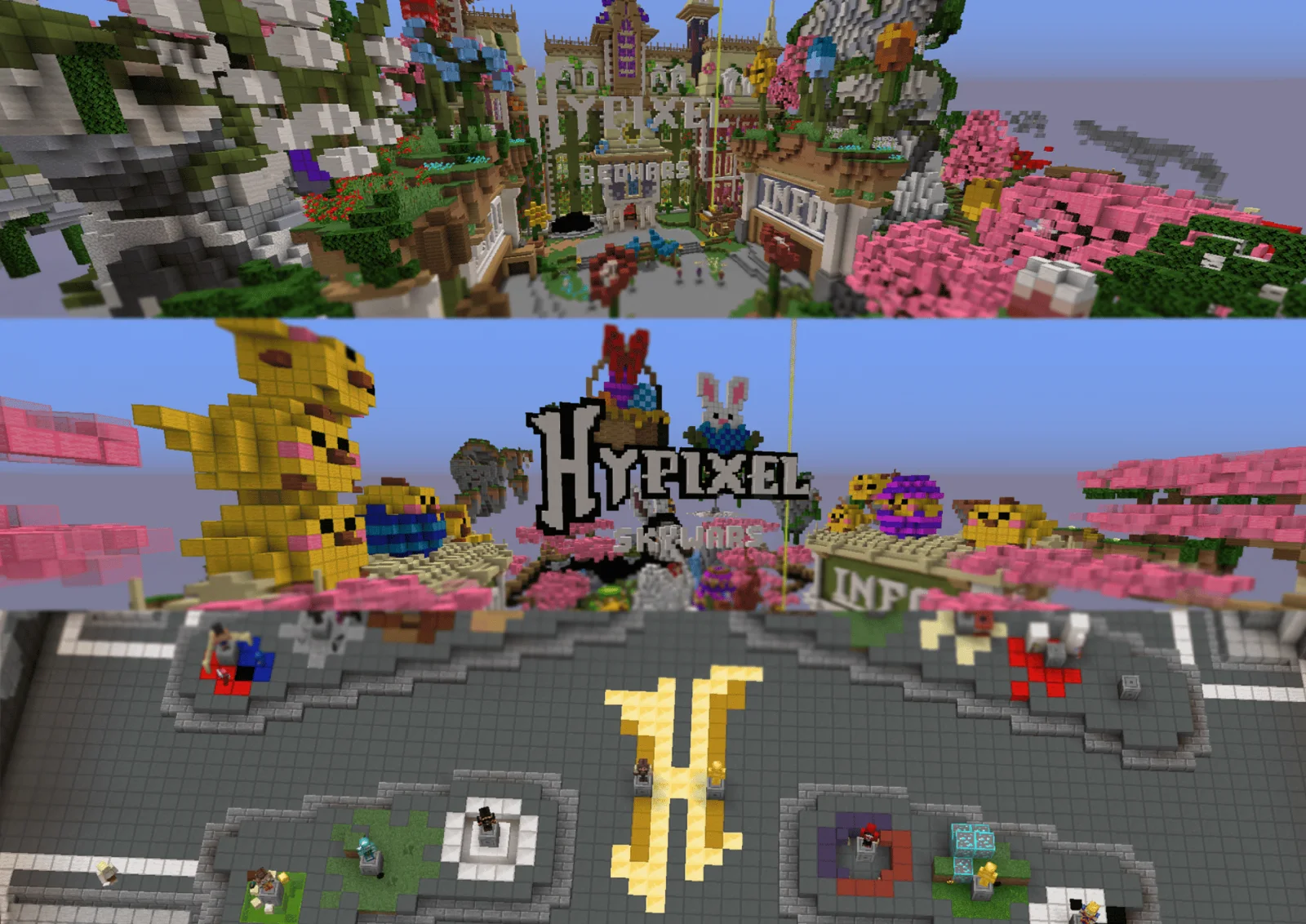
Note: The regular version also has a custom skybox, but it doesn't play as key of a role to the pack as the custom skybox does in the Special Edition (SE). However, if you want the custom skybox (the one that is pictured in the gallery images) you will need OptiFine or one of the previously mentioned mods/tools in order to do that.
Q: Why can I not see the custom skybox on the Special Edition (SE) version of the pack?
A: This can occur when you haven't installed the OptiFine Mod correctly, or when Custom Sky is not enabled in Video Settings. The required settings are as follows:
Video Settings > Quality > Custom Sky: ON
A: This can also happen with using some 3rd party clients.
A: Also make sure you're using the right OptiFine version.
Q: Is there a way to use Better Bedwars: Special Edition (SE) without OptiFine?
A: Better Bedwars: Special Edition (SE) requires OptiFine for features like Custom Sky to work. If you don't want to use OptiFine, but still want to use the Special Edition (SE) version of the pack, then you can use some OptiFine Custom Sky alternative mods like ForgeSkyboxes (along with a tool called MCPPPP which is needed in order to convert this pack to use FSB formatted skies) or Nuit (combined with the Nuit Interop addon mod) or even Skyboxify. Keep in mind that this pack has not been tested with these mods and conflicts could arise.
Q: I found a bug/issue with Better Bedwars. What should I do?
A: Create a ticket on the Discord server
Terms of Use:
Better Bedwars: Terms & Conditions
With this texture pack, YOU MAY:
With this texture pack, YOU MAY NOT:
Escrita por ColinMcCloud. Léela con imágenes en Modrinth.
Descarga el archivo .zip desde Modrinth. No lo descomprimas.
En Minecraft, abre Opciones, luego Paquetes de recursos y luego Abrir carpeta de paquetes.
Suelta el archivo .zip en esa carpeta y vuelve al juego.
Mueve Better Bedwars a la lista de la derecha y pulsa Hecho.
Está hecho para Minecraft 1.8. En otras versiones Minecraft lo marca como incompatible, pero a menudo funciona igual.
| Recurso | Descargas | Versiones | Última actualización | Precio |
|---|---|---|---|---|
| Better Bedwarsel que estabas viendo | 144K | 1.8 | 7 sept 2026 | Gratis |
| PvP UtilsSoGuy | 226K | 1.21 – 26.x | 22 jun 2025 | Gratis |
 SenpaiSpider 1 Million Texture PackSenpaiWasTaken | 566K | 1.16 – 1.21 | 30 jun 2025 | Gratis |
 BlockPixelJakobzero | 143K | 1.20 – 26.x | hace 13 días | Gratis |
Todavía no. La versión más reciente que admite es Minecraft 1.8.
Sí. Better Bedwars se puede descargar gratis desde Modrinth.
Sí: Polytone. Instálalo antes de Better Bedwars.
Sí. La última actualización salió en el último día.
Los más parecidos son PvP Utils, SenpaiSpider 1 Million Texture Pack y BlockPixel. Comparar todas las alternativas
PvP UtilsPacks de texturas · 1.21 – 26.xA texture pack, which adds Quality of Life Improvements for PvP, while keeping it in a vanilla style.
SenpaiSpider 1 Million Texture PackPacks de texturas · 1.16 – 1.21Here is my 1M Texture Pack. While it may not be the most optimized, I hope my subscribers will enjoy it. Thank you for supporti
BlockPixelPacks de texturas · 1.20 – 26.xThis is a Minecraft pixel texture pack created by Jakob.zero, characterized by using variously sized block patterns as the foundation for its pixel textures…
 Weskerson's 3D ItemsPacks de texturas · 1.21 – 26.x
Add some 3D charm to your Tools and Handhelds, while maintaining the original 2D sprites in your inventory! Now HMI compatible! (Formerly 3D Tools and Utils)
 Better LanternsPacks de texturas · 1.19 – 26.x
Improves lanterns and chains models with an enhanced 3D look for a more immersive experience.
 Zipp CPVP PackPacks de texturas · 1.20 – 26.x
Zipp CPVP Pack brings a clean and clear PvP experience. It features short swords, a black UI, low fire, no particles, and a smaller totem pop-up, so nothing…
Inicia sesión para dejar una reseña.