
 Fresh Skeleton PhysicsPaquetes de recursos · 1.20 – 26.x
Give skeletons physics - Now with Fresh Animations!
Gratis1,658,055 descargas
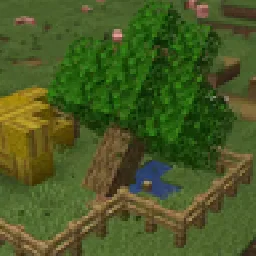
Cut down all the trees! Down with the floating trees!
Descarga directa desde Modrinth · 171,614 descargas
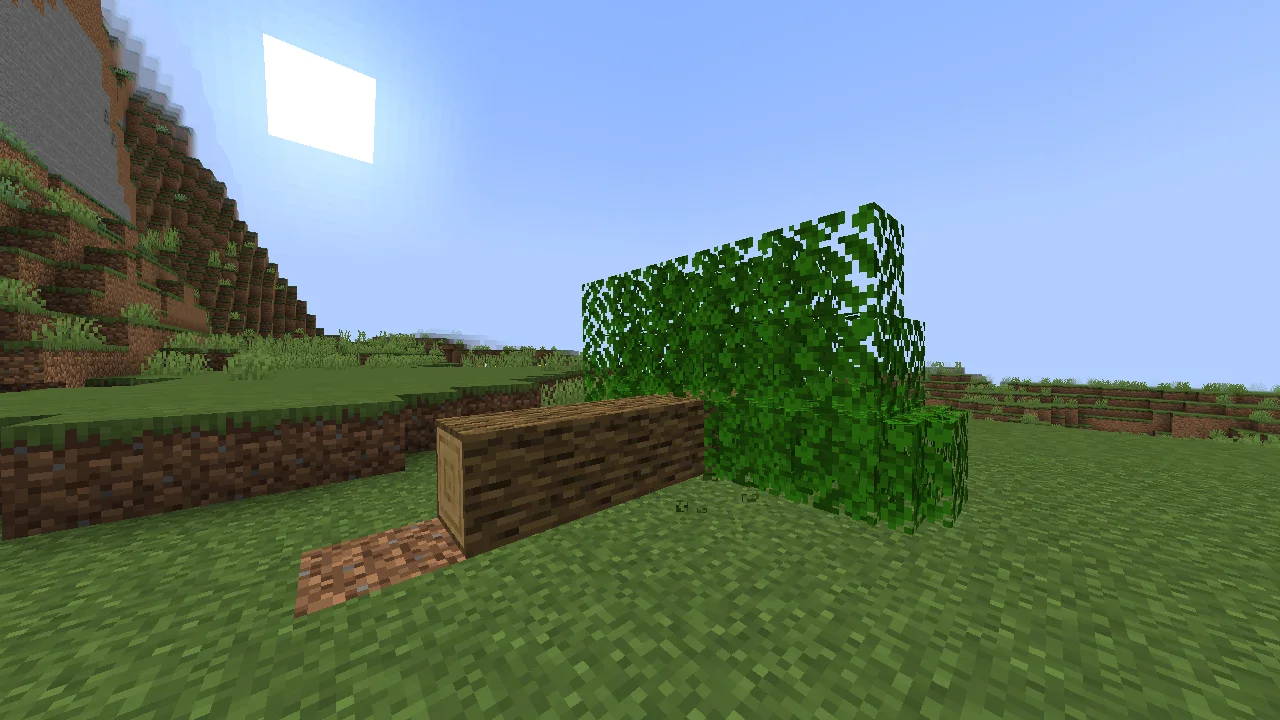
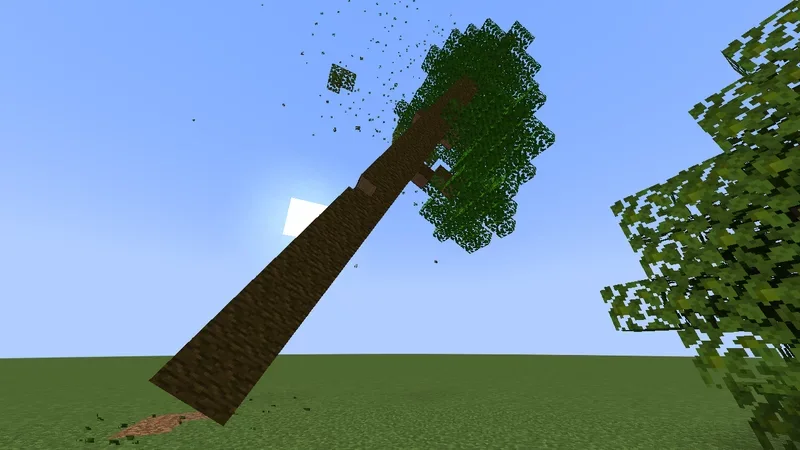
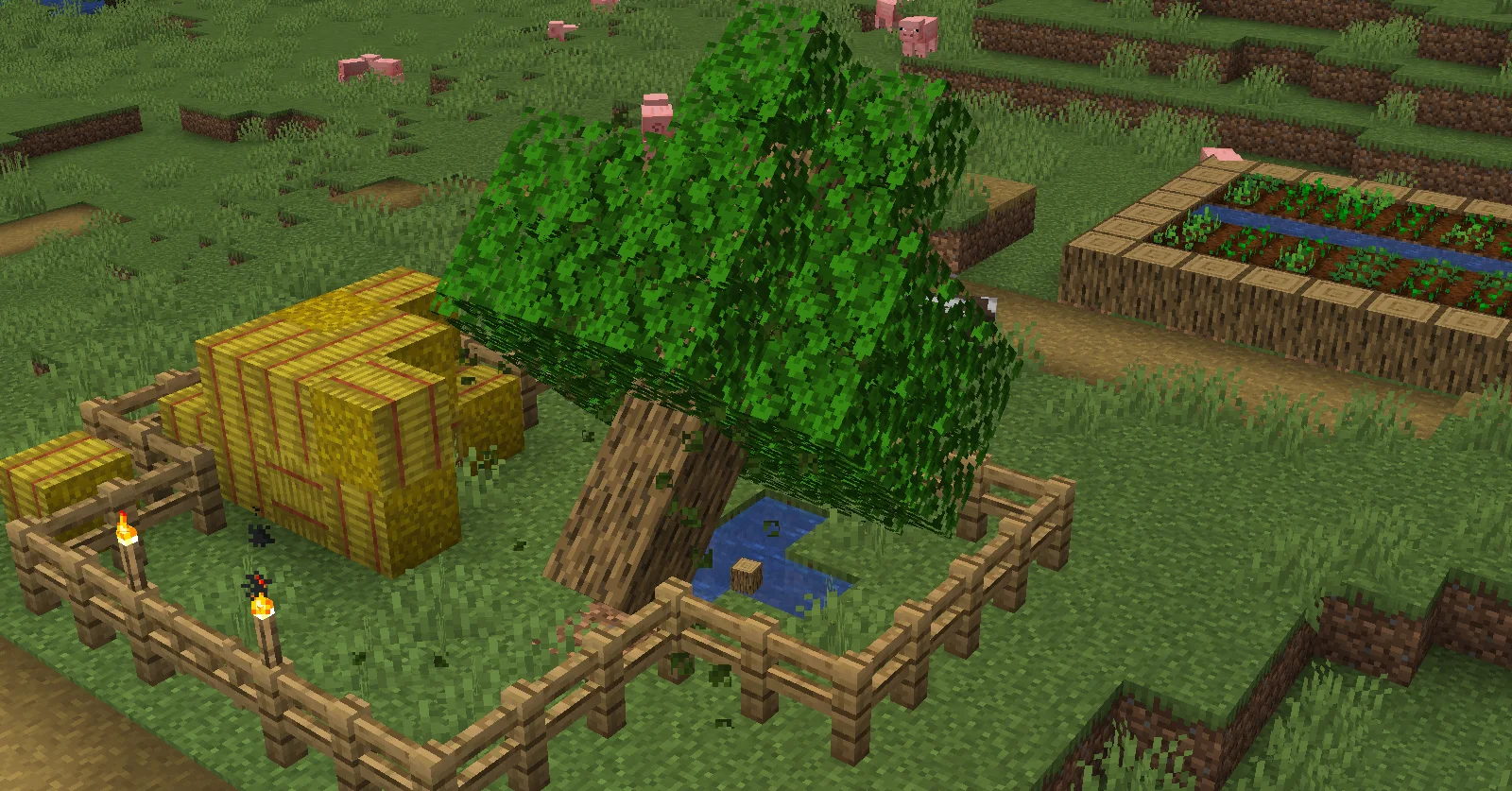
Physical Falling Trees (paquete de recursos) es obra de Antoha256M. Cut down all the trees! Down with the floating trees!
Es compatible con Minecraft 1.19 – 26.x. Se ha descargado 171,614 veces en Modrinth. La última actualización salió el 16/11/2026.
Physical Falling Trees ha publicado 40 versiones en Modrinth desde el 25/03/2023. 11 salieron en el último año. La más reciente es 3.0.0, publicada el 16/11/2026. Está hecha para Minecraft 26.3. Funciona en Data pack. La descarga ocupa 342 KB.
| Versión | Publicado | Minecraft | Tipo |
|---|---|---|---|
3.0.0 | 16/11/2026 | 26.3 | Estable |
1.1.0-rp | 16/11/2026 | 26.3 | Estable |
3.0.0+mod | 16/11/2026 | 26.3 | Estable |
2.4.2+mod | 30/07/2026 | 26.1 – 26.2 | Estable |
2.4.2-cropped+mod | 30/07/2026 | 26.1 – 26.2 | Estable |
So, this datapack really adds physical falling trees! Now, with any felled tree, it will try to fall, causing damage to all living entities in its path.
The following features are available in version 3.0.0 and later:
#
#
Create a separate datapack for your compatibility add-on. The examples below target Physical Falling Trees 3.0.0 for Minecraft 26.3. Replace my_addon and example_mod with your own namespaces, and keep "replace": false in shared tags.
Modded logs and leaves are detected automatically when they belong to #minecraft:logs and #minecraft:leaves. They use the existing log and leaf handlers, including log-axis rotation.
To include additional blocks attached to a tree, add them to #physical_falling_trees:others in your add-on:
data/physical_falling_trees/tags/block/others.json
{
"replace": false,
"values": [
"example_mod:tree_fruit",
"example_mod:tree_growth"
]
}
These blocks can be discovered as part of a connected tree. Blocks without a dedicated handler are restored with the minecraft:block_state properties saved in their Silk Touch drops. They must drop their own block item when harvested this way. This does not provide automatic restoration of arbitrary block-entity NBT.
Falling leaves rendered through the pack's tinted item model use a color selected during tree preparation. An add-on can supply this color through the #physical_falling_trees:biome_leaves_color function tag.
Register your function:
data/physical_falling_trees/tags/function/biome_leaves_color.json
{
"replace": false,
"values": [
"my_addon:leaf_color"
]
}
Then check the biome at the current block position, write the foliage tint to storage midwut:main temp.leaves_color, and return success:
data/my_addon/function/leaf_color.mcfunction
execute unless biome ~ ~ ~ example_mod:autumn_forest run return fail
data modify storage midwut:main temp.leaves_color set value 5614131
return 1
The color is a packed RGB integer: 5614131 represents #55AA33 (R × 65536 + G × 256 + B). Replace it with the foliage color of your biome.
Return 1 after supplying a color, even if the stored value was already the same. Return fail for biomes your add-on does not handle, allowing the standard color lookup to run when no add-on supplies a color. Keep the current execution position so the biome check applies to the leaf being converted.
For larger biome packs, use the approach demonstrated by PFT-Coloring datapack: a dispatcher checks which biome group applies, calls its color lookup, and returns success after a match. Biome groups can be defined in data/my_addon/tags/worldgen/biome/. For version 3.0.0, color handlers must write to temp.leaves_color.
This hook supplies tint values for the existing item model. Adding a new tinted leaf type also requires a matching resource-pack model definition.
#
You can leave a comment on the PMC page!
Russian discord server of datapackers / Русский дискорд сервер датапакеров
Если вы датапакер, ищите адекватной помощи, полезных ресурсов и возможности поделиться проектами, то вам на СвинСоюз: Датапаки!
Это сервер-ответвление от изначального заброшенного сервера ZeroCaty "СвинСоюз". Сейчас мы не имеем к нему никакого отношения.
Escrita por Antoha256M. Léela con imágenes en Modrinth.
Descarga el archivo .zip desde Modrinth. No lo descomprimas.
En Minecraft, abre Opciones, luego Paquetes de recursos y luego Abrir carpeta de paquetes.
Suelta el archivo .zip en esa carpeta y vuelve al juego.
Mueve Physical Falling Trees a la lista de la derecha y pulsa Hecho.
Está hecho para Minecraft 1.19 – 26.x. En otras versiones Minecraft lo marca como incompatible, pero a menudo funciona igual.
| Recurso | Descargas | Versiones | Última actualización | Precio |
|---|---|---|---|---|
| Physical Falling Treesel que estabas viendo | 172K | 1.19 – 26.x | hace 7 horas | Gratis |
| Fresh Skeleton Physicsewanhowell5195 | 1.7M | 1.20 – 26.x | 26 sept 2026 | Gratis |
 Round TreesMotschen | 4.2M | 1.13 – 26.x | 18 sept 2026 | Gratis |
 AutumnPackInnerToast | 158K | 1.8 – 26.x | 17 sept 2026 | Gratis |
Sí. Physical Falling Trees es compatible con Minecraft 26.x. Todas las versiones compatibles: 26.x, 1.21, 1.20, 1.19.
Sí. Physical Falling Trees se puede descargar gratis desde Modrinth.
Sí: Physical Falling Trees. Instálalo antes de Physical Falling Trees.
Sí. La última actualización salió en el último día.
Los más parecidos son Fresh Skeleton Physics, Round Trees y AutumnPack. Comparar todas las alternativas
Fresh Skeleton PhysicsPaquetes de recursos · 1.20 – 26.xGive skeletons physics - Now with Fresh Animations!
Round TreesPaquetes de recursos · 1.13 – 26.xTrees are round in real life, why aren't they in Minecraft?
AutumnPackPaquetes de recursos · 1.8 – 26.xCelebrate the Fall season wherever you are!
 Fall back to AutumnPaquetes de recursos · 1.16 – 26.x
Subtle Autumn/Fall colormap for foilage, grass, and water.
 Custom Moonglade MarshPaquetes de recursos · 26.x
Configurable Catharsis recolour pack for Moonglade Marsh(Galatea): fig and mangrove trees, grass and clutter.
Inicia sesión para dejar una reseña.