
 RAY TRACING POTATOShaders · 1.16 – 26.x
A performance-focused Minecraft shader with improved lighting, atmospheric fog, bloom, water visuals and shadows, designed with lower-end hardware in mind.
Gratuit4,748 téléchargements

Performance-focused visuals with sculpted clouds, organic water, warm lighting, and flexible presets for lower-end PCs.
Téléchargement direct depuis Modrinth · 376 téléchargements
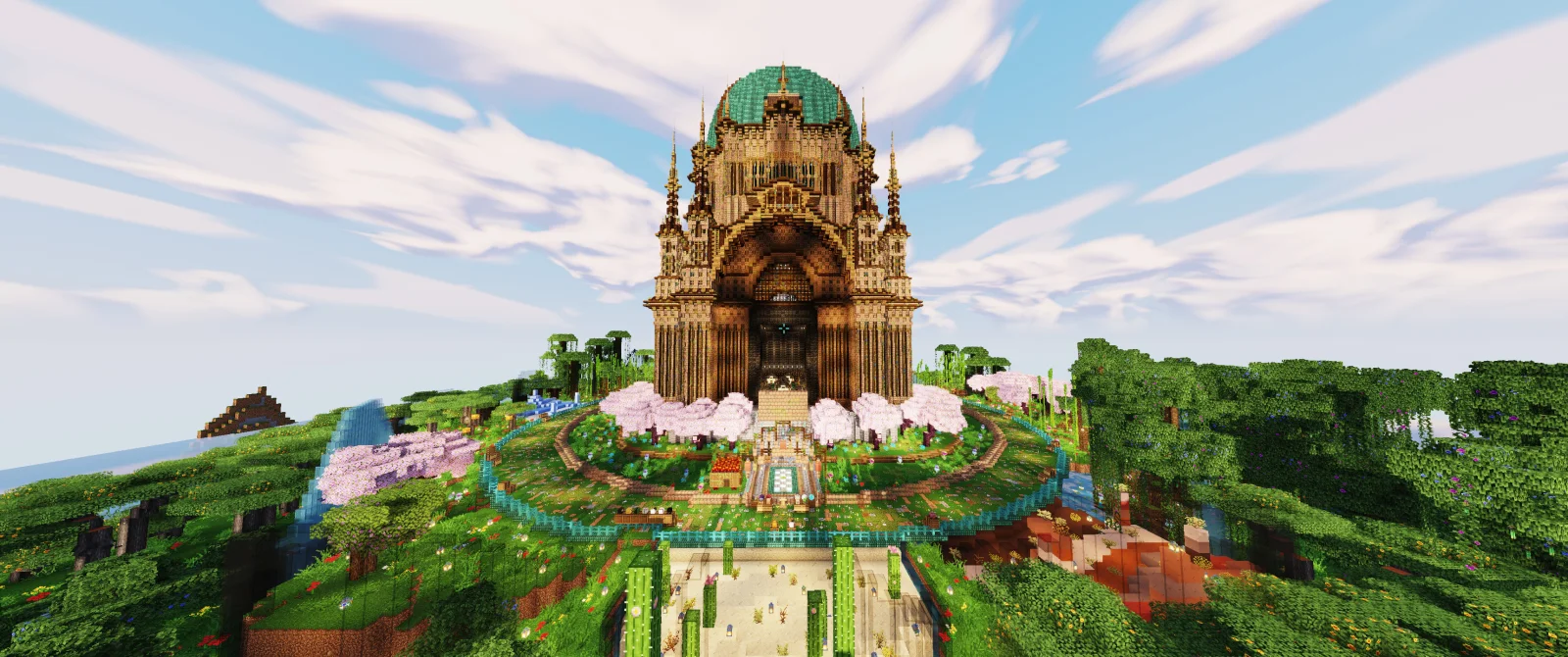
XON Shader (pack de shaders) est une création de ziz0din. Performance-focused visuals with sculpted clouds, organic water, warm lighting, and flexible presets for lower-end PCs.
Versions prises en charge : Minecraft 1.21 – 26.x. On compte 376 téléchargements sur Modrinth. La dernière mise à jour date du 05/11/2026.
XON Shader a publié 8 versions sur Modrinth depuis le 01/11/2026. 8 sont sorties au cours de l'année passée. La plus récente est 1.9, sortie le 05/11/2026. Elle est faite pour Minecraft 1.21 – 26.3. Elle fonctionne sur Iris et Optifine. Le téléchargement fait 347 KB.
| Version | Publié | Minecraft | Type |
|---|---|---|---|
1.9 | 05/11/2026 | 1.21 – 26.3 | Stable |
1.8 | 04/11/2026 | 1.21 – 26.3 | Stable |
1.7 | 03/11/2026 | 1.21 – 26.3 | Stable |
1.6 | 02/11/2026 | 1.21 – 26.3 | Stable |
1.5 | 02/11/2026 | 1.21 – 26.3 | Stable |
Minecraft Java 26.3 · Iris + Sodium required · Free for personal play
Modern FPS optimization, shown in motion. In the local PC benchmark above, with frame rate capped at 120 FPS, recorded averages ranged from 115 to 119 FPS. XON’s modern, performance-focused rendering is designed to deliver a richer Minecraft world while keeping gameplay fluid and responsive.
Measured on one local PC. Results vary with hardware, resolution, scene, mods and settings.
Warm light. Sculpted skies. Water you can see into. XON brings a dramatic visual upgrade to Minecraft with a rendering pipeline built to keep costs under control.
The goal is a world you want to look at, with a frame rate you want to play at. Lower-end PCs are a design priority: carefully bounded effects, a dedicated Speed preset, and optional rendering-scale controls let you tune the experience to your hardware.
Explore the source · Report a problem · Help improve XON
XON puts its rendering budget into the details that change the feel of your world:
Where XON saves work · How it works
Bounded shadows · A compact 1024-pixel map and 96-block default range, two hardware-filtered receiver taps, and entity/block-entity shadows disabled by default.
Smaller effect buffers · Half-resolution bloom, localized sunlight rays, and the refraction scene copy.
Focused sunlight rays · Four shadow-map samples within a cone near the sun.
Shared final-pass filtering · Depth-guided edge AA shares the final pass, without temporal history accumulation.
Distance-aware detail · Fine water detail fades with distance; foliage moves in the vertex stage within a bounded range.
Optional Boost modes · Experimental 85% or 75% world rendering with spatial reconstruction and restrained sharpening.
Designed for a small performance footprint and high frame rates. Actual impact depends on your GPU, resolution, world, mods, and settings. A controlled comparison is still needed to quantify FPS impact on specific hardware.
Setting · Choose it for
Balanced + Native · The intended visual experience: shadows, procedural clouds, bloom, refraction, caustics, and waving foliage.
Speed + Native · Lower rendering cost: removes cast shadows, sunlight rays, bloom, refraction, caustics, and procedural clouds, while keeping richer directional lighting, ore emission, color grading, and edge AA.
Boost Quality — 85% · Experimental reduced-resolution world rendering when GPU pixel shading is the limit.
Boost Performance — 75% · A greater reduction in world shading resolution, with a greater sharpness tradeoff.
Boost can soften foliage and thin geometry. It does not accelerate chunk generation or game simulation; the interface stays at display resolution.
Brightness, warmth, saturation, ambient occlusion, shadow quality, water effects, and more are adjustable in Shader Pack Settings. Camera motion blur is enabled by default and can be turned off. Clear-weather Overworld air fog is off by default.
This is a client shader: no server installation or additional PBR texture pack is required. The original pack targets Iris 1.11.7 and Sodium 0.9.2; use compatible versions for Minecraft 26.3.
Compatibility, tradeoffs, and troubleshooting
For help, open an issue with your Minecraft/Iris/Sodium versions, GPU, preset, resolution, steps to reproduce, and relevant XON errors. Remove personal information before sharing logs.
Screenshots show a customized Minecraft world. The builds and unrelated resource-pack/model assets shown are not included in XON.
Free personal gameplay. Source available. Rights reserved. Download and enjoy XON, adjust its exposed settings, and explore how it works on GitHub.
Want to help? The contribution exception permits forks and code changes solely to submit improvements to the official project. Read the contribution guide, then open an issue or pull request.
Standalone redistribution, reuploads, competing packs, ports, asset/code reuse, and commercial use require prior written permission. Public modpack redistribution also requires permission. See the complete XON Shader Personal Use and Contribution License 1.1.
Écrite par ziz0din. À lire avec les images sur Modrinth.
Installe Iris (avec Sodium) ou OptiFine pour ta version de Minecraft : les shaders ont besoin de l'un des deux.
Télécharge le fichier .zip depuis Modrinth. Ne le décompresse pas.
Dans Minecraft, ouvre Options, puis Paramètres vidéo, puis Shaders, et clique sur Ouvrir le dossier des shaders.
Dépose le fichier .zip dans ce dossier, choisis XON Shader dans la liste et clique sur Terminé.
Les shaders sollicitent beaucoup la carte graphique. Si le jeu ralentit, choisis un profil plus bas dans leurs réglages.
| Ressource | Téléchargements | Versions | Mise à jour | Prix |
|---|---|---|---|---|
| XON Shadercelle que tu regardais | 376 | 1.21 – 26.x | il y a 6 jours | Gratuit |
| RAY TRACING POTATOoct2one | 4,748 | 1.16 – 26.x | il y a 26 jours | Gratuit |
 performance shaderspider_chunks | 3,208 | 1.21 – 26.x | 20 sept. 2026 | Gratuit |
 Cinematic VanillaDark_PixelForge | 13K | 1.17 – 26.x | 4 oct. 2026 | Gratuit |
Oui. XON Shader prend en charge Minecraft 26.x. Toutes les versions prises en charge : 26.x, 1.21.
Oui. XON Shader se télécharge gratuitement sur Modrinth.
Oui. La dernière mise à jour date des dernières 24 heures.
Les plus proches sont RAY TRACING POTATO, performance shader et Cinematic Vanilla. Comparer toutes les alternatives
RAY TRACING POTATOShaders · 1.16 – 26.xA performance-focused Minecraft shader with improved lighting, atmospheric fog, bloom, water visuals and shadows, designed with lower-end hardware in mind.
performance shaderShaders · 1.21 – 26.xPerformance Shader is a lightweight Minecraft shader focused on improving lighting, sky appearance, water visuals, and overall atmosphere while keeping…
Cinematic VanillaShaders · 1.17 – 26.xCinematic Vanilla is a lightweight cinematic shader pack designed to enhance Minecraft visuals while maintaining smooth performance on low- to mid-end PCs.
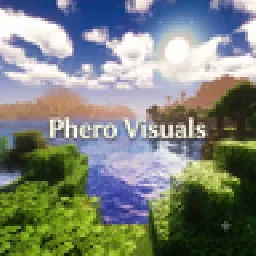 Phero VisualsShaders · 1.16 – 26.x
Phero Visuals Minecraft shader pack featuring vibrant lighting, realistic water, dynamic skies, soft shadows, cinematic atmosphere, and optimized performance…
 Luxora ShadersShaders · 1.21
Warm toned shader pack with realistic lighting, golden sunsets, water reflections, and smooth performance.
 LuminaShaderShaders · 26.x
A soft “vanilla-plus” shader for Iris: cinematic lighting, depth-based water with foam and reflections, custom clouds, SSAO and quality profiles for low-end…
Connecte-toi pour laisser un avis.