
 Hoplite for Lunar ClientModpacks · 1.20 – 1.21
Tailor-made list of popular mods to enhance your gameplay experience on Hoplite through Lunar Client, including in-game proximity voice chat.
Gratuit1,075,387 téléchargements

The high version of the popular gameplay "100 Days of Shock" is remastered and unique!
Téléchargement direct depuis Modrinth · 334,666 téléchargements
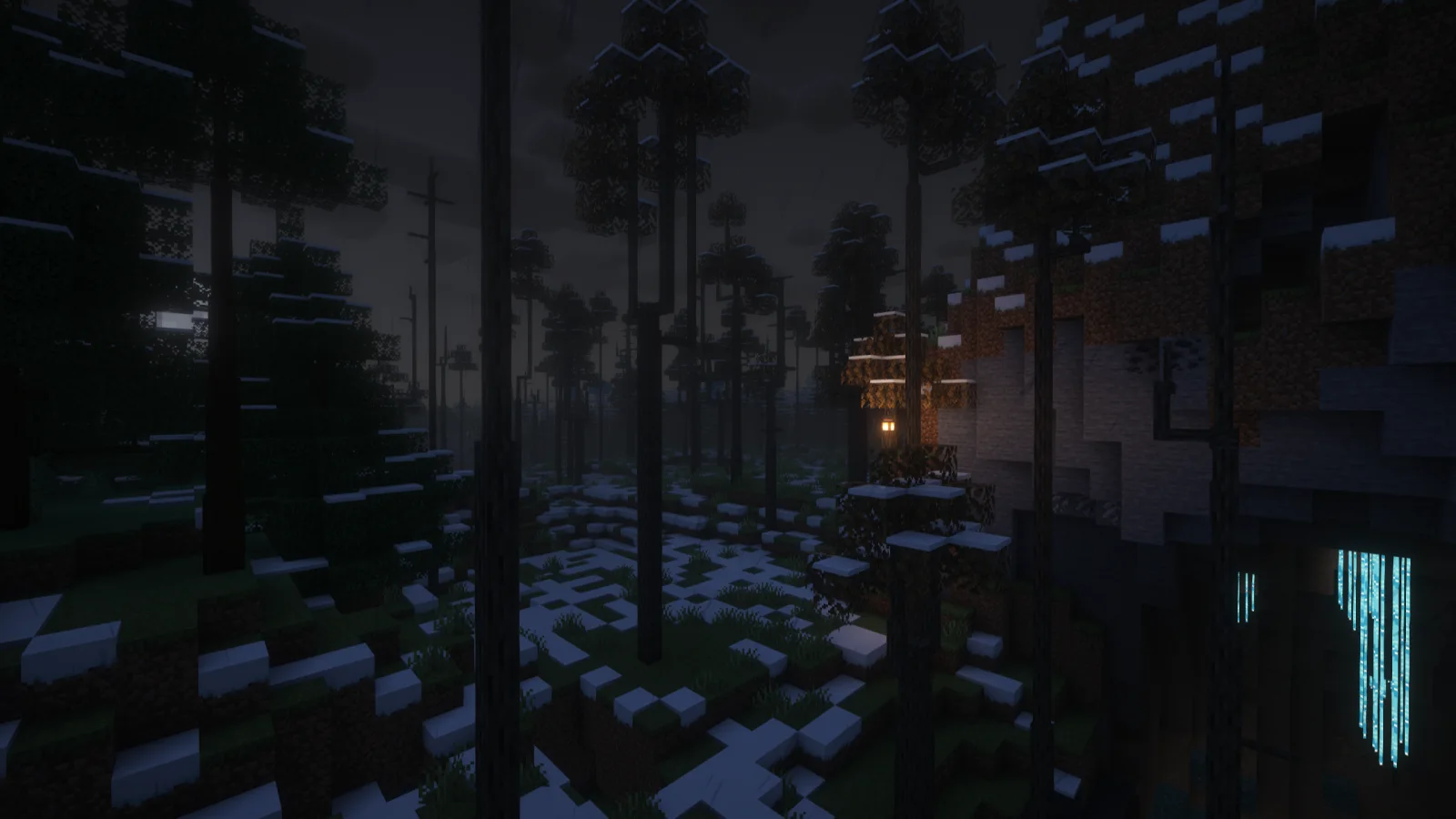
Hope and despair (modpack) est une création de Lithum-12. The high version of the popular gameplay "100 Days of Shock" is remastered and unique!
Versions prises en charge : Minecraft 1.20. On compte 334,666 téléchargements sur Modrinth. La dernière mise à jour date du 14/07/2026.
Hope and despair a publié 20 versions sur Modrinth depuis le 30/08/2024. 6 sont sorties au cours de l'année passée. La plus récente est 19.4.159, sortie le 14/07/2026. Elle est faite pour Minecraft 1.20.1. Elle fonctionne sur Forge. Le téléchargement fait 68.0 MB.
| Version | Publié | Minecraft | Type |
|---|---|---|---|
19.4.159 | 14/07/2026 | 1.20.1 | Stable |
19.3.142-Canary | 16/05/2026 | 1.20.1 | Stable |
19.3.141 | 01/05/2026 | 1.20.1 | Stable |
19.2.73 | 19/03/2026 | 1.20.1 | Stable |
19.1.65 | 28/02/2026 | 1.20.1 | Stable |
Hope and despair est open source. Sa dernière version sur GitHub est v15.0.1-bata1.0, publiée le 04/02/2026.
本次为整合包大更新,内容较多
更新内容:
这是迄今为止最大的一次更新,内容丰富! :D
This is a major update of the modpack, and there is a lot of content
Updated content:
This is the biggest update to date, and it's packed with a lot of content! :D
Lire toutes les notes sur GitHub
Avant : v14.1.230-alphav3.0 (04/02/2026), v14.1.110-alphav2.1 (04/02/2026).
如果你要查看中文版简介,应该点这里。
This modpack introduces a variety of hardcore survival mechanics, faithfully recreating the popular "100 Days of Shock" gameplay. Key features include:
The modpack is currently undergoing a major remake. As of version 19.0, city generation is temporarily disabled.
Q: Does this modpack require high-end hardware?
A: In the latest version (19.0) and future updates, significant optimizations have been made to improve performance. However, we cannot guarantee that every computer will run it smoothly. Please ensure your graphics card supports OpenGL 4.0 or higher.
Q: Why do I keep dying unexpectedly?
A: Check your body temperature indicator above the hotbar. If it is too high or too low, you will take damage. If the temperature is normal, you might be in an area with thin air (Y > 160, Y < -16, or near lava), which causes suffocation damage.
Q: I got infected by a zombie. How do I cure it?
A: Craft a cure using 1 Milk Bucket, 3 Glass Bottles, and 2 Wheat to obtain three Milk Bottles. Drink one to cure infection.
Note: In older versions (18.x), the antidote syringe crafted with foxgrass has been removed, and a plain Milk Bucket no longer works.
Q: I can't enter the Nether/End. How do I obtain materials like Blaze Rods or Ender Pearls?
A: Use JEI to look up recipes. Most Nether and End materials can be crafted from Overworld resources. This modpack is not designed for defeating the Ender Dragon; it focuses on survival.
Q: Can I migrate my old world (version 18.x) to the new version (19.0)?
A: Not recommended. Version 19.0 introduces major changes, including furniture mod replacements, disabled city generation, and configuration tweaks. Migrating an old save is very likely to corrupt it. Please start a fresh world.
Q: Where can I download the server files?
A: Server files are still in preparation. Please stay tuned for their release. Thank you for your patience.
Écrite par Lithum-12. À lire avec les images sur Modrinth.
Ce modpack tourne sur Forge for Minecraft 1.20. Le launcher avec lequel tu l'installes s'en occupe.
Télécharge le fichier .mrpack depuis Modrinth.
Ouvre-le avec un launcher qui lit les .mrpack, comme Modrinth App ou Prism Launcher : il crée une nouvelle instance avec tous les mods et réglages.
Donne assez de mémoire à l'instance : la plupart des modpacks veulent 4 à 8 Go.
Pour y jouer à plusieurs sur un serveur, utilise les fichiers serveur du modpack s'il y en a ; sinon installe les mêmes mods sur le serveur.
| Ressource | Téléchargements | Versions | Mise à jour | Prix |
|---|---|---|---|---|
| Hope and despaircelle que tu regardais | 335K | 1.20 | 14 juil. 2026 | Gratuit |
| Hoplite for Lunar ClientLunarClient | 1.1M | 1.20 – 1.21 | il y a 22 jours | Gratuit |
 Wynncraft for Lunar ClientLunarClient | 554K | 1.20 – 1.21 | 5 avr. 2026 | Gratuit |
 MCC Island for Lunar ClientLunarClient | 534K | 1.20 – 1.21 | 11 mai 2026 | Gratuit |
Pas encore. La version la plus récente prise en charge est Minecraft 1.20.
Oui. Hope and despair se télécharge gratuitement sur Modrinth.
Oui. La dernière mise à jour date des dernières 24 heures.
Les plus proches sont Hoplite for Lunar Client, Wynncraft for Lunar Client et MCC Island for Lunar Client. Comparer toutes les alternatives
Hoplite for Lunar ClientModpacks · 1.20 – 1.21Tailor-made list of popular mods to enhance your gameplay experience on Hoplite through Lunar Client, including in-game proximity voice chat.
Wynncraft for Lunar ClientModpacks · 1.20 – 1.21Tailor-made list of popular mods to enhance your gameplay experience while playing Wynncraft on Lunar Client.
MCC Island for Lunar ClientModpacks · 1.20 – 1.21Tailor-made list of popular mods to enhance your gameplay experience on MCC Island through Lunar Client.
 Hypixel Skyblock for Lunar ClientModpacks · 1.21 – 26.x
Tailor-made list of popular mods to enhance your gameplay experience while playing Hypixel Skyblock on Lunar Client.
 Spirity BoostXModpacks · 1.21 – 26.x
A lightweight Fabric optimization modpack focused on maximum FPS, smooth gameplay, and reduced lag for low-end, mid-range, and high-end devices.
 红石生电极速版【Redstone speed version】Modpacks · 1.21 – 26.x
An integrated package specifically for Redstone players, retaining the vanilla gameplay and greatly improving FPS!
Connecte-toi pour laisser un avis.