
 From The FogMods · 1.19 – 26.x
Enter a world of fear and mystery with From The Fog, a Minecraft mod that brings the legendary Herobrine to life in a spooky and immersive way true to the…
Gratuit5,981,478 téléchargements
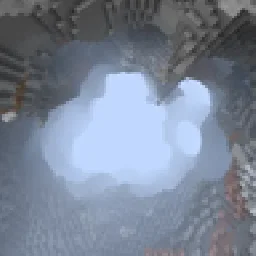
the lower you go, the thicker the fog. The higher you go, the thinner the fog.
Téléchargement direct depuis Modrinth · 49 téléchargements
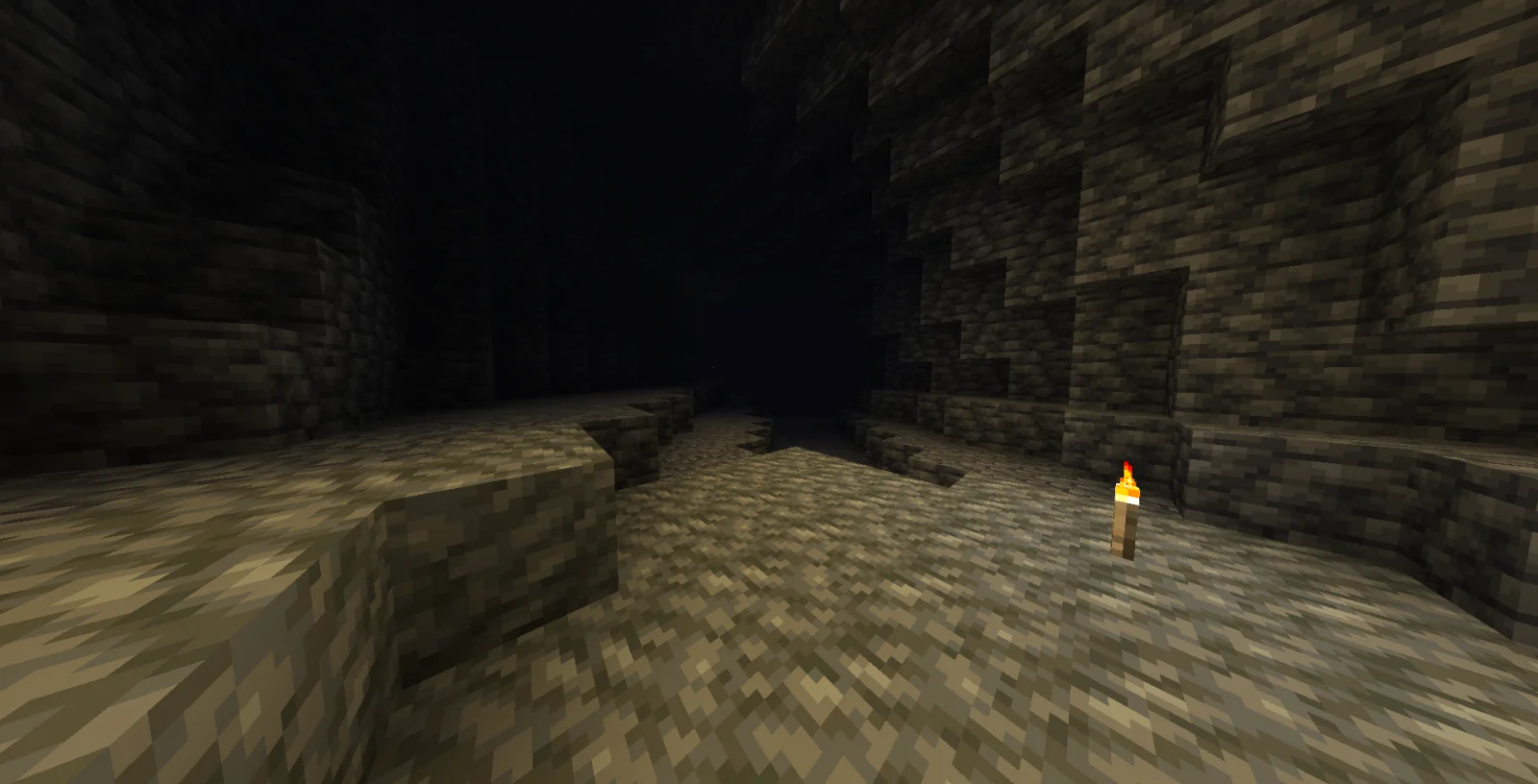
Altitude Fog (mod) est une création de txerou. the lower you go, the thicker the fog. The higher you go, the thinner the fog.
Versions prises en charge : Minecraft 26.x. On compte 49 téléchargements sur Modrinth. La dernière mise à jour date du 27/10/2026.
La plus récente est 1.0.0, sortie le 27/10/2026. Elle est faite pour Minecraft 26.3. Elle fonctionne sur Fabric. Le téléchargement fait 291 KB.
| Version | Publié | Minecraft | Type |
|---|---|---|---|
1.0.0 | 27/10/2026 | 26.3 | Stable |
The lower you go, the thicker the fog; the higher you go, the thinner the fog.
-Customised fog colour
-Customise the altitude
-customise the density
Écrite par txerou. À lire avec les images sur Modrinth.
Ce mod fonctionne uniquement dans ton jeu. Les serveurs n'en ont pas besoin, tu peux donc l'utiliser sur n'importe quel serveur.
Installe Fabric pour Minecraft 26.x.
Télécharge le fichier .jar depuis Modrinth et place-le dans le dossier mods de ton répertoire .minecraft.
Lance Minecraft avec le profil Fabric.
Plus simple : dans Prism Launcher ou la Modrinth App, cherche Altitude Fog dans les mods de ton instance et clique sur Install. Le loader et les mods requis sont ajoutés pour toi.
| Ressource | Téléchargements | Versions | Mise à jour | Prix |
|---|---|---|---|---|
| Altitude Fogcelle que tu regardais | 49 | 26.x | il y a 19 jours | Gratuit |
| From The FogBret06 | 6M | 1.19 – 26.x | il y a 1 jour | Gratuit |
 The Man From The FogMa_Do | 5.1M | 1.19 – 1.20 | 29 nov. 2024 | Gratuit |
 Xaero's Minimapthexaero | 120.5M | 1.8 – 26.x | il y a 20 jours | Gratuit |
Oui. Altitude Fog prend en charge Minecraft 26.x. Toutes les versions prises en charge : 26.x.
Oui. Altitude Fog se télécharge gratuitement sur Modrinth.
Côté client. Altitude Fog se place dans ton propre dossier mods et fonctionne sur n'importe quel serveur, même sans mods.
Oui. La dernière mise à jour date des dernières 24 heures.
Les plus proches sont From The Fog, The Man From The Fog et Xaero's Minimap. Comparer toutes les alternatives
From The FogMods · 1.19 – 26.xEnter a world of fear and mystery with From The Fog, a Minecraft mod that brings the legendary Herobrine to life in a spooky and immersive way true to the…
The Man From The FogMods · 1.19 – 1.20A horror mod that adds a creature stalking you
Xaero's MinimapMods · 1.8 – 26.xDisplays a map of the nearby world terrain, players, mobs, entities in the corner of your screen. Lets you create waypoints which help you find the locations…
 Xaero's World MapMods · 1.8 – 26.x
Adds a full screen world map which shows you what you have explored in the world. Works great together with Xaero's Minimap.
 Entity Model FeaturesMods · 1.18 – 26.x
EMF is an, OptiFine format, Custom Entity Model replacement mod available for Fabric and Forge.
 Not Enough AnimationsMods · 1.16 – 26.x
Bringing first-person animations to the third-person
Connecte-toi pour laisser un avis.