
 Beautify: RefabricatedMods · 1.18 – 26.x
Adds lots of vanilla-styled ways to spice up your builds.
Grátis10,724,266 downloads
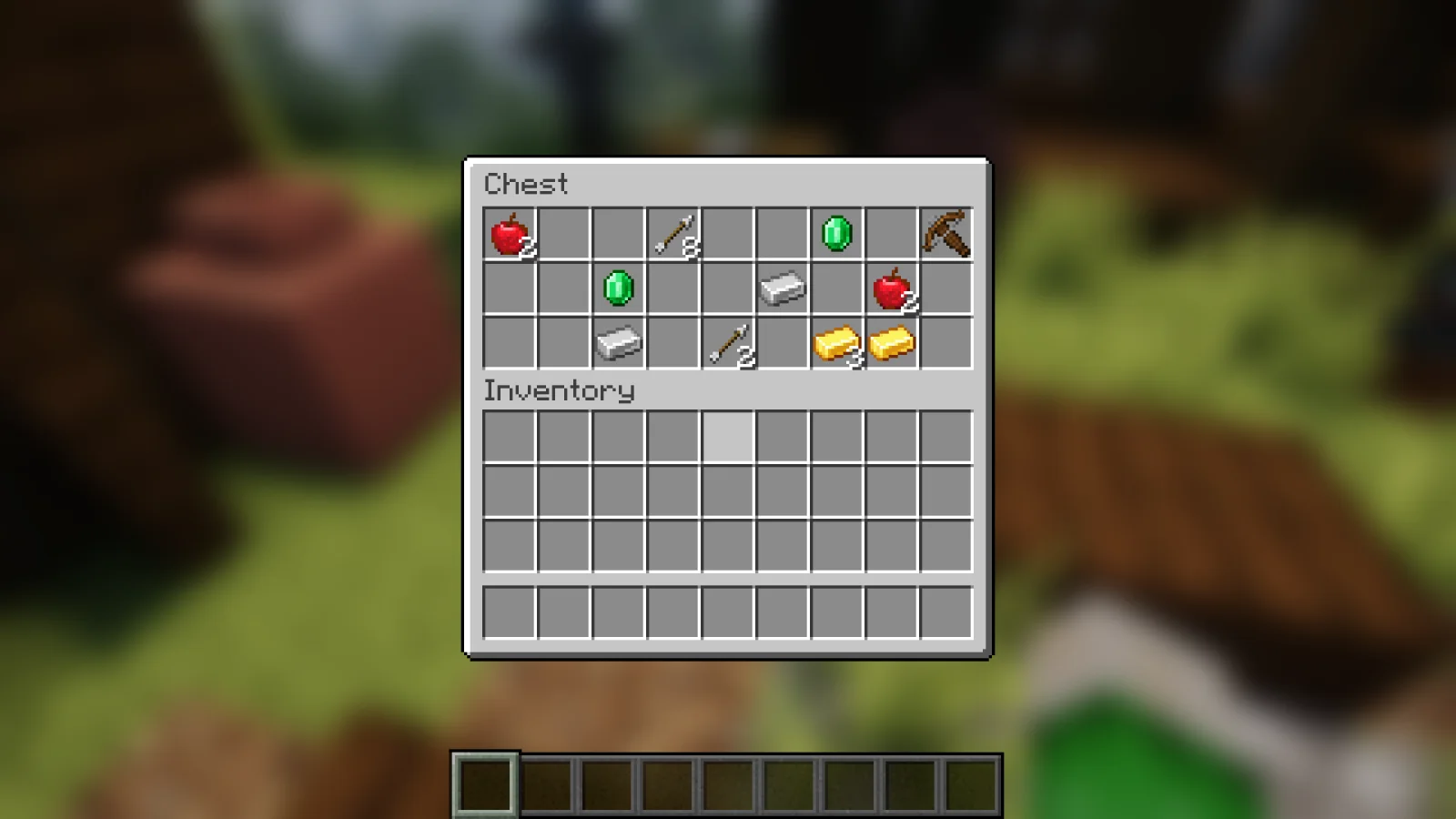
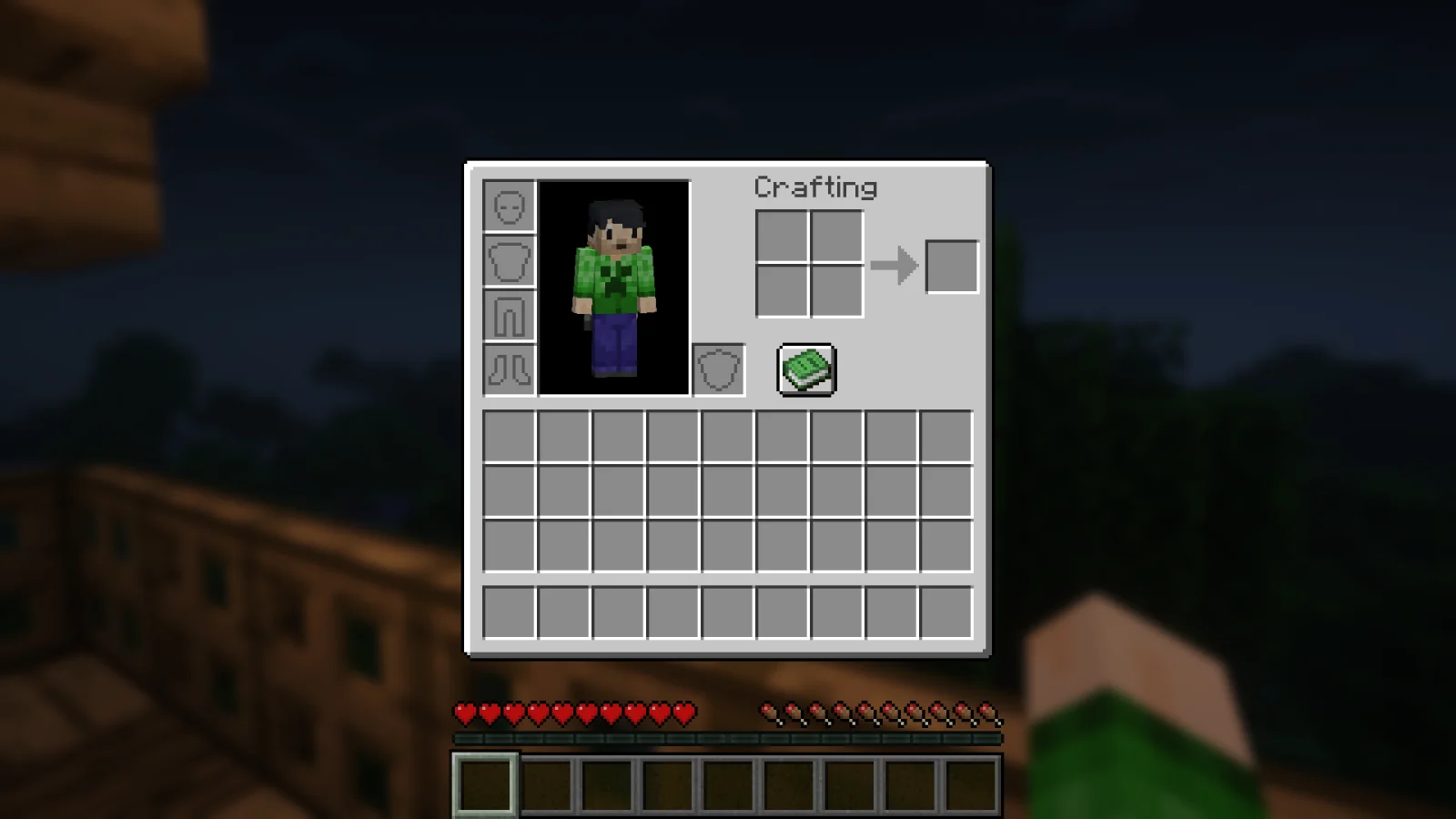
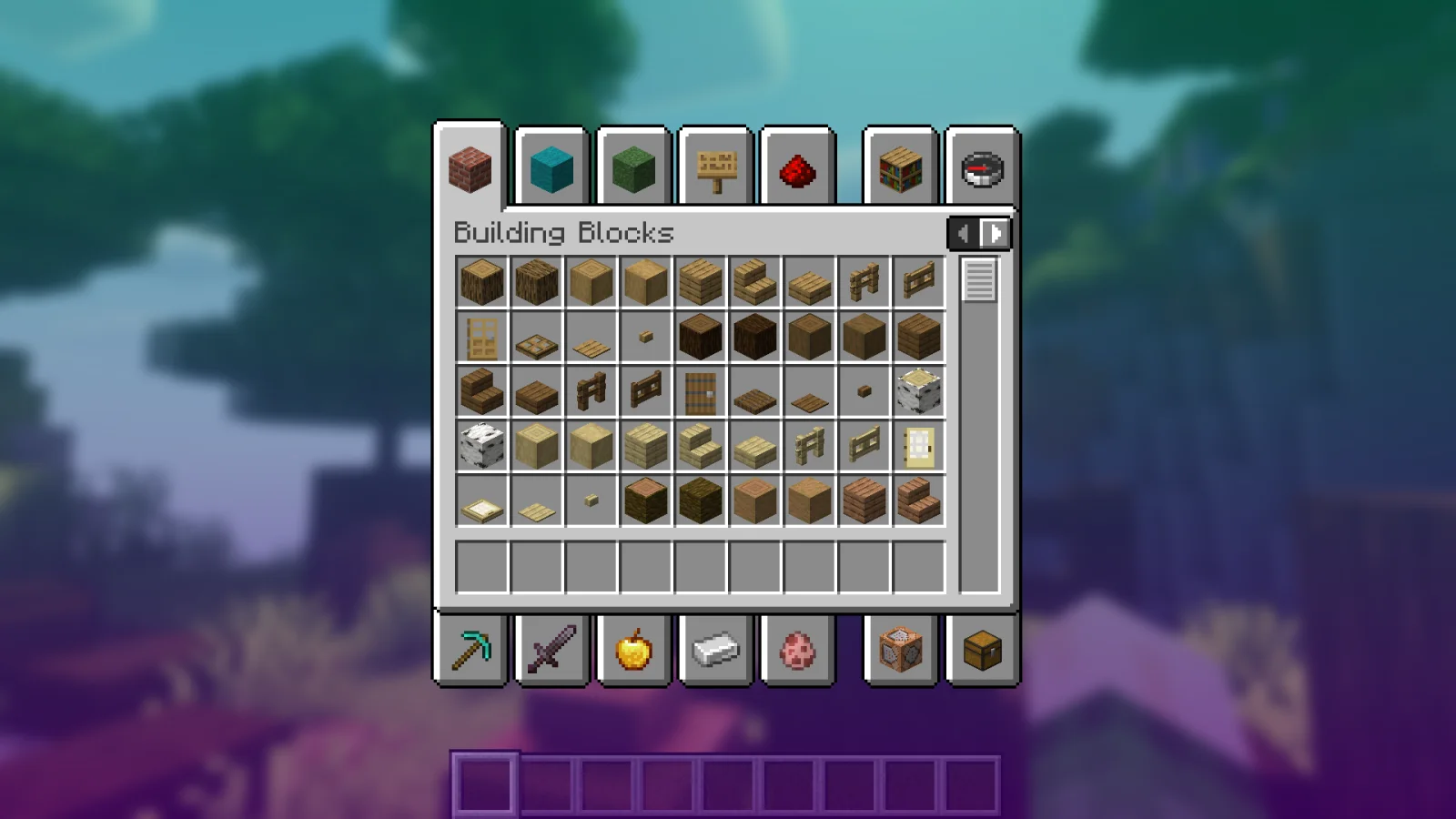
Blur+ (mod) é obra de Motschen. Spices up the boring vanilla blur effect – featuring animations, colors and lots of customizability!
É compatível com o Minecraft 1.16 – 26.x. Tem 11,455,141 downloads em Modrinth. A última atualização saiu em 19/09/2026.
Blur+ teve 136 versões no Modrinth desde 01/01/2021. 92 saíram no último ano. A mais recente é 6.3.1+26.3-neoforge, lançada em 19/09/2026. Ela é feita para o Minecraft 26.3. Ela roda em NeoForge. O download tem 153 KB.
| Versão | Lançado | Minecraft | Tipo |
|---|---|---|---|
6.3.1+26.3-neoforge | 19/09/2026 | 26.3 | Estável |
6.3.1+26.3-fabric | 19/09/2026 | 26.3 | Estável |
6.3.1+26.2-neoforge | 29/06/2026 | 26.2 | Estável |
6.3.1+26.2-fabric | 29/06/2026 | 26.2 | Estável |
6.3.1+26.1-fabric | 29/06/2026 | 26.1 | Estável |
Blur+ é de código aberto. A versão mais recente no GitHub é Blur 3.0.0 - 1.19.4, publicada em 25/03/2023.
Antes: Blur 2.6.0 - 1.19 (26/06/2022), Blur 2.5.0 - 1.19 (11/06/2022).
Ever thought that the world behind your inventory was just too distracting?
Or that the default Minecraft blur effect is just too boring?
Then this mod is just right for you!
Old Description
Blur adds a Gaussian blur shader to the background of all GUIs, which fades into give it a sleek look. It is also highly configurable, so you can tune the look of the mod to your liking. Click here for a massive gif demonstration!
NOTE: This is the Fabric version of Blur, for the Forge version, look here.
You can configure the strength of the blur in the config file with the "radius" option.
Here is a demonstration of a few different radii:
Change the background colors and gradient!
Get lost in your GUIs!
Gorgeous rainy evening with you and your blur:
Works with shaders! Currently doesn't work with Optifine shaders due to an issue with Satin - consider using Canvas instead.
Explanation of Config Settings
A list of classes to be excluded from the blur shader. This is to be used for GUIs which do not necessarily cover the screen. It defaults to containing only one GUI, the chat.
Escrita por Motschen. Leia com imagens no Modrinth.
Este mod roda só no seu jogo. Os servidores não precisam dele, então você pode usar em qualquer servidor.
Instale Fabric, Quilt e NeoForge para o Minecraft 1.16 – 26.x.
Baixe o arquivo .jar pelo Modrinth e coloque na pasta mods do seu diretório .minecraft.
Abra o Minecraft com o perfil Fabric.
Mais fácil: no Prism Launcher ou no Modrinth App, procure Blur+ nos mods da sua instância e clique em Install. Ele adiciona o loader e os mods necessários para você.
| Recurso | Downloads | Versões | Última atualização | Preço |
|---|---|---|---|---|
 Blur+o que você estava vendo | 11.5M | 1.16 – 26.x | 19 set 2026 | Grátis |
| Beautify: RefabricatedSuel_ki | 10.7M | 1.18 – 26.x | há 3 dias | Grátis |
 Particle EffectsKlashRaick | 7.9M | 1.20 – 26.x | 22 set 2026 | Grátis |
 Autumn Foliagediggydwarff | 6 | 1.21 | 29 set 2026 | Grátis |
Sim. Blur+ é compatível com o Minecraft 26.x. Todas as versões compatíveis: 26.x, 1.21, 1.20, 1.19, 1.18, 1.17, 1.16.
Sim. Você pode baixar Blur+ de graça em Modrinth.
Do lado do cliente. Blur+ vai na sua própria pasta mods e funciona em qualquer servidor, inclusive sem mods.
Sim. A última atualização saiu no último dia.
Os mais parecidos são Beautify: Refabricated, Particle Effects e Autumn Foliage. Comparar todas as alternativas
Beautify: RefabricatedMods · 1.18 – 26.xAdds lots of vanilla-styled ways to spice up your builds.
Particle EffectsMods · 1.20 – 26.xVisual Mod which adds unique textured particles for every effect in vanilla Minecraft!
Autumn FoliageMods · 1.21Autumn Foliage is a client-side NeoForge mod that applies autumn colors to vegetation across both vanilla Minecraft and modded content
 Not Enough AnimationsMods · 1.16 – 26.x
Bringing first-person animations to the third-person
 SupplementariesMods · 1.16 – 1.21
Vanilla+ additions: Jars, signposts, faucets, weather vanes spring launchers, sconces, planters, lights, decoration and automation
 Falling LeavesMods · 1.16 – 26.x
Adds a neat little particle effect to leaf blocks
Entre para deixar uma avaliação.