
 TransparentМоды · 1.16 – 1.21
Allows resource packs to make certain entities support transparency.
БесплатноЗагрузок: 5,333,108

Minecraft Fabric mod that enables ultra-high-resolution resource packs by transparently distributing oversized texture atlases across multiple physical atlas…
Прямая загрузка с Modrinth · 306 загрузок

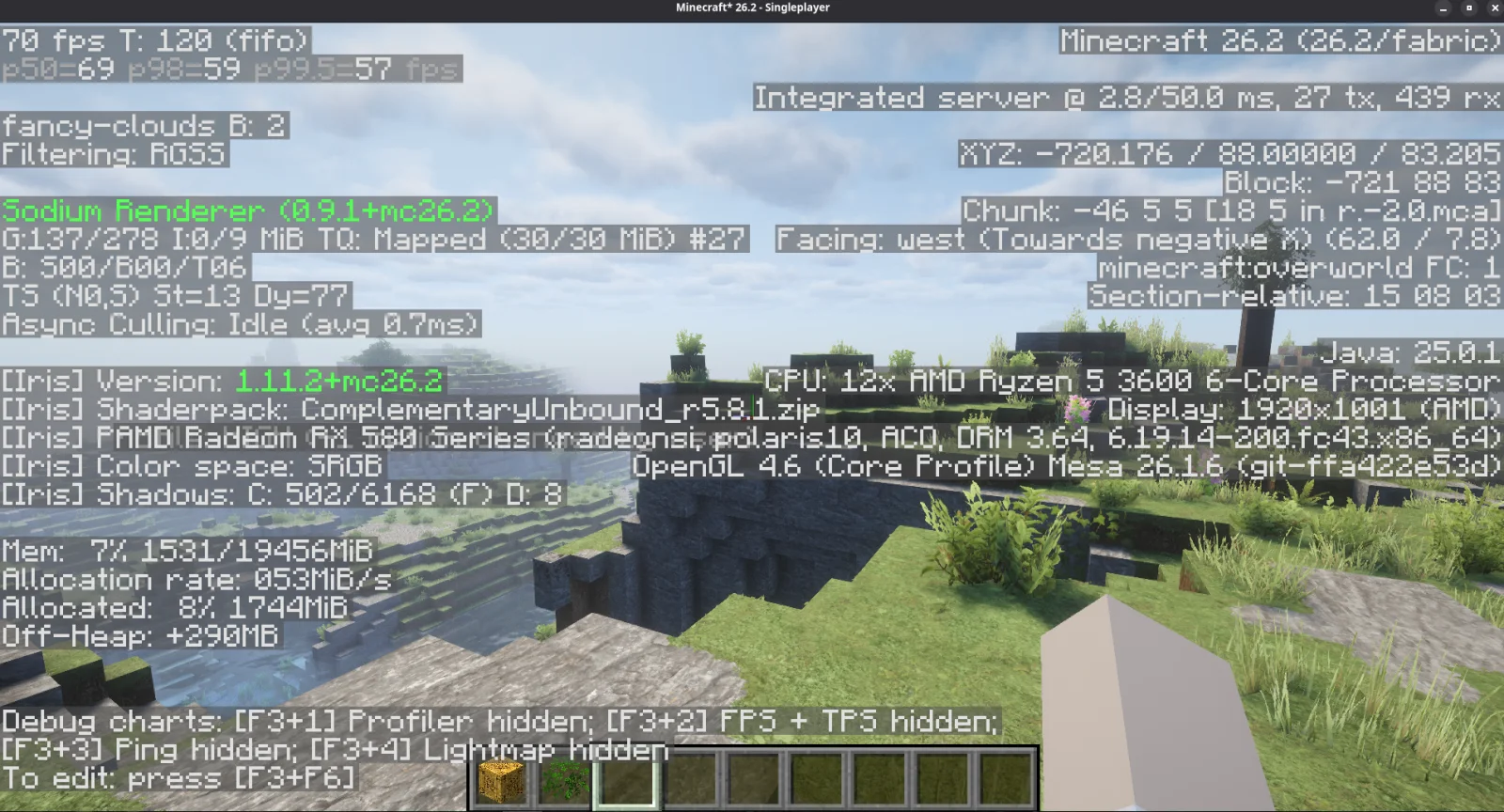
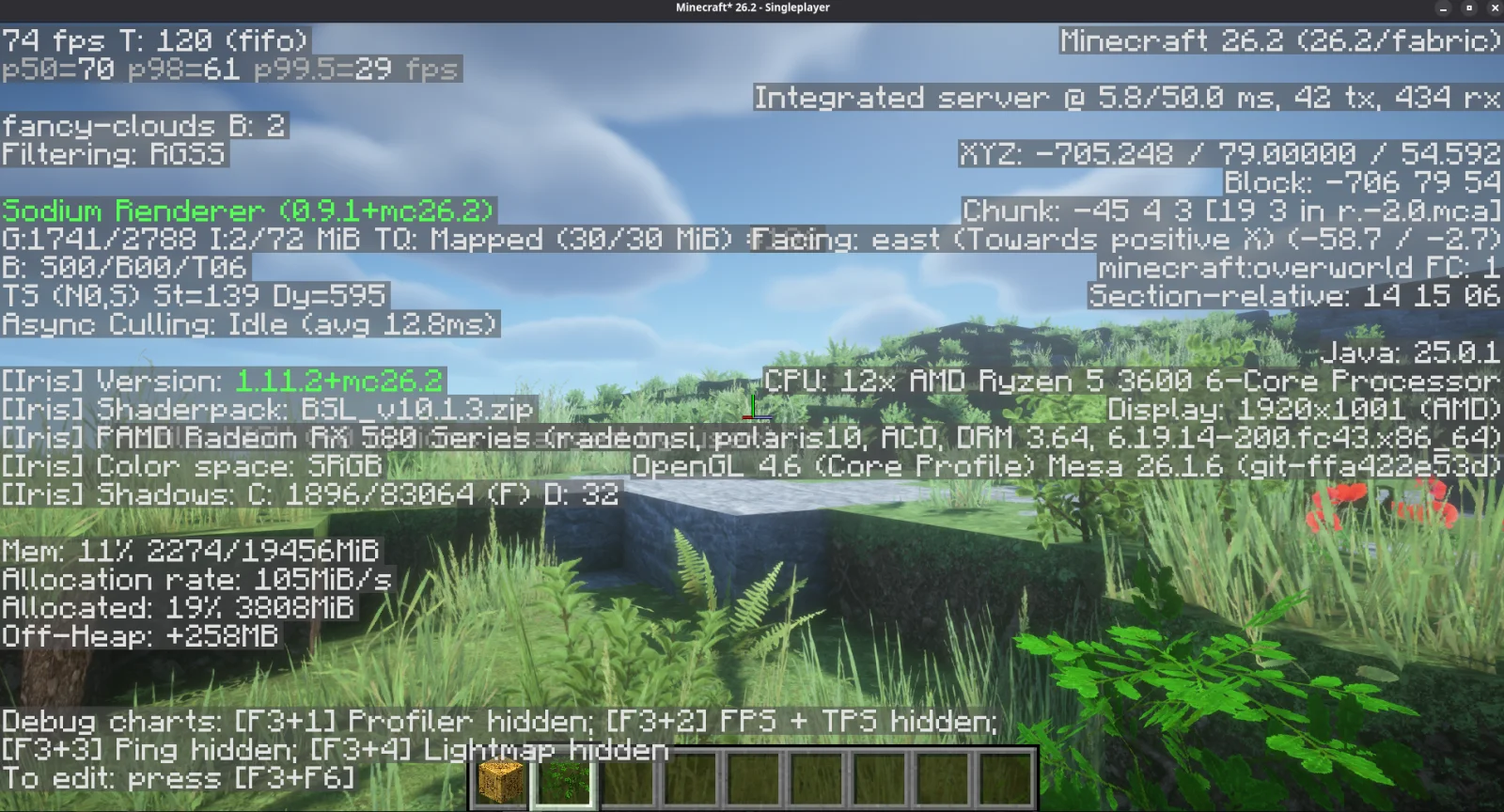
Pages of Atlas — мод от mattmcbeardface. Minecraft Fabric mod that enables ultra-high-resolution resource packs by transparently distributing oversized texture atlases across multiple physical atlas…
Поддерживаемые версии: Minecraft 26.x. Скачиваний на Modrinth: 306. Последнее обновление: 05.10.2026.
С 17.08.2026 у Pages of Atlas вышло 16 версий на Modrinth. 16 из них вышли за последний год. Новейшая — 0.4.1-26.3, вышла 04.10.2026. Она сделана для Minecraft 26.3. Работает на Fabric. Размер файла — 254 KB.
| Версия | Выпущен | Minecraft | Тип |
|---|---|---|---|
0.4.1-26.3 | 04.10.2026 | 26.3 | Релиз |
0.4.0-26.3 | 04.10.2026 | 26.3 | Релиз |
0.4.0-26.2 | 04.10.2026 | 26.2 | Релиз |
0.3.15 | 08.09.2026 | 26.2 | Релиз |
0.3.14 | 29.08.2026 | 26.2 | Релиз |
Stop Letting Minecraft's Atlas Limit Decide Which Texture Pack You Can Use!
You have the VRAM.
Your GPU can handle the textures.
But Minecraft still refuses to load the resource pack because the block atlas is simply too large for a single GPU texture.
That's the problem Pages of Atlas is built to solve.
Pages of Atlas is a client-side Fabric mod that allows Minecraft's texture atlas to be spread across multiple physical GPU textures instead of forcing everything into one enormous atlas.
That means high-resolution resource packs that would normally hit your GPU's maximum texture-dimension limit can keep going.
No manually reorganizing the resource pack.
No lowering the mipmaps just because Minecraft wants one giant texture.
No requiring the resource-pack author to build specifically around Pages of Atlas.
Install the mod, use your resource pack normally, and Pages of Atlas handles the paging behind the scenes.
Minecraft combines thousands of block textures into a large texture atlas before sending them to your GPU.
With normal resource packs, that's fine.
With very high-resolution packs, it can become a hard limit.
For example, your GPU may support a maximum individual texture size of:
16384 × 16384
But Minecraft may attempt to build a block atlas that needs:
32768 × 32768
At that point, it doesn't necessarily matter that you still have available VRAM. Your GPU simply cannot create a single texture that large.
So a resource pack your hardware may otherwise be capable of running can fail because of the dimensions of one atlas.
That's the ceiling Pages of Atlas removes.
Instead of forcing Minecraft's entire logical block atlas into one physical GPU texture, Pages of Atlas divides it into multiple smaller atlas pages.
So rather than this:
One 32768 × 32768 atlas → GPU says no
Pages of Atlas can effectively do this:
Atlas Page 1 → within GPU limit
Atlas Page 2 → within GPU limit
Atlas Page 3 → within GPU limit
Atlas Page 4 → within GPU limit
Minecraft can still treat those textures as part of the same logical atlas while Pages of Atlas keeps track of where each sprite actually lives.
When Minecraft renders a block or item, the mod routes that render to the correct physical page automatically.
The result is simple:
Your effective Minecraft atlas can be larger than the maximum dimensions of any single GPU texture.
Pages of Atlas is worth trying if:
You use very high-resolution Minecraft resource packs.
Minecraft fails to load a pack because its atlas exceeds your GPU's maximum texture dimensions.
You have enough GPU memory for the pack, but still encounter atlas-size limitations.
You want to use high-resolution packs without manually modifying their texture layout.
You use modern Fabric rendering mods such as Sodium and Iris.
You want a solution that isn't tied to one specific resource pack.
High-resolution packs, such as Patrix 256x, have been used extensively while developing and testing Pages of Atlas, but the mod is not a Patrix-specific compatibility layer.
If another resource pack runs into the same oversized-atlas problem, Pages of Atlas may be able to help there too.
One of the main goals of Pages of Atlas is to make atlas paging something the renderer handles, not something the resource-pack creator has to design around.
You shouldn't need to split the pack yourself.
You shouldn't need a special Pages of Atlas edition of the resource pack.
You shouldn't need to rearrange textures into predetermined folders or pages.
Pages of Atlas determines where sprites need to go and maintains the information required to render them from the appropriate physical texture.
Your resource pack remains your resource pack.
Pages of Atlas provides the rendering infrastructure underneath it.
Pages of Atlas does not provide textures.
It allows sufficiently large texture collections to operate across multiple physical GPU atlas textures.
Pages of Atlas is a client-side rendering mod.
Current development and testing are focused on the modern Fabric rendering ecosystem, including configurations using:
Sodium
Iris
Continuity
LabPBR resource-pack workflows
Shader packs
Resource-pack-specific features still need whatever mods they would normally require.
For example, if a pack relies on connected or blended textures, it may still require Continuity or another compatible implementation.
Pages of Atlas solves the atlas-size problem. It does not replace the other rendering features a resource pack depends on.
Want the high-resolution textures and shaders?
That's part of the goal.
Pages of Atlas includes support for shader-based rendering paths used by modern Minecraft shader configurations.
Testing has included environments using LabPBR shaders such as:
Complementary
Bliss
Solas
Photon
BSL
...and more.
Shader packs can implement their rendering pipelines differently, so compatibility isn't guaranteed with every shader and every configuration yet.
Shader support remains an active area of development.
If you find a shader-specific rendering problem, please include the shader name and version when reporting it. That makes reproducing and fixing the issue much easier.
Pages of Atlas currently targets:
Minecraft 26.2
Fabric Loader with Fabric API
Java 25
Iris 1.11.2
Sodium 0.9.1
Additional mods may still be required by the resource pack or shader configuration you are using.
Because Pages of Atlas is client-side, multiplayer servers do not need the mod installed just because a player is using it with a high-resolution resource pack.
What Pages of Atlas Does Not Do
Pages of Atlas removes the single-texture dimension limit from the equation.
It does not remove the physical limits of your GPU.
Your graphics card still needs enough:
VRAM
memory bandwidth
processing performance
to actually use the resource pack.
Splitting an oversized atlas into several 16384 × 16384 textures makes a configuration possible that could not exist as one physical texture.
Those atlas pages still consume memory.
And very high-resolution textures can consume A LOT of it.
So if a resource pack genuinely exceeds the capabilities of your GPU, Pages of Atlas won't magically make the hardware faster.
What it does is stop an arbitrary single-texture-size ceiling from being the reason the pack doesn't work.
Pages of Atlas is under active development.
The core paging architecture is functional and is being actively tested across different:
resource packs
GPUs
Sodium versions
Iris versions
shader packs
Minecraft updates
Minecraft rendering mods frequently interact with the same parts of the rendering pipeline that Pages of Atlas modifies, so compatibility work will continue to be an important part of development.
If a pack that previously couldn't load suddenly works with Pages of Atlas, I'd love to hear about it.
If something breaks, I want to hear about that too.
Reproducible test cases are especially useful.
If you encounter a rendering problem, create an issue in GitHub or hop on the Discord server and let us hear about it! Please include as much of the following information as possible:
Minecraft version
Pages of Atlas version
Fabric Loader version
GPU model
GPU driver
operating system
resource pack and resolution
Sodium version, if installed
Iris version, if installed
shader pack and version, if enabled
relevant Minecraft log
screenshots showing the problem
For atlas-related issues, the Minecraft log is particularly useful because Pages of Atlas records information about atlas construction and physical page creation.
The more information you provide, the easier it is to reproduce the problem and improve compatibility.
If your high-resolution resource pack is being stopped by Minecraft's maximum atlas dimensions rather than the actual capability of your hardware, give Pages of Atlas a try.
That's the problem it exists to solve.
Автор: mattmcbeardface. С картинками — на Modrinth.
Этот мод работает только в твоей игре. Серверам он не нужен, так что его можно использовать на любом сервере.
Установи Fabric для Minecraft 26.x.
Добавь нужные ему моды: API Fabric, Iris Shaders и Sodium.
Скачай .jar-файл с Modrinth и положи его в папку mods в каталоге .minecraft.
Запусти Minecraft с профилем Fabric.
Проще: в Prism Launcher или Modrinth App найдите Pages of Atlas в модах своей сборки и нажмите Install. Загрузчик и нужные моды добавятся сами.
| Ресурс | Загрузки | Версии | Обновление | Цена |
|---|---|---|---|---|
| Pages of Atlasтот, что ты смотрел | 306 | 26.x | 5 окт. 2026 | Бесплатно |
| TransparentTrikzon | 5.3M | 1.16 – 1.21 | 28 мая 2025 | Бесплатно |
 OptiGUIopekope2 | 27.9M | 1.18 – 26.x | 9 дн. назад | Бесплатно |
 CIT Resewnshsupercm | 26.1M | 1.17 – 1.21 | 18 окт. 2024 | Бесплатно |
Да. Pages of Atlas поддерживает Minecraft 26.x. Все поддерживаемые версии: 26.x.
Да. Pages of Atlas можно бесплатно скачать на Modrinth.
На клиенте. Pages of Atlas кладётся в твою папку mods и работает на любом сервере, даже без модов.
Да: Fabric API, Iris Shaders, Sodium. Установи это до Pages of Atlas.
Да. Последнее обновление вышло 2 дн. назад.
Ближе всего к нему Transparent, OptiGUI и CIT Resewn. Сравнить все альтернативы
TransparentМоды · 1.16 – 1.21Allows resource packs to make certain entities support transparency.
OptiGUIМоды · 1.18 – 26.xBlazing fast custom GUI textures on Fabric and Quilt with built-in OptiFine custom GUI resource pack support
CIT ResewnМоды · 1.17 – 1.21Re-implements MCPatcher's CIT (custom item textures from optifine resource packs)
 Entity Texture FeaturesМоды · 1.16 – 26.x
Emissive, Random & Custom texture support for entities in resourcepacks just like Optifine but for Fabric
ElytraX PackMaker is a client-side Fabric mod for Minecraft that lets you create custom resource packs in-game. Browse bundled item artwork, select textures…
 Packed PacksМоды · 1.21 – 26.x
Pack resource and data packs into profiles with multiple selection, drag and drop, and extended mouse and keyboard controls.
Войди, чтобы оставить отзыв.