
 Swap TradeИнструменты и прочее · 1.21 – 26.x
Use name tags to reverse villagers' trades.
БесплатноЗагрузок: 5
A Stacklands-style card game that adds onto your survival experience
Прямая загрузка с Modrinth · 166 загрузок
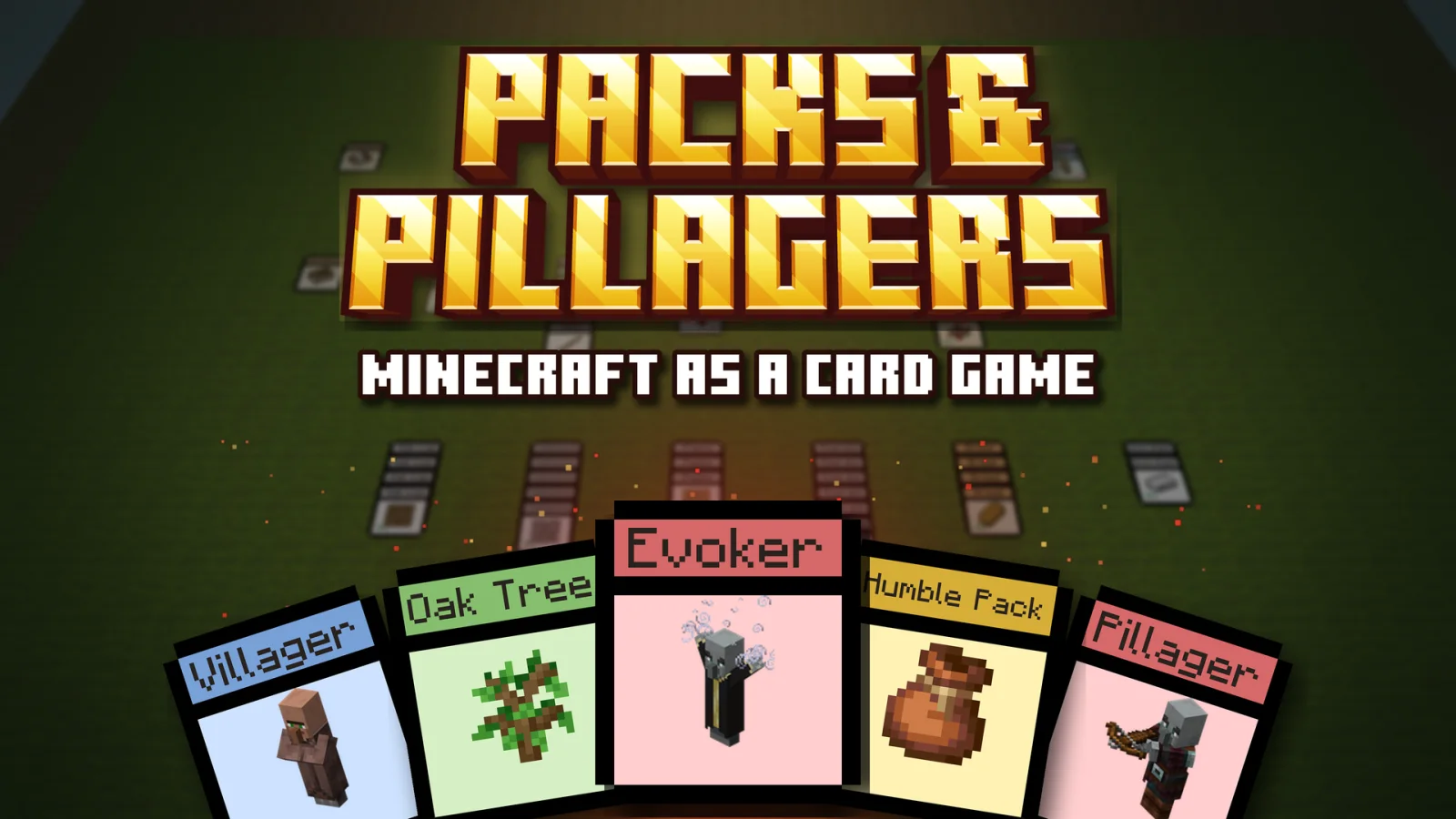
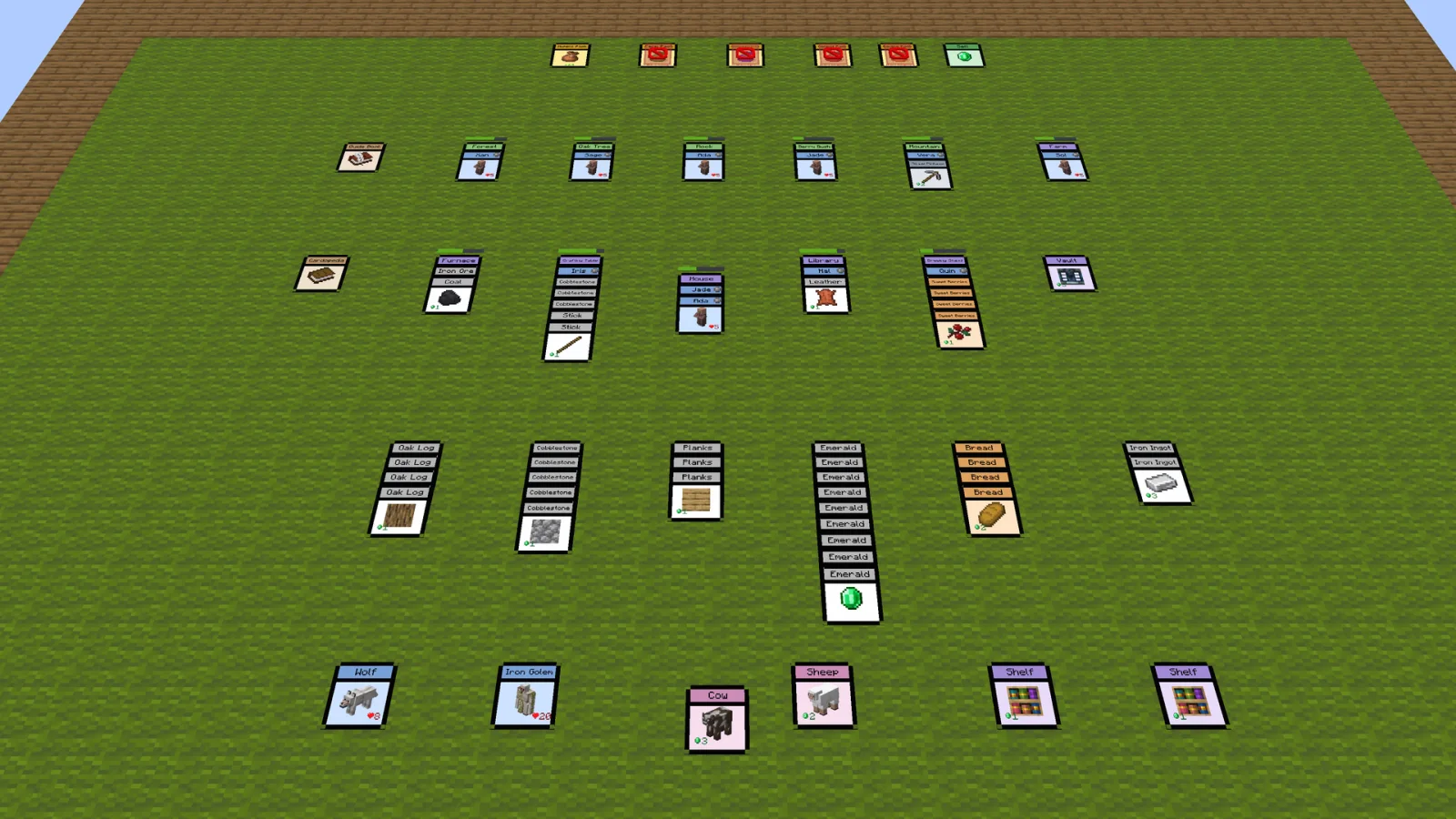
Packs & Pillagers — ресурс от _ItsJustLuke. A Stacklands-style card game that adds onto your survival experience.
Поддерживаемые версии: Minecraft 26.x. Скачиваний на Modrinth: 166. Последнее обновление: 11.11.2026.
С 01.11.2026 у Packs & Pillagers вышло 5 версий на Modrinth. 5 из них вышли за последний год. Новейшая — 1.3-MOD-NOT-DATAPACK, вышла 04.11.2026. Она сделана для Minecraft 26.3. Работает на Fabric, Forge и NeoForge. Размер файла — 13.0 MB.
| Версия | Выпущен | Minecraft | Тип |
|---|---|---|---|
1.3-MOD-NOT-DATAPACK | 04.11.2026 | 26.3 | Релиз |
1.3 | 03.11.2026 | 26.3 | Релиз |
1.2 | 01.11.2026 | 26.3 | Релиз |
1.1 | 01.11.2026 | 26.3 | Релиз |
1.0 | 01.11.2026 | 26.3 | Релиз |
[](discord.com/invite/YxRWAPUtDt)
[](github.com/lukejw12/misc-city_builder)
[](ko-fi.com/itsjustluke)
A Stacklands-style card game that massively changes survival Minecraft!
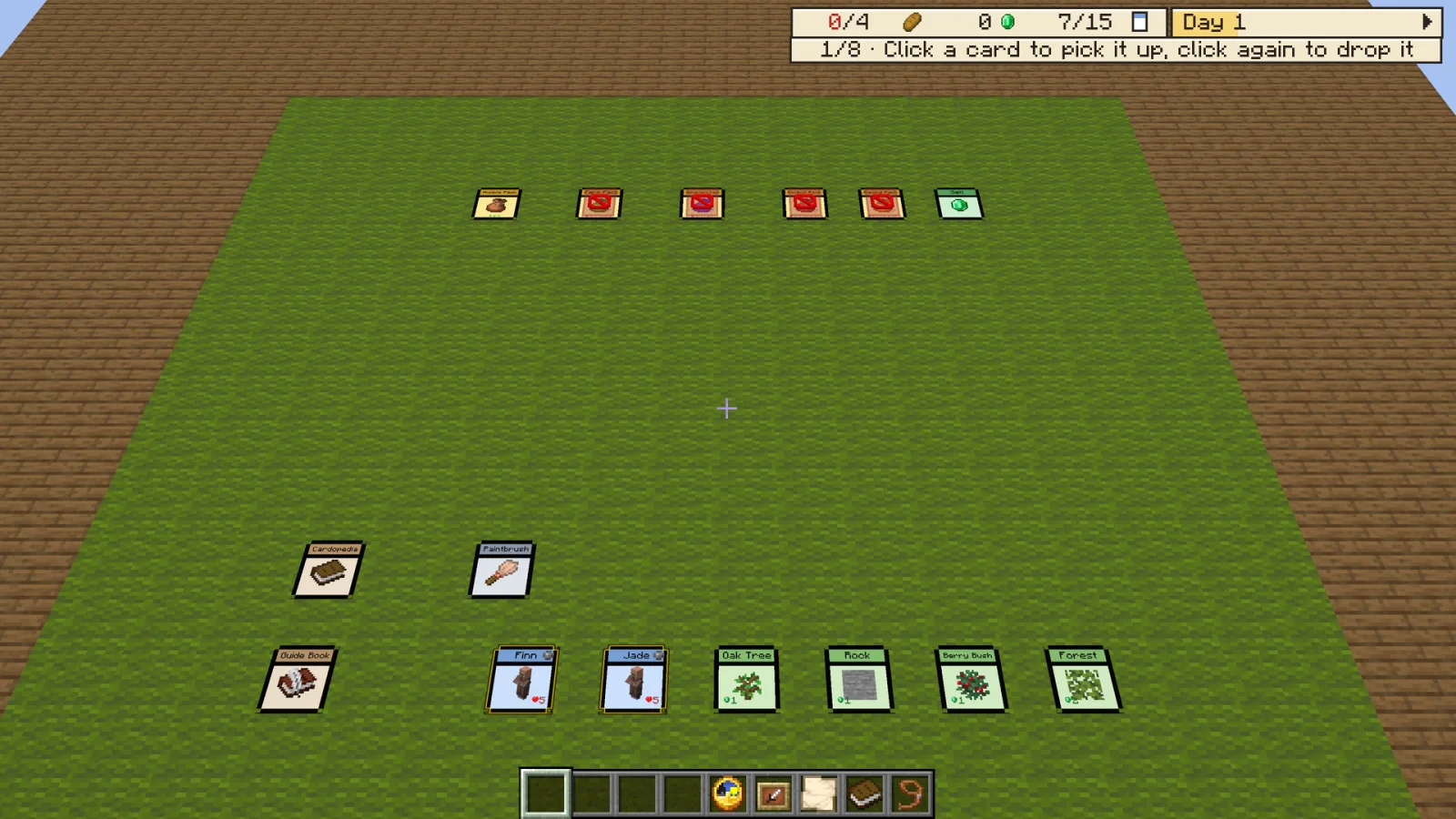
Everything you gather, craft, and fight is a card. Stack villagers on trees, rocks, and bushes to gather resources, build up your village, and keep everyone fed, one card at a time.
Since this is a Data Pack and Resource Pack, both can be installed once server side and will apply to every player who joins, so nobody has to install the pack themselves!
Made for Minecraft Java 26.3.
### The Card Table
- Your own table, in its own world!
> - Drag, stack, and sell cards however you like
> - Buy card packs from shops and open them to find new cards
> - Follow the Quest Book through Chapter 1 to earn new ideas and packs
### Villagers at Work
- Stack them up and watch them go!
> - Drop villagers on trees, rocks, and berry bushes to gather resources
> - Combine cards to craft tools, buildings, food, and more
### Supper
- Everyone eats in the morning!
> - Keep enough food on the table, or your villagers will starve
### Automation
- Let the table run itself!
> - Link cards with the Wrench to move items between hoppers, droppers, and furnaces
> - Autocrafters make over 50 different cards without a villager
### The Cardopedia
- Every card in one book!
> - Look up any card's recipe, uses, and drops
### Monsters, Raids, and Gateways
- It's not all peaceful!
> - Fend off creepers, zombies, skeletons, and pillager raids
> - Open gateways to the Redstone Caves, Trial Chambers, Ocean Monument, Deep Dark, and Woodland Mansion
### Play Together
- Bring your friends!
> - Share one table, or give everyone their own
> - Or play PvP and raid each other's tables with the War Horn
A. Install the data pack in the vanilla world creation menu! ¹
A. Go to the Versions tab, find the data pack version you want, and click the name, then scroll to the bottom and install the resource pack. ²
A. It's best in a new world, since it massively changes how survival plays. If you do add it, restart the world once afterward so the card table loads.
A. Yes! Friends can share one table or each have their own.
A. Join the Discord for update discussion :D
A. Join the Discord and file a bug report, or open an issue on the GitHub! :D
¹ How to Download!
Data Pack:
(It's not recommended to add it to an existing world!)
Required Resource Pack:
(You can reload resources with F3+T in-game.)
² How to Get the Resource Pack!
Open the Versions tab, click the name of the data pack version you want, then scroll to the bottom of that page and download the Required Resource Pack.
There is no set date for Chapter 2 yet, but work on it will begin shortly! Join the Discord for more info.
Автор: _ItsJustLuke. С картинками — на Modrinth.
| Ресурс | Загрузки | Версии | Обновление | Цена |
|---|---|---|---|---|
| Packs & Pillagersтот, что ты смотрел | 166 | 26.x | 3 дн. назад | Бесплатно |
| Swap Trade4tubborn | 5 | 1.21 – 26.x | 3 дн. назад | Бесплатно |
 Overgrown's Origins: Elemental BendingsOvergrown | 124 | 1.20 – 1.21 | 6 дн. назад | Бесплатно |
 MC Guns SystemStoupy51 | 82 | 26.x | 2 дн. назад | Бесплатно |
Да. Packs & Pillagers поддерживает Minecraft 26.x. Все поддерживаемые версии: 26.x.
Да. Packs & Pillagers можно бесплатно скачать на Modrinth.
Да. Последнее обновление вышло за последние сутки.
Ближе всего к нему Swap Trade, Overgrown's Origins: Elemental Bendings и MC Guns System. Сравнить все альтернативы
Swap TradeИнструменты и прочее · 1.21 – 26.xUse name tags to reverse villagers' trades.
Overgrown's Origins: Elemental BendingsИнструменты и прочее · 1.20 – 1.21Adds a second Origins layer that let's every player pick an origin and a bending style from Avatar: The Last Airbender, Avatar: Legend of Korra, Avatar: Seven…
MC Guns SystemИнструменты и прочее · 26.xGuns, Call of Duty style game modes and a Zombies mode, as a datapack and a resource pack.
 DisEnchantИнструменты и прочее · 26.x
Adds the ability to disenchant items and extract their enchantments with fair exchange. Addon for Jab's Fixed mod
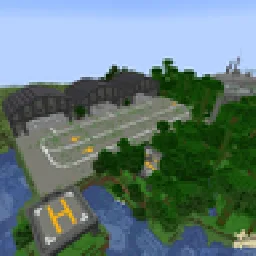 Military StructuresИнструменты и прочее · 1.20
A structure datapack that adds structure containing TaCZ weapons and blocks and also vehicles from Superb Warfare. Some structures may also have surprise…
 Minecraft, But You Turn Into Any Mob Any 30 SecondsИнструменты и прочее · 1.21
Random Mob Morph Challenge is a Minecraft Java Edition datapack that turns your survival world into an unpredictable mob transformation challenge!
Войди, чтобы оставить отзыв.