
 GD656KilliconМоды · 1.18 – 1.21
This Minecraft mod adds FPS-style killfeed notifications with exceptionally smooth animations. It offers unique features and highly customizable settings for…
БесплатноЗагрузок: 7,965,924
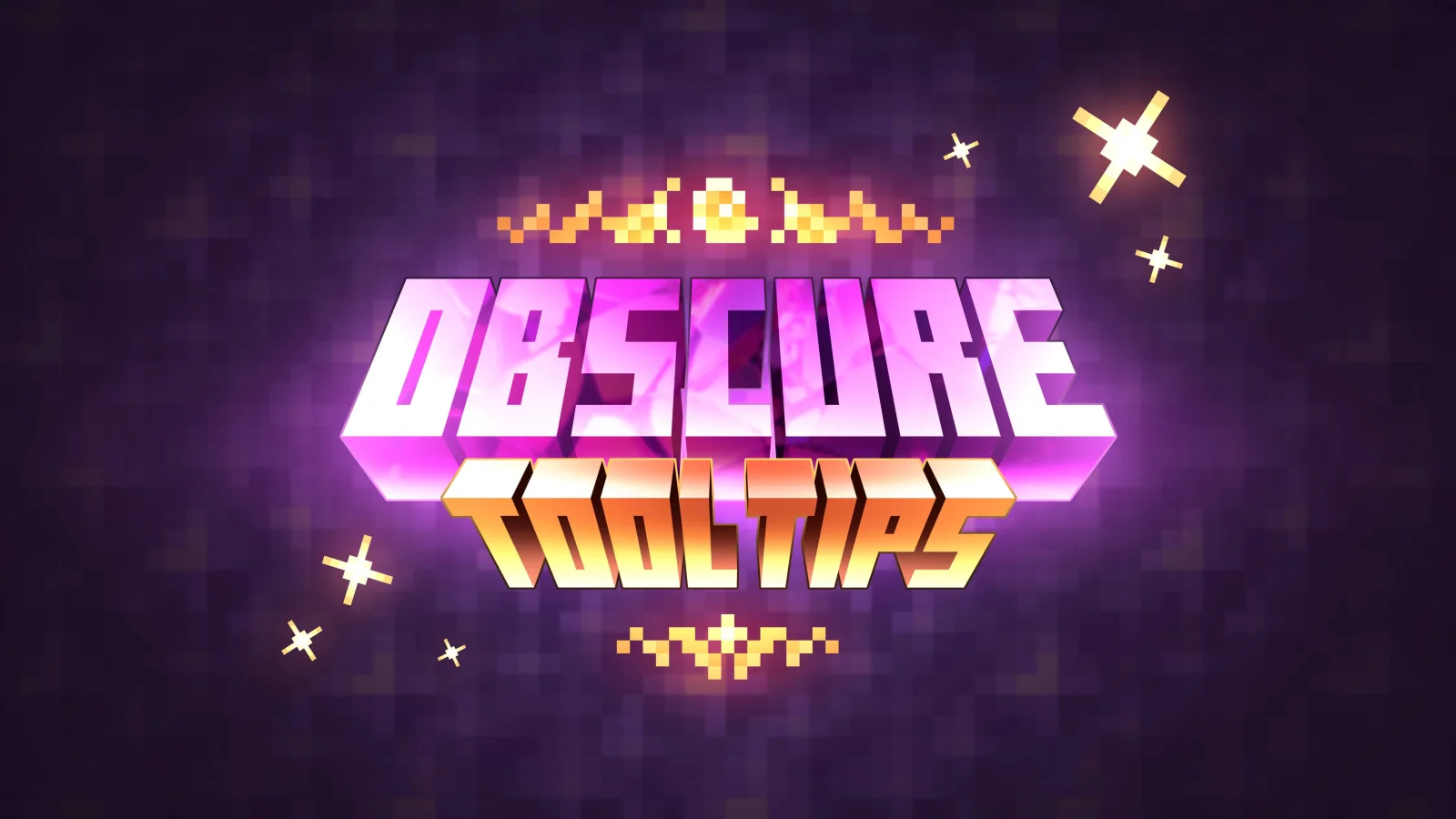
Obscure Tooltips — мод от Obscuria. Stylized tooltips with beautiful effects and smooth animations!
Поддерживаемые версии: Minecraft 1.12 – 1.21. Скачиваний на Modrinth: 2,950,628. Последнее обновление: 19.09.2026.
С 26.09.2025 у Obscure Tooltips вышло 57 версий на Modrinth. 51 из них вышли за последний год. Новейшая — 4.2.5, вышла 19.09.2026. Она сделана для Minecraft 1.21.1. Работает на NeoForge. Размер файла — 438 KB.
| Версия | Выпущен | Minecraft | Тип |
|---|---|---|---|
4.2.5 | 19.09.2026 | 1.21.1 | Релиз |
4.2.5 | 19.09.2026 | 1.21.1 | Релиз |
3.10.1 | 19.09.2026 | 1.20.1 | Релиз |
3.10.1 | 19.09.2026 | 1.20.1 | Релиз |
4.2.4 | 19.08.2026 | 1.21.1 | Релиз |
Obscure Tooltips — проект с открытым кодом. Новейший релиз на GitHub — v4.2.4-mc1.21.1, вышел 19.08.2026.
build: bump version to 4.2.4
До этого: v4.2.3-mc1.21.1 (19.08.2026), v3.10.2-mc1.12.2 (25.06.2026).
[](curseforge.com/minecraft/mc-mods/obscure-toolti…)
[](curseforge.com/minecraft/mc-mods/obscure-toolti…)
[](curseforge.com/minecraft/mc-mods/obscure-toolti…)
[](discord.gg/jSHHJSUWdY)
[](imgur.com/a/obscure-tooltips-media-kit-VPpfjxP)
Smooth animations, glowing borders, and subtle particle effects bring every tooltip to life. Styles support a wide range of visual flourishes – from animated ornaments to layered effects – letting every item feel distinct and expressive.
See any armor piece, tool, or weapon in fully integrated 3D directly inside the tooltip. Preview gear instantly without equipping it or opening extra menus.
Automatic smooth scrolling activates when a tooltip exceeds screen height, keeping text readable without clutter. It lets you read long descriptions naturally, without resizing your UI.
Smart line wrapping keeps wide tooltips clean, readable, and perfectly formatted. Long names, lore, and stats stay aligned and won't spill out of the layout.
Obscure Tooltips was the first mod to
introduce fully animated, visually rich tooltips, and while similar mods have appeared since, its modular, data-driven
design still offers a uniquely flexible way
to build
and merge styles,
create conditions,
and customize every element to fit your vision.
On Minecraft 1.20.1, in-game configuration menus are available when using Forge Config Screens or Configured. Without these mods, all settings can still be adjusted through config files (config/obscuria/obscure_tooltips-client.toml). Starting with Minecraft 1.21.1, in-game config screens are available out of the box, with no additional dependencies required.
[](modrinth.com/mod/aquamirae)
[](modrinth.com/mod/obscure-tooltips)
[](modrinth.com/mod/pillager-caravans)
[](modrinth.com/mod/ars-elixirum)
Автор: Obscuria. С картинками — на Modrinth.
Этот мод работает только в твоей игре. Серверам он не нужен, так что его можно использовать на любом сервере.
Установи Fabric, Quilt, Forge и NeoForge для Minecraft 1.12 – 1.21.
Добавь нужные ему моды: Fragmentum.
Скачай .jar-файл с Modrinth и положи его в папку mods в каталоге .minecraft.
Запусти Minecraft с профилем Fabric.
Проще: в Prism Launcher или Modrinth App найдите Obscure Tooltips в модах своей сборки и нажмите Install. Загрузчик и нужные моды добавятся сами.
| Ресурс | Загрузки | Версии | Обновление | Цена |
|---|---|---|---|---|
 Obscure Tooltipsтот, что ты смотрел | 3M | 1.12 – 1.21 | 19 сент. 2026 | Бесплатно |
| GD656KilliconMinecraft_GD656 | 8M | 1.18 – 1.21 | 12 авг. 2026 | Бесплатно |
 Better Animations CollectionFuzs | 3.1M | 1.18 – 26.x | 27 сент. 2026 | Бесплатно |
 Keybind OverlayKewbex | 7 | 1.21 | 20 дн. назад | Бесплатно |
Пока нет. Последняя поддерживаемая версия — Minecraft 1.21.
Да. Obscure Tooltips можно бесплатно скачать на Modrinth.
На клиенте. Obscure Tooltips кладётся в твою папку mods и работает на любом сервере, даже без модов.
Да: Fragmentum. Установи это до Obscure Tooltips.
Да. Последнее обновление вышло за последние сутки.
Ближе всего к нему GD656Killicon, Better Animations Collection и Keybind Overlay. Сравнить все альтернативы
GD656KilliconМоды · 1.18 – 1.21This Minecraft mod adds FPS-style killfeed notifications with exceptionally smooth animations. It offers unique features and highly customizable settings for…
Better Animations CollectionМоды · 1.18 – 26.xChanging the in-game models to allow for better animations and subtle effects.
Keybind OverlayМоды · 1.21A polished keybind overlay for Fabric with smooth animations, customizable themes, and support for MaLiLib-based mods like Litematica and Tweakeroo.
Войди, чтобы оставить отзыв.