
 Prismarine ShaderShader · 1.8 – 1.21
A fantasy stylized shaderpack aiming to make Minecraft look stunning and beautiful
Kostenlos72,874 Downloads
Trying to make minecraft weather look beautiful.
Direkter Download von Modrinth · 201 Downloads
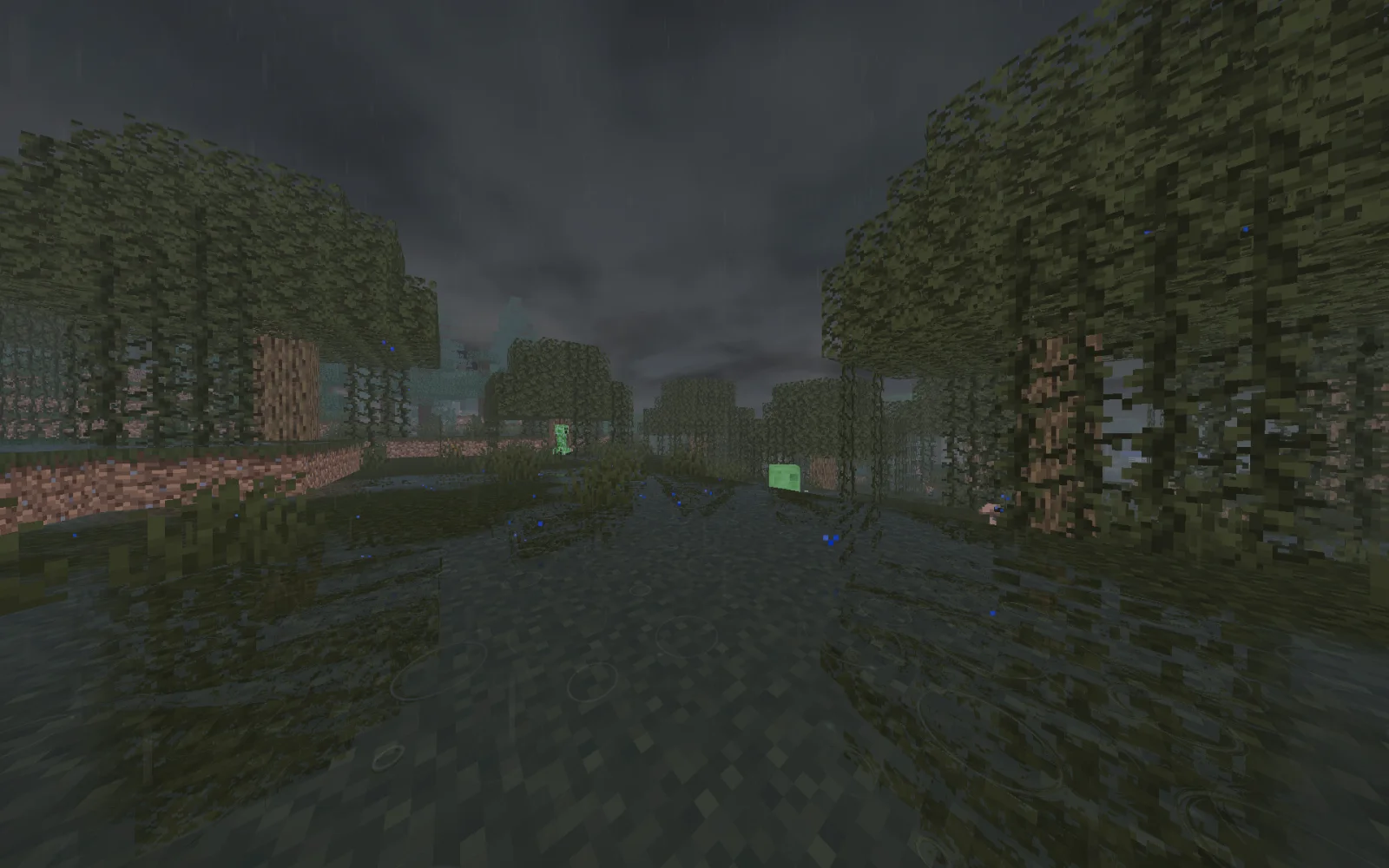
After the rain (Shaderpack) stammt von Nico8k. Trying to make minecraft weather look beautiful.
Unterstützt wird Minecraft 1.19 – 26.x. Auf Modrinth gibt es 201 Downloads. Das letzte Update erschien am 09.11.2026.
After the rain hat seit 30.10.2026 2 Versionen auf Modrinth veröffentlicht. 2 davon erschienen im letzten Jahr. Die neueste ist 0.2.0, erschienen am 03.11.2026. Sie ist für Minecraft 1.19 – 26.3 gemacht. Sie läuft auf Iris. Der Download ist 64 KB groß.
| Version | Veröffentlicht | Minecraft | Typ |
|---|---|---|---|
0.2.0 | 03.11.2026 | 1.19 – 26.3 | Release |
0.1.0 | 30.10.2026 | 1.19 – 26.3 | Beta |
After the rain ist Open Source. Die neueste Version auf GitHub ist v0.3.0, veröffentlicht am 09.11.2026.
Full Changelog: v0.2.0...v0.3.0
Davor: v0.2.0 (03.11.2026), v0.1.0 (30.10.2026).
Make minecraft rain beautiful.
AfterTheRain is a weather-focused Minecraft shaderpack that makes rainy days more immersive while keeping clear weather close to vanilla Minecraft.
Watch puddles form, surfaces become wet, and the world slowly dry after a storm.
Geschrieben von Nico8k. Mit Bildern auf Modrinth lesen.
Installiere Iris (mit Sodium) oder OptiFine für deine Minecraft-Version: Shader brauchen eins davon.
Lade die .zip-Datei von Modrinth herunter. Entpacke sie nicht.
Öffne in Minecraft Optionen, dann Grafikeinstellungen, dann Shaderpacks und klicke auf Shaderpack-Ordner öffnen.
Lege die .zip-Datei in diesen Ordner, wähle After the rain in der Liste und klicke auf Fertig.
Shader belasten die Grafikkarte. Wird das Spiel langsam, wähle in den Shader-Einstellungen ein niedrigeres Profil.
Ja. After the rain unterstützt Minecraft 26.x. Alle unterstützten Versionen: 26.x, 1.21, 1.20, 1.19.
Ja. After the rain kannst du kostenlos bei Modrinth herunterladen.
Ja. Das letzte Update kam innerhalb des letzten Tages.
Prismarine ShaderShader · 1.8 – 1.21A fantasy stylized shaderpack aiming to make Minecraft look stunning and beautiful
Logg dich ein, um eine Bewertung zu schreiben.