
 Prismarine ShaderShaders · 1.8 – 1.21
A fantasy stylized shaderpack aiming to make Minecraft look stunning and beautiful
Free72,874 downloads
Trying to make minecraft weather look beautiful.
Direct download from Modrinth · 169 downloads
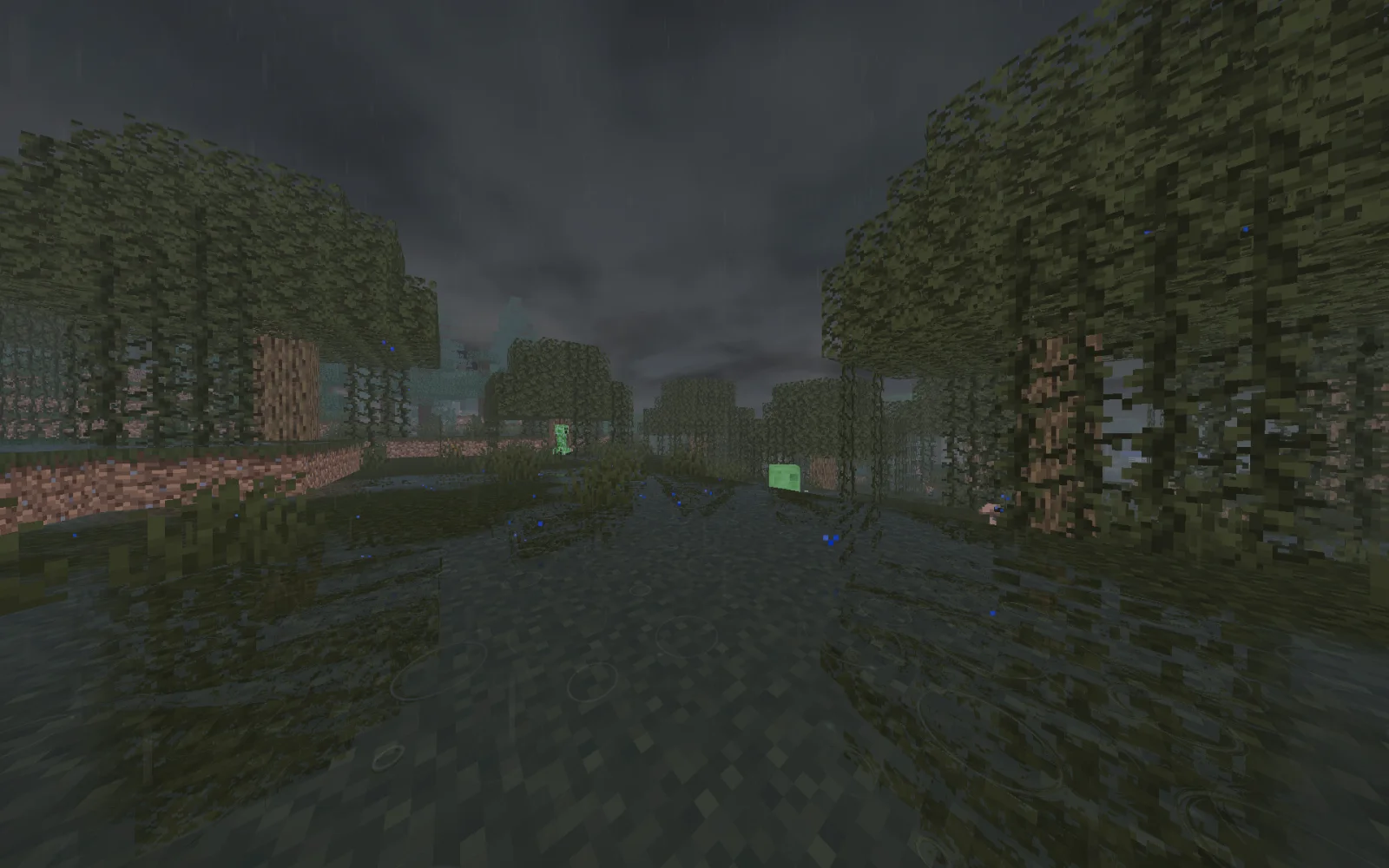
After the rain is a shader pack made by Nico8k. Trying to make minecraft weather look beautiful.
It supports Minecraft 1.19 – 26.x. It has been downloaded 169 times on Modrinth. The last update came out on Nov 9, 2026.
After the rain has had 2 releases on Modrinth since Oct 30, 2026. 2 of them came out in the past year. The newest is 0.2.0, released on Nov 3, 2026. It is made for Minecraft 1.19 – 26.3. It runs on Iris. The download is 64 KB.
| Version | Released | Minecraft | Type |
|---|---|---|---|
0.2.0 | Nov 3, 2026 | 1.19 – 26.3 | Release |
0.1.0 | Oct 30, 2026 | 1.19 – 26.3 | Beta |
After the rain is open source. Its newest release on GitHub is v0.3.0, published on Nov 9, 2026.
Full Changelog: v0.2.0...v0.3.0
Before that: v0.2.0 (Nov 3, 2026), v0.1.0 (Oct 30, 2026).
Make minecraft rain beautiful.
AfterTheRain is a weather-focused Minecraft shaderpack that makes rainy days more immersive while keeping clear weather close to vanilla Minecraft.
Watch puddles form, surfaces become wet, and the world slowly dry after a storm.
Written by Nico8k. Read it with pictures on Modrinth.
Install Iris (with Sodium) or OptiFine for your Minecraft version: shaders need one of them.
Download the .zip file from Modrinth. Do not unzip it.
In Minecraft, open Options, then Video Settings, then Shader Packs, and click Open Shader Pack Folder.
Drop the .zip file into that folder, pick After the rain in the list and click Done.
Shaders are heavy on the graphics card. If the game gets slow, pick a lower profile in the shader settings.
Full guide: How to install Minecraft shaders
Yes. After the rain supports Minecraft 26.x. All supported versions: 26.x, 1.21, 1.20, 1.19.
Yes. After the rain is free to download from Modrinth.
Yes. The last update came out in the past day.
Prismarine ShaderShaders · 1.8 – 1.21A fantasy stylized shaderpack aiming to make Minecraft look stunning and beautiful
Log in to leave a review.