
 Pegasus ShadersShader · 1.19 – 26.x
A shader that blends high performance range with new features, and lots of stylistic range!
Kostenlos951,563 Downloads
This shader allows you to be able to have way more Minecraft colour features
Direkter Download von Modrinth · 34 Downloads
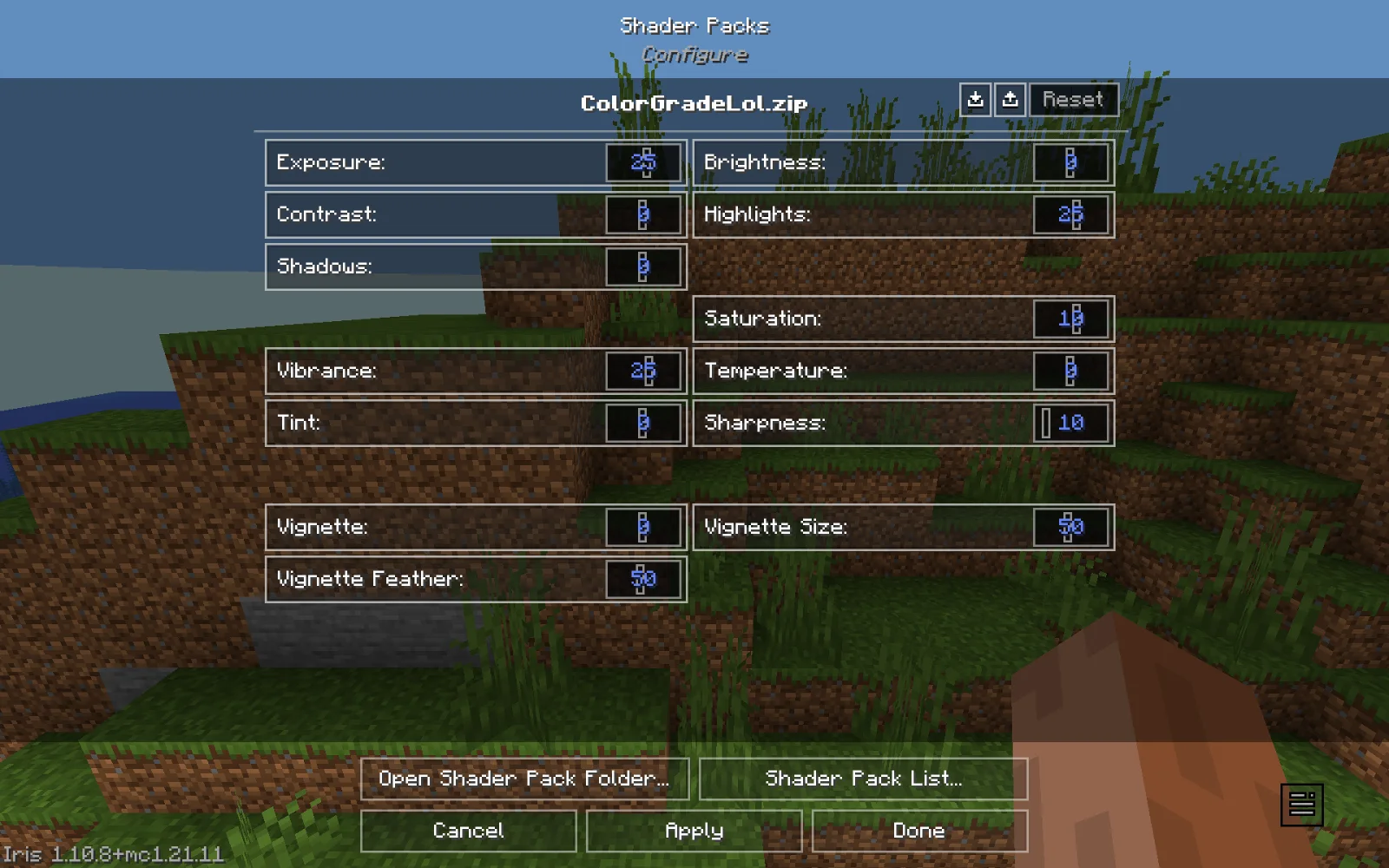
ColorGrade (Shaderpack) stammt von ColanderKid. This shader allows you to be able to have way more Minecraft colour features.
Unterstützt wird Minecraft 1.21. Auf Modrinth gibt es 34 Downloads. Das letzte Update erschien am 29.10.2026.
Die neueste ist 1.0, erschienen am 29.10.2026. Sie ist für Minecraft 1.21.11 gemacht. Sie läuft auf Iris und Optifine. Der Download ist 12 KB groß.
| Version | Veröffentlicht | Minecraft | Typ |
|---|---|---|---|
1.0 | 29.10.2026 | 1.21.11 | Release |
Introducing Color Grade, a new Minecraft mod designed to completely transform the way you experience the game visually.
With a wide range of tools for adjusting colors, lighting, contrast, and more, you can customize Minecraft's appearance to match your own style. Whether you're going for vibrant colors, a cinematic atmosphere, or something completely unique, Color Grade gives you the freedom to make it happen.
This is the first version of Color Grade, and it's just the beginning. Expect more improvements, features, and possibilities as development continues.
Thanks for checking out Color Grade!
Geschrieben von ColanderKid. Mit Bildern auf Modrinth lesen.
Installiere Iris (mit Sodium) oder OptiFine für deine Minecraft-Version: Shader brauchen eins davon.
Lade die .zip-Datei von Modrinth herunter. Entpacke sie nicht.
Öffne in Minecraft Optionen, dann Grafikeinstellungen, dann Shaderpacks und klicke auf Shaderpack-Ordner öffnen.
Lege die .zip-Datei in diesen Ordner, wähle ColorGrade in der Liste und klicke auf Fertig.
Shader belasten die Grafikkarte. Wird das Spiel langsam, wähle in den Shader-Einstellungen ein niedrigeres Profil.
| Ressource | Downloads | Versionen | Letztes Update | Preis |
|---|---|---|---|---|
| ColorGradedie du angesehen hast | 34 | 1.21 | vor 13 Tagen | Kostenlos |
| Pegasus Shaderstimetravelbeard | 952K | 1.19 – 26.x | 3. Okt. 2026 | Kostenlos |
 ReverieTheCMK | 439K | 1.20 – 26.x | 4. Okt. 2026 | Kostenlos |
 Stracciatella ShadersDrDesten | 177K | 1.8 – 1.21 | 10. Feb. 2026 | Kostenlos |
Noch nicht. Die neueste unterstützte Version ist Minecraft 1.21.
Ja. ColorGrade kannst du kostenlos bei Modrinth herunterladen.
Ja. Das letzte Update kam innerhalb des letzten Tages.
Am ähnlichsten sind Pegasus Shaders, Reverie und Stracciatella Shaders. Alle Alternativen vergleichen
Pegasus ShadersShader · 1.19 – 26.xA shader that blends high performance range with new features, and lots of stylistic range!
ReverieShader · 1.20 – 26.xShader with a foggy and warm look. It leverages new features added by Iris for effects previously impossible to achieve.
Stracciatella ShadersShader · 1.8 – 1.21A vanilla-style shader with colored lights, many quality of life features and visual improvements aiming for the highest performance.
 Vanilla AdvancedShader · 1.20
A high-performance shader meant to both look good and run on low-end computers! Might have some bugs on older GPUs. Feedback is appreciated!
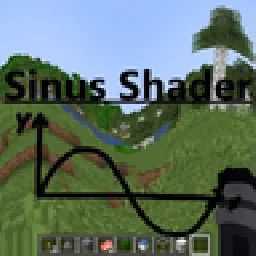 Sinus ShaderShader · 1.8 – 26.x
A Shader that renders Minecraft in a Sine Wave Function. Looks very cursed, why would you want that? Customizable frequency and attitude. Have fun with the…
 Foxy shaderShader · 1.20 – 26.x
An in-development shader with global ray tracing and some interesting features.
Logg dich ein, um eine Bewertung zu schreiben.