
 Fast Better GrassRessourcenpakete · 1.19 – 26.x
Makes grass and related blocks use the top texture on the sides. Works with other resource packs!
Kostenlos14,121,540 Downloads

Removes fog in the Overworld, Nether and End for a clear, long-distance view — spot structures, biomes and players from far away, with an FPS boost…
Direkter Download von Modrinth · 1,044,485 Downloads
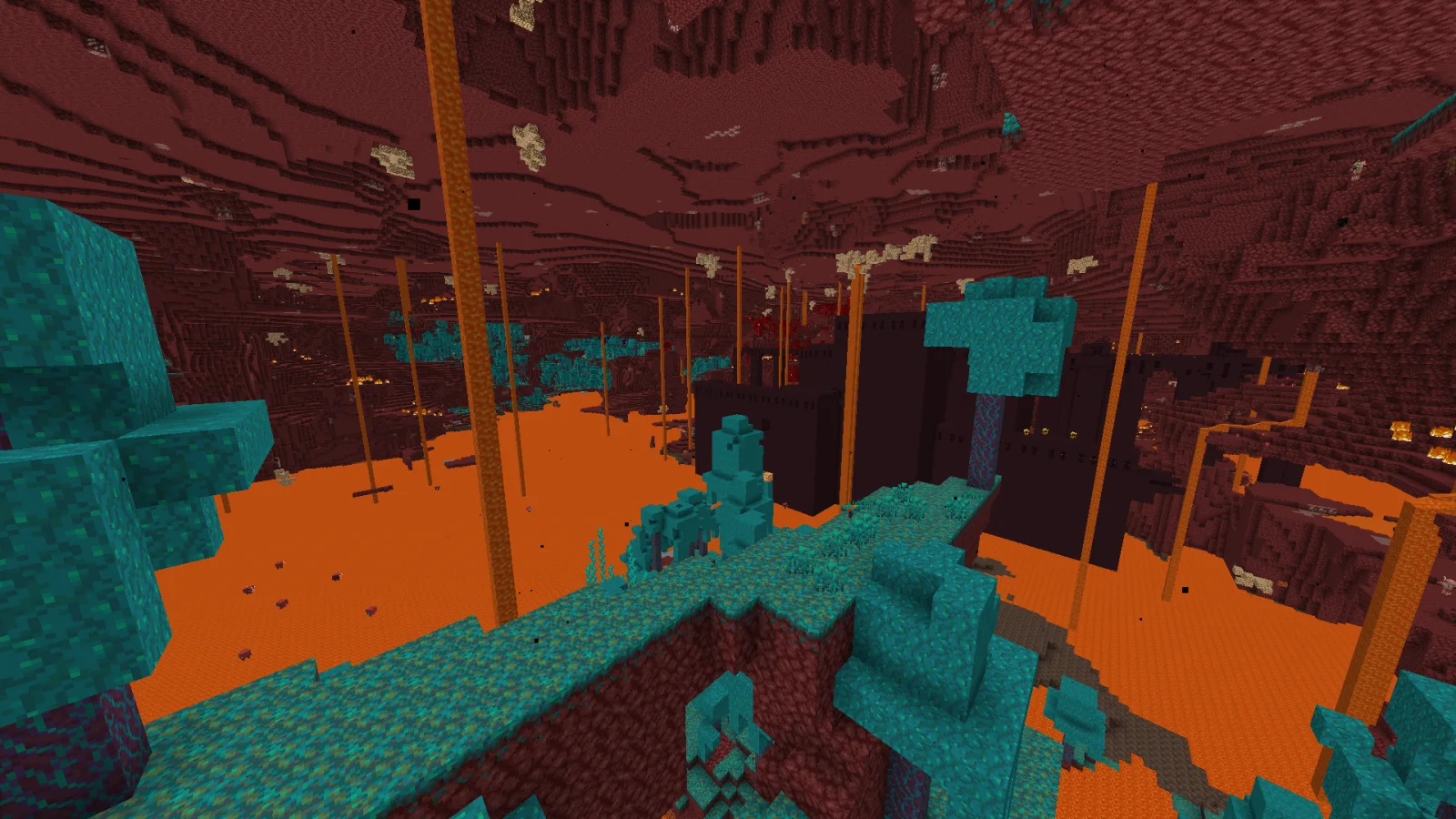
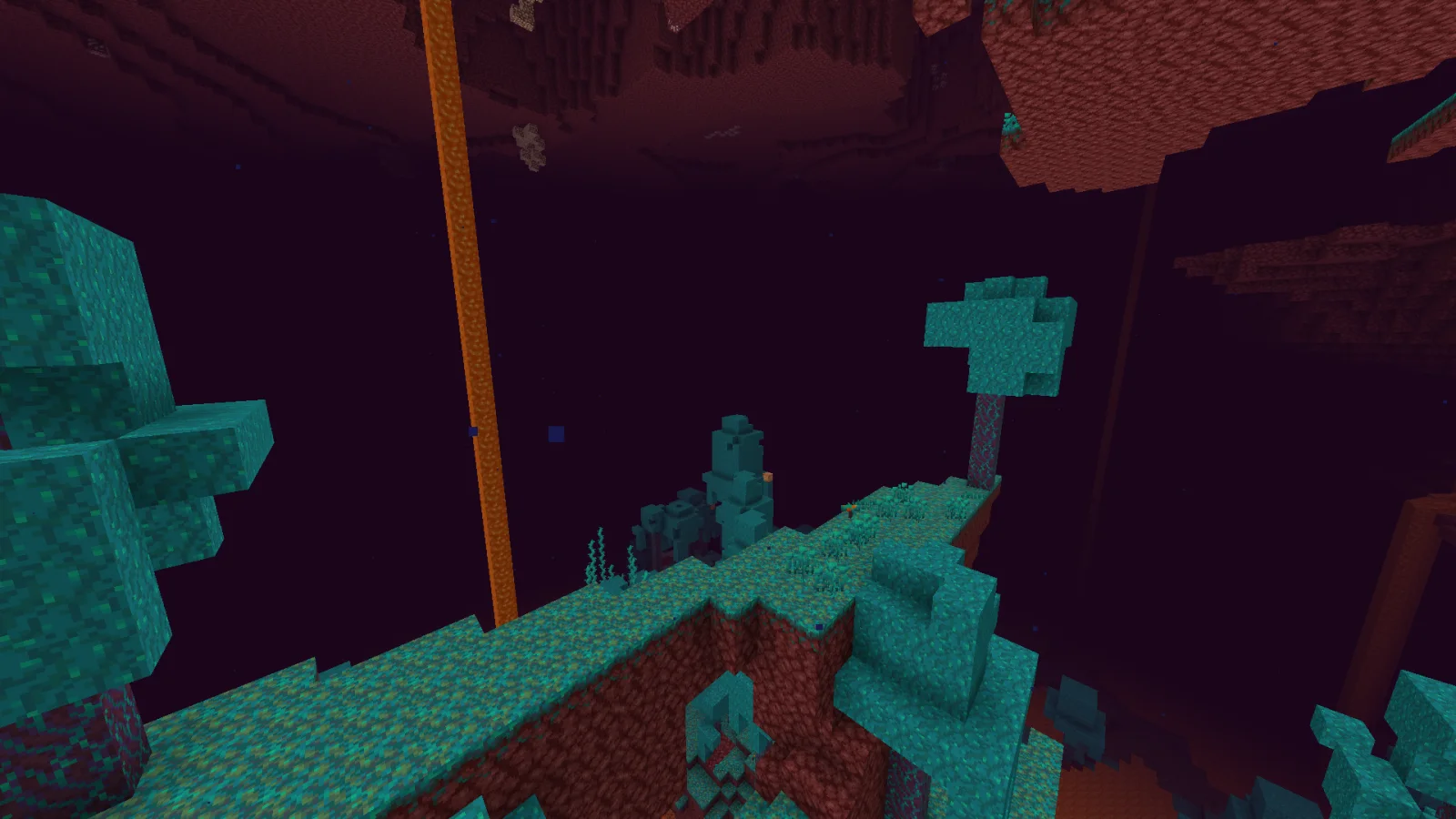
No Fog (Ressourcenpaket) stammt von Hxndrik. Removes fog in the Overworld, Nether and End for a clear, long-distance view — spot structures, biomes and players from far away, with an FPS boost…
Unterstützt wird Minecraft 1.21 – 26.x. Auf Modrinth gibt es 1,044,485 Downloads. Das letzte Update erschien am 23.06.2026.
No Fog hat seit 02.01.2025 3 Versionen auf Modrinth veröffentlicht. 2 davon erschienen im letzten Jahr. Die neueste ist 26.2, erschienen am 23.06.2026. Sie ist für Minecraft 26.1 – 26.2 gemacht. Sie läuft auf Minecraft. Der Download ist 11 KB groß.
| Version | Veröffentlicht | Minecraft | Typ |
|---|---|---|---|
26.2 | 23.06.2026 | 26.1 – 26.2 | Release |
1.21.4-r2 | 07.05.2026 | 1.21.4 | Release |
1.21.4 | 02.01.2025 | 1.21.4 | Release |
See the whole world. No Fog removes the fog in every dimension (Overworld, Nether and End) so you can spot structures, biomes, mobs and players from far away — with a nice FPS boost.
The universal release supports the Minecraft versions listed on this page, including the latest releases, and works in vanilla alongside Sodium or OptiFine.
Does it work underwater and in the Nether? Yes — fog is removed in all dimensions.
Geschrieben von Hxndrik. Mit Bildern auf Modrinth lesen.
Lade die .zip-Datei von Modrinth herunter. Entpacke sie nicht.
Öffne in Minecraft Optionen, dann Ressourcenpakete, dann Paketordner öffnen.
Lege die .zip-Datei in diesen Ordner und gehe zurück ins Spiel.
Schiebe No Fog in die rechte Liste und klicke auf Fertig.
Es ist für Minecraft 1.21 – 26.x gemacht. Auf anderen Versionen markiert Minecraft es als inkompatibel, oft funktioniert es aber trotzdem.
| Ressource | Downloads | Versionen | Letztes Update | Preis |
|---|---|---|---|---|
| No Fogdie du angesehen hast | 1M | 1.21 – 26.x | 23. Juni 2026 | Kostenlos |
| Fast Better Grassrobotkoer | 14.1M | 1.19 – 26.x | 15. Sept. 2026 | Kostenlos |
 Os' Colorful GrassesOslypsis | 5.3M | 1.20 – 26.x | 21. Sept. 2026 | Kostenlos |
 Recolourful Containers GUI + HUDVi_Tul | 4.4M | 1.19 – 26.x | 1. Okt. 2026 | Kostenlos |
Ja. No Fog unterstützt Minecraft 26.x. Alle unterstützten Versionen: 26.x, 1.21.
Ja. No Fog kannst du kostenlos bei Modrinth herunterladen.
Ja. Das letzte Update kam innerhalb des letzten Tages.
Am ähnlichsten sind Fast Better Grass, Os' Colorful Grasses und Recolourful Containers GUI + HUD. Alle Alternativen vergleichen
Fast Better GrassRessourcenpakete · 1.19 – 26.xMakes grass and related blocks use the top texture on the sides. Works with other resource packs!
Os' Colorful GrassesRessourcenpakete · 1.20 – 26.xFluffier grasses! Tall, short, or original X style versions available, as well as a mix of the three for the optimal balance of visuals & performance. Get the…
Recolourful Containers GUI + HUDRessourcenpakete · 1.19 – 26.xDo you want more immersive, more interesting, more colourful GUIs and HUD? Than this pack is for you!
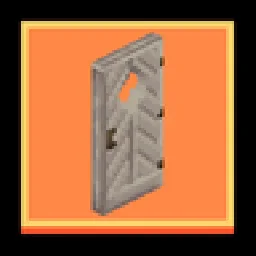 Remodeled Doors 3DRessourcenpakete · 1.19 – 26.x
Makes all the doors and trapdoors have 3D models. Changes the model and the item within the GUI.
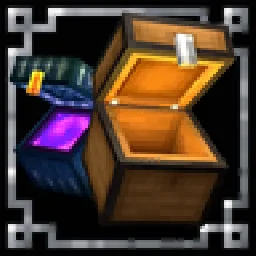 Chests ReimaginedRessourcenpakete · 1.19 – 1.21
Chests Reopened!
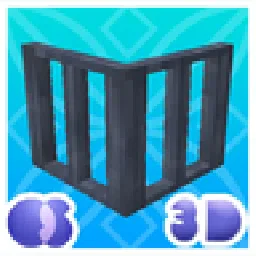 Os' 3D Iron BarsRessourcenpakete · 1.20 – 26.x
This pack changes iron bars to be darker to match the chain, and cleans up the textures. Also, there won't be any Z-fighting since it's 3D. 2D version is…
Logg dich ein, um eine Bewertung zu schreiben.