
 Aurora's ShadersShader · 1.20 – 1.21
Based on Complimentary Unbound, a beautifully colorful Vanilla+ shader meant for making the game look good while maintaining good performance and vanilla feel.
Kostenlos948,697 Downloads
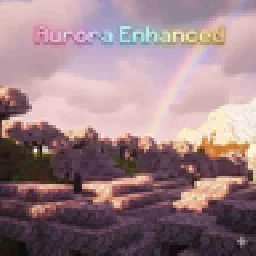
Experience Minecraft like never before with this cinematic yet performance-friendly shader. This shader brings a perfect balance between stunning
Direkter Download von Modrinth · 15,775 Downloads
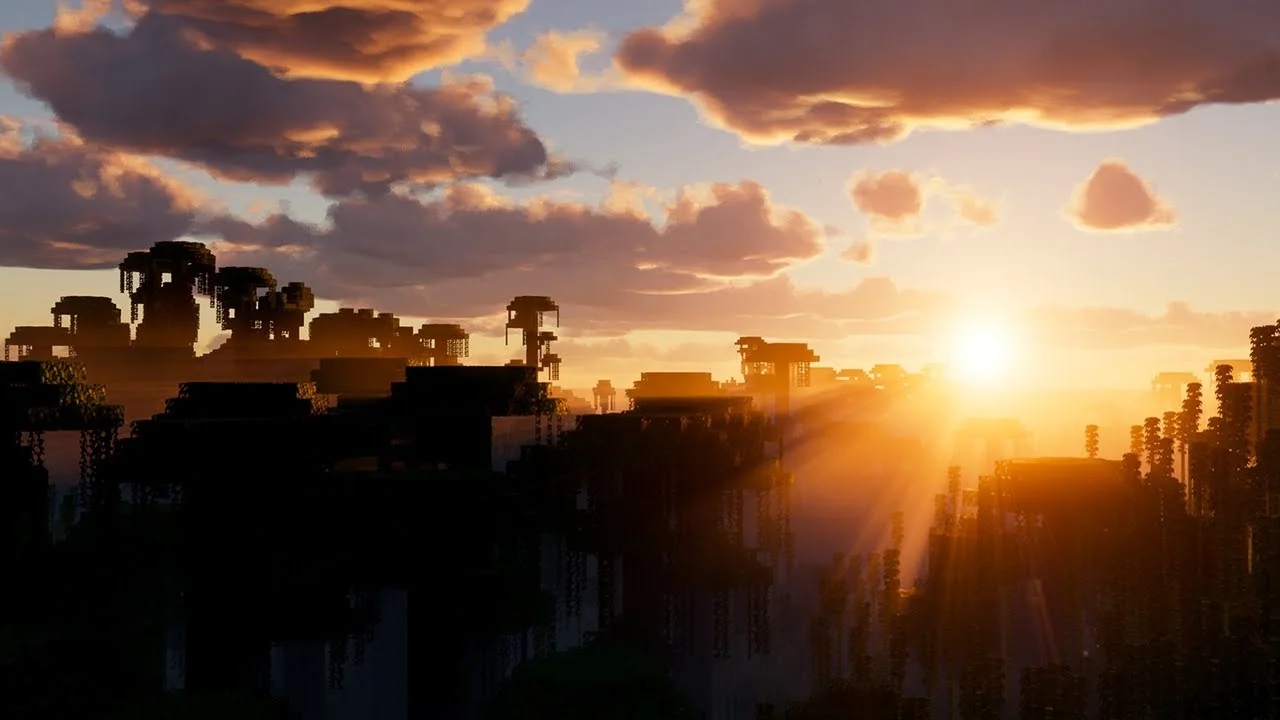
Aurora Enhanced (Shaderpack) stammt von Dark_PixelForge. Experience Minecraft like never before with this cinematic yet performance-friendly shader. This shader brings a perfect balance between stunning.
Unterstützt wird Minecraft 1.19 – 26.x. Auf Modrinth gibt es 15,775 Downloads. Das letzte Update erschien am 04.10.2026.
Aurora Enhanced hat seit 13.05.2026 4 Versionen auf Modrinth veröffentlicht. 4 davon erschienen im letzten Jahr. Die neueste ist 4, erschienen am 04.10.2026. Sie ist für Minecraft 1.20 – 26.3 gemacht. Sie läuft auf Fabric, Iris, Minecraft und Optifine. Der Download ist 2.7 MB groß.
| Version | Veröffentlicht | Minecraft | Typ |
|---|---|---|---|
4 | 04.10.2026 | 1.20 – 26.3 | Release |
3 | 05.09.2026 | 1.20, 1.20.1 | Release |
2 | 26.07.2026 | 1.19 – 26.2 | Release |
V1 | 13.05.2026 | 1.19 – 1.21.11 | Release |
It enhances the visuals you already love rather than replacing them with something unrecognizable. Think golden hour sunlight, moody nights, warm torches, and silky water — all running smoothly even on integrated graphics.
✨ Key Features
🌅 Cinematic Sky & Atmosphere
Warm orange/amber horizon glow during sunrise and sunset
Subtle purple anti-solar band on the opposite side of the sky at dusk
Soft sun-cone haze (Mie scattering approximation) around the sun disk
Sun disk tints warm amber near the horizon instead of staying flat white
Deeper azure blue sky during the day, rich indigo at night
Clouds pick up warm amber edge lighting during golden hour
🎨 Filmic Color Grading
Shadow lift — blacks are gently raised like a developed film print, no crushed shadows
Split toning — cool blue-teal in the shadows, warm amber in the highlights
Subtle midtone warmth across the entire scene
Slightly reduced saturation (0.95) for a natural, non-oversaturated look
Mild contrast boost (1.05) for a punchy, clean image
🔥 Improved Lighting
Torchlight and block lights now glow warm orange-amber instead of near-white yellow
Richer, more golden daytime sunlight
Cooler, bluer moonlight for atmospheric nights
More vivid orange-red sunset lighting on terrain and mobs
💧 Better Water
Two-octave wave noise — richer, non-repeating ripple patterns
Improved normal reconstruction for rounder, more natural wave edges
Waves read clearly even at distance
🌫️ Atmospheric Fog
Fog color shifts with time of day — warm orange tint at dusk, cool blue at night, neutral at noon
Applied to both terrain and transparent geometry for consistency
⚡ Performance
Zero new render passes — all changes live inside existing pipeline stages
Pure math improvements — no extra texture samples in the hot path
Designed for low-end and mid-range PCs
Compatible with OptiFine HD U I5+ on Minecraft 1.21+
📸 Best Experienced At
Sunrise and sunset — the horizon glow is the signature look
Near torches and campfires indoors — amber warmth is immediately noticeable
Open water — two-octave waves look significantly richer
Night time — deep indigo sky with cool moonlight creates a moody atmosphere
Geschrieben von Dark_PixelForge. Mit Bildern auf Modrinth lesen.
Installiere Iris (mit Sodium) oder OptiFine für deine Minecraft-Version: Shader brauchen eins davon.
Lade die .zip-Datei von Modrinth herunter. Entpacke sie nicht.
Öffne in Minecraft Optionen, dann Grafikeinstellungen, dann Shaderpacks und klicke auf Shaderpack-Ordner öffnen.
Lege die .zip-Datei in diesen Ordner, wähle Aurora Enhanced in der Liste und klicke auf Fertig.
Shader belasten die Grafikkarte. Wird das Spiel langsam, wähle in den Shader-Einstellungen ein niedrigeres Profil.
| Ressource | Downloads | Versionen | Letztes Update | Preis |
|---|---|---|---|---|
| Aurora Enhanceddie du angesehen hast | 16K | 1.19 – 26.x | 4. Okt. 2026 | Kostenlos |
| Aurora's ShadersCrafterAurora | 949K | 1.20 – 1.21 | 28. März 2025 | Kostenlos |
 Simply Upscaledtimetravelbeard | 459K | 1.12 – 26.x | 20. Sept. 2025 | Kostenlos |
 white sharp shaderplaysi_ | 23K | 1.18 – 1.21 | 30. Aug. 2025 | Kostenlos |
Ja. Aurora Enhanced unterstützt Minecraft 26.x. Alle unterstützten Versionen: 26.x, 1.21, 1.20, 1.19.
Ja. Aurora Enhanced kannst du kostenlos bei Modrinth herunterladen.
Ja. Das letzte Update kam innerhalb des letzten Tages.
Am ähnlichsten sind Aurora's Shaders, Simply Upscaled und white sharp shader. Alle Alternativen vergleichen
Aurora's ShadersShader · 1.20 – 1.21Based on Complimentary Unbound, a beautifully colorful Vanilla+ shader meant for making the game look good while maintaining good performance and vanilla feel.
Simply UpscaledShader · 1.12 – 26.xA very Vanilla high performance shader with live Texture Upscaling/Filtering and optional shadows. Configurable subtly enhanced vanilla feel.
white sharp shaderShader · 1.18 – 1.21An abstract, stylized and high-performance Minecraft shader that will make your gaming experience unique.
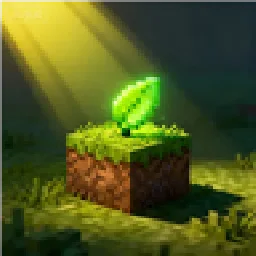 VerdantLightShader · 1.18 – 26.x
VerdantLight is a lightweight, high-performance, and naturally vanilla-like Minecraft shader pack.
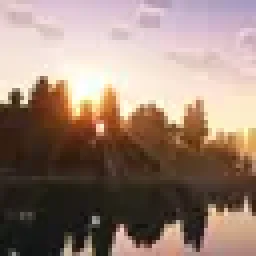 MaxRealstic ShaderShader · 1.16 – 26.x
Ultra-realistic Minecraft shader with animated foliage, dynamic water, realistic lighting, cinematic skies, and optimized performance.
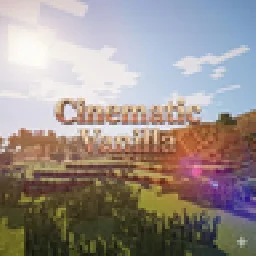 Cinematic VanillaShader · 1.17 – 26.x
Cinematic Vanilla is a lightweight cinematic shader pack designed to enhance Minecraft visuals while maintaining smooth performance on low- to mid-end PCs.
Logg dich ein, um eine Bewertung zu schreiben.