
 Pyvtron VXShader · 1.16 – 1.21
Pyvtron VX is a shader that adds realism into your world!
Kostenlos121,854 Downloads
This shader adds a simple customizable world outline, inspired by Complementary's one.
Direkter Download von Modrinth · 5,688 Downloads
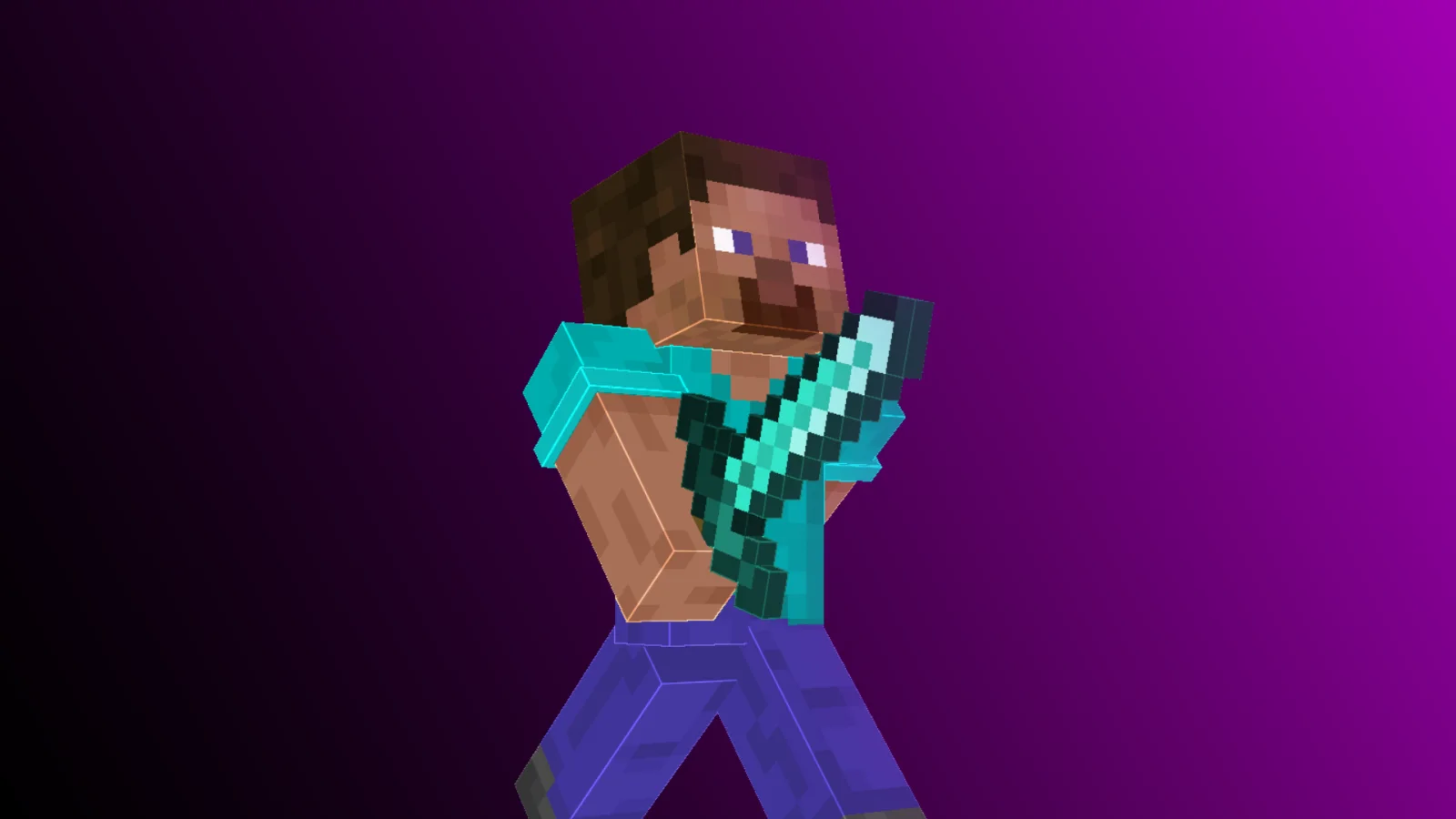
World Outline (Shaderpack) stammt von Nemyx. This shader adds a simple customizable world outline, inspired by Complementary's one.
Unterstützt wird Minecraft 1.8 – 1.21. Auf Modrinth gibt es 5,688 Downloads. Das letzte Update erschien am 16.05.2026.
Die neueste ist 1.0, erschienen am 16.05.2026. Sie ist für Minecraft 1.10 – 1.20.3 gemacht. Sie läuft auf Iris und Optifine. Der Download ist 12 KB groß.
| Version | Veröffentlicht | Minecraft | Typ |
|---|---|---|---|
1.0 | 16.05.2026 | 1.10 – 1.20.3 | Release |
World Outline is a lightweight shader that barely changes the vanilla style, but adds outlines to it, just like the option in Complementary Shaders.
This is great for thumbnails, or simply if you like the look of it.
You can customize the look of the outlines in the settings (brightness, thickness, etc.).
Q: Is this pack compatible with OptiFine?
A: Yes, this pack is compatible with Iris and OptiFine.
Q: Is this pack compatible with all Minecraft versions?
A: World Outline is compatible with most Minecraft versions (1.8–1.21).
Q: Does World Outline affect entities?
A: World Outline adds outlines to blocks and entities, including players.
Geschrieben von Nemyx. Mit Bildern auf Modrinth lesen.
Installiere Iris (mit Sodium) oder OptiFine für deine Minecraft-Version: Shader brauchen eins davon.
Lade die .zip-Datei von Modrinth herunter. Entpacke sie nicht.
Öffne in Minecraft Optionen, dann Grafikeinstellungen, dann Shaderpacks und klicke auf Shaderpack-Ordner öffnen.
Lege die .zip-Datei in diesen Ordner, wähle World Outline in der Liste und klicke auf Fertig.
Shader belasten die Grafikkarte. Wird das Spiel langsam, wähle in den Shader-Einstellungen ein niedrigeres Profil.
| Ressource | Downloads | Versionen | Letztes Update | Preis |
|---|---|---|---|---|
| World Outlinedie du angesehen hast | 5,688 | 1.8 – 1.21 | 16. Mai 2026 | Kostenlos |
| Pyvtron VXPyvton | 122K | 1.16 – 1.21 | 24. Jan. 2026 | Kostenlos |
 Round WorldGhouldubs | 7,262 | 1.21 | 24. Jan. 2025 | Kostenlos |
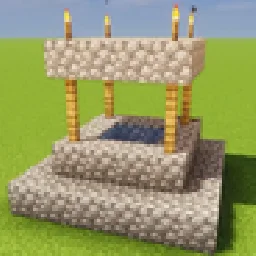 GlamorousSP ShadersMelmonTheLemon | 4,872 | 1.21 – 26.x | 19. Juni 2026 | Kostenlos |
Noch nicht. Die neueste unterstützte Version ist Minecraft 1.21.
Ja. World Outline kannst du kostenlos bei Modrinth herunterladen.
Ja. Das letzte Update kam innerhalb des letzten Tages.
Am ähnlichsten sind Pyvtron VX, Round World und GlamorousSP Shaders. Alle Alternativen vergleichen
Pyvtron VXShader · 1.16 – 1.21Pyvtron VX is a shader that adds realism into your world!
Round WorldShader · 1.21A simple Shader that adds a slight visual curve to the world and darkens the lighting
GlamorousSP ShadersShader · 1.21 – 26.xA vibrant and customizable shader pack focused on beautiful lighting, rich colors, and smooth performance. GlamorousSP is inspired from Mellow Shader by TheCMK.
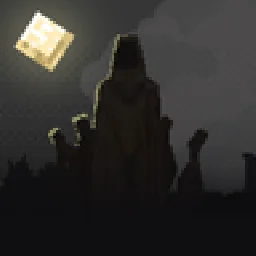 Hysteria ShadersShader · 1.8 – 1.21
Atmospheric, highly customizable horror shaderpack, successor of Insanity Shader.
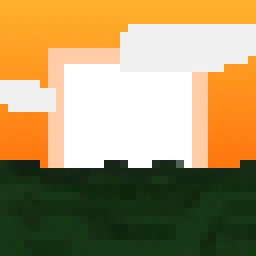 Blocky ShaderShader · 1.19 – 26.x
A performant vanilla-inspired shader for Minecraft Java
 Simple Saturation ShaderShader · 1.20 – 26.x
Adds a simple slider which allows you to change saturation
Logg dich ein, um eine Bewertung zu schreiben.