
 Overlay’sRessourcenpakete · 1.13 – 26.x
26.3 × Adds seamless block overlays, blending compatible blocks together for a more natural and detailed world.
Kostenlos501,967 Downloads
Adds transitions between natural blocks
Direkter Download von Modrinth · 120,498 Downloads
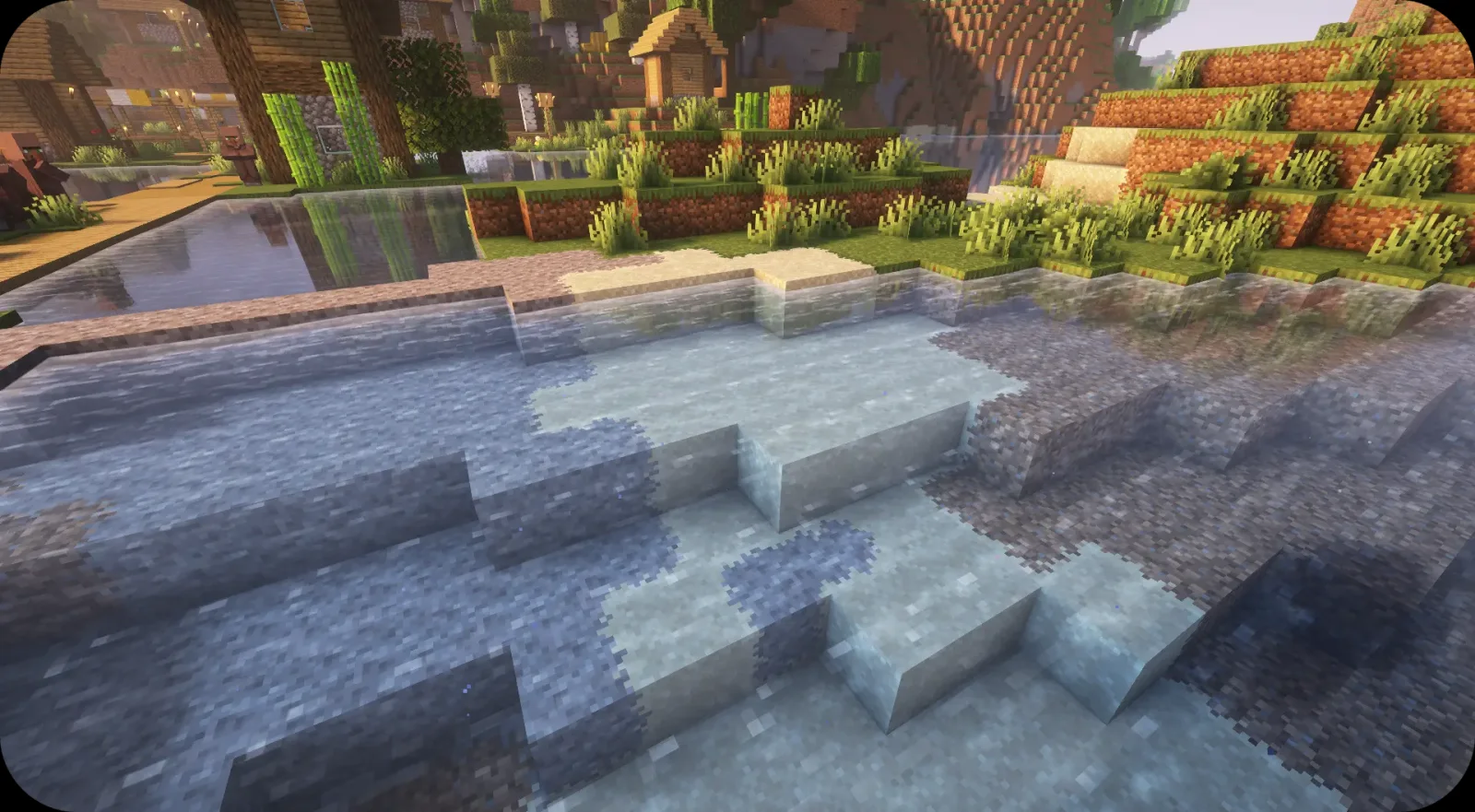
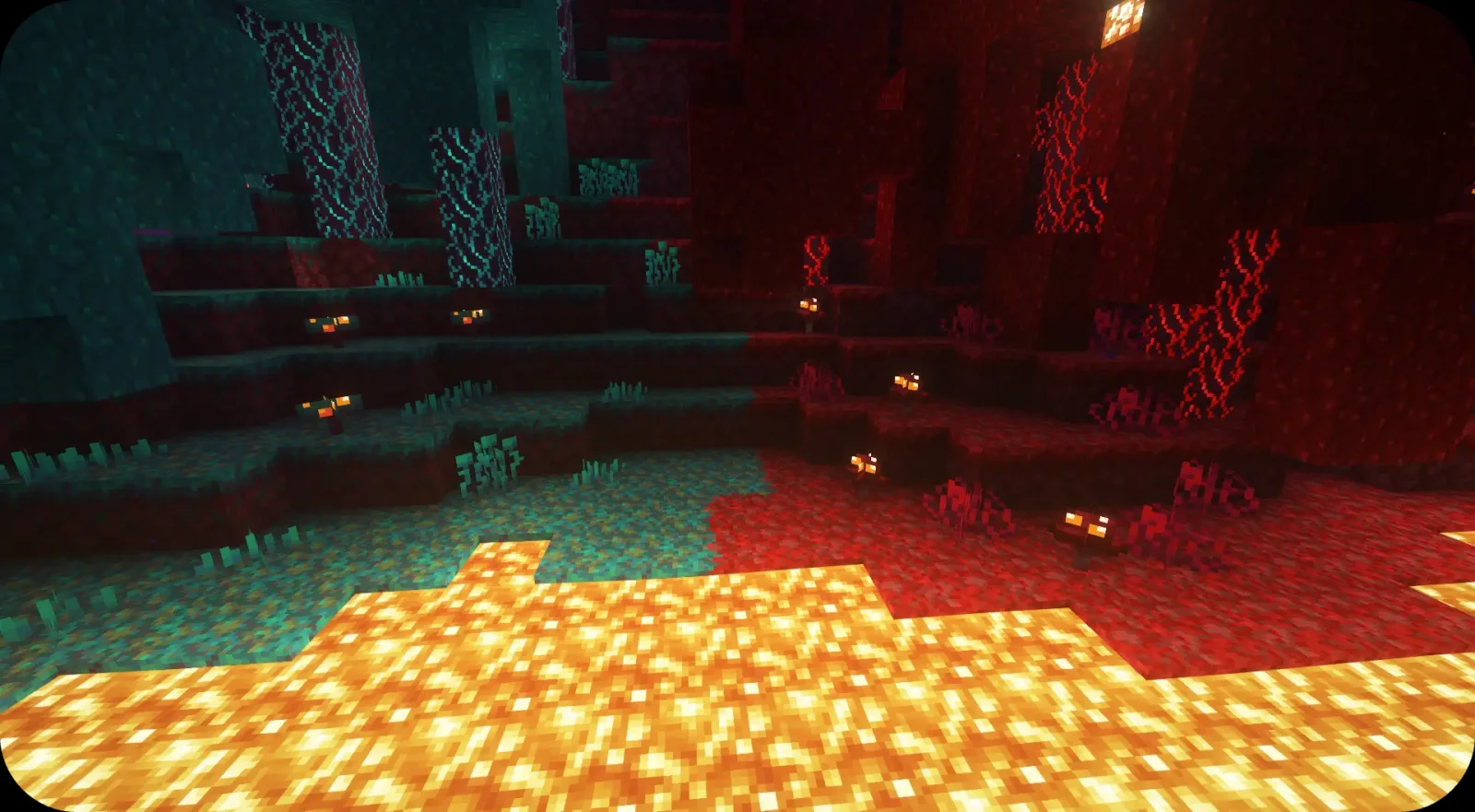
Fusion Block Transitions (Ressourcenpaket) stammt von SuperMartijn642. Adds transitions between natural blocks.
Unterstützt wird Minecraft 1.20 – 26.x. Auf Modrinth gibt es 120,498 Downloads. Das letzte Update erschien am 01.10.2025.
Fusion Block Transitions hat seit 28.07.2025 4 Versionen auf Modrinth veröffentlicht. Keine davon erschien im letzten Jahr. Die neueste ist 1.0.3-mc1.20-26.3, erschienen am 30.09.2025. Sie ist für Minecraft 1.20 – 26.3 gemacht. Sie läuft auf Minecraft. Der Download ist 35 KB groß.
| Version | Veröffentlicht | Minecraft | Typ |
|---|---|---|---|
1.0.3-mc1.20-26.3 | 30.09.2025 | 1.20 – 26.3 | Release |
1.0.2-mc1.20-1.21.8 | 22.08.2025 | 1.20 – 1.21.8 | Release |
1.0.1-mc1.20-1.21.8 | 29.07.2025 | 1.20 – 1.21.8 | Release |
1.0.0-mc1.20-1.21.8 | 28.07.2025 | 1.20 – 1.21.8 | Release |
For future content, upcoming mods, and discussion, feel free to join the SuperMartijn642 discord server!
Geschrieben von SuperMartijn642. Mit Bildern auf Modrinth lesen.
Lade die .zip-Datei von Modrinth herunter. Entpacke sie nicht.
Öffne in Minecraft Optionen, dann Ressourcenpakete, dann Paketordner öffnen.
Lege die .zip-Datei in diesen Ordner und gehe zurück ins Spiel.
Schiebe Fusion Block Transitions in die rechte Liste und klicke auf Fertig.
Es ist für Minecraft 1.20 – 26.x gemacht. Auf anderen Versionen markiert Minecraft es als inkompatibel, oft funktioniert es aber trotzdem.
| Ressource | Downloads | Versionen | Letztes Update | Preis |
|---|---|---|---|---|
| Fusion Block Transitionsdie du angesehen hast | 120K | 1.20 – 26.x | 1. Okt. 2025 | Kostenlos |
| Overlay’sitzSandw | 502K | 1.13 – 26.x | vor 20 Tagen | Kostenlos |
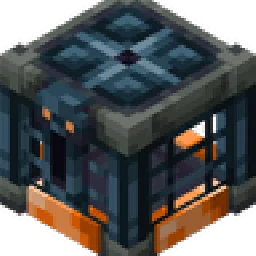 3D Trial ChambersPigGold16 | 296K | 1.20 – 1.21 | 21. Dez. 2025 | Kostenlos |
| Fusion Connected BlocksSuperMartijn642 | 121K | 1.20 – 26.x | 31. Juli 2026 | Kostenlos |
Ja. Fusion Block Transitions unterstützt Minecraft 26.x. Alle unterstützten Versionen: 26.x, 1.21, 1.20.
Ja. Fusion Block Transitions kannst du kostenlos bei Modrinth herunterladen.
Ja: Fusion (Connected Textures). Installiere es vor Fusion Block Transitions.
Ja. Das letzte Update kam innerhalb des letzten Tages.
Am ähnlichsten sind Overlay’s, 3D Trial Chambers und Fusion Connected Blocks. Alle Alternativen vergleichen
Overlay’sRessourcenpakete · 1.13 – 26.x26.3 × Adds seamless block overlays, blending compatible blocks together for a more natural and detailed world.
3D Trial ChambersRessourcenpakete · 1.20 – 1.21Simple pack that adds 3D models for blocks and items found in Trial Chambers
Makes textures from many blocks connect
 Fast Better GrassRessourcenpakete · 1.19 – 26.x
Makes grass and related blocks use the top texture on the sides. Works with other resource packs!
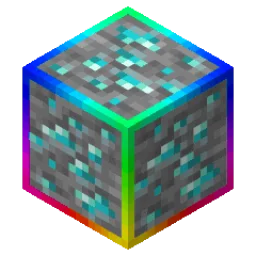 Rainbow Diamond Ores & Ancient DebrisRessourcenpakete · 1.13 – 26.x
Adds a rainbow outline around diamond ores and ancient debris, making these blocks stand out.
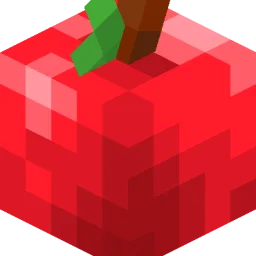 Fresh FoodRessourcenpakete · 1.20 – 26.x
A Minecraft resource pack that adds 3D food models and eating animations!
Logg dich ein, um eine Bewertung zu schreiben.