
 Custom AnnouncementPlugins · 1.21
Send a big ANNOUNCEMENT title and a chat message to every player at once. Full color codes, hex colors, and a fully configurable config.yml.
Kostenlos10 Downloads
Automatically kick players who execute forbidden commands with configurable full-command filtering, wildcards, and instant config reloading for Paper servers.
Direkter Download von Modrinth · 3 Downloads
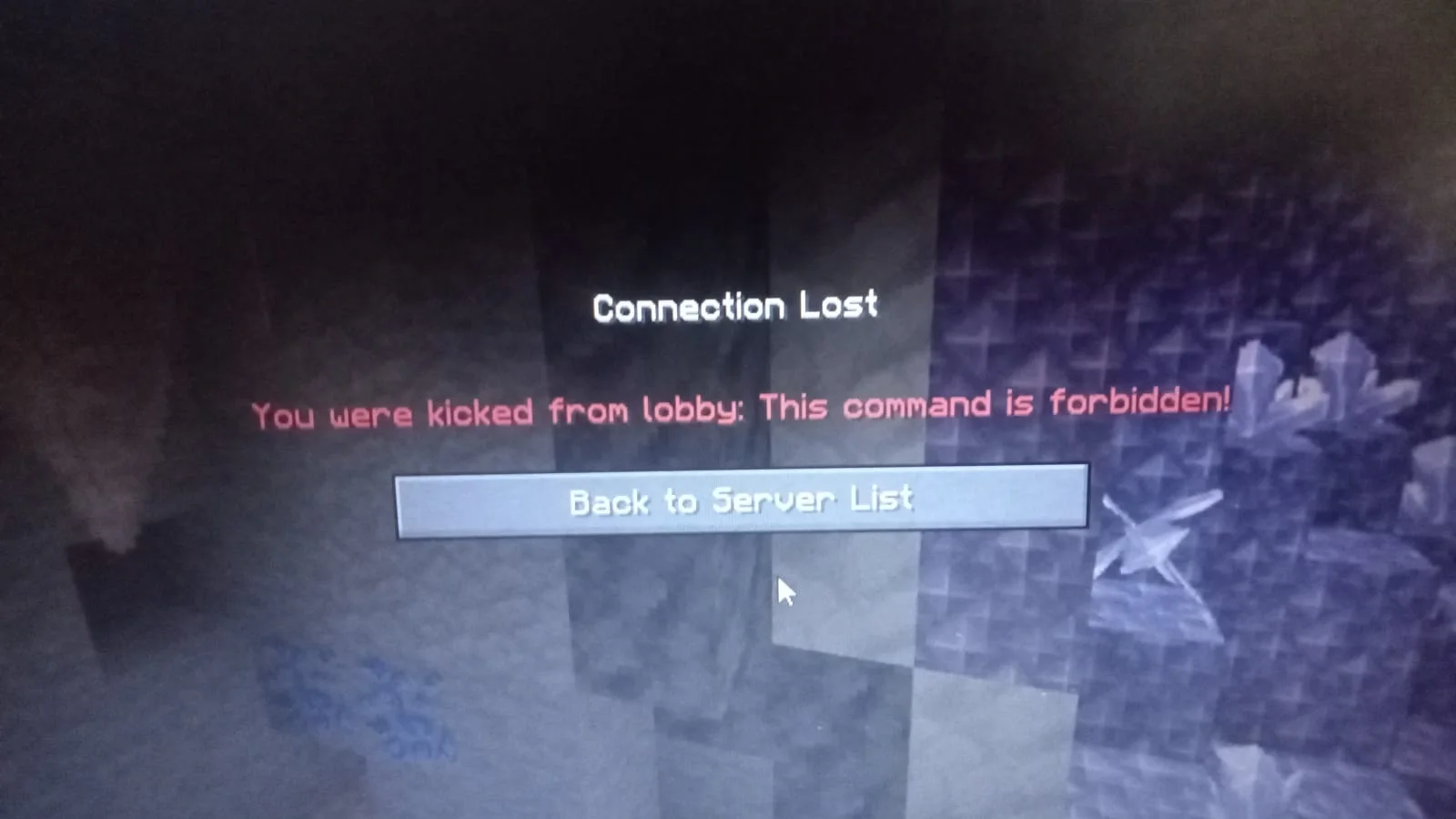
CommandGuard (Plugin) ist für Server mit Paper / Spigot gedacht und stammt von DarezraAlNatan. Automatically kick players who execute forbidden commands with configurable full-command filtering, wildcards, and instant config reloading for Paper servers.
Unterstützt wird Minecraft 1.21. Auf Modrinth gibt es 3 Downloads. Damit liegt es auf Platz 416 der 460 hier gelisteten Admin- und Rechte-Plugins. Das letzte Update erschien am 25.10.2026.
Die neueste ist 1.1.0, erschienen am 25.10.2026. Sie ist für Minecraft 1.21 – 1.21.11 gemacht. Sie läuft auf Paper und Spigot. Der Download ist 6 KB groß.
| Version | Veröffentlicht | Minecraft | Typ |
|---|---|---|---|
1.1.0 | 25.10.2026 | 1.21 – 1.21.11 | Release |
Die Befehle, die auf der Modrinth-Seite von CommandGuard stehen:
/cguardProtect your Minecraft server by automatically kicking players who execute forbidden commands.
blocked-commands:
kick-message: "&cThis command is forbidden!"
Geschrieben von DarezraAlNatan. Mit Bildern auf Modrinth lesen.
Stelle sicher, dass dein Server Paper und Spigot auf Minecraft 1.21 nutzt.
Lade die .jar-Datei von Modrinth herunter und lege sie in den plugins-Ordner deines Servers.
Starte den Server neu. Vermeide /reload, viele Plugins kommen damit nicht gut klar.
Gib /plugins in der Konsole ein: CommandGuard sollte grün aufgelistet sein. Die Konfigurationsdateien werden beim ersten Start im plugins-Ordner angelegt.
Ausführliche Anleitung: So installierst du Plugins auf einem Minecraft-Server
| Ressource | Downloads | Versionen | Letztes Update | Preis |
|---|---|---|---|---|
| CommandGuarddie du angesehen hast | 3 | 1.21 | vor 18 Tagen | Kostenlos |
| Custom AnnouncementChanduGamingYT | 10 | 1.21 | vor 11 Tagen | Kostenlos |
 JoinCommandsSirBlobman | 809 | 1.8 – 1.21 | 23. Juni 2024 | Kostenlos |
 ClearLAGGGLucasTHCR | 129 | 1.21 – 26.x | vor 9 Tagen | Kostenlos |
Noch nicht. Die neueste unterstützte Version ist Minecraft 1.21.
Ja. CommandGuard kannst du kostenlos bei Modrinth herunterladen.
CommandGuard läuft auf Servern mit Paper und Spigot.
Ja. Das letzte Update kam innerhalb des letzten Tages.
Am ähnlichsten sind Custom Announcement, JoinCommands und ClearLAGGG. Alle Alternativen vergleichen
Custom AnnouncementPlugins · 1.21Send a big ANNOUNCEMENT title and a chat message to every player at once. Full color codes, hex colors, and a fully configurable config.yml.
JoinCommandsPlugins · 1.8 – 1.21A useful plugin to execute commands when players join a proxy, server, or world.
ClearLAGGGPlugins · 1.21 – 26.xFull control over entity, spawner, TNT and redstone lag. Every limiter, threshold and message configurable.
 Simple UtilsPlugins · 1.21 – 26.x
Simple /heal, /feed, /fly and /god commands with configurable cooldowns.
 EssentialsX-FixesPlugins · 1.21 – 26.x
Unofficial EssentialsX addon that brings back the vanilla features its commands lost, like selectors and /execute.
 DINScreensharePlugins · 1.21 – 26.x
DINScreenshare is a lightweight Minecraft moderation plugin that allows staff to easily manage player screenshares with configurable locations, command…
Logg dich ein, um eine Bewertung zu schreiben.