
 Sundial LiteShaders · 1.8 – 26.x
The balance of quality, performance and compatibility
Gratis97,714 descargas
An edited version of Sundial Lite with various color adjustments.
Descarga directa desde Modrinth · 6,605 descargas
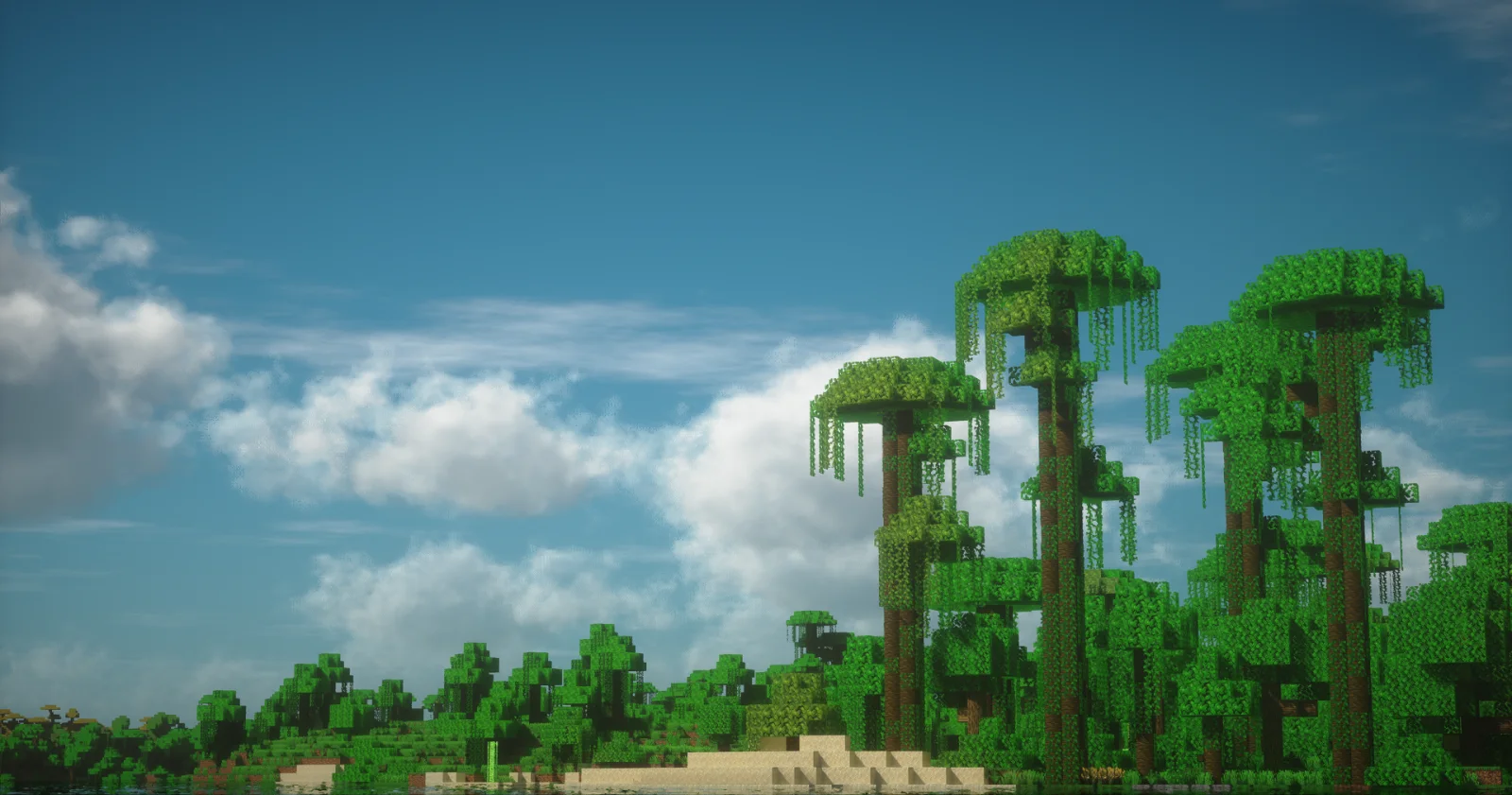
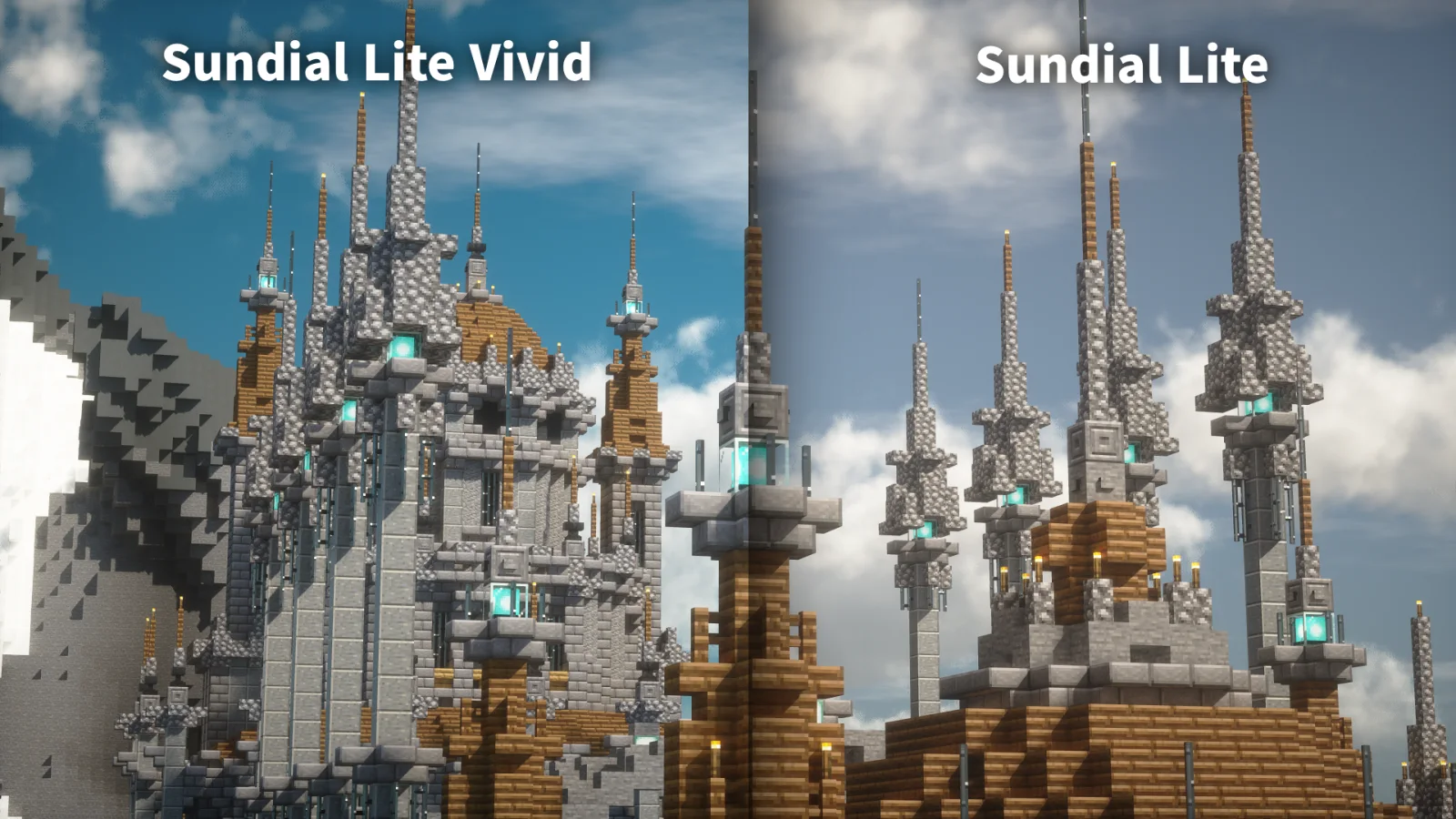
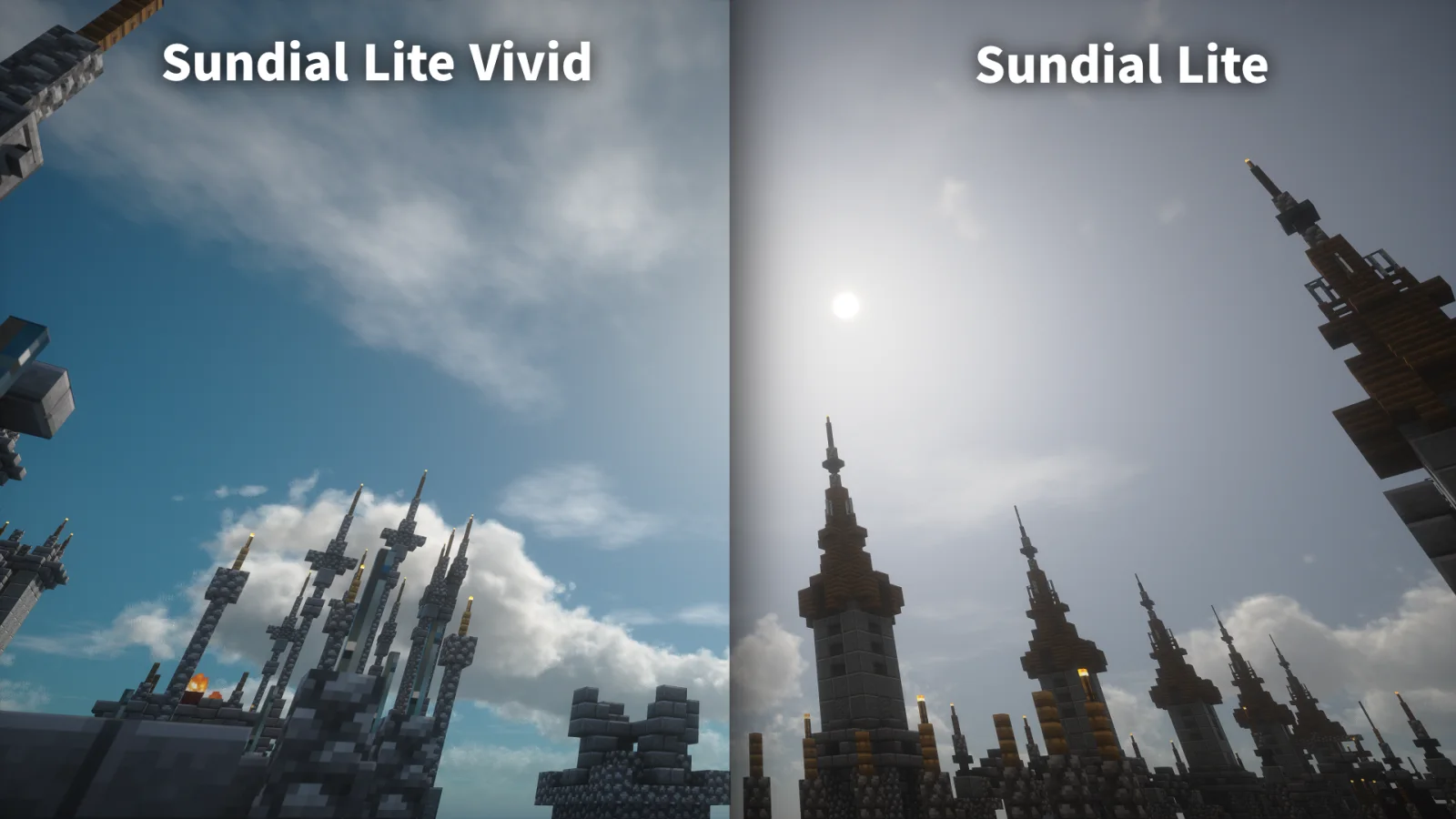
Sundial Lite Vivid (pack de shaders) es obra de DominoKorean. An edited version of Sundial Lite with various color adjustments.
Es compatible con Minecraft 1.8 – 26.x. Se ha descargado 6,605 veces en Modrinth. La última actualización salió el 05/08/2026.
La más reciente es 1.0, publicada el 05/08/2026. Está hecha para Minecraft 1.10 – 1.20.3. Funciona en Iris y Optifine. La descarga ocupa 1.4 MB.
| Versión | Publicado | Minecraft | Tipo |
|---|---|---|---|
1.0 | 05/08/2026 | 1.10 – 1.20.3 | Estable |
Sundial Lite Vivid es de código abierto. Su última versión en GitHub es 1.0, publicada el 05/08/2026.
No content.
Sundial Lite Vivid is a modified version of Sundial Lite, created with the help of AI. It applies several color adjustments to give the shader a brighter and more vivid appearance.
### Frequently asked questions
- Isn't this just AI slop made by stealing an existing shader?
Most of the implementation was done by AI. This version contains only relatively small additions and is distributed under the terms permitted by the original project's GPL license.
However, rather than leaving most color- and sharpness-related values for AI to decide, I asked it to create tools that allowed me to adjust those values myself and tuned them manually.
- What should I do if I find a bug?
Most bugs are inherited from Sundial Lite. Please check whether the same issue also occurs in the original Sundial Lite shader before reporting it there.
The original Sundial Lite project is licensed under the [GNU General Public License v3.0](./LICENSE). Sundial Lite Vivid is a derivative of that project and, except for the caustics code identified below, is distributed under the same GPL-3.0 license.
The water caustics code in [shaders/libs/WaterCaustics.glsl](./shaders/libs/WaterCaustics.glsl) is licensed separately under the Creative Commons Attribution-NonCommercial-ShareAlike 3.0 Unported License (CC BY-NC-SA 3.0).
The code was adapted from Shadertoy ssfBDf and modified for top-down Minecraft XZ mapping, fixed visual settings, and integration with Sundial Lite's shadow and per-pixel lighting passes.
Escrita por DominoKorean. Léela con imágenes en Modrinth.
Instala Iris (con Sodium) u OptiFine para tu versión de Minecraft: los shaders necesitan uno de ellos.
Descarga el archivo .zip desde Modrinth. No lo descomprimas.
En Minecraft, abre Opciones, luego Gráficos, luego Shader Packs y pulsa Abrir carpeta de shaders.
Suelta el archivo .zip en esa carpeta, elige Sundial Lite Vivid en la lista y pulsa Listo.
Los shaders exigen mucho a la tarjeta gráfica. Si el juego va lento, elige un perfil más bajo en sus ajustes.
| Recurso | Descargas | Versiones | Última actualización | Precio |
|---|---|---|---|---|
| Sundial Lite Vividel que estabas viendo | 6,605 | 1.8 – 26.x | 5 ago 2026 | Gratis |
| Sundial LiteGeForceLegend | 98K | 1.8 – 26.x | 26 sept 2026 | Gratis |
 Unbound Visual +CornXX | 15K | 1.21 – 26.x | hace 10 días | Gratis |
 Eclipse Lite CinematicGamesofDev | 8,332 | 1.20 – 26.x | 2 jun 2026 | Gratis |
Sí. Sundial Lite Vivid es compatible con Minecraft 26.x. Todas las versiones compatibles: 26.x, 1.21, 1.20, 1.19, 1.18, 1.17, 1.16, 1.13, 1.12, 1.8.
Sí. Sundial Lite Vivid se puede descargar gratis desde Modrinth.
Sí. La última actualización salió en el último día.
Los más parecidos son Sundial Lite, Unbound Visual + y Eclipse Lite Cinematic. Comparar todas las alternativas
Sundial LiteShaders · 1.8 – 26.xThe balance of quality, performance and compatibility
Unbound Visual +Shaders · 1.21 – 26.xUnbound Visual+ is a modified version of Complementary Unbound, featuring various added effects and visual enhancements.
Eclipse Lite CinematicShaders · 1.20 – 26.xCinematic version of a low-end shader for Minecraft "EclipseLite"
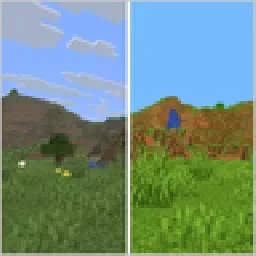 VividnessShaders · 1.16 – 26.x
Enhance Minecraft with vivid, vibrant colors - a simple color grading shader.
 AstralCore v2Shaders · 1.21
AstralCore v2 is an edited version of AstralCore, featuring the white default-style clouds from Complementary for a refreshed visual look.
 VerdantLight LiteShaders · 1.18 – 26.x
VerdantLight Lite is a Lightweight version of VerdantLight, provides more basic views.
Inicia sesión para dejar una reseña.