
 DreadlightShaders · 1.17 – 1.21
A horror atmosphere shader for Minecraft (Iris & OptiFine): crushing darkness, creeping fog, film grain and flicker. Fully adjustable in-game.
Gratuit6,433 téléchargements
A desaturated, horror-themed shader pack for OptiFine and Iris. Features atmospheric film-grain night lighting and automatically makes the eyes of zombies…
Téléchargement direct depuis Modrinth · 10,038 téléchargements
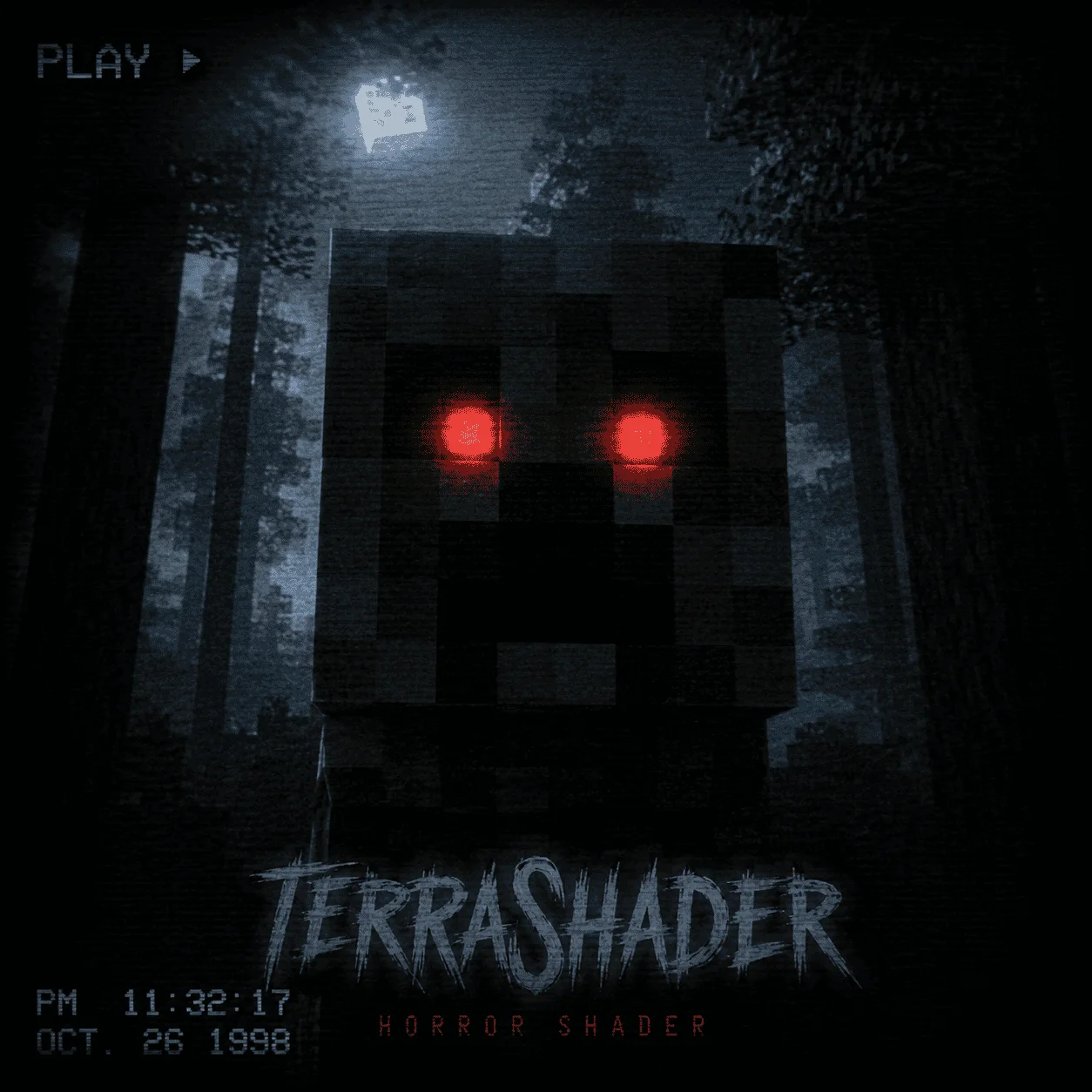
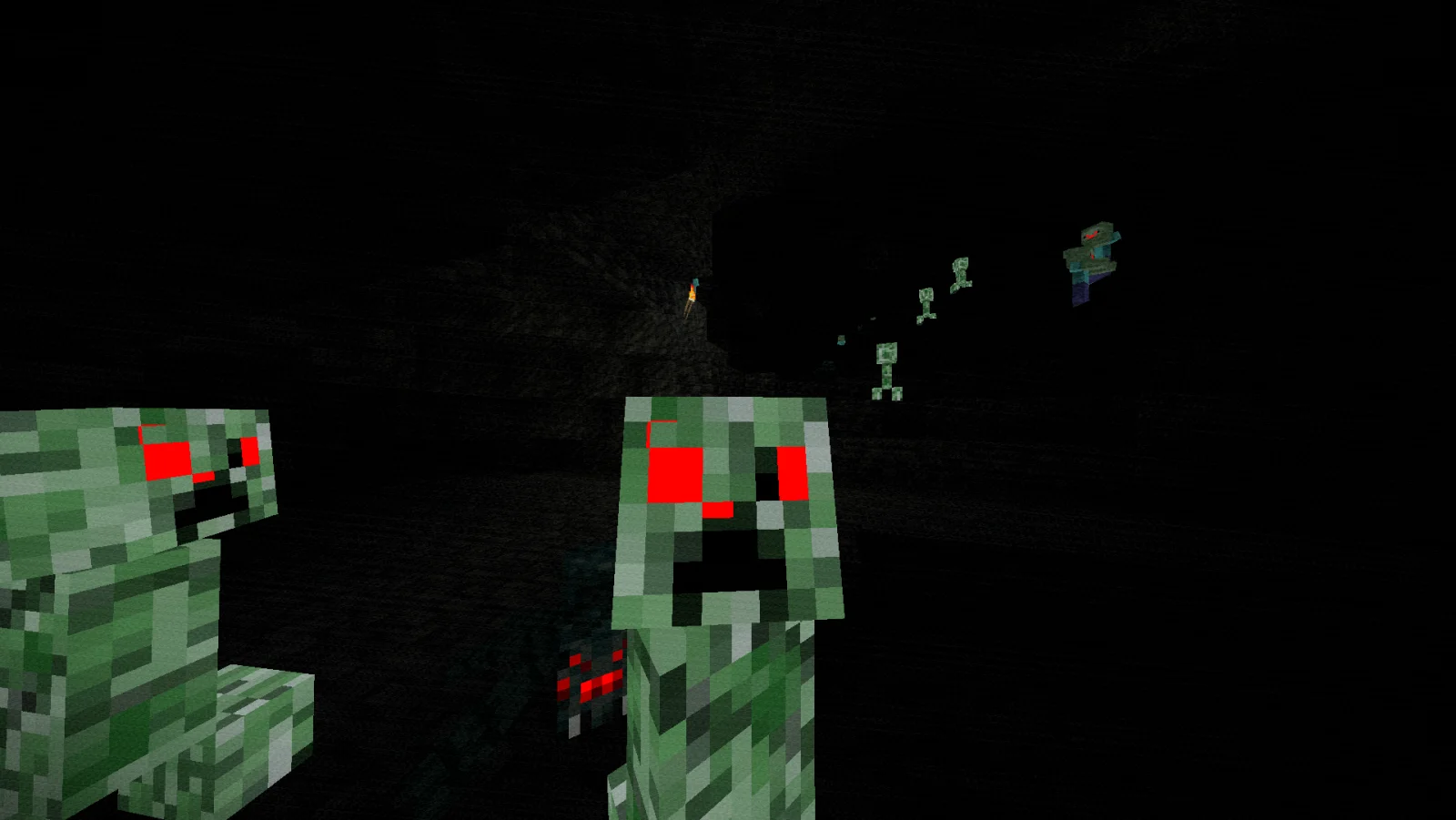
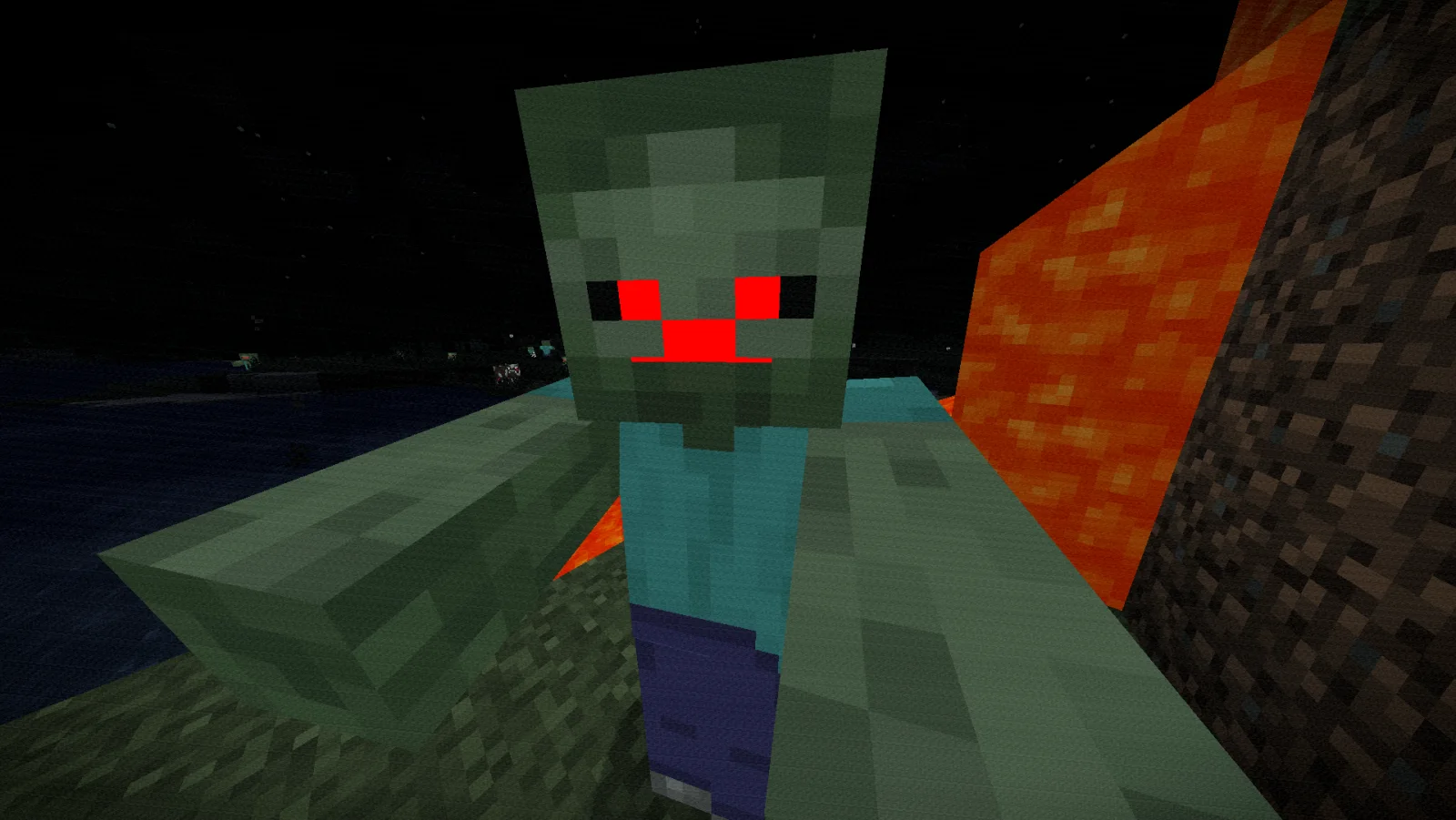
Zombie Horror Shader (pack de shaders) est une création de BeboNaiem. A desaturated, horror-themed shader pack for OptiFine and Iris. Features atmospheric film-grain night lighting and automatically makes the eyes of zombies…
Versions prises en charge : Minecraft 1.17 – 26.x. On compte 10,038 téléchargements sur Modrinth. La dernière mise à jour date du 25/06/2026.
La plus récente est 1.0.0, sortie le 25/06/2026. Elle est faite pour Minecraft 1.17 – 26.2. Elle fonctionne sur Iris et Optifine. Le téléchargement fait 3 KB.
| Version | Publié | Minecraft | Type |
|---|---|---|---|
1.0.0 | 25/06/2026 | 1.17 – 26.2 | Stable |
ZombieHorrorShader is a lightweight post-processing shader pack for Iris and OptiFine designed to turn your Minecraft world into a gritty, suspenseful zombie apocalypse.
Instead of requiring heavy custom resource packs or complex mod setups, this shader handles everything dynamically. It alters the game's colors to create a cold, desaturated, horror-movie aesthetic while automatically forcing the eyes of hostile and passive mobs to glow blood-red in the dark.
Écrite par BeboNaiem. À lire avec les images sur Modrinth.
Installe Iris (avec Sodium) ou OptiFine pour ta version de Minecraft : les shaders ont besoin de l'un des deux.
Télécharge le fichier .zip depuis Modrinth. Ne le décompresse pas.
Dans Minecraft, ouvre Options, puis Paramètres vidéo, puis Shaders, et clique sur Ouvrir le dossier des shaders.
Dépose le fichier .zip dans ce dossier, choisis Zombie Horror Shader dans la liste et clique sur Terminé.
Les shaders sollicitent beaucoup la carte graphique. Si le jeu ralentit, choisis un profil plus bas dans leurs réglages.
| Ressource | Téléchargements | Versions | Mise à jour | Prix |
|---|---|---|---|---|
| Zombie Horror Shadercelle que tu regardais | 10K | 1.17 – 26.x | 25 juin 2026 | Gratuit |
| Dreadlightnoxantgames.clip | 6,433 | 1.17 – 1.21 | 18 juil. 2026 | Gratuit |
 Insanity ShaderElocinDev | 8.1M | 1.8 – 1.21 | 13 juin 2024 | Gratuit |
 tuvefe aura warp liminaltuvefef | 21K | 1.16 – 26.x | 16 oct. 2026 | Gratuit |
Oui. Zombie Horror Shader prend en charge Minecraft 26.x. Toutes les versions prises en charge : 26.x, 1.21, 1.20, 1.19, 1.18, 1.17.
Oui. Zombie Horror Shader se télécharge gratuitement sur Modrinth.
Oui. La dernière mise à jour date des dernières 24 heures.
Les plus proches sont Dreadlight, Insanity Shader et tuvefe aura warp liminal. Comparer toutes les alternatives
DreadlightShaders · 1.17 – 1.21A horror atmosphere shader for Minecraft (Iris & OptiFine): crushing darkness, creeping fog, film grain and flicker. Fully adjustable in-game.
Insanity ShaderShaders · 1.8 – 1.21A stylized, horror themed Iris shaderpack with high customizability and performance.
tuvefe aura warp liminalShaders · 1.16 – 26.xExperimental shader that distorts the world with noise, creating a surreal and atmospheric visual effect. Compatible with Iris and OptiFine.
 Found VHS TapesShaders · 1.16 – 1.21
Found VHS Tapes is a liminal horror Minecraft shader featuring 11 atmospheric profiles and customizable VHS/CRT effects, fog, lighting, color grading, camera…
 Pagoda ShadersShaders · 1.20 – 26.x
Pagoda Shaders is a Japanese-themed Minecraft shader pack that enhances the game's visuals with a serene and traditional Eastern aesthetic. It features soft…
 Jooonah's GroveShaders · 1.8 – 1.21
A green-toned shader pack made for Jooonah, perfect for creators and gamers who love green. Features a green-themed sky and an overall green aesthetic.
Connecte-toi pour laisser un avis.