
 DreadlightShaders · 1.17 – 1.21
A horror atmosphere shader for Minecraft (Iris & OptiFine): crushing darkness, creeping fog, film grain and flicker. Fully adjustable in-game.
Free6,368 downloads
A desaturated, horror-themed shader pack for OptiFine and Iris. Features atmospheric film-grain night lighting and automatically makes the eyes of zombies…
Direct download from Modrinth · 9,965 downloads
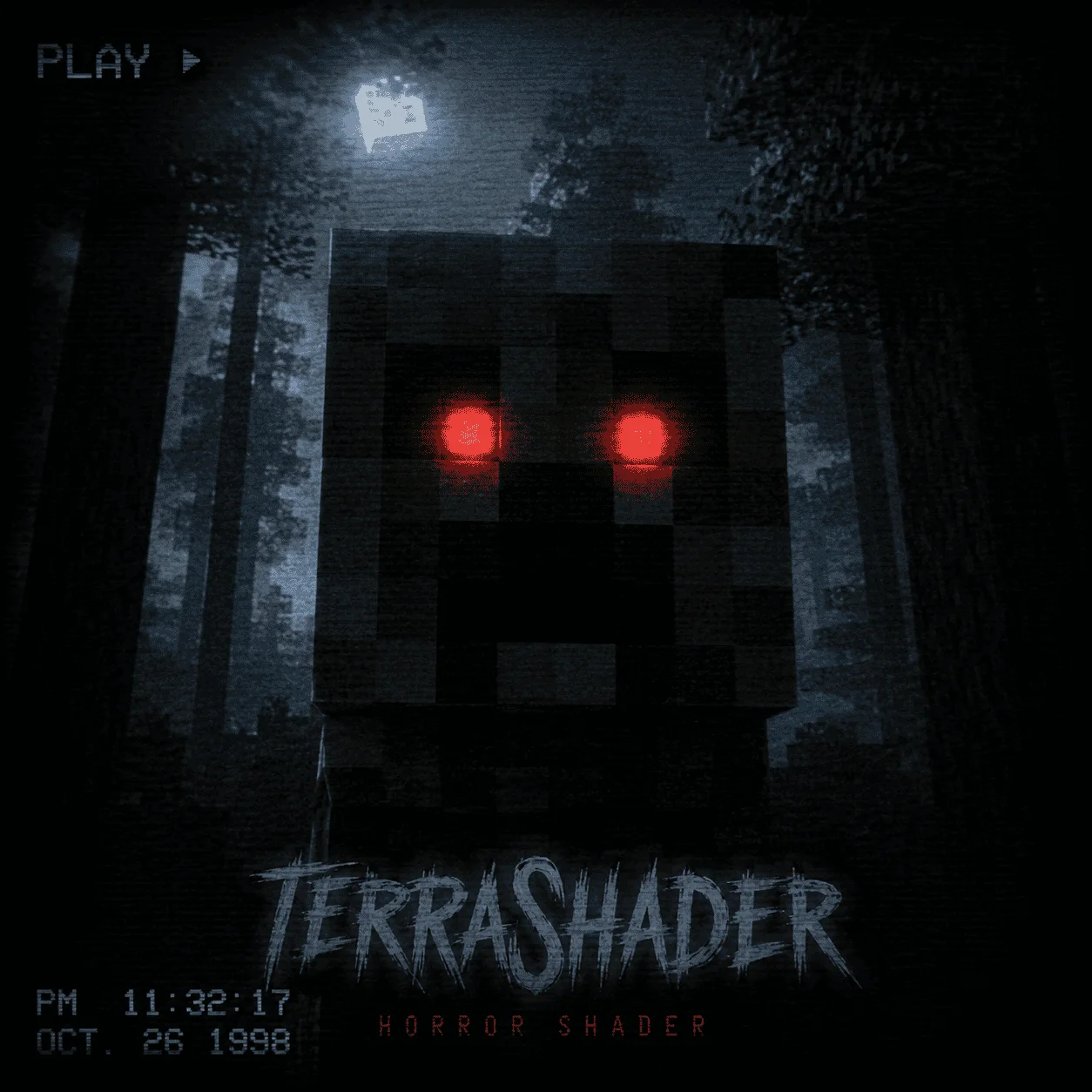
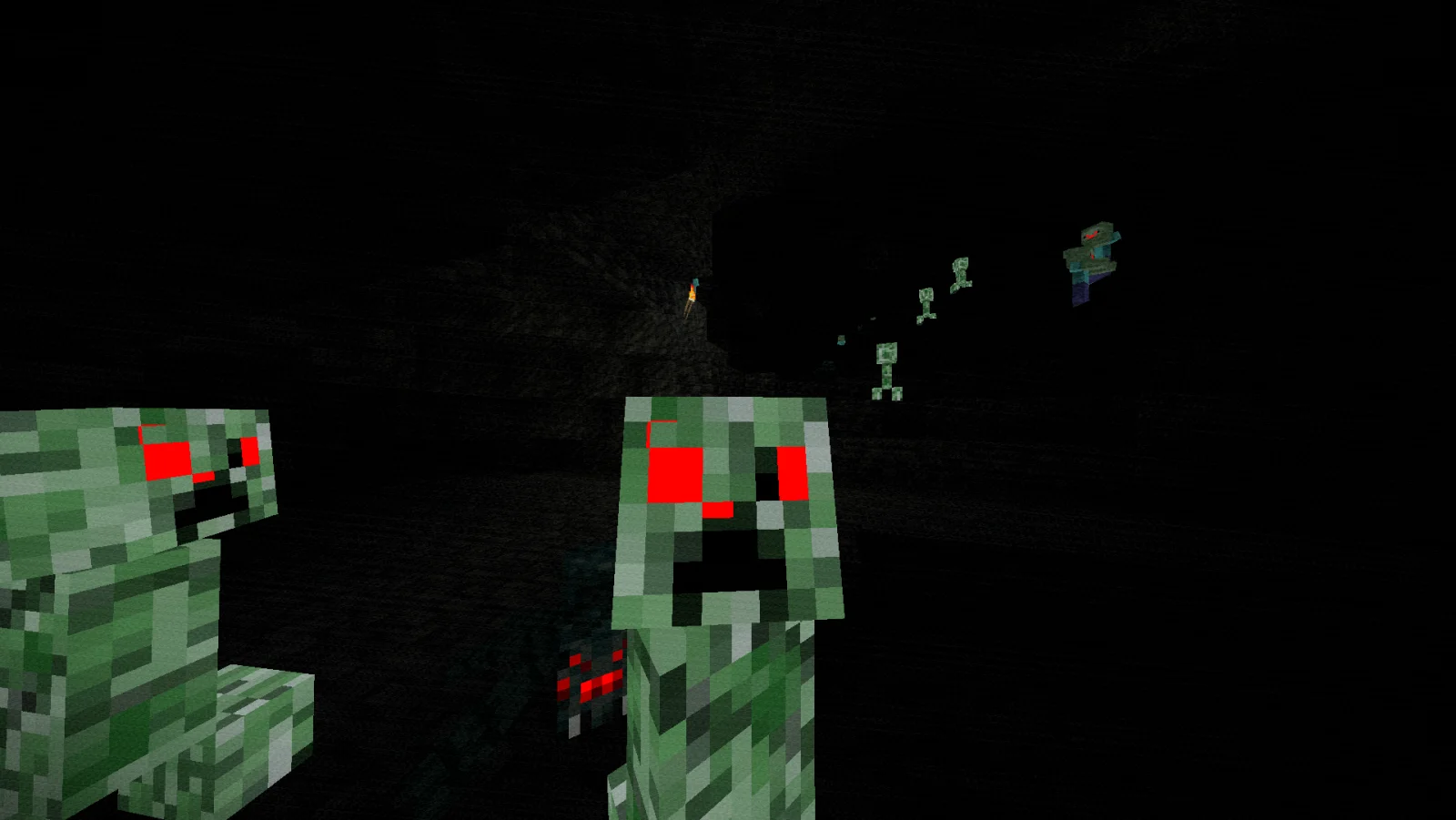
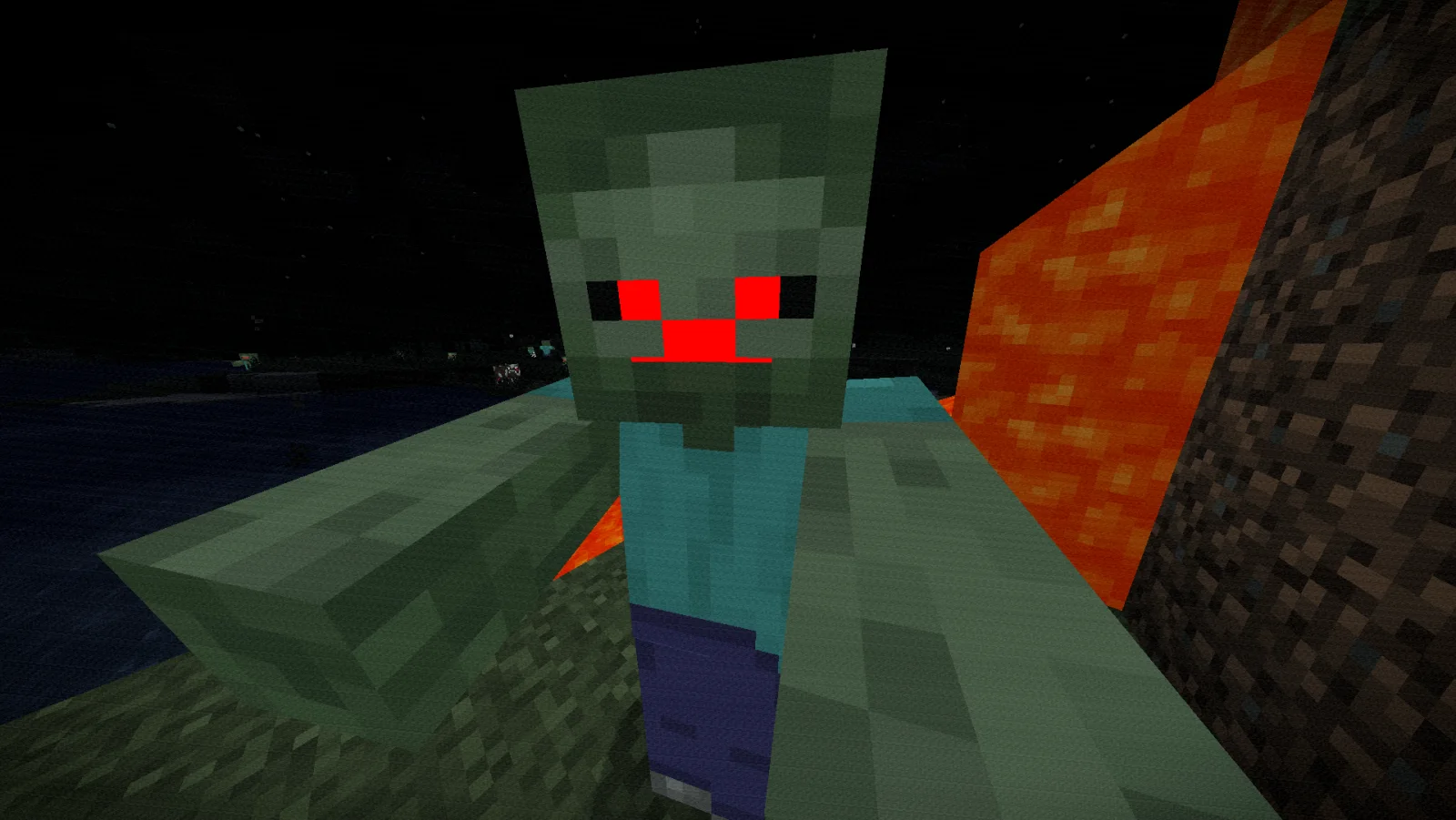
Zombie Horror Shader is a shader pack made by BeboNaiem. A desaturated, horror-themed shader pack for OptiFine and Iris. Features atmospheric film-grain night lighting and automatically makes the eyes of zombies…
It supports Minecraft 1.17 – 26.x. It has been downloaded 9,965 times on Modrinth. The last update came out on Jun 25, 2026.
The newest is 1.0.0, released on Jun 25, 2026. It is made for Minecraft 1.17 – 26.2. It runs on Iris and Optifine. The download is 3 KB.
| Version | Released | Minecraft | Type |
|---|---|---|---|
1.0.0 | Jun 25, 2026 | 1.17 – 26.2 | Release |
ZombieHorrorShader is a lightweight post-processing shader pack for Iris and OptiFine designed to turn your Minecraft world into a gritty, suspenseful zombie apocalypse.
Instead of requiring heavy custom resource packs or complex mod setups, this shader handles everything dynamically. It alters the game's colors to create a cold, desaturated, horror-movie aesthetic while automatically forcing the eyes of hostile and passive mobs to glow blood-red in the dark.
Written by BeboNaiem. Read it with pictures on Modrinth.
Install Iris (with Sodium) or OptiFine for your Minecraft version: shaders need one of them.
Download the .zip file from Modrinth. Do not unzip it.
In Minecraft, open Options, then Video Settings, then Shader Packs, and click Open Shader Pack Folder.
Drop the .zip file into that folder, pick Zombie Horror Shader in the list and click Done.
Shaders are heavy on the graphics card. If the game gets slow, pick a lower profile in the shader settings.
Full guide: How to install Minecraft shaders
| Resource | Downloads | Versions | Last update | Price |
|---|---|---|---|---|
| Zombie Horror Shaderthe one you looked at | 9,965 | 1.17 – 26.x | Jun 25, 2026 | Free |
| Dreadlightnoxantgames.clip | 6,368 | 1.17 – 1.21 | Jul 18, 2026 | Free |
 Insanity ShaderElocinDev | 8.1M | 1.8 – 1.21 | Jun 13, 2024 | Free |
 tuvefe aura warp liminaltuvefef | 21K | 1.16 – 26.x | 29 days ago | Free |
Yes. Zombie Horror Shader supports Minecraft 26.x. All supported versions: 26.x, 1.21, 1.20, 1.19, 1.18, 1.17.
Yes. Zombie Horror Shader is free to download from Modrinth.
Yes. The last update came out in the past day.
The closest ones are Dreadlight, Insanity Shader and tuvefe aura warp liminal. Compare all alternatives
DreadlightShaders · 1.17 – 1.21A horror atmosphere shader for Minecraft (Iris & OptiFine): crushing darkness, creeping fog, film grain and flicker. Fully adjustable in-game.
Insanity ShaderShaders · 1.8 – 1.21A stylized, horror themed Iris shaderpack with high customizability and performance.
tuvefe aura warp liminalShaders · 1.16 – 26.xExperimental shader that distorts the world with noise, creating a surreal and atmospheric visual effect. Compatible with Iris and OptiFine.
 Pagoda ShadersShaders · 1.20 – 26.x
Pagoda Shaders is a Japanese-themed Minecraft shader pack that enhances the game's visuals with a serene and traditional Eastern aesthetic. It features soft…
 Found VHS TapesShaders · 1.16 – 1.21
Found VHS Tapes is a liminal horror Minecraft shader featuring 11 atmospheric profiles and customizable VHS/CRT effects, fog, lighting, color grading, camera…
 Jooonah's GroveShaders · 1.8 – 1.21
A green-toned shader pack made for Jooonah, perfect for creators and gamers who love green. Features a green-themed sky and an overall green aesthetic.
Log in to leave a review.