
 HandcraftedMods · 1.19 – 1.21
Make your house a home!
Gratuit27,690,213 téléchargements
Add a copy wheel mount and a copy wheel.
Téléchargement direct depuis Modrinth · 4 téléchargements
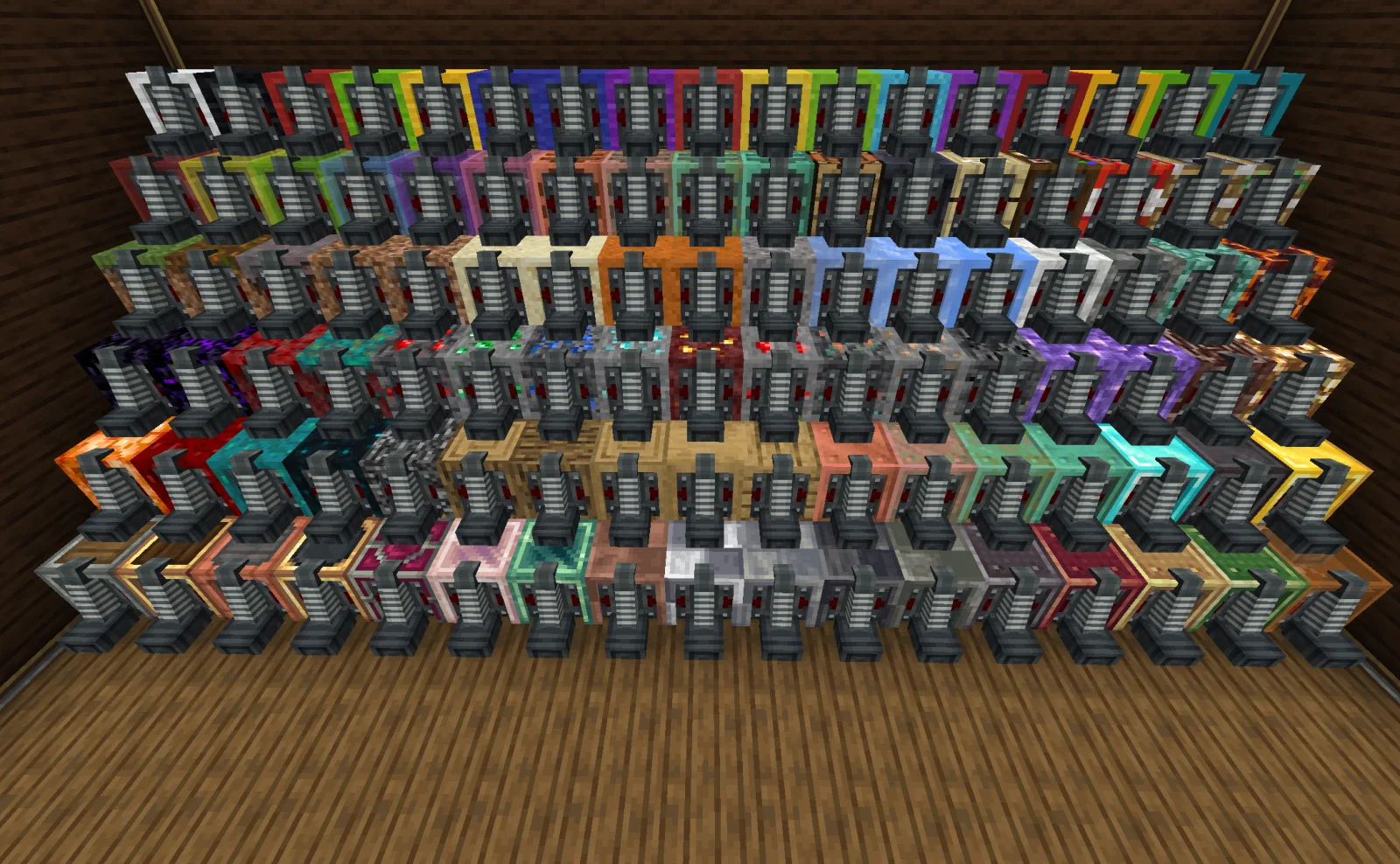
Offroad: CopycaatWheels (mod) est une création de suting. Add a copy wheel mount and a copy wheel.
Versions prises en charge : Minecraft 1.21. On compte 4 téléchargements sur Modrinth. La dernière mise à jour date du 18/10/2026.
Offroad: CopycaatWheels a publié 2 versions sur Modrinth depuis le 17/10/2026. 2 sont sorties au cours de l'année passée. La plus récente est 0.1.1, sortie le 18/10/2026. Elle est faite pour Minecraft 1.21.1. Elle fonctionne sur NeoForge. Le téléchargement fait 494 KB.
| Version | Publié | Minecraft | Type |
|---|---|---|---|
0.1.1 | 18/10/2026 | 1.21.1 | Stable |
0.1.0 | 17/10/2026 | 1.21.1 | Stable |
This mod adds three unique items to Create: Offroad:
Give your car more styling possibilities by combining copycats with wheel mounts!
The Copycat Wheel Mount, Model Copycat Tire, and Debugger.
Mounts Model Copycat Tires for ground travel. Its appearance can be disguised as any full block.
Interactions:
Redstone Control:
Copycat Wheel Mount in action.
A model tire that disguises itself as any block.
Various Model Copycat Tires.
An in-game tool for fine-tuning rotation, scale, offset, collision radius, and friction.
How to use:
The Debugger interface.
Pro Tip: Tired of the action bar spam? Press the H key (configurable in Controls) to toggle the "Copycat Hint" messages on or off!
Écrite par suting. À lire avec les images sur Modrinth.
Ce mod est nécessaire sur le serveur et chez chaque joueur qui rejoint.
Installe NeoForge pour Minecraft 1.21.
Télécharge le fichier .jar depuis Modrinth et place-le dans le dossier mods de ton répertoire .minecraft.
Lance Minecraft avec le profil NeoForge.
Plus simple : dans Prism Launcher ou la Modrinth App, cherche Offroad: CopycaatWheels dans les mods de ton instance et clique sur Install. Le loader et les mods requis sont ajoutés pour toi.
| Ressource | Téléchargements | Versions | Mise à jour | Prix |
|---|---|---|---|---|
| Offroad: CopycaatWheelscelle que tu regardais | 4 | 1.21 | il y a 26 jours | Gratuit |
| HandcraftedCodexAdrian | 27.7M | 1.19 – 1.21 | 22 mars 2025 | Gratuit |
 Create: Interiorsa0ax | 4.9M | 1.18 – 1.21 | 29 janv. 2026 | Gratuit |
 Hearth & Homecrispytwig | 7M | 1.20 | 2 mai 2024 | Gratuit |
Pas encore. La version la plus récente prise en charge est Minecraft 1.21.
Oui. Offroad: CopycaatWheels se télécharge gratuitement sur Modrinth.
Les deux. Le serveur et chaque joueur doivent avoir Offroad: CopycaatWheels installé.
Oui. La dernière mise à jour date des dernières 24 heures.
Les plus proches sont Handcrafted, Create: Interiors et Hearth & Home. Comparer toutes les alternatives
HandcraftedMods · 1.19 – 1.21Make your house a home!
Create: InteriorsMods · 1.18 – 1.21A complement to the Create mod that adds new furniture.
Hearth & HomeMods · 1.20Adds a wide range of new building blocks, adding a touch of warmth and comfort to your world!
 Lucky's Cozy Home: RefurnishedMods · 1.21
Adds furniture to the game!
 FoxxBoyy's Road ModMods · 1.21
This mod adds realistic roads, street lamps and traffic lights (& more in future updates)
 Xaero's MinimapMods · 1.8 – 26.x
Displays a map of the nearby world terrain, players, mobs, entities in the corner of your screen. Lets you create waypoints which help you find the locations…
Connecte-toi pour laisser un avis.