
 HandcraftedMods · 1.19 – 1.21
Make your house a home!
Free27,670,280 downloads
Add a copy wheel mount and a copy wheel.
Direct download from Modrinth · 4 downloads
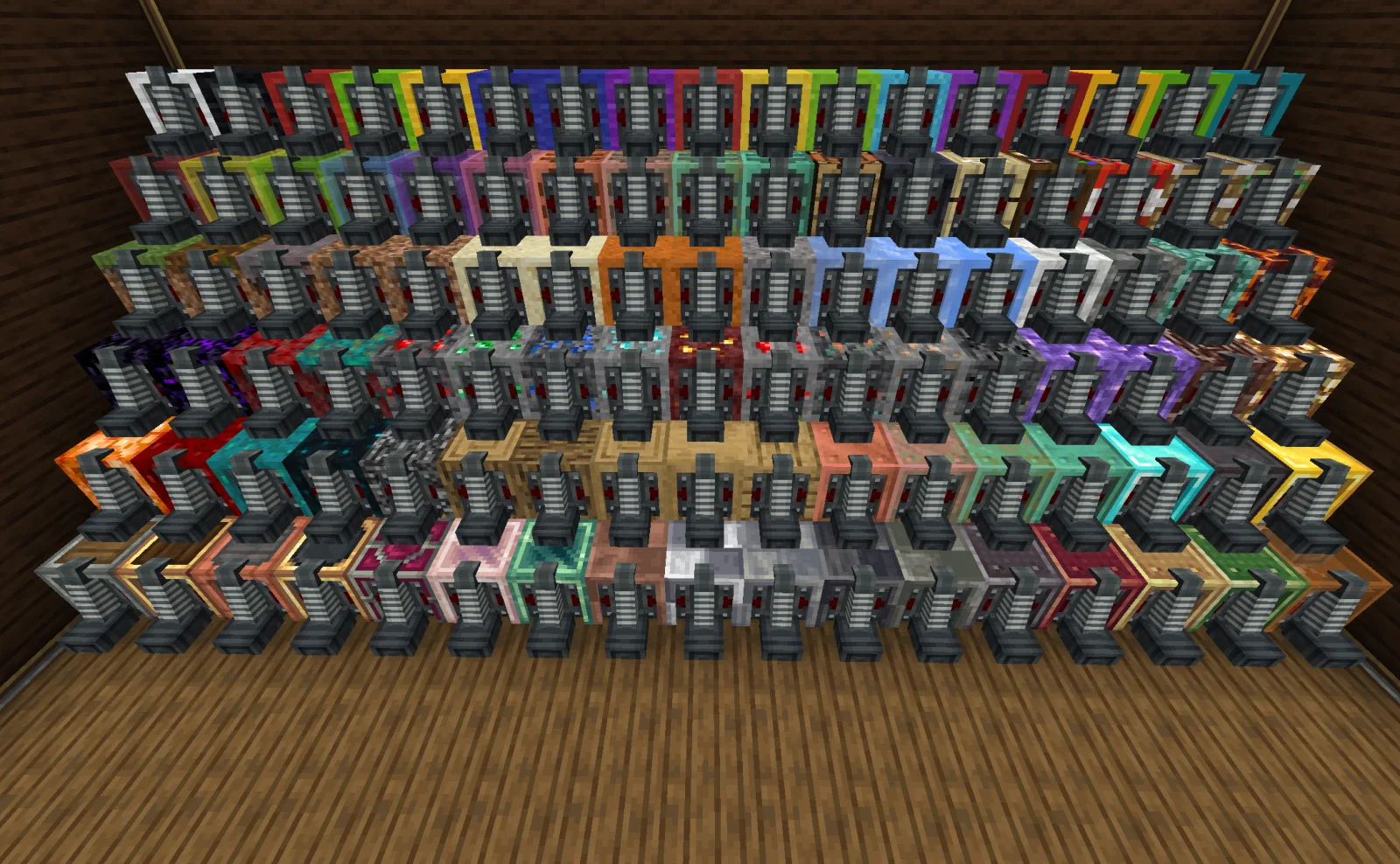
Offroad: CopycaatWheels is a mod made by suting. Add a copy wheel mount and a copy wheel.
It supports Minecraft 1.21. It has been downloaded 4 times on Modrinth. The last update came out on Oct 18, 2026.
Offroad: CopycaatWheels has had 2 releases on Modrinth since Oct 17, 2026. 2 of them came out in the past year. The newest is 0.1.1, released on Oct 18, 2026. It is made for Minecraft 1.21.1. It runs on NeoForge. The download is 494 KB.
| Version | Released | Minecraft | Type |
|---|---|---|---|
0.1.1 | Oct 18, 2026 | 1.21.1 | Release |
0.1.0 | Oct 17, 2026 | 1.21.1 | Release |
This mod adds three unique items to Create: Offroad:
Give your car more styling possibilities by combining copycats with wheel mounts!
The Copycat Wheel Mount, Model Copycat Tire, and Debugger.
Mounts Model Copycat Tires for ground travel. Its appearance can be disguised as any full block.
Interactions:
Redstone Control:
Copycat Wheel Mount in action.
A model tire that disguises itself as any block.
Various Model Copycat Tires.
An in-game tool for fine-tuning rotation, scale, offset, collision radius, and friction.
How to use:
The Debugger interface.
Pro Tip: Tired of the action bar spam? Press the H key (configurable in Controls) to toggle the "Copycat Hint" messages on or off!
Written by suting. Read it with pictures on Modrinth.
This mod is needed on both the server and every player who joins.
Install NeoForge for Minecraft 1.21.
Download the .jar file from Modrinth and put it in the mods folder of your .minecraft directory.
Start Minecraft with the NeoForge profile.
Easier: in Prism Launcher or the Modrinth App, search for Offroad: CopycaatWheels in your instance's mods and click Install. It adds the loader and the mods it needs for you.
Full guide: How to install Minecraft mods
| Resource | Downloads | Versions | Last update | Price |
|---|---|---|---|---|
| Offroad: CopycaatWheelsthe one you looked at | 4 | 1.21 | 25 days ago | Free |
| HandcraftedCodexAdrian | 27.7M | 1.19 – 1.21 | Mar 22, 2025 | Free |
 Create: Interiorsa0ax | 4.9M | 1.18 – 1.21 | Jan 29, 2026 | Free |
 Hearth & Homecrispytwig | 7M | 1.20 | May 2, 2024 | Free |
Not yet. The newest version it supports is Minecraft 1.21.
Yes. Offroad: CopycaatWheels is free to download from Modrinth.
Both. The server and every player need Offroad: CopycaatWheels installed.
Yes. The last update came out in the past day.
The closest ones are Handcrafted, Create: Interiors and Hearth & Home. Compare all alternatives
HandcraftedMods · 1.19 – 1.21Make your house a home!
Create: InteriorsMods · 1.18 – 1.21A complement to the Create mod that adds new furniture.
Hearth & HomeMods · 1.20Adds a wide range of new building blocks, adding a touch of warmth and comfort to your world!
 Lucky's Cozy Home: RefurnishedMods · 1.21
Adds furniture to the game!
 FoxxBoyy's Road ModMods · 1.21
This mod adds realistic roads, street lamps and traffic lights (& more in future updates)
 Xaero's MinimapMods · 1.8 – 26.x
Displays a map of the nearby world terrain, players, mobs, entities in the corner of your screen. Lets you create waypoints which help you find the locations…
Log in to leave a review.