
 Visual ShadersShaders · 1.21
Cinematic lighting shader with stunning sunsets, volumetric fog, realistic water, and atmospheric effects for beautiful Minecraft visuals.
Grátis7,664 downloads
Cinematic shaders for Minecraft Java featuring a black hole and white hole in the End, atmospheric lighting, volumetric clouds, water reflections and…
Download direto do Modrinth · 201,080 downloads
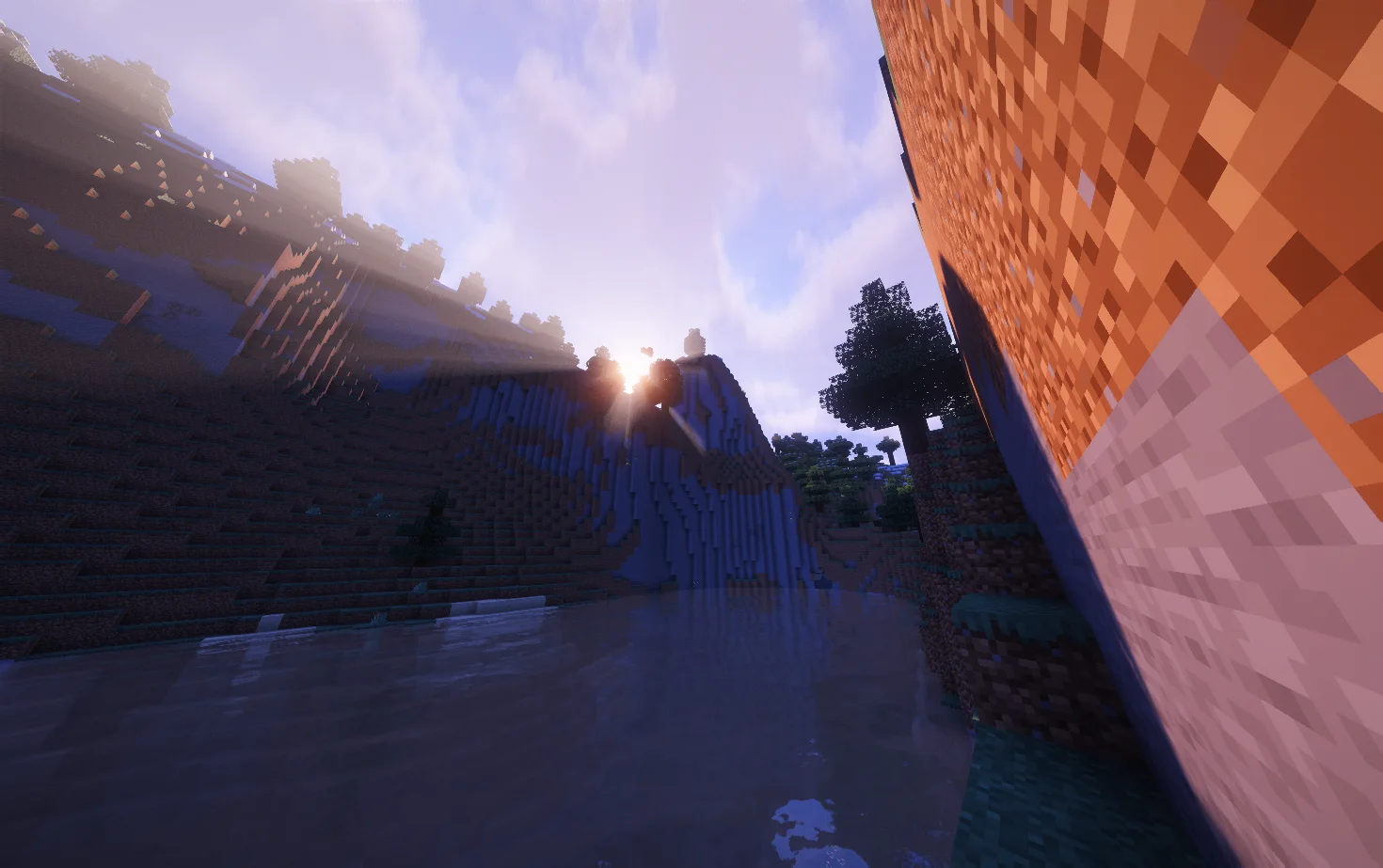
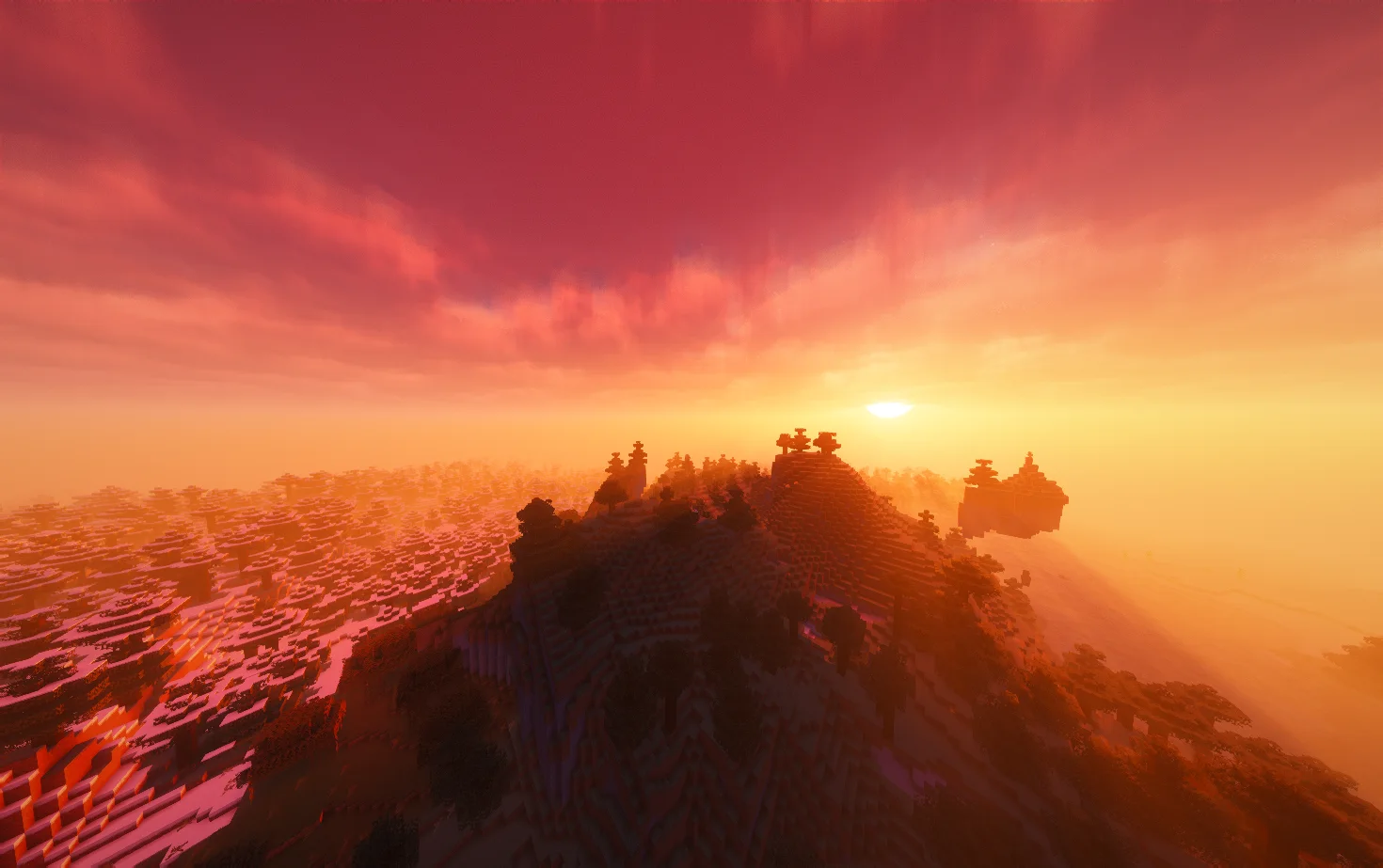
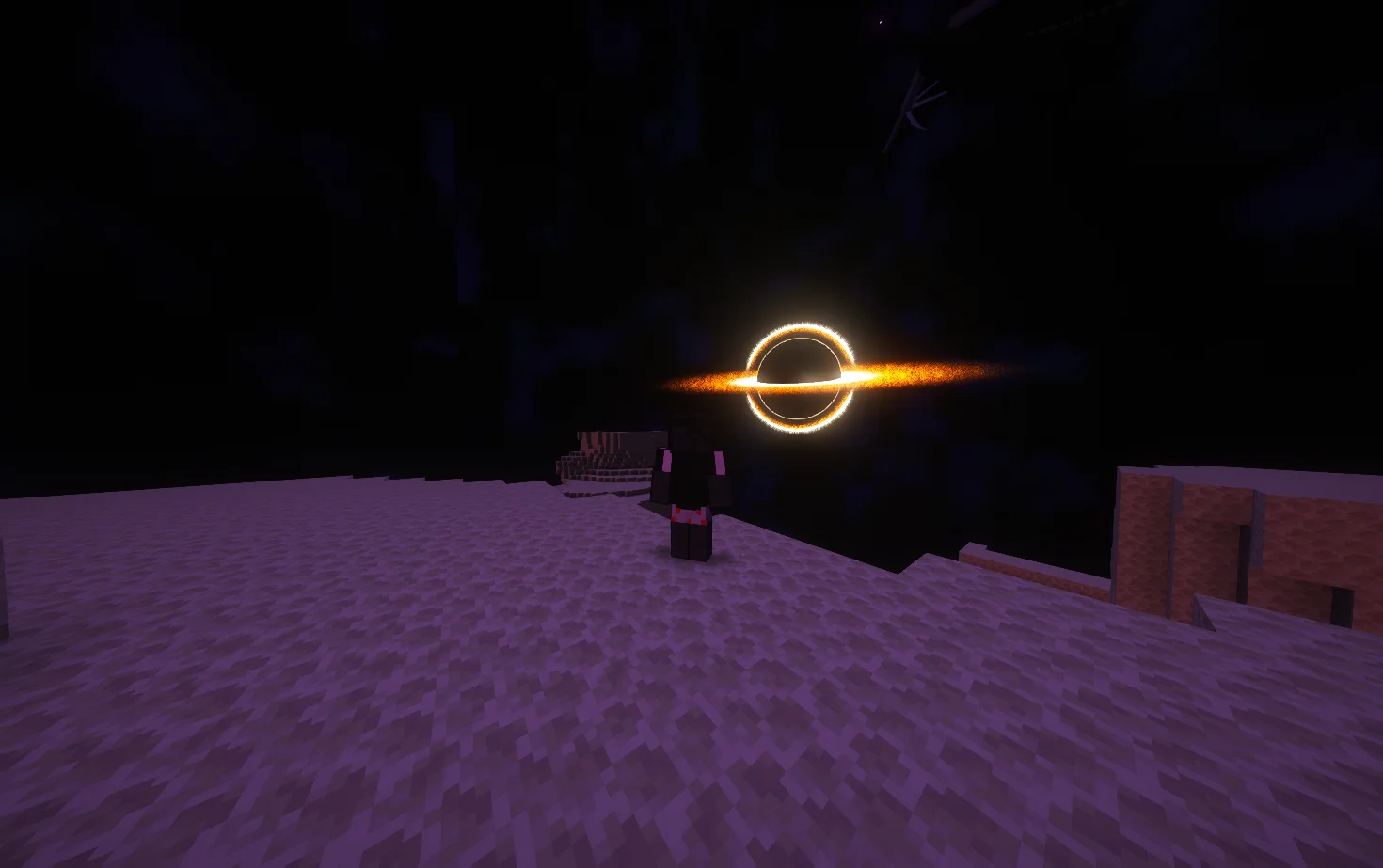
Lumina Shader (pacote de shaders) é obra de Benjiaa. Cinematic shaders for Minecraft Java featuring a black hole and white hole in the End, atmospheric lighting, volumetric clouds, water reflections and…
É compatível com o Minecraft 1.8 – 26.x. Tem 201,080 downloads em Modrinth. A última atualização saiu em 20/09/2026.
Lumina Shader teve 14 versões no Modrinth desde 08/03/2026. 14 saíram no último ano. A mais recente é 1.3.9, lançada em 20/09/2026. Ela é feita para o Minecraft 1.10 – 1.20.3. Ela roda em Iris e Optifine. O download tem 484 KB.
| Versão | Lançado | Minecraft | Tipo |
|---|---|---|---|
1.3.9 | 20/09/2026 | 1.10 – 1.20.3 | Estável |
1.3.81 | 17/08/2026 | 1.10 – 1.20.3 | Estável |
1.3.8 | 17/08/2026 | 1.10 – 1.20.3 | Estável |
1.3.7 | 01/08/2026 | 1.10 – 1.20.3 | Estável |
1.3.6 | 18/07/2026 | 1.10 – 1.20.3 | Estável |
Transform Minecraft Java with cinematic lighting, atmospheric landscapes and a cosmic overhaul of the End. Explore detailed skies, reflective water and glowing celestial objects, with adjustable quality profiles for gameplay and screenshots.
Keep your subject and foreground sharp while softly blurring the background.
Enable it under Cinematics → Focus & Depth of Field → Blur Mode → Cinematic Autofocus. Leave Depth of Field Focus on Automatic, then adjust blur strength and quality.
Distance Blur and traditional Depth of Field are also available.
Use a shader-loader build matching your Minecraft version. Individual effects depend on your loader and hardware.
Performance varies with GPU, resolution, render distance, resource packs and settings. Start with Medium, then adjust cloud quality, shadows and reflections to suit your system.
Developer: Benjiaa.
Lumina Event Horizon is a modified shader pack based on Complementary Reimagined by EminGT.
When reporting a problem, include your Minecraft version, shader loader, GPU, active profile and screenshots or logs.
Report bugs or share feedback on GitHub Issues
Escrita por Benjiaa. Leia com imagens no Modrinth.
Instale o Iris (com Sodium) ou o OptiFine para sua versão do Minecraft: shaders precisam de um deles.
Baixe o arquivo .zip pelo Modrinth. Não descompacte.
No Minecraft, abra Opções, depois Gráficos, depois Shader Packs e clique em Abrir pasta de shaders.
Coloque o arquivo .zip nessa pasta, escolha Lumina Shader na lista e clique em Concluído.
Shaders pesam na placa de vídeo. Se o jogo ficar lento, escolha um perfil mais baixo nas configurações.
| Recurso | Downloads | Versões | Última atualização | Preço |
|---|---|---|---|---|
| Lumina Shadero que você estava vendo | 201K | 1.8 – 26.x | 20 set 2026 | Grátis |
| Visual ShadersTw1l | 7,664 | 1.21 | 3 ago 2026 | Grátis |
 LuminaShaderstep67677 | 70 | 26.x | há 10 dias | Grátis |
 Principalxsoras | 8,008 | 1.16 – 26.x | 12 set 2026 | Grátis |
Sim. Lumina Shader é compatível com o Minecraft 26.x. Todas as versões compatíveis: 26.x, 1.21, 1.20, 1.19, 1.18, 1.17, 1.16, 1.13, 1.12, 1.8.
Sim. Você pode baixar Lumina Shader de graça em Modrinth.
Sim. A última atualização saiu no último dia.
Os mais parecidos são Visual Shaders, LuminaShader e Principal. Comparar todas as alternativas
Visual ShadersShaders · 1.21Cinematic lighting shader with stunning sunsets, volumetric fog, realistic water, and atmospheric effects for beautiful Minecraft visuals.
LuminaShaderShaders · 26.xA soft “vanilla-plus” shader for Iris: cinematic lighting, depth-based water with foam and reflections, custom clouds, SSAO and quality profiles for low-end…
PrincipalShaders · 1.16 – 26.xDynamic atmospheric Minecraft shader with cinematic skies, volumetric clouds, immersive lighting, and reactive weather.
 Aurelia ShaderShaders · 1.20 – 26.x
A cinematic Iris shader for Minecraft with volumetric clouds, realistic animated water with reflections, god rays, bloom, circular sun and moon, and a green…
 Eclipse ShaderShaders · 1.16
A modern, high-performance shaderpack for Iris featuring cinematic lighting, physically-based water, dynamic shadows, and immersive volumetric fog.
 VerlixiaShaders · 1.8 – 26.x
An high-end overhaul of BSL Shaders, featuring multi-colored block lighting, heat haze effect, realistic wet reflections and more!
Entre para deixar uma avaliação.