
 Visual ShadersShaders · 1.21
Cinematic lighting shader with stunning sunsets, volumetric fog, realistic water, and atmospheric effects for beautiful Minecraft visuals.
Gratuit7,635 téléchargements
Cinematic shaders for Minecraft Java featuring a black hole and white hole in the End, atmospheric lighting, volumetric clouds, water reflections and…
Téléchargement direct depuis Modrinth · 199,801 téléchargements
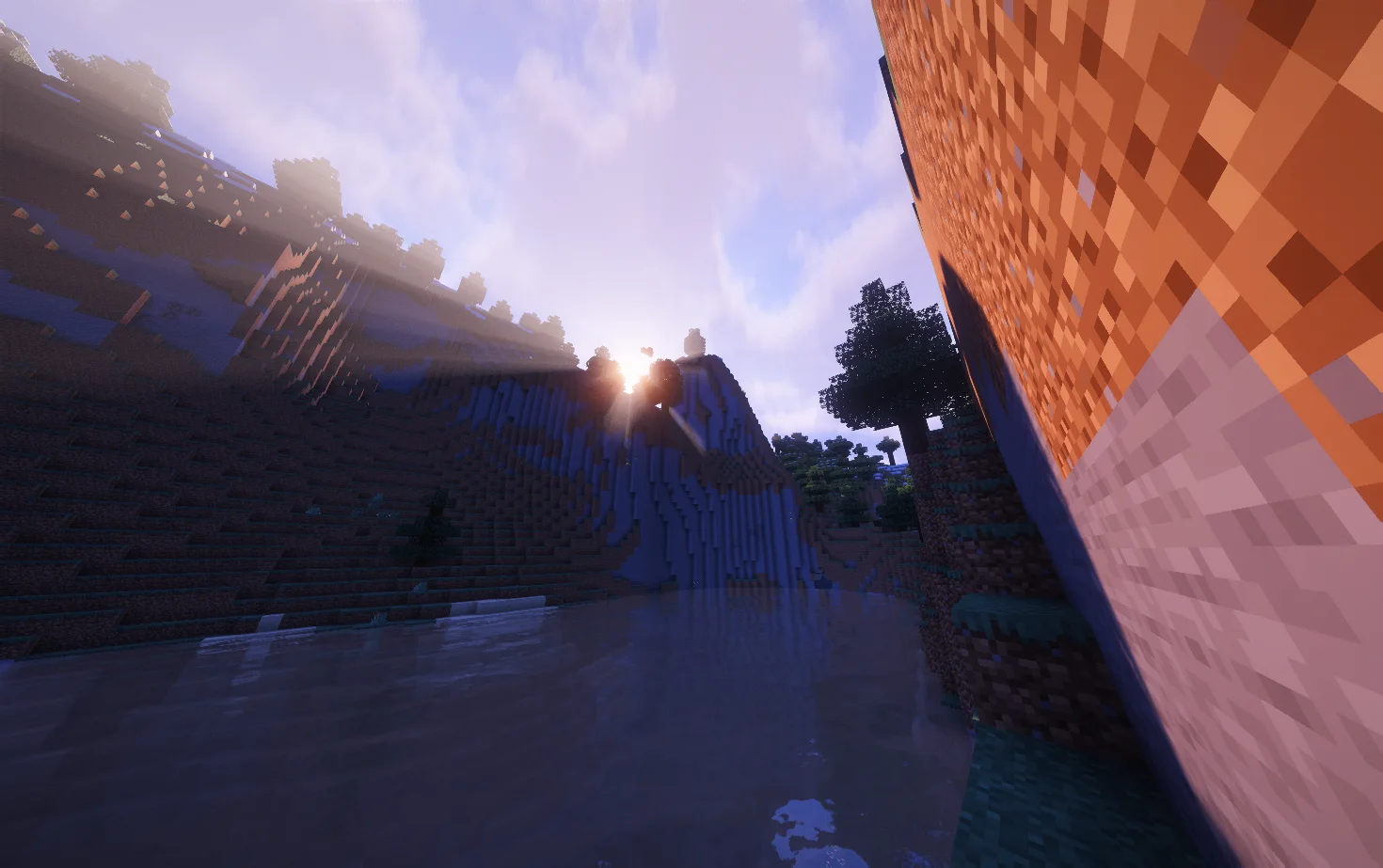
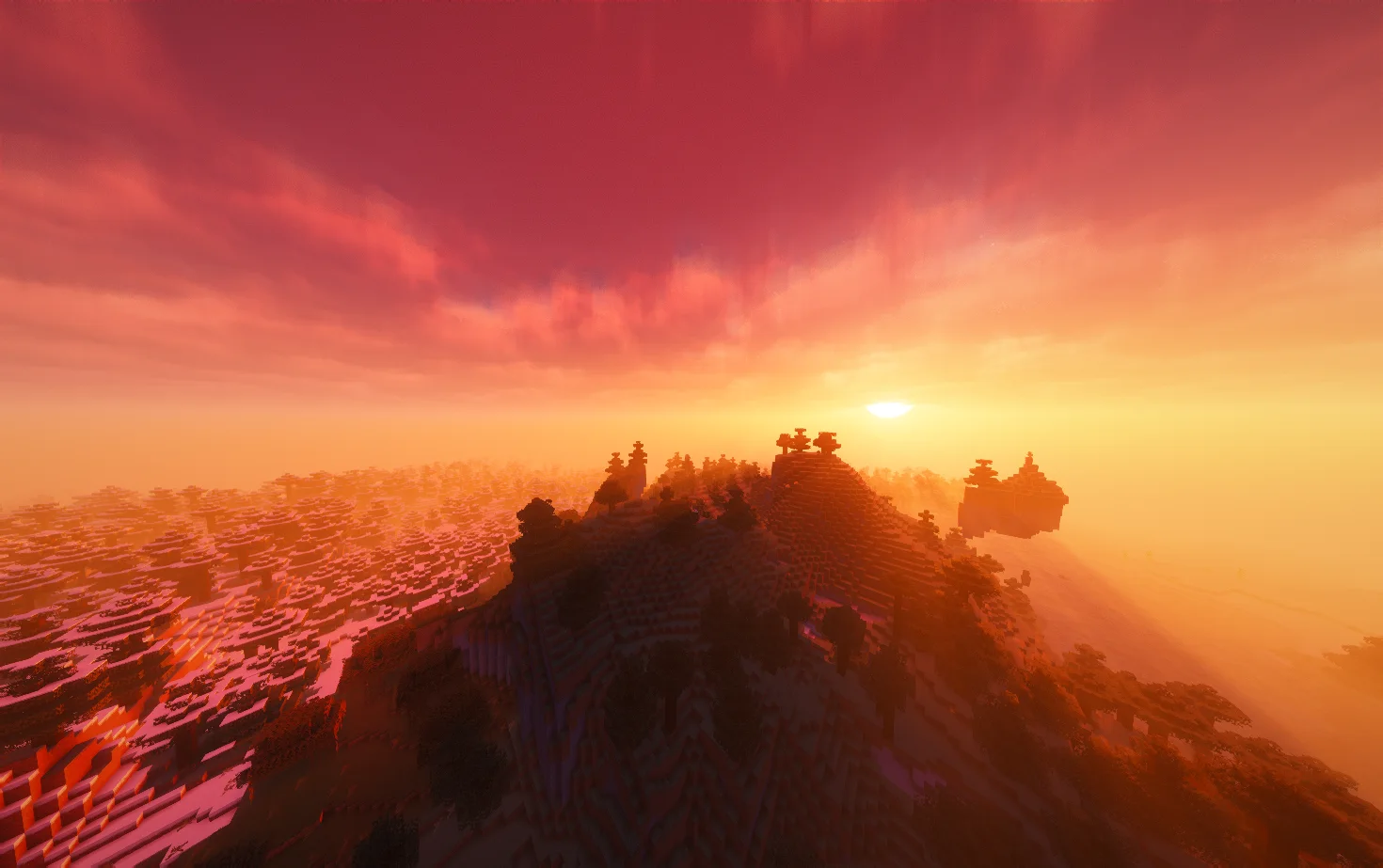
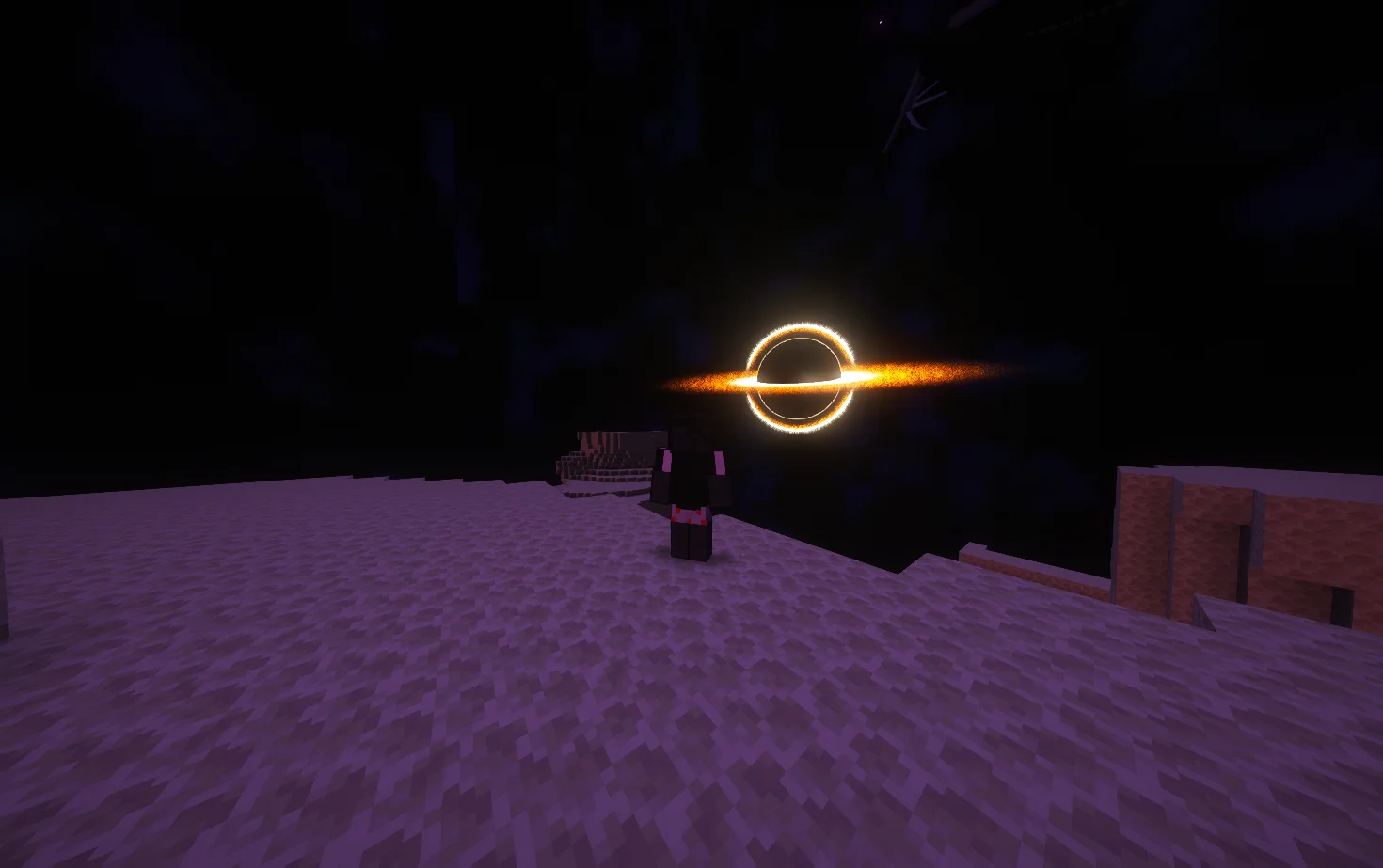
Lumina Shader (pack de shaders) est une création de Benjiaa. Cinematic shaders for Minecraft Java featuring a black hole and white hole in the End, atmospheric lighting, volumetric clouds, water reflections and…
Versions prises en charge : Minecraft 1.8 – 26.x. On compte 199,801 téléchargements sur Modrinth. La dernière mise à jour date du 20/09/2026.
Lumina Shader a publié 14 versions sur Modrinth depuis le 08/03/2026. 14 sont sorties au cours de l'année passée. La plus récente est 1.3.9, sortie le 20/09/2026. Elle est faite pour Minecraft 1.10 – 1.20.3. Elle fonctionne sur Iris et Optifine. Le téléchargement fait 484 KB.
| Version | Publié | Minecraft | Type |
|---|---|---|---|
1.3.9 | 20/09/2026 | 1.10 – 1.20.3 | Stable |
1.3.81 | 17/08/2026 | 1.10 – 1.20.3 | Stable |
1.3.8 | 17/08/2026 | 1.10 – 1.20.3 | Stable |
1.3.7 | 01/08/2026 | 1.10 – 1.20.3 | Stable |
1.3.6 | 18/07/2026 | 1.10 – 1.20.3 | Stable |
Transform Minecraft Java with cinematic lighting, atmospheric landscapes and a cosmic overhaul of the End. Explore detailed skies, reflective water and glowing celestial objects, with adjustable quality profiles for gameplay and screenshots.
Keep your subject and foreground sharp while softly blurring the background.
Enable it under Cinematics → Focus & Depth of Field → Blur Mode → Cinematic Autofocus. Leave Depth of Field Focus on Automatic, then adjust blur strength and quality.
Distance Blur and traditional Depth of Field are also available.
Use a shader-loader build matching your Minecraft version. Individual effects depend on your loader and hardware.
Performance varies with GPU, resolution, render distance, resource packs and settings. Start with Medium, then adjust cloud quality, shadows and reflections to suit your system.
Developer: Benjiaa.
Lumina Event Horizon is a modified shader pack based on Complementary Reimagined by EminGT.
When reporting a problem, include your Minecraft version, shader loader, GPU, active profile and screenshots or logs.
Report bugs or share feedback on GitHub Issues
Écrite par Benjiaa. À lire avec les images sur Modrinth.
Installe Iris (avec Sodium) ou OptiFine pour ta version de Minecraft : les shaders ont besoin de l'un des deux.
Télécharge le fichier .zip depuis Modrinth. Ne le décompresse pas.
Dans Minecraft, ouvre Options, puis Paramètres vidéo, puis Shaders, et clique sur Ouvrir le dossier des shaders.
Dépose le fichier .zip dans ce dossier, choisis Lumina Shader dans la liste et clique sur Terminé.
Les shaders sollicitent beaucoup la carte graphique. Si le jeu ralentit, choisis un profil plus bas dans leurs réglages.
| Ressource | Téléchargements | Versions | Mise à jour | Prix |
|---|---|---|---|---|
| Lumina Shadercelle que tu regardais | 200K | 1.8 – 26.x | 20 sept. 2026 | Gratuit |
| Visual ShadersTw1l | 7,635 | 1.21 | 3 août 2026 | Gratuit |
 LuminaShaderstep67677 | 53 | 26.x | il y a 9 jours | Gratuit |
 Principalxsoras | 7,999 | 1.16 – 26.x | 12 sept. 2026 | Gratuit |
Oui. Lumina Shader prend en charge Minecraft 26.x. Toutes les versions prises en charge : 26.x, 1.21, 1.20, 1.19, 1.18, 1.17, 1.16, 1.13, 1.12, 1.8.
Oui. Lumina Shader se télécharge gratuitement sur Modrinth.
Oui. La dernière mise à jour date des dernières 24 heures.
Les plus proches sont Visual Shaders, LuminaShader et Principal. Comparer toutes les alternatives
Visual ShadersShaders · 1.21Cinematic lighting shader with stunning sunsets, volumetric fog, realistic water, and atmospheric effects for beautiful Minecraft visuals.
LuminaShaderShaders · 26.xA soft “vanilla-plus” shader for Iris: cinematic lighting, depth-based water with foam and reflections, custom clouds, SSAO and quality profiles for low-end…
PrincipalShaders · 1.16 – 26.xDynamic atmospheric Minecraft shader with cinematic skies, volumetric clouds, immersive lighting, and reactive weather.
 Aurelia ShaderShaders · 1.20 – 26.x
A cinematic Iris shader for Minecraft with volumetric clouds, realistic animated water with reflections, god rays, bloom, circular sun and moon, and a green…
 Eclipse ShaderShaders · 1.16
A modern, high-performance shaderpack for Iris featuring cinematic lighting, physically-based water, dynamic shadows, and immersive volumetric fog.
 VerlixiaShaders · 1.8 – 26.x
An high-end overhaul of BSL Shaders, featuring multi-colored block lighting, heat haze effect, realistic wet reflections and more!
Connecte-toi pour laisser un avis.