
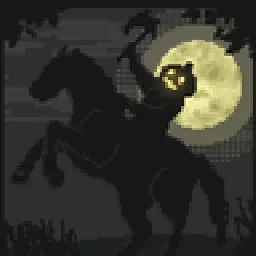
 Insanity ShaderShaders · 1.8 – 1.21
A stylized, horror themed Iris shaderpack with high customizability and performance.
Grátis8,025,464 downloads
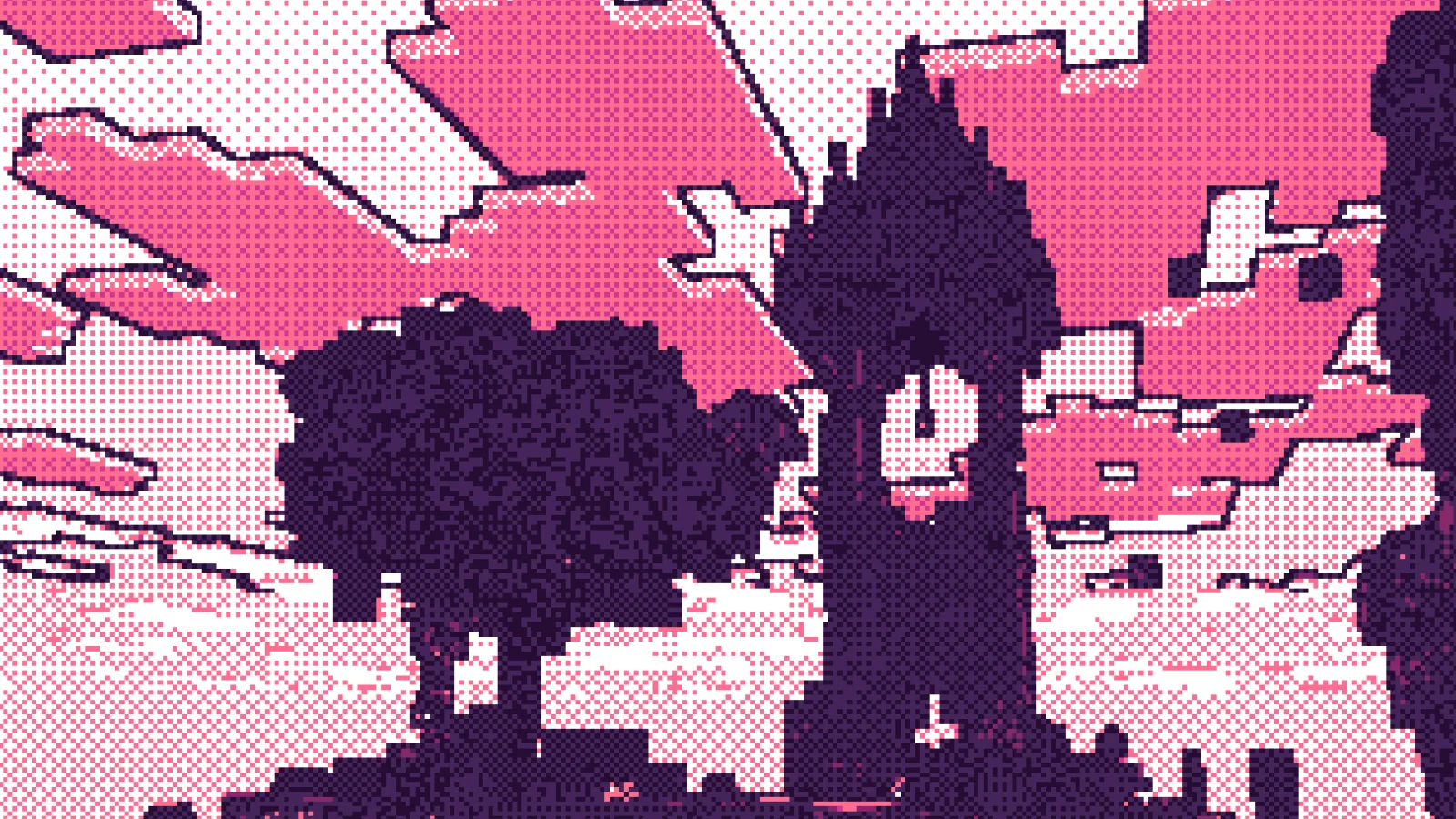
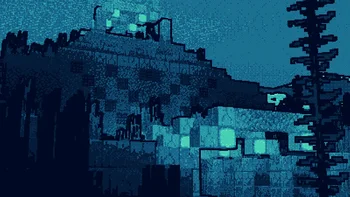
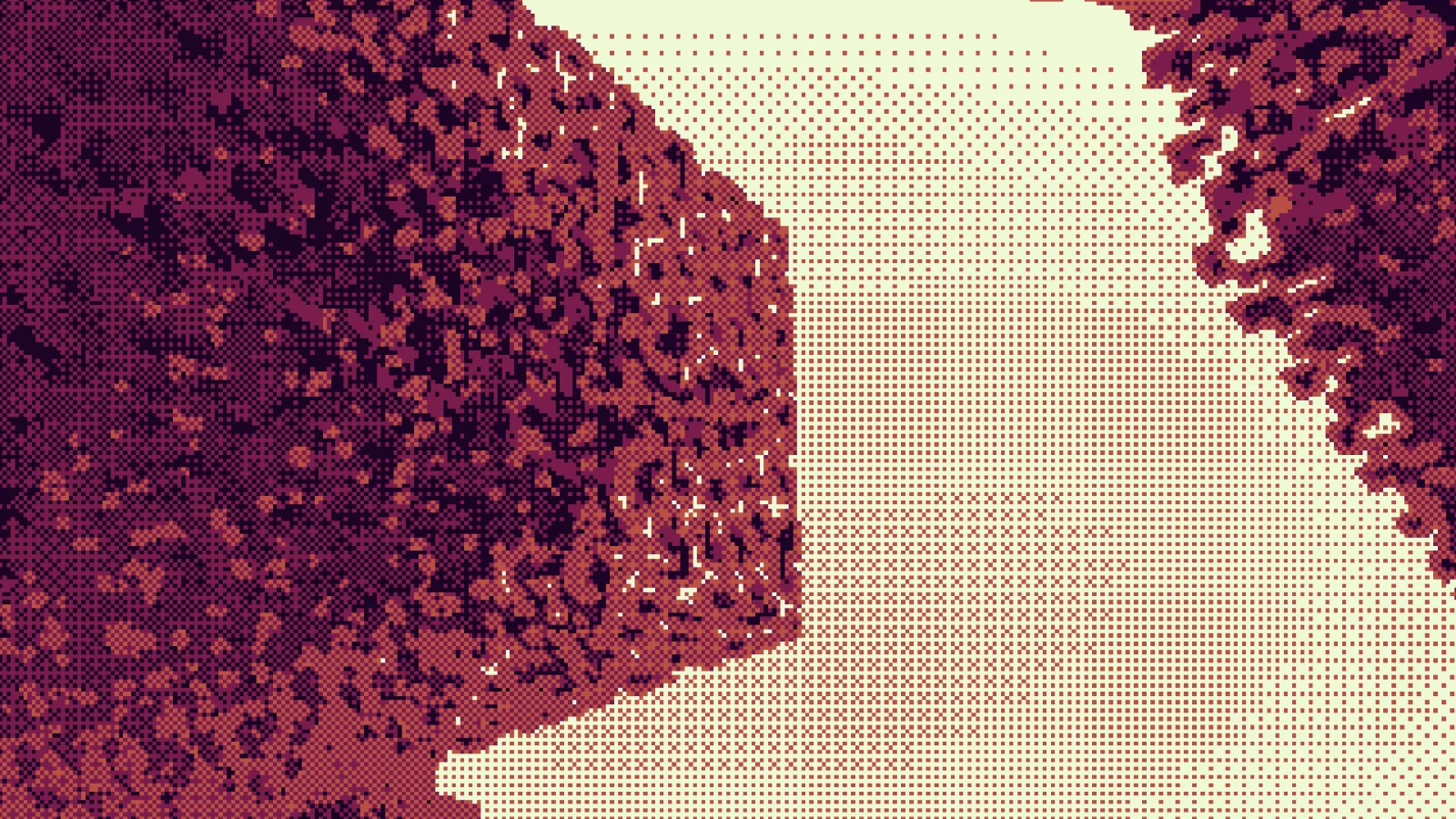
Dither (pacote de shaders) é obra de Snorfield. Stylized minecraft shaderpack that aims to recreate the look of hand-drawn pixel / retro art with fast performance.
É compatível com o Minecraft 1.20 – 1.21. Tem 11,228 downloads em Modrinth. A última atualização saiu em 19/01/2026.
A mais recente é 1.0.0, lançada em 19/01/2026. Ela é feita para o Minecraft 1.20 – 1.21.11. Ela roda em Iris. O download tem 19 KB.
| Versão | Lançado | Minecraft | Tipo |
|---|---|---|---|
1.0.0 | 19/01/2026 | 1.20 – 1.21.11 | Alfa |
Dither is a high-performance stylized shaderpack that aims to recreate hand-drawn pixel art graphics in minecraft. The pack is highly customizable and allows you to control almost every aspect of it.
Including per pixel dithering, custom palette posterization (it will use only the colors in a palette to display minecraft), edge detection for sharp outlines, as well as crisp downsampling for a low resolution look.
In order to use custom palettes, we need to edit the files a little bit. Once you have a copy of the shaderpack, it will likely be zipped. Unzip it (shaderpack will work zipped and unzipped), and locate the shaders folder. Inside, there should be a palette.glsl file. This is a small file that contains only the palette information. You do not need to touch any other files.
Color palettes typically come in hex format, and this will not work with shader code! I've made a tiny tool that allows you to convert your favorite palettes to fully working code which you can just paste into that palette.glsl file. So you simply need to open up the file with your available text editor, make your changes, and save it.
snorfield.github.io/palette-to-shader/
After saving the file, make sure to reload the shaderpack. Alternatively if you don't wish to find your own palette, there's a text file named palettes.txt in the shaderpack from which you can copy some pre-generated palettes!
Does this work with Iris?
Yes, this is written to be a fully Iris compatible shaderpack.
Does this work with Optifine?
It might. I haven't proceeded with any testing on Optifine, so you're free to try it out and report the results in my discord server.
How do I edit settings?
Navigate to your shader selection screen and click on "Shader Settings" for the options menu.
Why does the lighting look weird?
Iris currently has an issue with lightmaps which causes inverted lighting. Any version above and including 1.21.9 is affected as of now. It is recommended to use 1.21.8 to play with this shaderpack.
Why doesn't this work?
If the issue persists, open an issue on the github repository or join my discord server to report it. I will try to debug it as soon as possible.
Where can I find good palettes?
Lospec is a site that contains thousands of user-submitted palettes, it is what I use for all of my palette needs.
Where can I find the code?
The github repository contains all the code for this shaderpack, it should be linked on the side.
This looks like trash!
That's quite possible. It does take a lot of fine-tuning to get visually appealing images, which is why I've provided so many options to tweak.
It's too hard to change my palette!
Unfortunately that's simply a limitation of Minecraft shaderpacks. I've made the process as simple as possible, even going so far as to write an entire web tool to quickly allow you to create compatible palette code.
I'll keep looking into it and update the shader if I ever find an easier solution.
Escrita por Snorfield. Leia com imagens no Modrinth.
Instale o Iris (com Sodium) ou o OptiFine para sua versão do Minecraft: shaders precisam de um deles.
Baixe o arquivo .zip pelo Modrinth. Não descompacte.
No Minecraft, abra Opções, depois Gráficos, depois Shader Packs e clique em Abrir pasta de shaders.
Coloque o arquivo .zip nessa pasta, escolha Dither na lista e clique em Concluído.
Shaders pesam na placa de vídeo. Se o jogo ficar lento, escolha um perfil mais baixo nas configurações.
| Recurso | Downloads | Versões | Última atualização | Preço |
|---|---|---|---|---|
 Dithero que você estava vendo | 11K | 1.20 – 1.21 | 19 jan 2026 | Grátis |
| Insanity ShaderElocinDev | 8M | 1.8 – 1.21 | 13 jun 2024 | Grátis |
 MakeUpKDXavier | 14.2M | 1.12 – 26.x | há 22 dias | Grátis |
 Aurora's ShadersCrafterAurora | 949K | 1.20 – 1.21 | 28 mar 2025 | Grátis |
Ainda não. A versão mais recente compatível é o Minecraft 1.21.
Sim. Você pode baixar Dither de graça em Modrinth.
Sim. A última atualização saiu no último dia.
Os mais parecidos são Insanity Shader, MakeUp e Aurora's Shaders. Comparar todas as alternativas
Insanity ShaderShaders · 1.8 – 1.21A stylized, horror themed Iris shaderpack with high customizability and performance.
MakeUpShaders · 1.12 – 26.xMakeUp aims to provide the best quality / performance ratio, building a shader that can be adapted to anyone's resources.
Aurora's ShadersShaders · 1.20 – 1.21Based on Complimentary Unbound, a beautifully colorful Vanilla+ shader meant for making the game look good while maintaining good performance and vanilla feel.
 DrDestens Minecraft ShadersShaders · 1.8 – 1.21
A High Performance Shaderpack with great shadowless Visuals and PBR support
 Tricked ShadersShaders · 1.8 – 26.x
Based on Mellow Shader, a modified version to reduce brightness and make the game look better while maintaining good performance and vanilla feel.
 Vanilla AdvancedShaders · 1.20
A high-performance shader meant to both look good and run on low-end computers! Might have some bugs on older GPUs. Feedback is appreciated!
Entre para deixar uma avaliação.