
 MelloShaders · 1.20 – 26.x
Mello is a shader with high performance and great visuals.
Grátis327,908 downloads
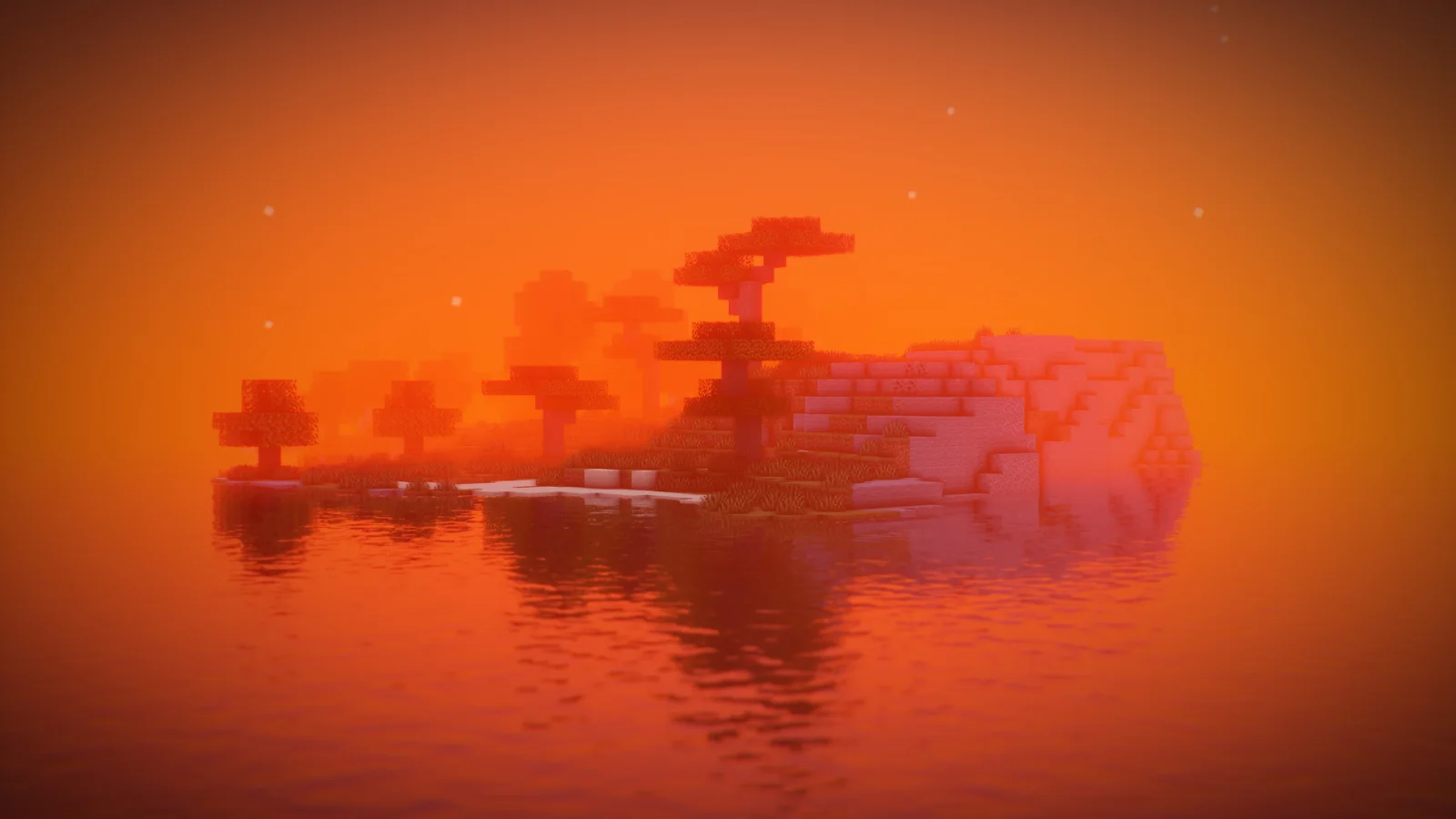
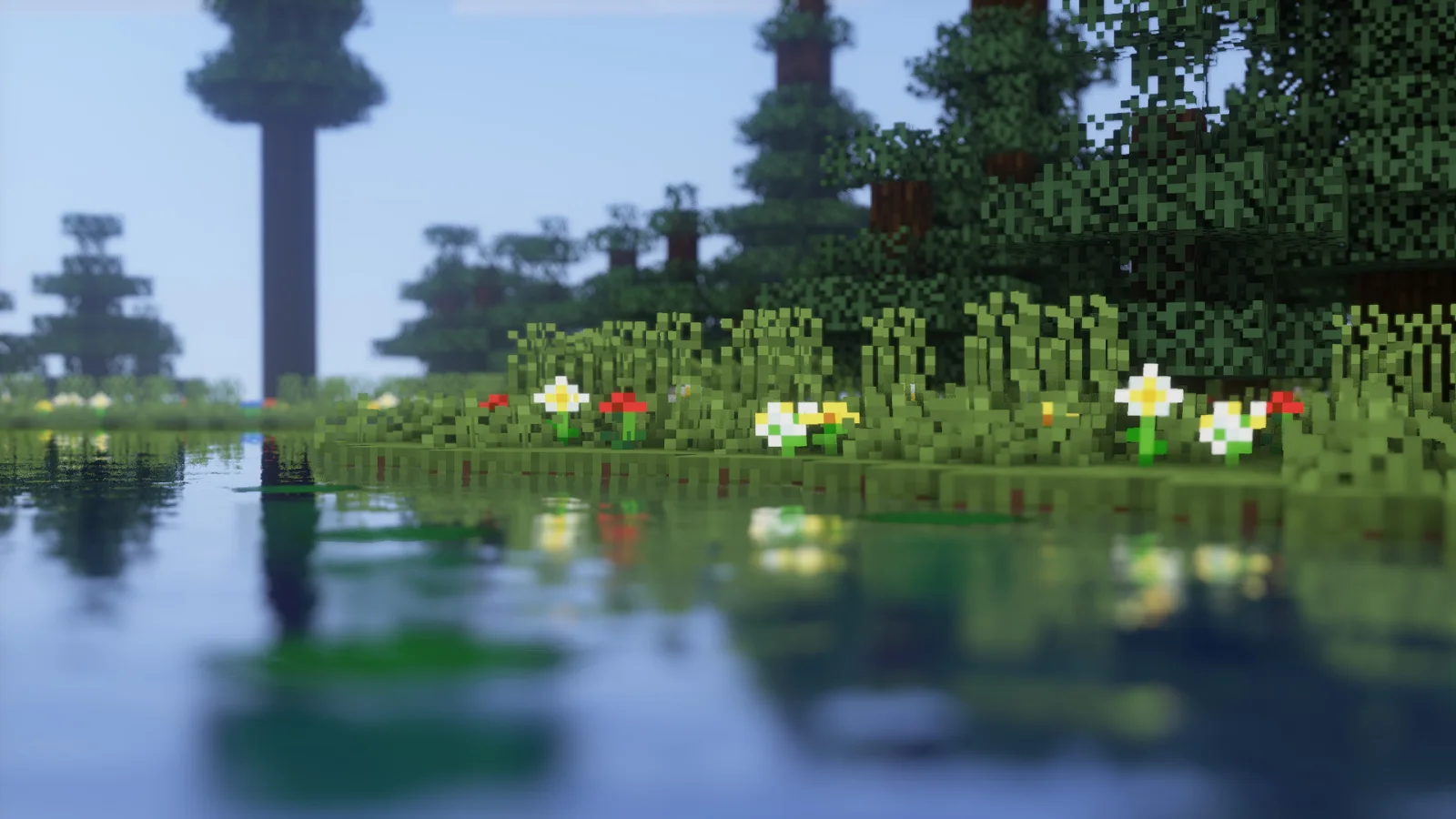
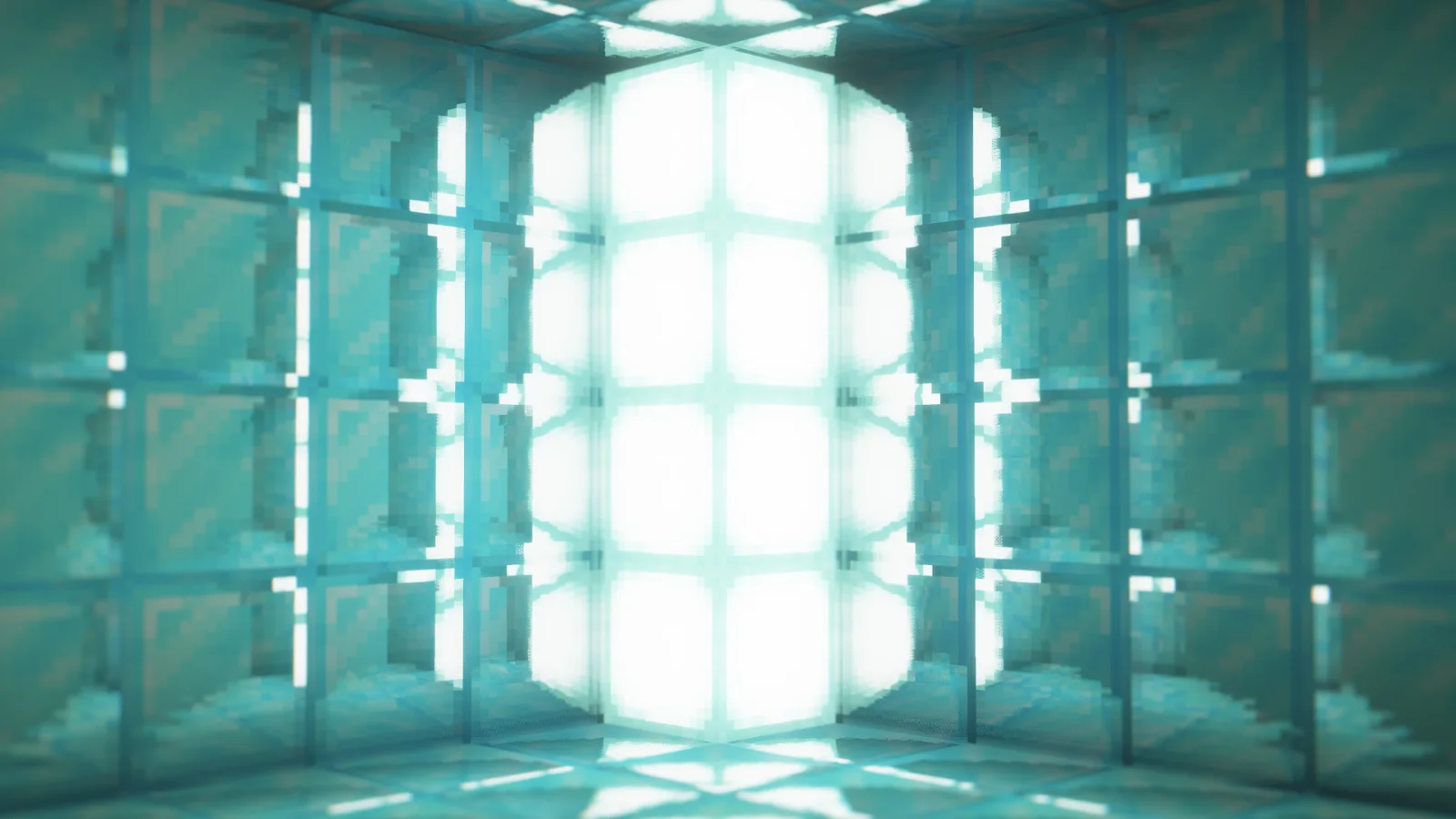
DrDestens Minecraft Shaders (pacote de shaders) é obra de DrDesten. A High Performance Shaderpack with great shadowless Visuals and PBR support.
É compatível com o Minecraft 1.8 – 1.21. Tem 537,540 downloads em Modrinth. A última atualização saiu em 10/02/2026.
DrDestens Minecraft Shaders teve 7 versões no Modrinth desde 19/01/2025. 2 saíram no último ano. A mais recente é 2.1.5, lançada em 09/02/2026. Ela é feita para o Minecraft 1.10 – 1.20.3. Ela roda em Iris e Optifine. O download tem 155 KB.
| Versão | Lançado | Minecraft | Tipo |
|---|---|---|---|
2.1.5 | 09/02/2026 | 1.10 – 1.20.3 | Estável |
2.1.4 | 14/12/2025 | 1.10 – 1.20.3 | Estável |
2.1.3 | 14/04/2025 | 1.10 – 1.20.3 | Estável |
2.1.2 | 10/04/2025 | 1.10 – 1.20.3 | Estável |
2.1.1 | 08/04/2025 | 1.10 – 1.20.3 | Estável |
DrDestens Minecraft Shaders é de código aberto. A versão mais recente no GitHub é DrDestens MinecraftShaders v2.1.5 Hotfix, publicada em 09/02/2026.
Fixed compile errors on newest Iris version
Antes: DrDestens MinecraftShaders v2.1.4 Hotfix (14/12/2025), DrDestens MinecraftShaders v2.1.3 Hotfix (14/04/2025).
DrDestens MinecraftShaders is a shaderpack for Minecraft: Java Edition. It features water effects with reflections, ambient occlusion, bloom, realistic depth of field, motion blur, TAA and many other things. The shaderpack supports the LabPBR and OldPBR/SeusPBR standard, and you can use it with PBR texturepacks for added detail.
Enables Physically Based Rendering
Make sure you enable Normal and Specular mapsm in the OptiFine shader options
Uses the Height information for Ambient occlusion
With newer OptiFine versions this might not be necessary
Enable this if normal maps do not show on entities or handheld objects
If disabled, the shader will use the color for the reflectance data
LabPBR only
Adds additional detail to blocks using the height map
Low performance impact
Can create artifacts at screen borders
Specifies how deep the POM goes
Higher values will create artifacts
Exaggerates the height map
Helps create more depth with small POM Depth values
Creates artifacts when used with high POM Depth values
Smooths out the height map
Significantly reduces artifacts
Specifies the amount of ambient occlusion on skylight
Specifies the amount of ambient occlusion on blocklight
Higher = Darker
Lower = Brighter
Higher = Darker
Lower = Brighter
Restricts blocklight to never go below this value
Prevents caves from being pitch black (unless you set it to zero that is)
Select blocklight color (torches, glowstone, etc.)
If "Complex Blocklight" is enabled, this color will NOT be used
Allows you to select two colors for blocklight
One for dark parts, one for bright parts
Higher: Emphasize "Bright" color
Lower: Emphasize "Dark" color
50 = linear transition
Blurs non-focused objects, like a real camera
Quality of the blur
Higher is better
Significantly affects performance
Intensity of the Depth of Field effect
Low performance impact
Limits the strength of the DoF blur
Helps reduce artifacts when using lower sample counts and is better for gameplay
Amount of Downsampling that takes place for the Depth of Field effect
Reduces DoF artifacts, increases pixelation artifacts
No/Low performance impact
Only blurs far away things
Improved DoF Quality by (mostly) removing color bleeding
Can have a significant performance impact
Sets how long the focus takes to adjust
Number of raytracing iterations
Lower is faster
Increase this if the reflection blind spots annoy you
Influences assumption about how thick a pixel is
No performance impact
PBR only
Sets the minimum required reflectiveness in order for SSR to enable
Higher values may introduce reflection cutoffs
Distorts things seen through water
Adds reflections to tinted glass blocks
"Physical" Waves
Moves the water surface
Fake Waves, pretending to be real ones
Added detail
Adds a constant to the water fog distance
Can help in making water more visible
Enables the vanilla water texture
Darkens screen borders
Temporal Anti-Aliasing
Smooths edges at the cost of a slightly blurrier image
Might cause problems with OptiFine's high-res screenshot feature
Controls the opacity of the current frame
Set this value lower for smoother TAA
Changes the strength of the sharpening effect
Creates a glow around bright objects
Looks nice ;)
Screen Space Ambient Occlusion
Makes cavities dark
High performance impact
Increases fog amount during sunsets
Only works with fog in "Normal" mode
Requires fog and sunsets to be enabled
Only works with newer OptiFine versions (G7 or higher)
Distorts handheld objects when invisible
Applies normal mapping to dynamic lights
Requires a ressource pack with PBR support
Changes the brightness of light from emissive blocks
Disable when using custom models with smooth surfaces
You are allowed to
You are not allowed to
Escrita por DrDesten. Leia com imagens no Modrinth.
Instale o Iris (com Sodium) ou o OptiFine para sua versão do Minecraft: shaders precisam de um deles.
Baixe o arquivo .zip pelo Modrinth. Não descompacte.
No Minecraft, abra Opções, depois Gráficos, depois Shader Packs e clique em Abrir pasta de shaders.
Coloque o arquivo .zip nessa pasta, escolha DrDestens Minecraft Shaders na lista e clique em Concluído.
Shaders pesam na placa de vídeo. Se o jogo ficar lento, escolha um perfil mais baixo nas configurações.
| Recurso | Downloads | Versões | Última atualização | Preço |
|---|---|---|---|---|
 DrDestens Minecraft Shaderso que você estava vendo | 538K | 1.8 – 1.21 | 10 fev 2026 | Grátis |
| Melloskotah | 328K | 1.20 – 26.x | há 8 dias | Grátis |
 Butter ShadersTypon | 101K | 1.8 – 1.21 | 16 fev 2026 | Grátis |
 Insanity ShaderElocinDev | 8.1M | 1.8 – 1.21 | 13 jun 2024 | Grátis |
Ainda não. A versão mais recente compatível é o Minecraft 1.21.
Sim. Você pode baixar DrDestens Minecraft Shaders de graça em Modrinth.
Sim. A última atualização saiu no último dia.
Os mais parecidos são Mello, Butter Shaders e Insanity Shader. Comparar todas as alternativas
MelloShaders · 1.20 – 26.xMello is a shader with high performance and great visuals.
Butter ShadersShaders · 1.8 – 1.21Enjoy beautiful lighting, soft shadows, and realistic water in Minecraft with great performance — perfect for both low-end and high-end devices.
Insanity ShaderShaders · 1.8 – 1.21A stylized, horror themed Iris shaderpack with high customizability and performance.
 RenderPearlShaders · 1.19 – 26.x
Clean, high performance shaders for modern hardware
 Pegasus ShadersShaders · 1.19 – 26.x
A shader that blends high performance range with new features, and lots of stylistic range!
 Zayko ShadersShaders · 1.8 – 26.x
Built for quality sometimes at playable performance + Built in PBR, Emissive Textures, and amazing adjustability.
Entre para deixar uma avaliação.