
 RAY TRACING POTATOShaders · 1.16 – 26.x
A performance-focused Minecraft shader with improved lighting, atmospheric fog, bloom, water visuals and shadows, designed with lower-end hardware in mind.
Grátis5,192 downloads
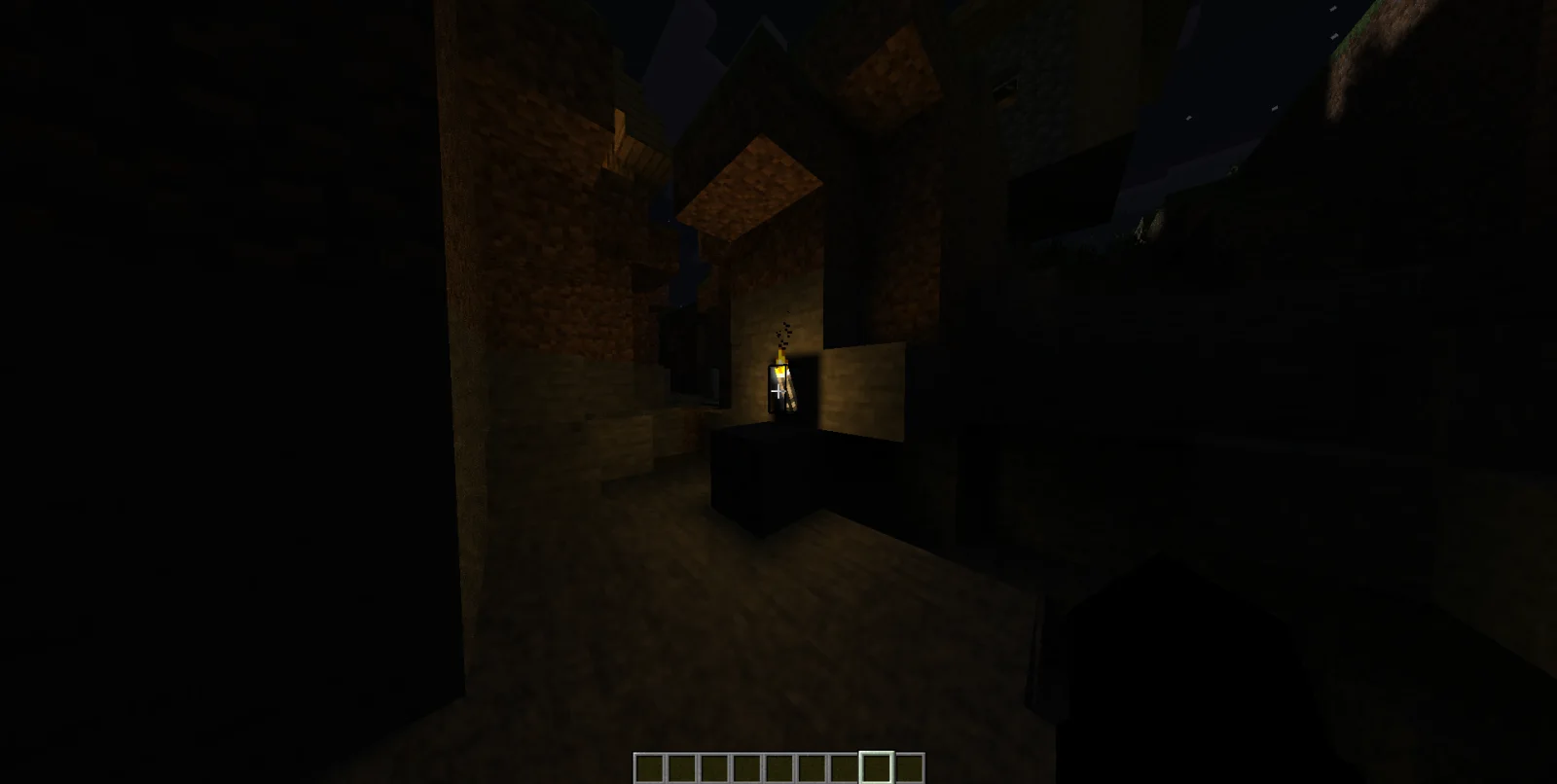
RTV sheders (pacote de shaders) é obra de CornXX. RTV (Ray Tracing Visual) is a modified shader build based on the ray-tracing tutorial and code by timetravelbeard.
É compatível com o Minecraft 1.21 – 26.x. Tem 270 downloads em Modrinth. A última atualização saiu em 11/11/2026.
RTV sheders teve 4 versões no Modrinth desde 28/10/2026. 4 saíram no último ano. A mais recente é 0.7, lançada em 01/11/2026. Ela é feita para o Minecraft 1.21.5 – 26.3. Ela roda em Iris. O download tem 524 KB.
| Versão | Lançado | Minecraft | Tipo |
|---|---|---|---|
0.7 | 01/11/2026 | 1.21.5 – 26.3 | Beta |
0.6 | 01/11/2026 | 1.21.5 – 26.3 | Estável |
0.5 | 31/10/2026 | 1.21.5 – 26.3 | Estável |
0.3 | 28/10/2026 | 1.21 – 26.3 | Beta |
RTV (Ray Tracing Visual) is a modified shader build based on the ray-tracing tutorial and code by timetravelbeard.
These shaders are intended for visual enhancements, such as ray tracing in the Bedrock Edition; however, opinions on them can vary from person to person.
The main focus is voxel-based ray tracing, global illumination, and light bounce. It also includes ray-traced reflections, configurable shadows, temporal accumulation, and denoising to help keep the image cleaner over time.
RTV comes with several quality presets and a range of settings for lighting, water, glass, shadows, and color. You can adjust the balance between image quality and performance to suit your setup.
Ray tracing can be demanding, especially at higher settings. Start with the Low or Medium preset if performance is an issue, then increase the quality as needed. High and Extreme use more ray-tracing steps and can have a greater performance cost.
Actual performance will depend on your GPU, render resolution, Minecraft setup, and selected settings.
RTV is a modified build based on the ray-tracing tutorial and code by timetravelbeard.
The original project credits and MIT license notices are retained. This is a modified version, not a claim of ownership over the original shader code.
License: MIT. Please keep LICENSE.txt and the original copyright and license notices intact when redistributing this shader or substantial portions of its code.
Original creator: timetravelbeard on YouTube
Have fun exploring and tweaking RTV!
Escrita por CornXX. Leia com imagens no Modrinth.
Instale o Iris (com Sodium) ou o OptiFine para sua versão do Minecraft: shaders precisam de um deles.
Baixe o arquivo .zip pelo Modrinth. Não descompacte.
No Minecraft, abra Opções, depois Gráficos, depois Shader Packs e clique em Abrir pasta de shaders.
Coloque o arquivo .zip nessa pasta, escolha RTV sheders na lista e clique em Concluído.
Shaders pesam na placa de vídeo. Se o jogo ficar lento, escolha um perfil mais baixo nas configurações.
| Recurso | Downloads | Versões | Última atualização | Preço |
|---|---|---|---|---|
 RTV shederso que você estava vendo | 270 | 1.21 – 26.x | há 4 dias | Grátis |
| RAY TRACING POTATOoct2one | 5,192 | 1.16 – 26.x | 16 out 2026 | Grátis |
 StarkShadersHoliShapes | 177 | 1.16 – 26.x | há 25 dias | Grátis |
 ShrimpleNull | 2.2M | 1.16 – 1.21 | 8 dez 2024 | Grátis |
Sim. RTV sheders é compatível com o Minecraft 26.x. Todas as versões compatíveis: 26.x, 1.21.
Sim. Você pode baixar RTV sheders de graça em Modrinth.
Sim. A última atualização saiu no último dia.
Os mais parecidos são RAY TRACING POTATO, StarkShaders e Shrimple. Comparar todas as alternativas
RAY TRACING POTATOShaders · 1.16 – 26.xA performance-focused Minecraft shader with improved lighting, atmospheric fog, bloom, water visuals and shadows, designed with lower-end hardware in mind.
StarkShadersShaders · 1.16 – 26.xMinecraft visuals with shader aesthetics (such as ray-tracing, volumetric lighting, and realistic water physics)
ShrimpleShaders · 1.16 – 1.21A simple Minecraft Java shader that attempts to maintain the vanilla aesthetic while adding optional shadows, colored lighting, and ray-tracing.
 Foxy shaderShaders · 1.20 – 26.x
An in-development shader with global ray tracing and some interesting features.
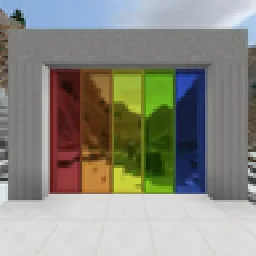 Builder's QOL ShadersShaders · 1.12 – 1.20
A lightweight shader pack designed to enhance the vanilla aesthetic.
 Unbound Visual +Shaders · 1.21 – 26.x
Unbound Visual+ is a modified version of Complementary Unbound, featuring various added effects and visual enhancements.
Entre para deixar uma avaliação.