
 Soartex GroveTexturenpakete · 1.19 – 26.x
Soartex Grove is a high definition 64x graphics replacement for Minecraft
Kostenlos295,896 Downloads

Modifies the User Interface into a neat and subtle high-definition style, covering all the vanilla UI elements as well as many useful client mods.
Direkter Download von Modrinth · 2,409,671 Downloads
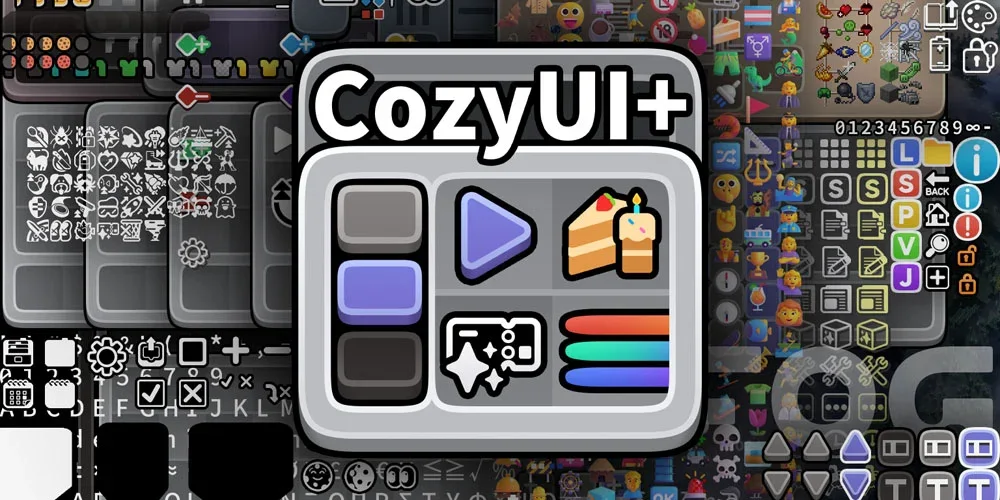
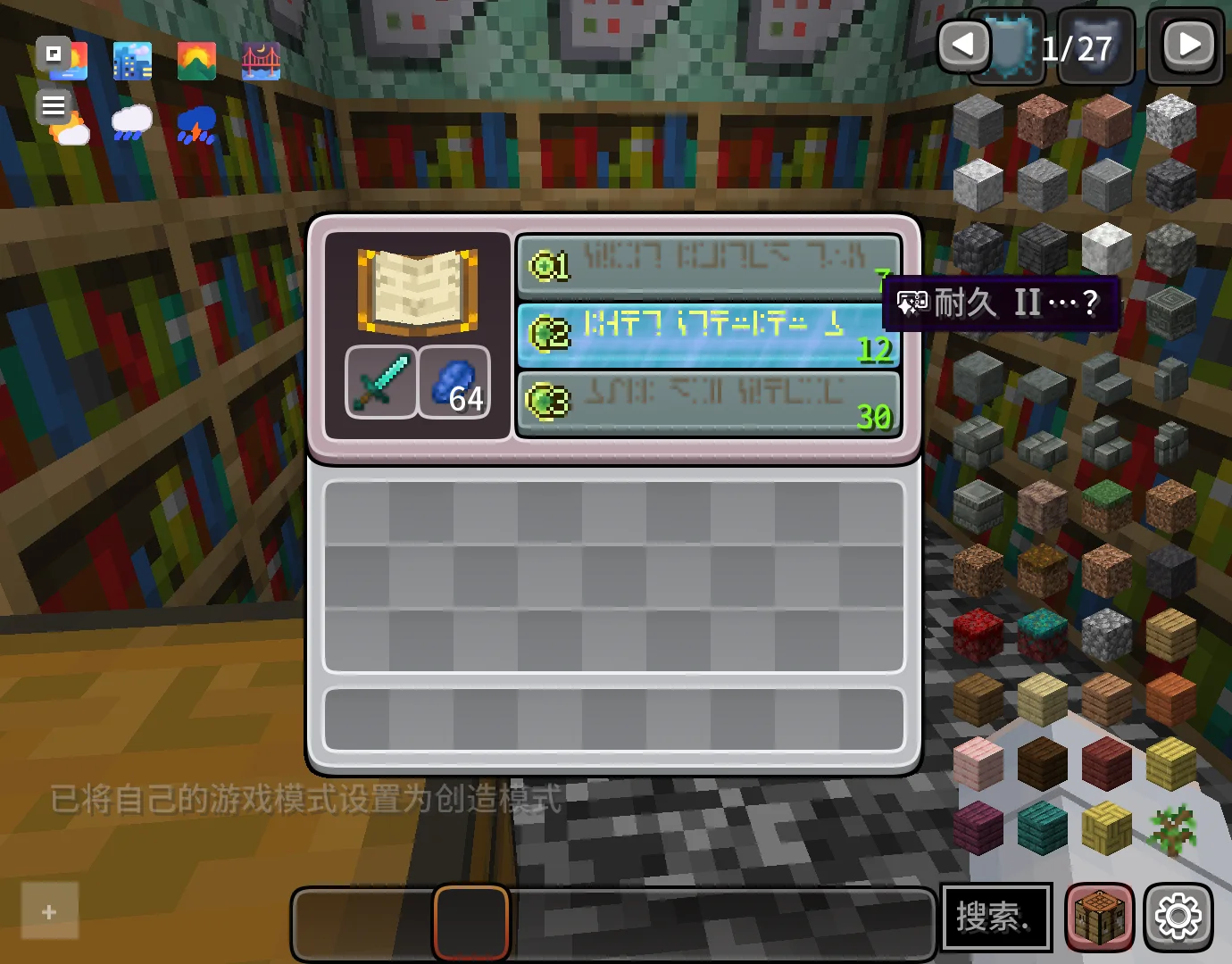
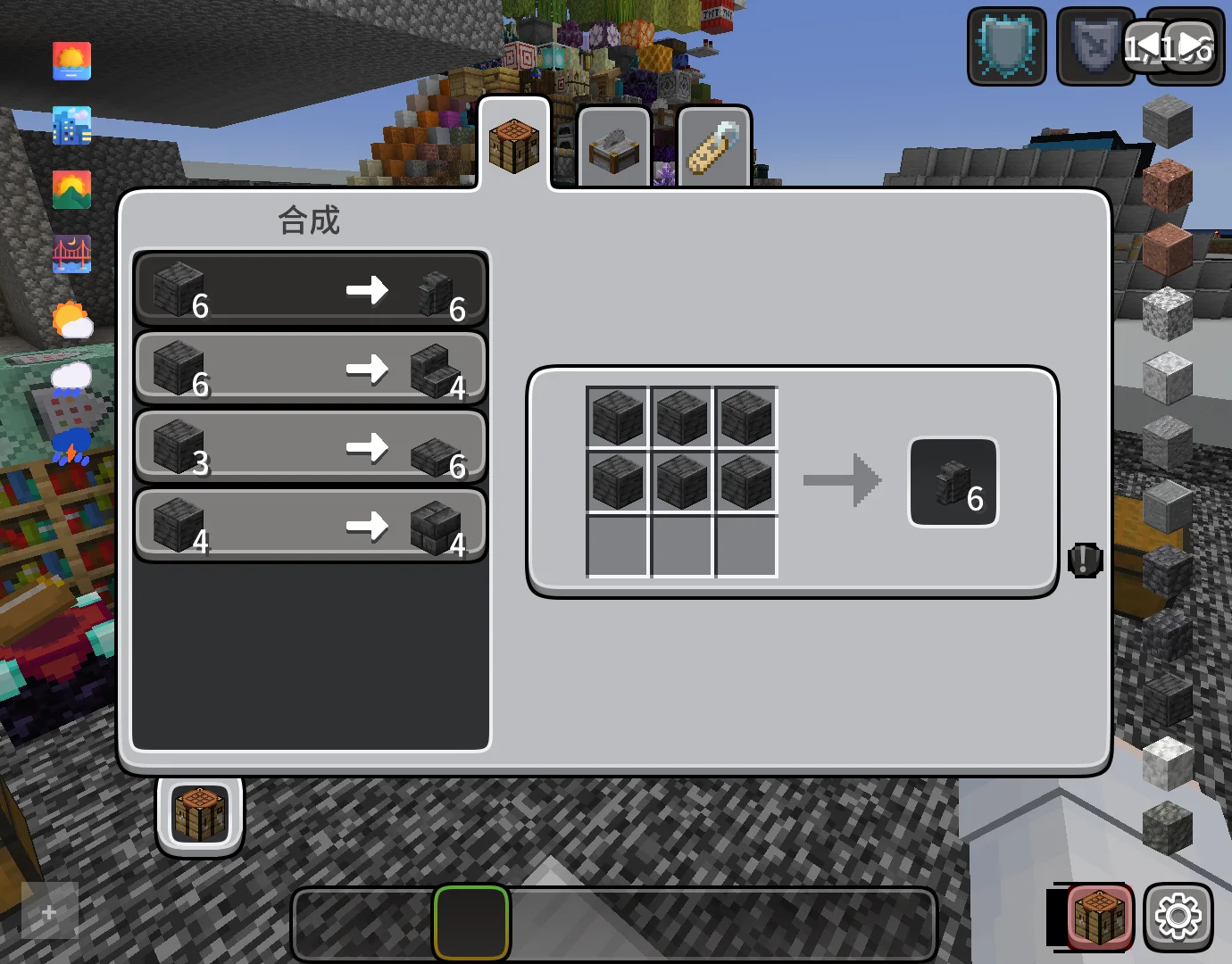
CozyUI+ (Texturenpaket) stammt von Fogg05. Modifies the User Interface into a neat and subtle high-definition style, covering all the vanilla UI elements as well as many useful client mods.
Unterstützt wird Minecraft 1.20 – 26.x. Auf Modrinth gibt es 2,409,671 Downloads. Das letzte Update erschien am 10.10.2026.
CozyUI+ hat seit 07.05.2025 12 Versionen auf Modrinth veröffentlicht. 2 davon erschienen im letzten Jahr. Die neueste ist 1.11, erschienen am 10.10.2026. Sie ist für Minecraft 1.20 – 1.21.11 gemacht. Sie läuft auf Minecraft. Der Download ist 15.4 MB groß.
| Version | Veröffentlicht | Minecraft | Typ |
|---|---|---|---|
1.11 | 10.10.2026 | 1.20 – 1.21.11 | Beta |
1.11 | 10.10.2026 | 1.20 – 1.21.11 | Beta |
1.10 | 29.10.2025 | 1.20 – 1.21.10 | Release |
1.10 | 29.10.2025 | 1.20 – 1.21.10 | Release |
1.9 | 04.10.2025 | 1.20 – 1.21.9 | Release |
CozyUI+ ist Open Source. Die neueste Version auf GitHub ist CozyUI+ v1.11, veröffentlicht am 09.10.2026.
Davor: CozyUI+ v1.10 (29.10.2025), CozyUI+ v1.9 (04.10.2025).
● This pack is based on:
○ Fluent Emoji:github.com/microsoft/fluentui-emoji
○ NotoSans:github.com/notofonts/noto-cjk
Mod Name · Home Page Link · -
OptiGUI | 🔗 Modrinth | ⭐ Recommended
Apple Skin | 🔗 Modrinth | 🔄 Optional
Detail Armor Bar | 🔗 Modrinth | 🔄 Optional
Litematica | 🔗 Modrinth | 🔄 Optional
MiniHUD | 🔗 Modrinth | 🔄 Optional
Replay Mod | 🔗 Modrinth | 🔄 Optional
Inventory Hud+ | 🔗 CurseForge | 🔄 Optional
Dynamic Crosshair | 🔗 Modrinth | 🔄 Optional
Jade | 🔗 Modrinth | 🔄 Optional
Roughly Enough Items | 🔗 Modrinth | 🔄 Optional
Just Enough Items | 🔗 Modrinth | 🔄 Optional
Inventory Profiles Next | 🔗 Modrinth | 🔄 Optional
Xaero's Minimap | 🔗 Modrinth | 🔄 Optional
Xaero's World Map | 🔗 Modrinth | 🔄 Optional
Mod Menu | 🔗 Modrinth | 🔄 Optional
No Chat Reports | 🔗 Modrinth | 🔄 Optional
Simple Voice Chat | 🔗 Modrinth | 🔄 Optional
Entity Features | 🔗 Modrinth | 🔄 Optional
Overflowing Bars | 🔗 Modrinth | 🔄 Optional
All the recipes are drawn on the brewing stand interface to help everyone memorize.
Various colored shulker boxes, droppers, dispensers, and ender chests can be distinguished by the background color.
Modify the fonts to high-definition NotoSans and FluentEmoji.
Inventory selection boxes and experience bars feature RGB cycling with a very slow gradient, where the colors are continually adjusted to ensure a leisurely and soothing pace.
Some buttons will be animated in game versions ≥1.21
Geschrieben von Fogg05. Mit Bildern auf Modrinth lesen.
Lade die .zip-Datei von Modrinth herunter. Entpacke sie nicht.
Öffne in Minecraft Optionen, dann Ressourcenpakete, dann Paketordner öffnen.
Lege die .zip-Datei in diesen Ordner und gehe zurück ins Spiel.
Schiebe CozyUI+ in die rechte Liste und klicke auf Fertig.
Es ist für Minecraft 1.20 – 26.x gemacht. Auf anderen Versionen markiert Minecraft es als inkompatibel, oft funktioniert es aber trotzdem.
| Ressource | Downloads | Versionen | Letztes Update | Preis |
|---|---|---|---|---|
| CozyUI+die du angesehen hast | 2.4M | 1.20 – 26.x | 10. Okt. 2026 | Kostenlos |
| Soartex GroveAVPSoftworks | 296K | 1.19 – 26.x | vor 13 Tagen | Kostenlos |
 Barebones Bossbarsvexcenot | 241K | 1.8 – 26.x | 27. Okt. 2025 | Kostenlos |
 Barebones Better Leavesvexcenot | 123K | 1.8 – 26.x | 1. Okt. 2023 | Kostenlos |
Ja. CozyUI+ unterstützt Minecraft 26.x. Alle unterstützten Versionen: 26.x, 1.21, 1.20.
Ja. CozyUI+ kannst du kostenlos bei Modrinth herunterladen.
Ja. Das letzte Update kam innerhalb des letzten Tages.
Am ähnlichsten sind Soartex Grove, Barebones Bossbars und Barebones Better Leaves. Alle Alternativen vergleichen
Soartex GroveTexturenpakete · 1.19 – 26.xSoartex Grove is a high definition 64x graphics replacement for Minecraft
Barebones BossbarsTexturenpakete · 1.8 – 26.xsimplistic per-mob icons and colors to decorate boss bars with
Barebones Better LeavesTexturenpakete · 1.8 – 26.xCreates holes on leaves in a style that fits the barebones resourcepack
 Subtly Glowing OresTexturenpakete · 1.17 – 26.x
Adds an emissive colored outline to the ores! Works with most resource packs!
 Legacy Skin PacksTexturenpakete · 1.20 – 26.x
All your favorite console skin packs ported to Java!
 Modern Skin PacksTexturenpakete · 1.20 – 26.x
Post-legacy skin packs ported to Java!
Logg dich ein, um eine Bewertung zu schreiben.