
 Soartex GroveTexture packs · 1.19 – 26.x
Soartex Grove is a high definition 64x graphics replacement for Minecraft
Free295,744 downloads

Modifies the User Interface into a neat and subtle high-definition style, covering all the vanilla UI elements as well as many useful client mods.
Direct download from Modrinth · 2,409,671 downloads
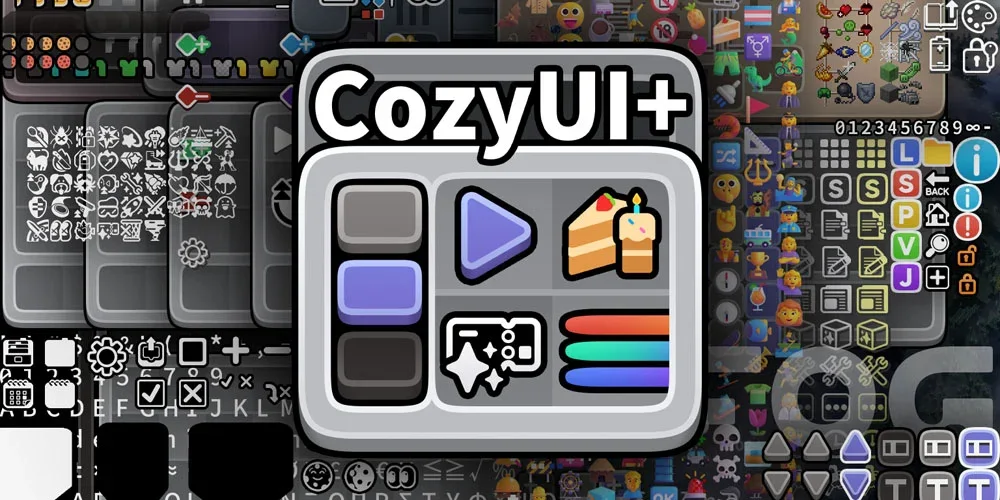
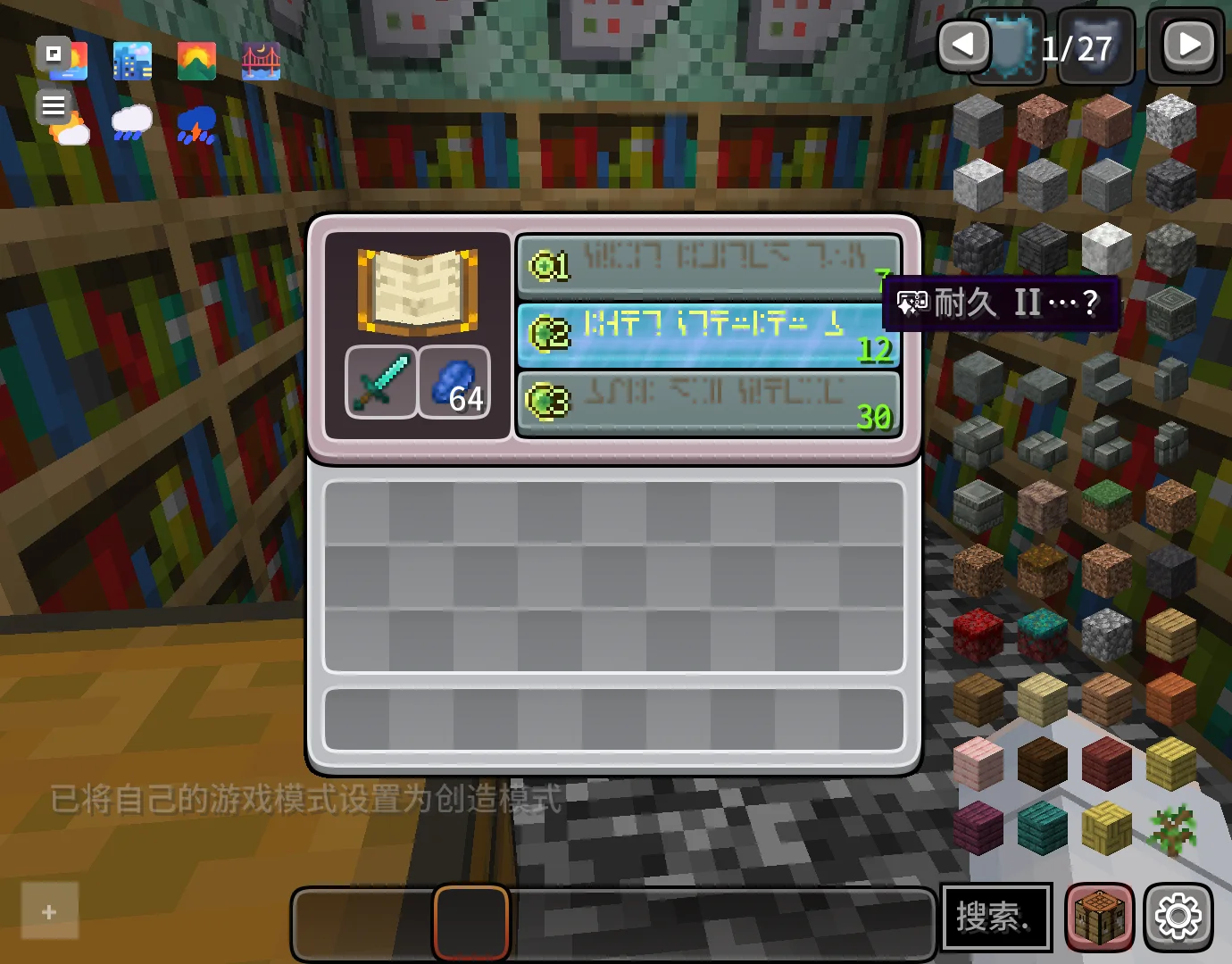
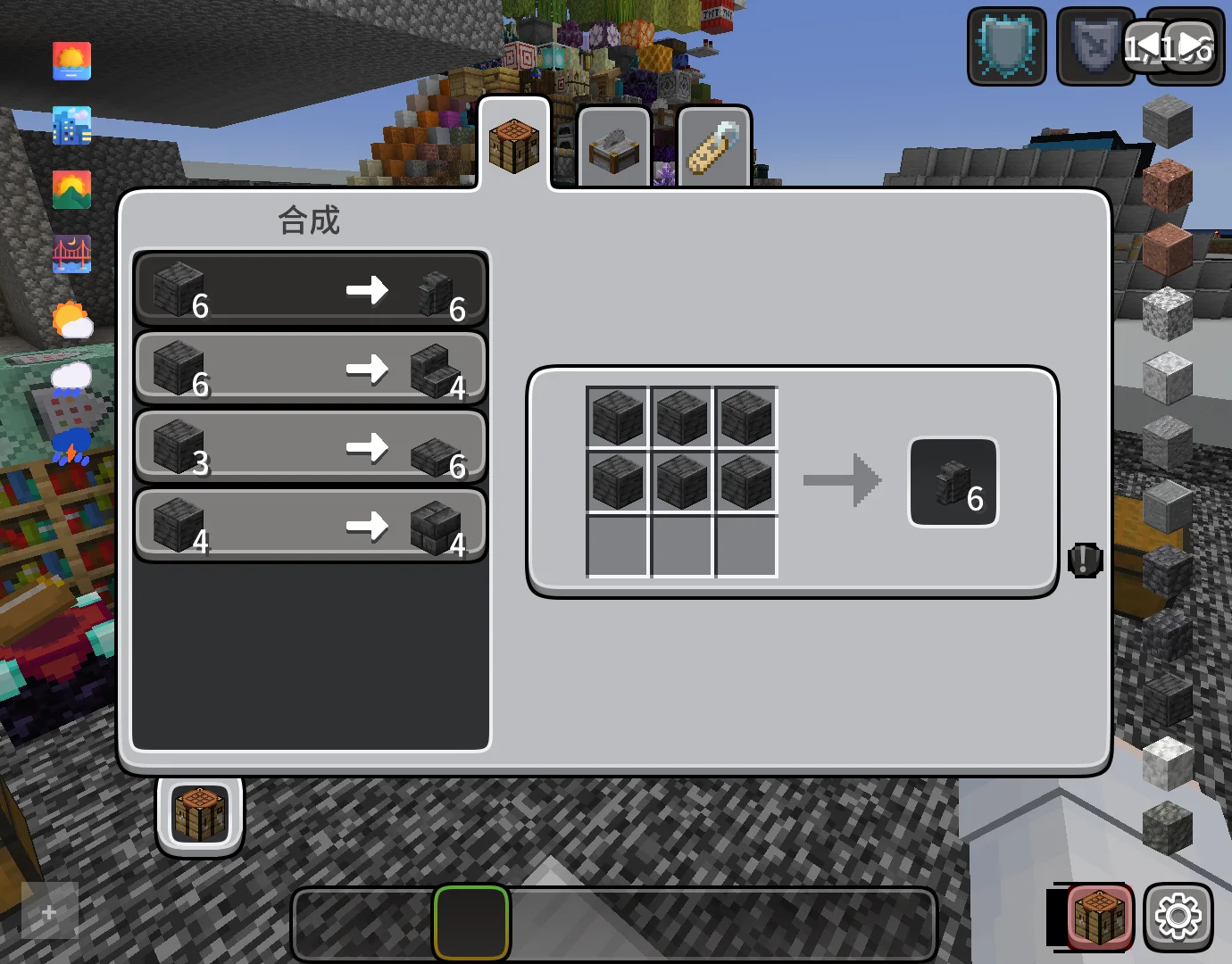
CozyUI+ is a texture pack made by Fogg05. Modifies the User Interface into a neat and subtle high-definition style, covering all the vanilla UI elements as well as many useful client mods.
It supports Minecraft 1.20 – 26.x. It has been downloaded 2,409,671 times on Modrinth. The last update came out on Oct 10, 2026.
CozyUI+ has had 12 releases on Modrinth since May 7, 2025. 2 of them came out in the past year. The newest is 1.11, released on Oct 10, 2026. It is made for Minecraft 1.20 – 1.21.11. It runs on Minecraft. The download is 15.4 MB.
| Version | Released | Minecraft | Type |
|---|---|---|---|
1.11 | Oct 10, 2026 | 1.20 – 1.21.11 | Beta |
1.11 | Oct 10, 2026 | 1.20 – 1.21.11 | Beta |
1.10 | Oct 29, 2025 | 1.20 – 1.21.10 | Release |
1.10 | Oct 29, 2025 | 1.20 – 1.21.10 | Release |
1.9 | Oct 4, 2025 | 1.20 – 1.21.9 | Release |
CozyUI+ is open source. Its newest release on GitHub is CozyUI+ v1.11, published on Oct 9, 2026.
Before that: CozyUI+ v1.10 (Oct 29, 2025), CozyUI+ v1.9 (Oct 4, 2025).
● This pack is based on:
○ Fluent Emoji:github.com/microsoft/fluentui-emoji
○ NotoSans:github.com/notofonts/noto-cjk
Mod Name · Home Page Link · -
OptiGUI | 🔗 Modrinth | ⭐ Recommended
Apple Skin | 🔗 Modrinth | 🔄 Optional
Detail Armor Bar | 🔗 Modrinth | 🔄 Optional
Litematica | 🔗 Modrinth | 🔄 Optional
MiniHUD | 🔗 Modrinth | 🔄 Optional
Replay Mod | 🔗 Modrinth | 🔄 Optional
Inventory Hud+ | 🔗 CurseForge | 🔄 Optional
Dynamic Crosshair | 🔗 Modrinth | 🔄 Optional
Jade | 🔗 Modrinth | 🔄 Optional
Roughly Enough Items | 🔗 Modrinth | 🔄 Optional
Just Enough Items | 🔗 Modrinth | 🔄 Optional
Inventory Profiles Next | 🔗 Modrinth | 🔄 Optional
Xaero's Minimap | 🔗 Modrinth | 🔄 Optional
Xaero's World Map | 🔗 Modrinth | 🔄 Optional
Mod Menu | 🔗 Modrinth | 🔄 Optional
No Chat Reports | 🔗 Modrinth | 🔄 Optional
Simple Voice Chat | 🔗 Modrinth | 🔄 Optional
Entity Features | 🔗 Modrinth | 🔄 Optional
Overflowing Bars | 🔗 Modrinth | 🔄 Optional
All the recipes are drawn on the brewing stand interface to help everyone memorize.
Various colored shulker boxes, droppers, dispensers, and ender chests can be distinguished by the background color.
Modify the fonts to high-definition NotoSans and FluentEmoji.
Inventory selection boxes and experience bars feature RGB cycling with a very slow gradient, where the colors are continually adjusted to ensure a leisurely and soothing pace.
Some buttons will be animated in game versions ≥1.21
Written by Fogg05. Read it with pictures on Modrinth.
Download the .zip file from Modrinth. Do not unzip it.
In Minecraft, open Options, then Resource Packs, then Open Pack Folder.
Drop the .zip file into that folder and go back to the game.
Move CozyUI+ to the right-hand list and click Done.
It is made for Minecraft 1.20 – 26.x. On other versions Minecraft marks it as incompatible, but it often still works.
Full guide: How to install Minecraft resource packs
| Resource | Downloads | Versions | Last update | Price |
|---|---|---|---|---|
| CozyUI+the one you looked at | 2.4M | 1.20 – 26.x | Oct 10, 2026 | Free |
| Soartex GroveAVPSoftworks | 296K | 1.19 – 26.x | 13 days ago | Free |
 Barebones Bossbarsvexcenot | 241K | 1.8 – 26.x | Oct 27, 2025 | Free |
 Barebones Better Leavesvexcenot | 123K | 1.8 – 26.x | Oct 1, 2023 | Free |
Yes. CozyUI+ supports Minecraft 26.x. All supported versions: 26.x, 1.21, 1.20.
Yes. CozyUI+ is free to download from Modrinth.
Yes. The last update came out in the past day.
The closest ones are Soartex Grove, Barebones Bossbars and Barebones Better Leaves. Compare all alternatives
Soartex GroveTexture packs · 1.19 – 26.xSoartex Grove is a high definition 64x graphics replacement for Minecraft
Barebones BossbarsTexture packs · 1.8 – 26.xsimplistic per-mob icons and colors to decorate boss bars with
Barebones Better LeavesTexture packs · 1.8 – 26.xCreates holes on leaves in a style that fits the barebones resourcepack
 Subtly Glowing OresTexture packs · 1.17 – 26.x
Adds an emissive colored outline to the ores! Works with most resource packs!
 Legacy Skin PacksTexture packs · 1.20 – 26.x
All your favorite console skin packs ported to Java!
 Modern Skin PacksTexture packs · 1.20 – 26.x
Post-legacy skin packs ported to Java!
Log in to leave a review.