
 Soartex GrovePacks de texturas · 1.19 – 26.x
Soartex Grove is a high definition 64x graphics replacement for Minecraft
Gratis296,119 descargas

Modifies the User Interface into a neat and subtle high-definition style, covering all the vanilla UI elements as well as many useful client mods.
Descarga directa desde Modrinth · 2,415,713 descargas
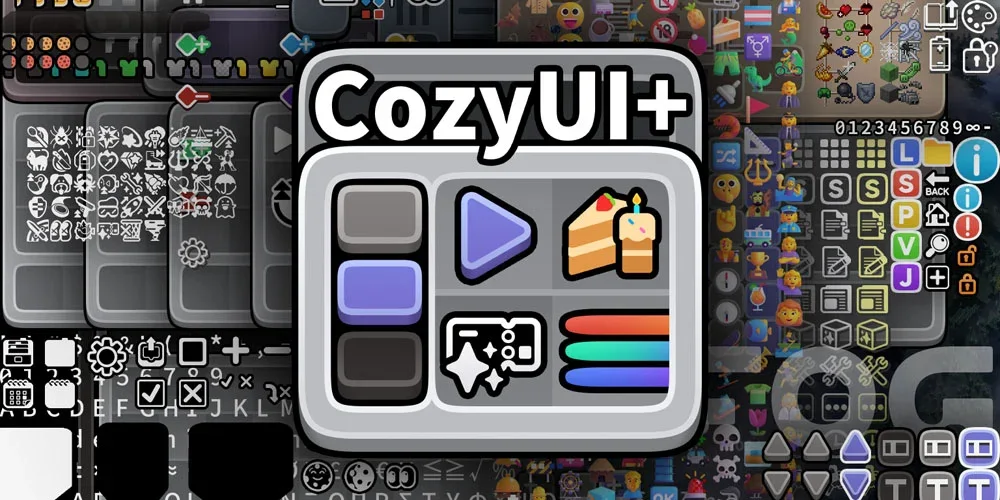
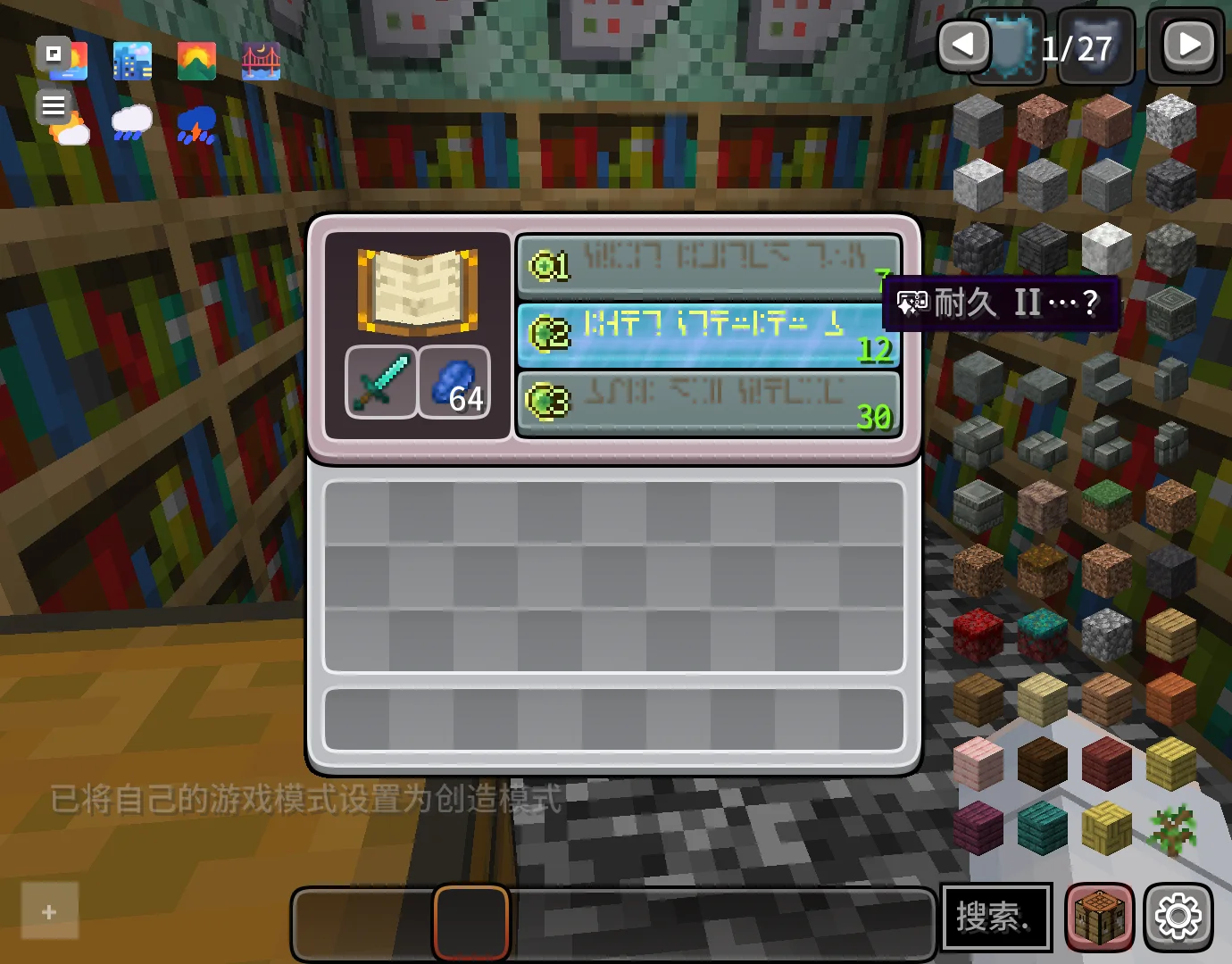
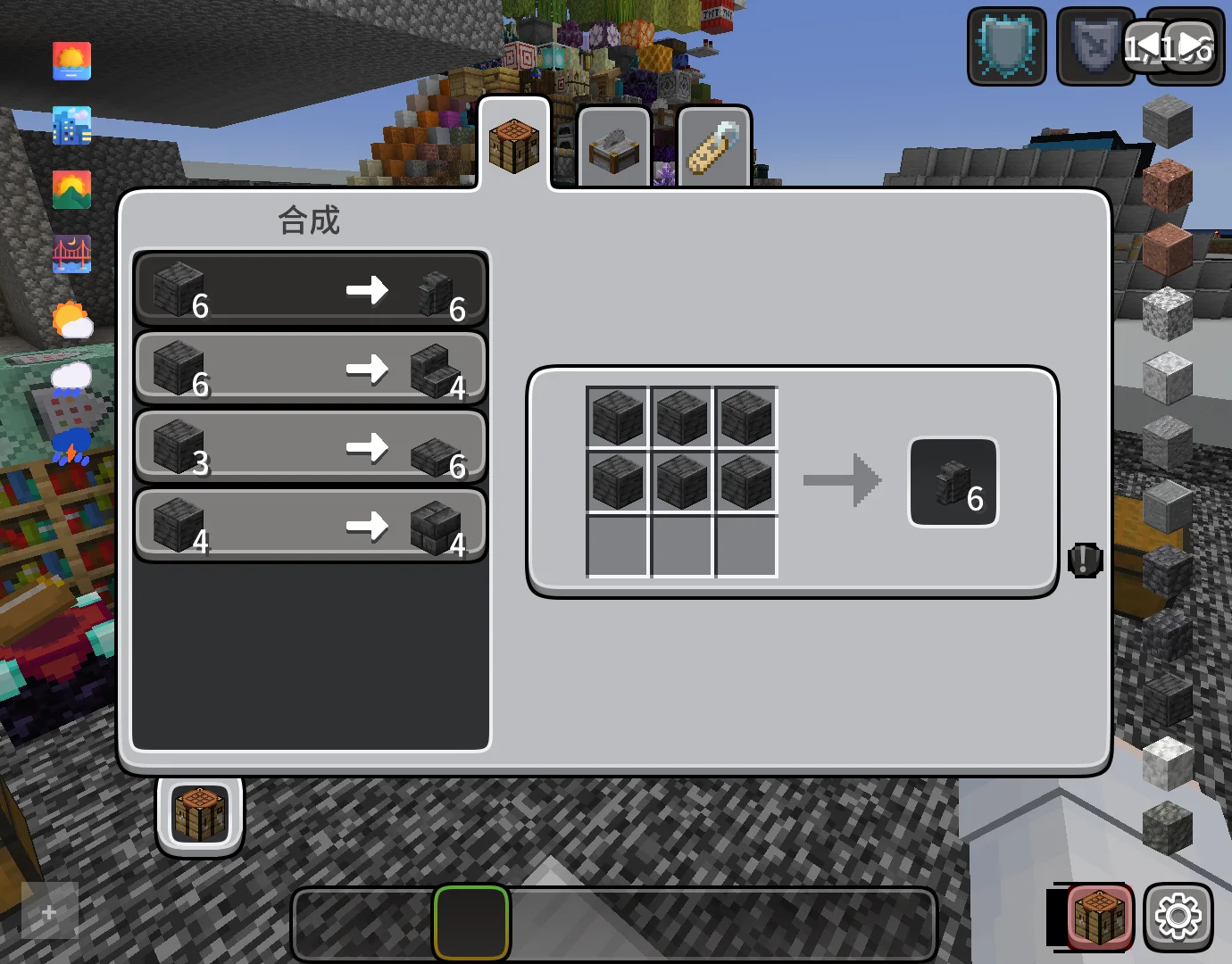
CozyUI+ (pack de texturas) es obra de Fogg05. Modifies the User Interface into a neat and subtle high-definition style, covering all the vanilla UI elements as well as many useful client mods.
Es compatible con Minecraft 1.20 – 26.x. Se ha descargado 2,415,713 veces en Modrinth. La última actualización salió el 10/10/2026.
CozyUI+ ha publicado 12 versiones en Modrinth desde el 07/05/2025. 2 salieron en el último año. La más reciente es 1.11, publicada el 10/10/2026. Está hecha para Minecraft 1.20 – 1.21.11. Funciona en Minecraft. La descarga ocupa 15.4 MB.
| Versión | Publicado | Minecraft | Tipo |
|---|---|---|---|
1.11 | 10/10/2026 | 1.20 – 1.21.11 | Beta |
1.11 | 10/10/2026 | 1.20 – 1.21.11 | Beta |
1.10 | 29/10/2025 | 1.20 – 1.21.10 | Estable |
1.10 | 29/10/2025 | 1.20 – 1.21.10 | Estable |
1.9 | 04/10/2025 | 1.20 – 1.21.9 | Estable |
CozyUI+ es de código abierto. Su última versión en GitHub es CozyUI+ v1.11, publicada el 09/10/2026.
Antes: CozyUI+ v1.10 (29/10/2025), CozyUI+ v1.9 (04/10/2025).
● This pack is based on:
○ Fluent Emoji:github.com/microsoft/fluentui-emoji
○ NotoSans:github.com/notofonts/noto-cjk
Mod Name · Home Page Link · -
OptiGUI | 🔗 Modrinth | ⭐ Recommended
Apple Skin | 🔗 Modrinth | 🔄 Optional
Detail Armor Bar | 🔗 Modrinth | 🔄 Optional
Litematica | 🔗 Modrinth | 🔄 Optional
MiniHUD | 🔗 Modrinth | 🔄 Optional
Replay Mod | 🔗 Modrinth | 🔄 Optional
Inventory Hud+ | 🔗 CurseForge | 🔄 Optional
Dynamic Crosshair | 🔗 Modrinth | 🔄 Optional
Jade | 🔗 Modrinth | 🔄 Optional
Roughly Enough Items | 🔗 Modrinth | 🔄 Optional
Just Enough Items | 🔗 Modrinth | 🔄 Optional
Inventory Profiles Next | 🔗 Modrinth | 🔄 Optional
Xaero's Minimap | 🔗 Modrinth | 🔄 Optional
Xaero's World Map | 🔗 Modrinth | 🔄 Optional
Mod Menu | 🔗 Modrinth | 🔄 Optional
No Chat Reports | 🔗 Modrinth | 🔄 Optional
Simple Voice Chat | 🔗 Modrinth | 🔄 Optional
Entity Features | 🔗 Modrinth | 🔄 Optional
Overflowing Bars | 🔗 Modrinth | 🔄 Optional
All the recipes are drawn on the brewing stand interface to help everyone memorize.
Various colored shulker boxes, droppers, dispensers, and ender chests can be distinguished by the background color.
Modify the fonts to high-definition NotoSans and FluentEmoji.
Inventory selection boxes and experience bars feature RGB cycling with a very slow gradient, where the colors are continually adjusted to ensure a leisurely and soothing pace.
Some buttons will be animated in game versions ≥1.21
Escrita por Fogg05. Léela con imágenes en Modrinth.
Descarga el archivo .zip desde Modrinth. No lo descomprimas.
En Minecraft, abre Opciones, luego Paquetes de recursos y luego Abrir carpeta de paquetes.
Suelta el archivo .zip en esa carpeta y vuelve al juego.
Mueve CozyUI+ a la lista de la derecha y pulsa Hecho.
Está hecho para Minecraft 1.20 – 26.x. En otras versiones Minecraft lo marca como incompatible, pero a menudo funciona igual.
| Recurso | Descargas | Versiones | Última actualización | Precio |
|---|---|---|---|---|
| CozyUI+el que estabas viendo | 2.4M | 1.20 – 26.x | 10 oct 2026 | Gratis |
| Soartex GroveAVPSoftworks | 296K | 1.19 – 26.x | hace 14 días | Gratis |
 Barebones Bossbarsvexcenot | 241K | 1.8 – 26.x | 27 oct 2025 | Gratis |
 Barebones Better Leavesvexcenot | 123K | 1.8 – 26.x | 1 oct 2023 | Gratis |
Sí. CozyUI+ es compatible con Minecraft 26.x. Todas las versiones compatibles: 26.x, 1.21, 1.20.
Sí. CozyUI+ se puede descargar gratis desde Modrinth.
Sí. La última actualización salió en el último día.
Los más parecidos son Soartex Grove, Barebones Bossbars y Barebones Better Leaves. Comparar todas las alternativas
Soartex GrovePacks de texturas · 1.19 – 26.xSoartex Grove is a high definition 64x graphics replacement for Minecraft
Barebones BossbarsPacks de texturas · 1.8 – 26.xsimplistic per-mob icons and colors to decorate boss bars with
Barebones Better LeavesPacks de texturas · 1.8 – 26.xCreates holes on leaves in a style that fits the barebones resourcepack
 Subtly Glowing OresPacks de texturas · 1.17 – 26.x
Adds an emissive colored outline to the ores! Works with most resource packs!
 Legacy Skin PacksPacks de texturas · 1.20 – 26.x
All your favorite console skin packs ported to Java!
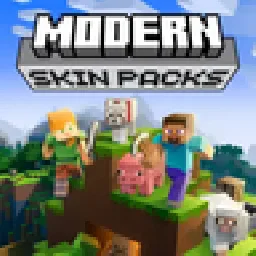 Modern Skin PacksPacks de texturas · 1.20 – 26.x
Post-legacy skin packs ported to Java!
Inicia sesión para dejar una reseña.