
 SillyWankerShaderShader · 1.12 – 1.21
A minecraft Shader which tries to keep the vanilla look, while adding functionalities like other shaders and implementing some own silly things like Color…
Kostenlos92,498 Downloads
This shader gives the game a more cinematic look by changing the color and adding a Bloom effect.
Direkter Download von Modrinth · 39,302 Downloads
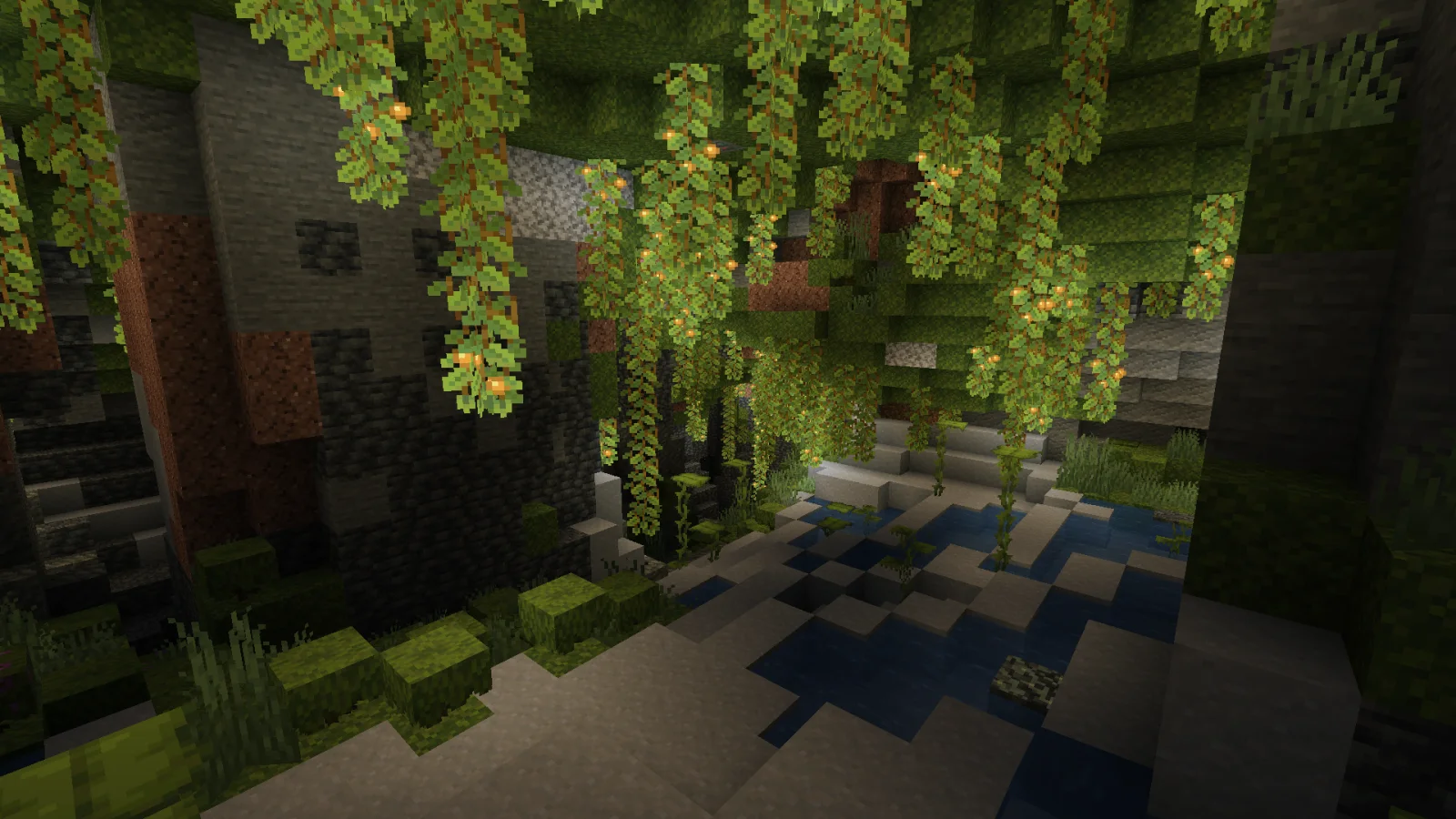
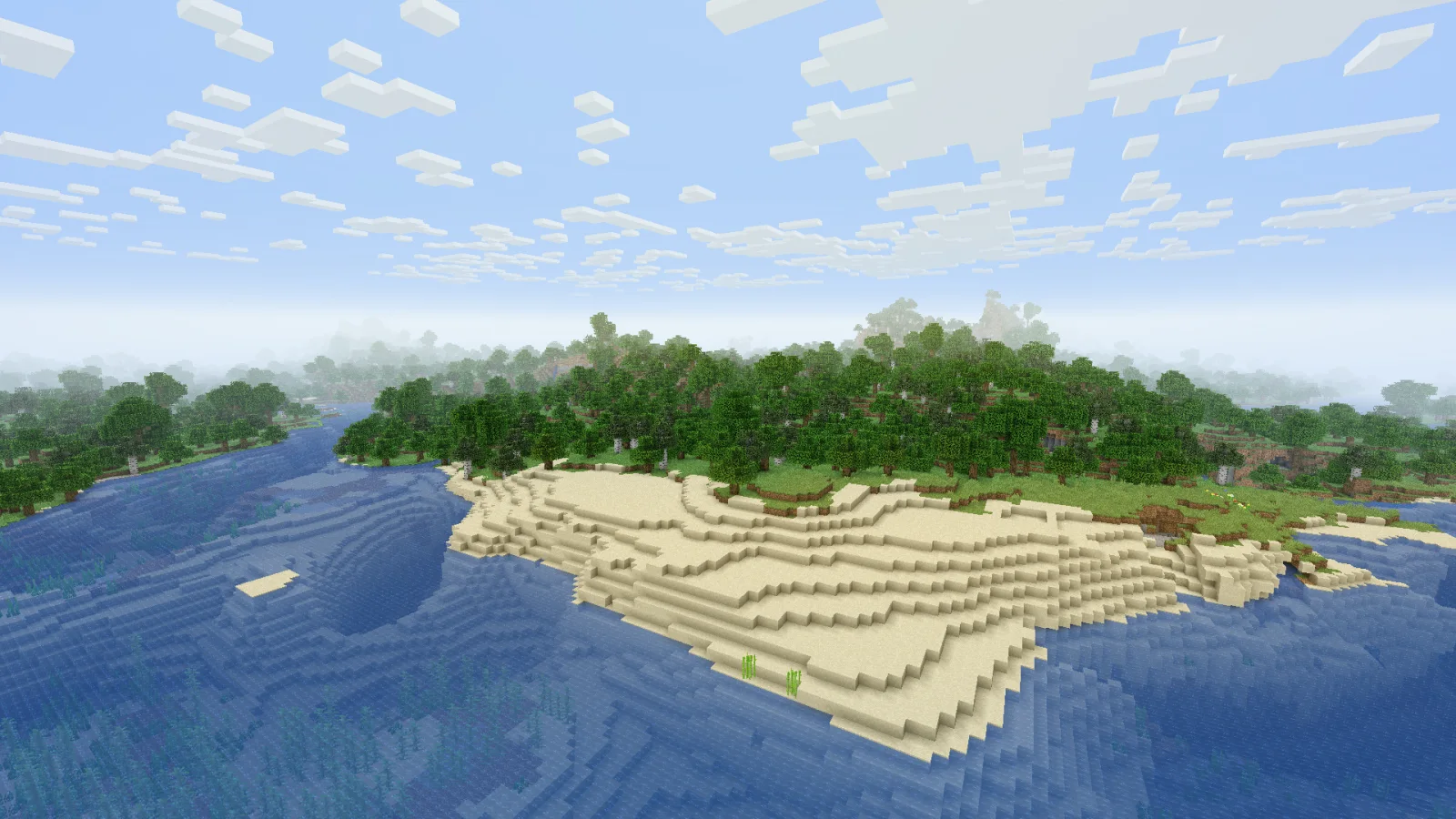
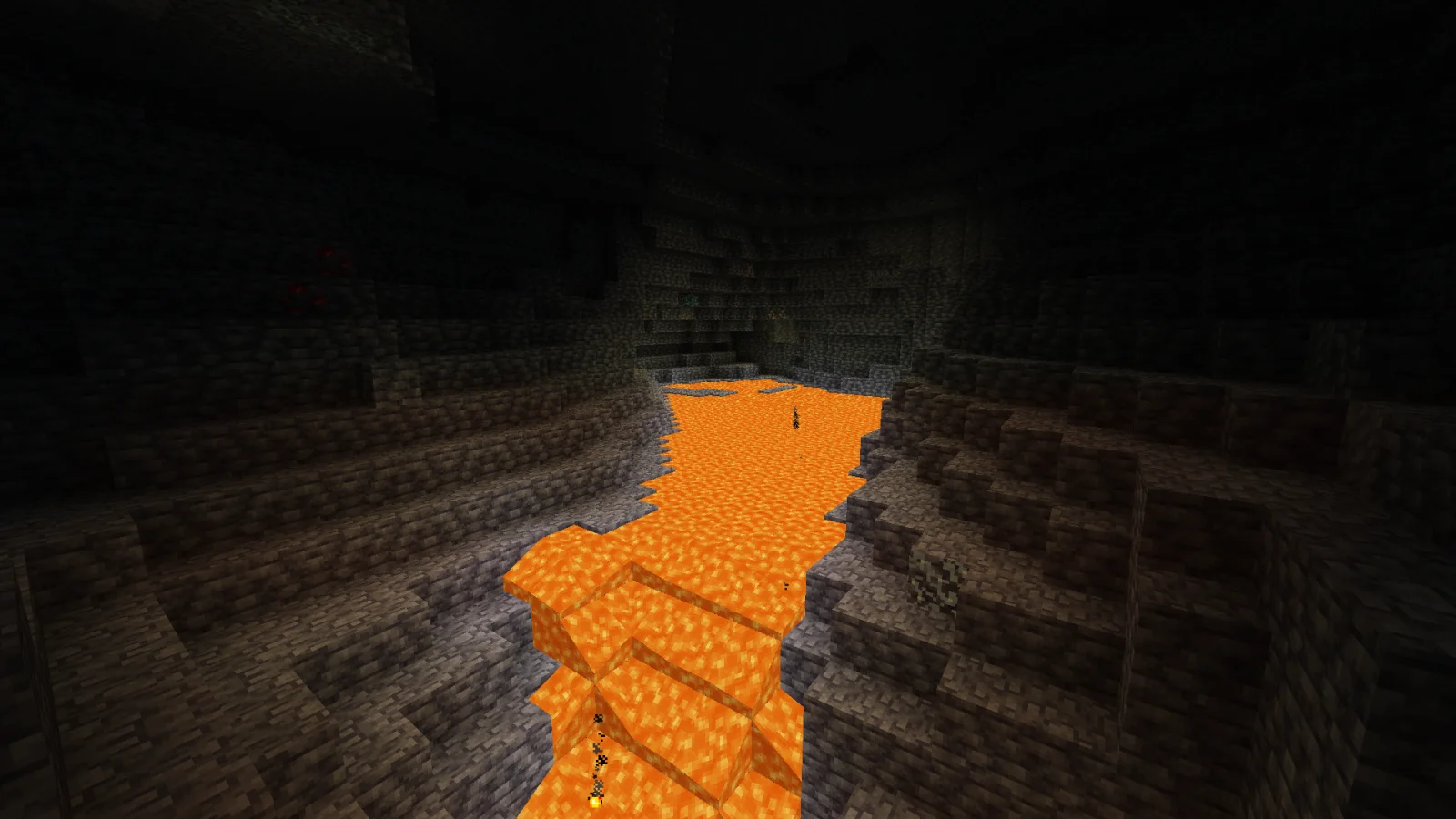
Cinematic Color Correction (Shaderpack) stammt von Bestsoft100. This shader gives the game a more cinematic look by changing the color and adding a Bloom effect.
Unterstützt wird Minecraft 1.8 – 1.21. Auf Modrinth gibt es 39,302 Downloads. Das letzte Update erschien am 20.09.2024.
Installiere Iris (mit Sodium) oder OptiFine für deine Minecraft-Version: Shader brauchen eins davon.
Lade die .zip-Datei von Modrinth herunter. Entpacke sie nicht.
Öffne in Minecraft Optionen, dann Grafikeinstellungen, dann Shaderpacks und klicke auf Shaderpack-Ordner öffnen.
Lege die .zip-Datei in diesen Ordner, wähle Cinematic Color Correction in der Liste und klicke auf Fertig.
Shader belasten die Grafikkarte. Wird das Spiel langsam, wähle in den Shader-Einstellungen ein niedrigeres Profil.
| Ressource | Downloads | Versionen | Letztes Update | Preis |
|---|---|---|---|---|
| Cinematic Color Correctiondie du angesehen hast | 39K | 1.8 – 1.21 | 20. Sept. 2024 | Kostenlos |
| SillyWankerShaderbombacat | 92K | 1.12 – 1.21 | 13. März 2025 | Kostenlos |
 Vanilla Plus ShaderRRe36 | 2.8M | 1.16 – 1.21 | 28. Feb. 2025 | Kostenlos |
 Aurora's ShadersCrafterAurora | 949K | 1.20 – 1.21 | 28. März 2025 | Kostenlos |
Noch nicht. Die neueste unterstützte Version ist Minecraft 1.21.
Ja. Cinematic Color Correction kannst du kostenlos bei Modrinth herunterladen.
Ja. Das letzte Update kam innerhalb des letzten Tages.
Am ähnlichsten sind SillyWankerShader, Vanilla Plus Shader und Aurora's Shaders. Alle Alternativen vergleichen
SillyWankerShaderShader · 1.12 – 1.21A minecraft Shader which tries to keep the vanilla look, while adding functionalities like other shaders and implementing some own silly things like Color…
Vanilla Plus ShaderShader · 1.16 – 1.21A shaderpack that gives Minecraft a modern visual overhaul while staying faithful to its original look.
Aurora's ShadersShader · 1.20 – 1.21Based on Complimentary Unbound, a beautifully colorful Vanilla+ shader meant for making the game look good while maintaining good performance and vanilla feel.
 Tricked ShadersShader · 1.8 – 26.x
Based on Mellow Shader, a modified version to reduce brightness and make the game look better while maintaining good performance and vanilla feel.
 Warped MemoryShader · 1.19 – 26.x
This shader, turns the game into a glitchy VHS tape. Distortions, noise, flickering and blurred colors create the effect of an old tape, immersing you in the…
 CRT ShaderShader · 1.8 – 26.x
A stylized shader aimed to make your game look retro!
Logg dich ein, um eine Bewertung zu schreiben.