
 SillyWankerShaderShaders · 1.12 – 1.21
A minecraft Shader which tries to keep the vanilla look, while adding functionalities like other shaders and implementing some own silly things like Color…
Gratuit92,560 téléchargements
This shader gives the game a more cinematic look by changing the color and adding a Bloom effect.
Téléchargement direct depuis Modrinth · 39,321 téléchargements
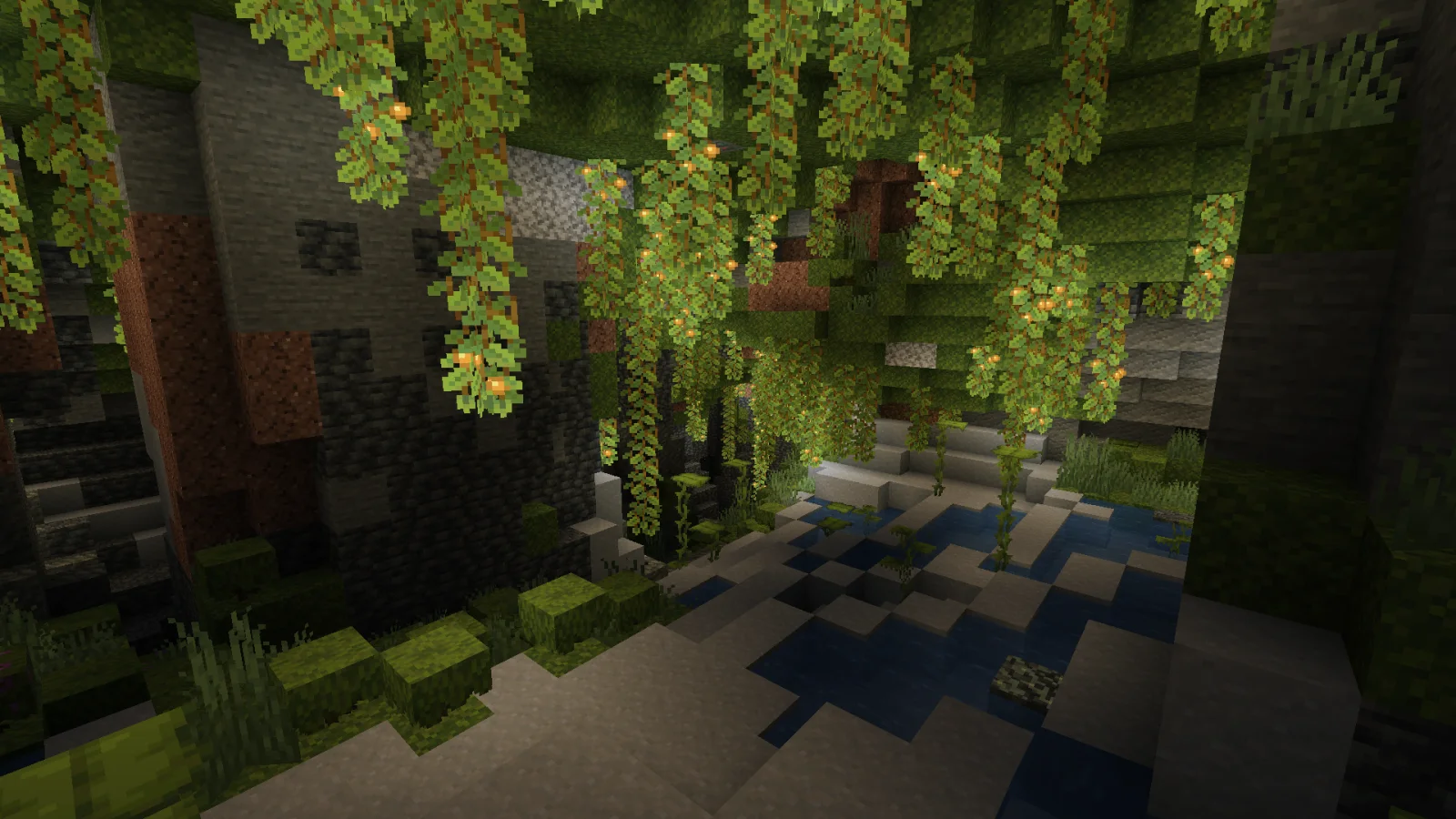
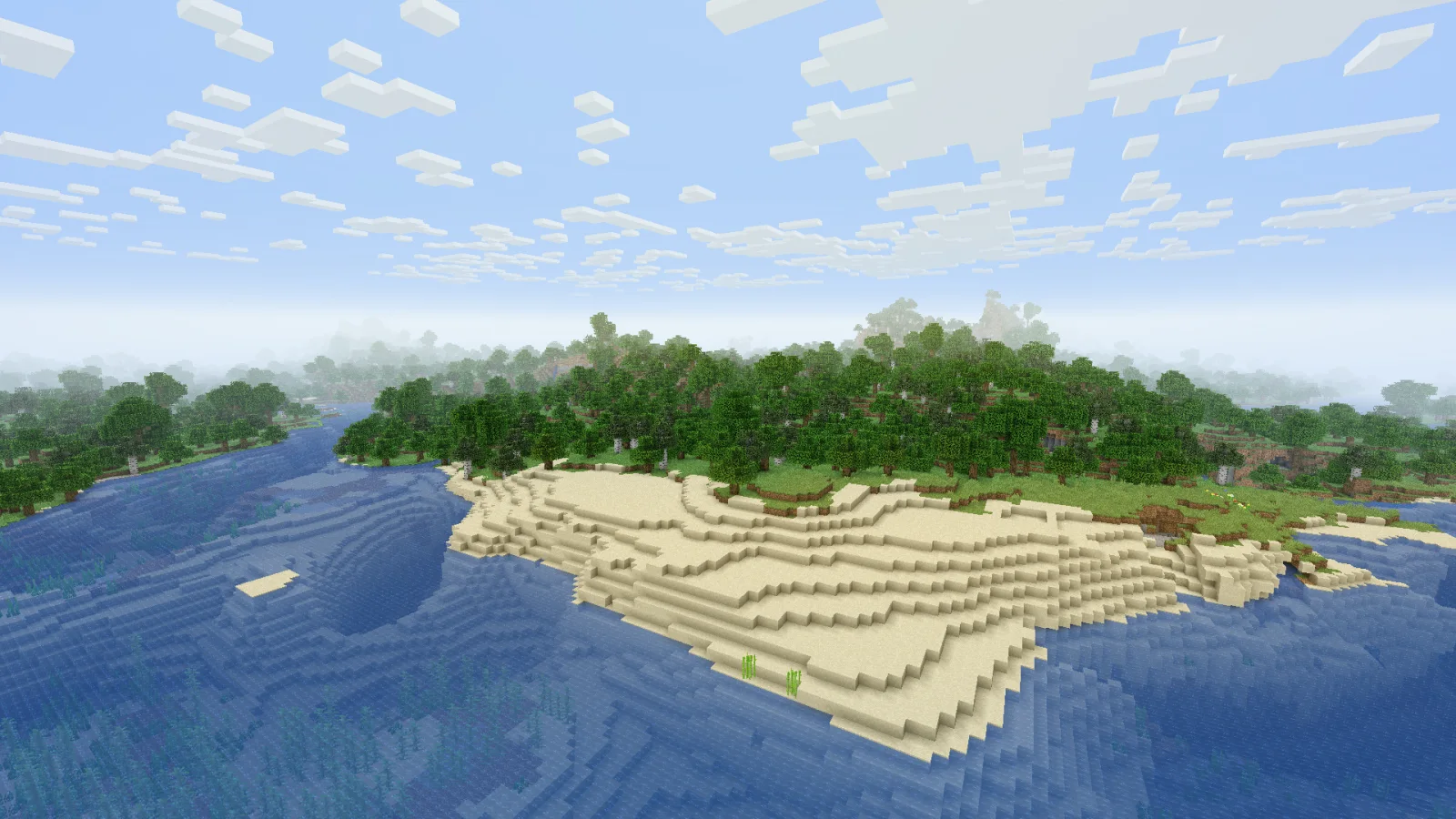
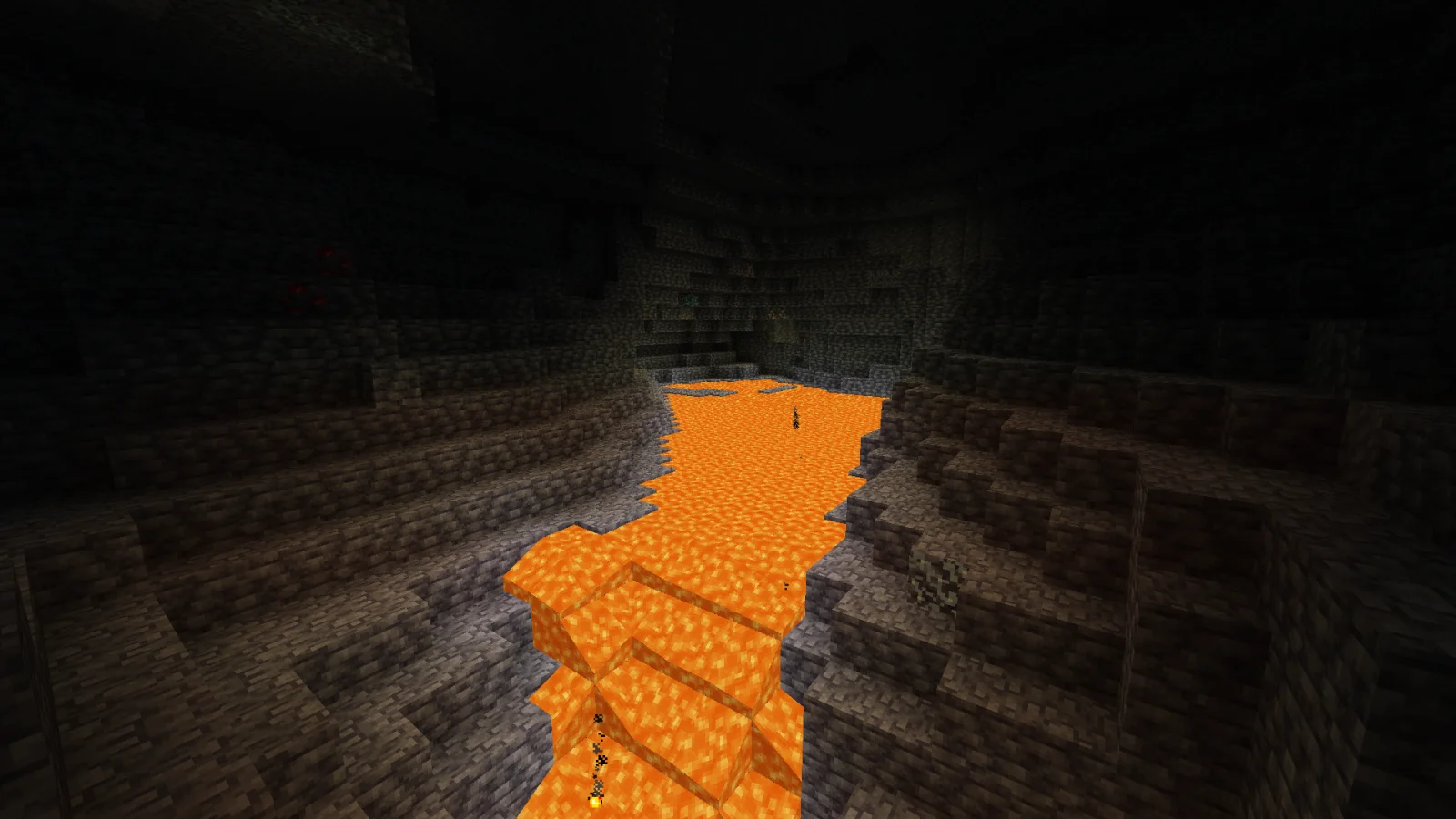
Cinematic Color Correction (pack de shaders) est une création de Bestsoft100. This shader gives the game a more cinematic look by changing the color and adding a Bloom effect.
Versions prises en charge : Minecraft 1.8 – 1.21. On compte 39,321 téléchargements sur Modrinth. La dernière mise à jour date du 20/09/2024.
Installe Iris (avec Sodium) ou OptiFine pour ta version de Minecraft : les shaders ont besoin de l'un des deux.
Télécharge le fichier .zip depuis Modrinth. Ne le décompresse pas.
Dans Minecraft, ouvre Options, puis Paramètres vidéo, puis Shaders, et clique sur Ouvrir le dossier des shaders.
Dépose le fichier .zip dans ce dossier, choisis Cinematic Color Correction dans la liste et clique sur Terminé.
Les shaders sollicitent beaucoup la carte graphique. Si le jeu ralentit, choisis un profil plus bas dans leurs réglages.
| Ressource | Téléchargements | Versions | Mise à jour | Prix |
|---|---|---|---|---|
| Cinematic Color Correctioncelle que tu regardais | 39K | 1.8 – 1.21 | 20 sept. 2024 | Gratuit |
| SillyWankerShaderbombacat | 93K | 1.12 – 1.21 | 13 mars 2025 | Gratuit |
 Vanilla Plus ShaderRRe36 | 2.8M | 1.16 – 1.21 | 28 févr. 2025 | Gratuit |
 Aurora's ShadersCrafterAurora | 949K | 1.20 – 1.21 | 28 mars 2025 | Gratuit |
Pas encore. La version la plus récente prise en charge est Minecraft 1.21.
Oui. Cinematic Color Correction se télécharge gratuitement sur Modrinth.
Oui. La dernière mise à jour date des dernières 24 heures.
Les plus proches sont SillyWankerShader, Vanilla Plus Shader et Aurora's Shaders. Comparer toutes les alternatives
SillyWankerShaderShaders · 1.12 – 1.21A minecraft Shader which tries to keep the vanilla look, while adding functionalities like other shaders and implementing some own silly things like Color…
Vanilla Plus ShaderShaders · 1.16 – 1.21A shaderpack that gives Minecraft a modern visual overhaul while staying faithful to its original look.
Aurora's ShadersShaders · 1.20 – 1.21Based on Complimentary Unbound, a beautifully colorful Vanilla+ shader meant for making the game look good while maintaining good performance and vanilla feel.
 Tricked ShadersShaders · 1.8 – 26.x
Based on Mellow Shader, a modified version to reduce brightness and make the game look better while maintaining good performance and vanilla feel.
 Warped MemoryShaders · 1.19 – 26.x
This shader, turns the game into a glitchy VHS tape. Distortions, noise, flickering and blurred colors create the effect of an old tape, immersing you in the…
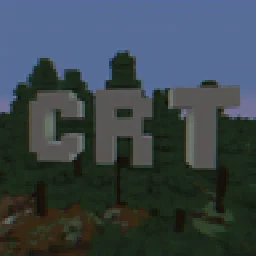 CRT ShaderShaders · 1.8 – 26.x
A stylized shader aimed to make your game look retro!
Connecte-toi pour laisser un avis.