
 SillyWankerShaderShaders · 1.12 – 1.21
A minecraft Shader which tries to keep the vanilla look, while adding functionalities like other shaders and implementing some own silly things like Color…
Gratis92,560 descargas
This shader gives the game a more cinematic look by changing the color and adding a Bloom effect.
Descarga directa desde Modrinth · 39,321 descargas
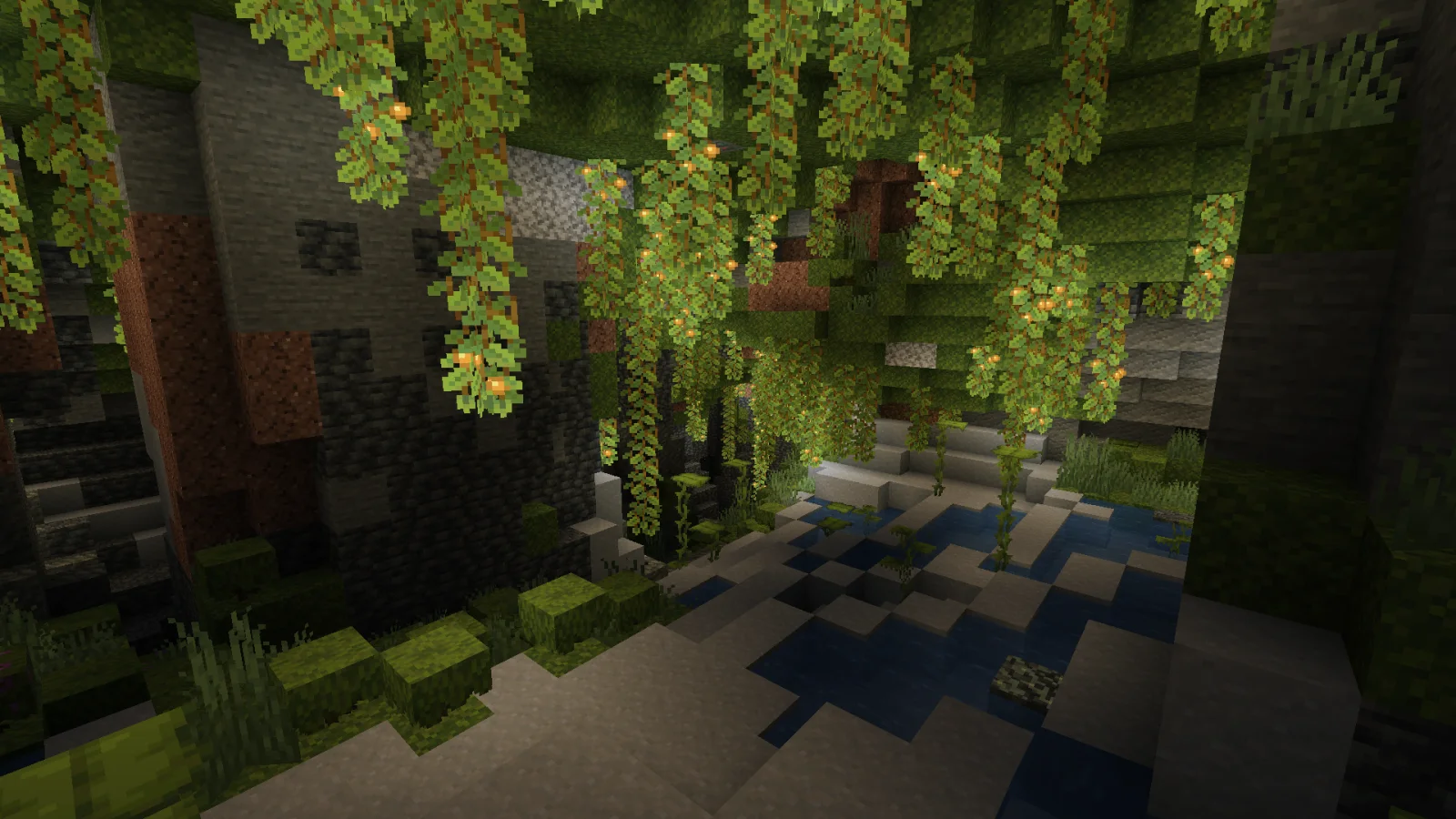
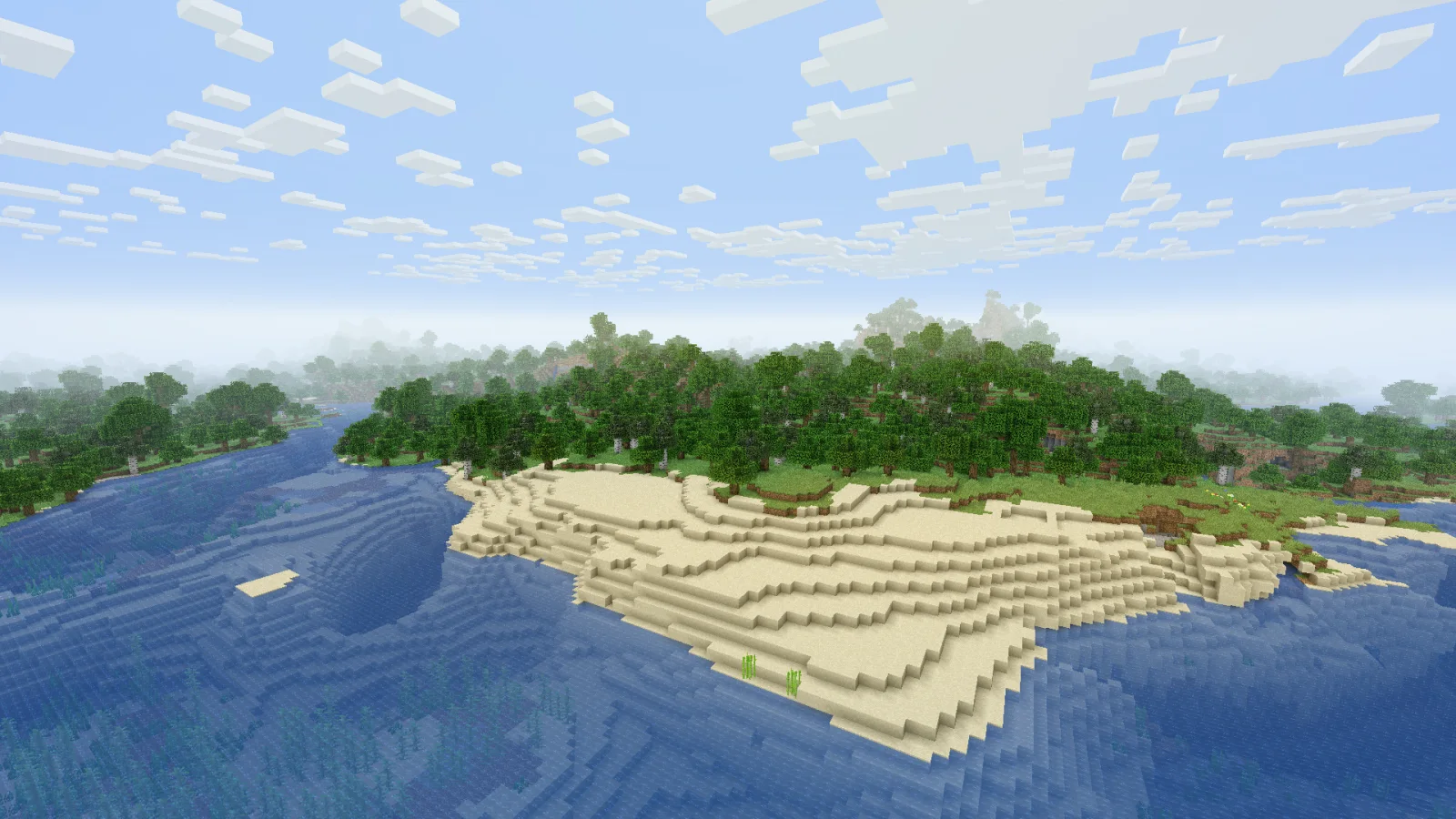
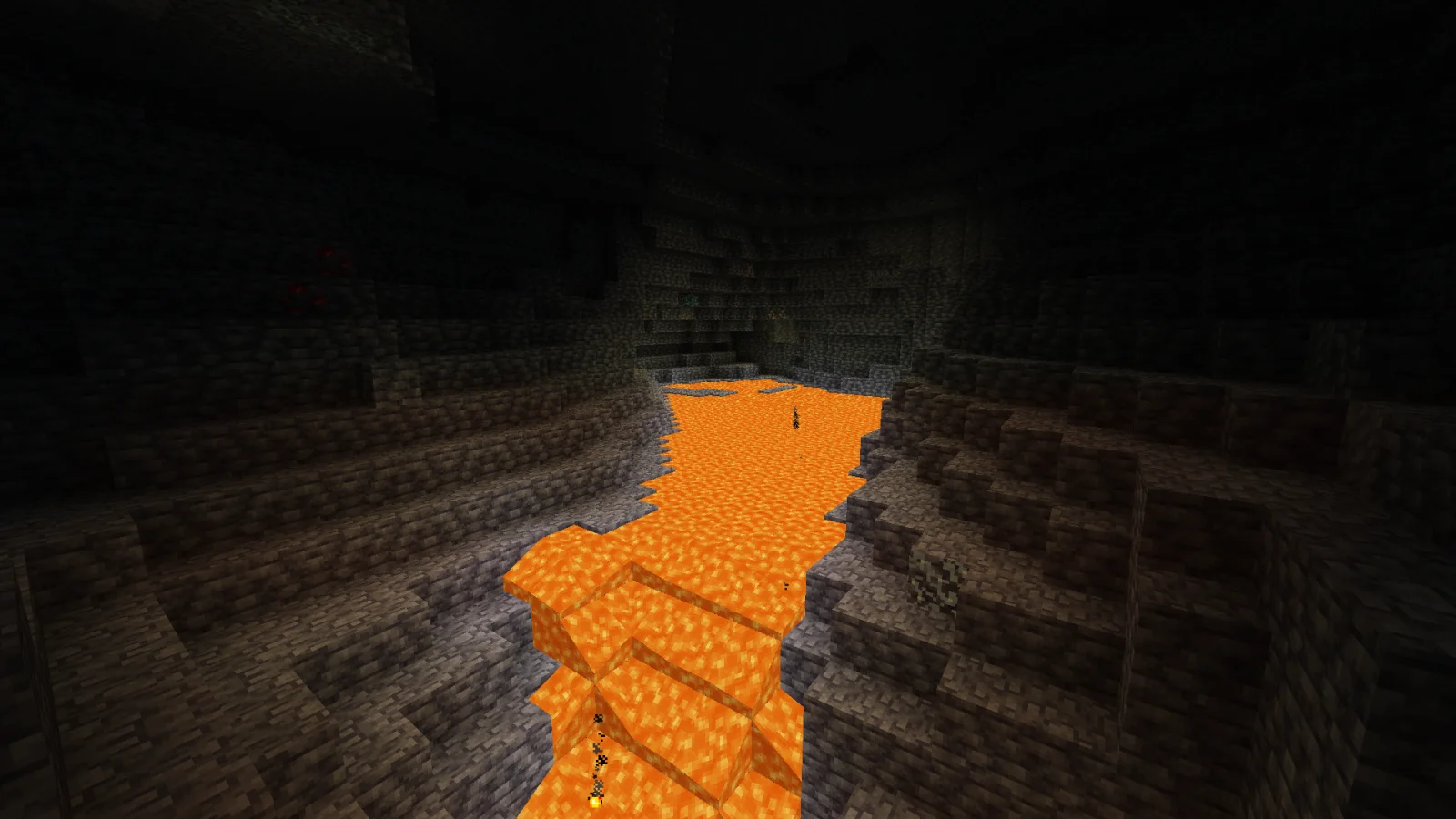
Cinematic Color Correction (pack de shaders) es obra de Bestsoft100. This shader gives the game a more cinematic look by changing the color and adding a Bloom effect.
Es compatible con Minecraft 1.8 – 1.21. Se ha descargado 39,321 veces en Modrinth. La última actualización salió el 20/09/2024.
Instala Iris (con Sodium) u OptiFine para tu versión de Minecraft: los shaders necesitan uno de ellos.
Descarga el archivo .zip desde Modrinth. No lo descomprimas.
En Minecraft, abre Opciones, luego Gráficos, luego Shader Packs y pulsa Abrir carpeta de shaders.
Suelta el archivo .zip en esa carpeta, elige Cinematic Color Correction en la lista y pulsa Listo.
Los shaders exigen mucho a la tarjeta gráfica. Si el juego va lento, elige un perfil más bajo en sus ajustes.
| Recurso | Descargas | Versiones | Última actualización | Precio |
|---|---|---|---|---|
| Cinematic Color Correctionel que estabas viendo | 39K | 1.8 – 1.21 | 20 sept 2024 | Gratis |
| SillyWankerShaderbombacat | 93K | 1.12 – 1.21 | 13 mar 2025 | Gratis |
 Vanilla Plus ShaderRRe36 | 2.8M | 1.16 – 1.21 | 28 feb 2025 | Gratis |
 Aurora's ShadersCrafterAurora | 949K | 1.20 – 1.21 | 28 mar 2025 | Gratis |
Todavía no. La versión más reciente que admite es Minecraft 1.21.
Sí. Cinematic Color Correction se puede descargar gratis desde Modrinth.
Sí. La última actualización salió en el último día.
Los más parecidos son SillyWankerShader, Vanilla Plus Shader y Aurora's Shaders. Comparar todas las alternativas
SillyWankerShaderShaders · 1.12 – 1.21A minecraft Shader which tries to keep the vanilla look, while adding functionalities like other shaders and implementing some own silly things like Color…
Vanilla Plus ShaderShaders · 1.16 – 1.21A shaderpack that gives Minecraft a modern visual overhaul while staying faithful to its original look.
Aurora's ShadersShaders · 1.20 – 1.21Based on Complimentary Unbound, a beautifully colorful Vanilla+ shader meant for making the game look good while maintaining good performance and vanilla feel.
 Tricked ShadersShaders · 1.8 – 26.x
Based on Mellow Shader, a modified version to reduce brightness and make the game look better while maintaining good performance and vanilla feel.
 Warped MemoryShaders · 1.19 – 26.x
This shader, turns the game into a glitchy VHS tape. Distortions, noise, flickering and blurred colors create the effect of an old tape, immersing you in the…
 CRT ShaderShaders · 1.8 – 26.x
A stylized shader aimed to make your game look retro!
Inicia sesión para dejar una reseña.