
 CoffeeShadersShaders · 1.20 – 26.x
Coffee Shaders is a mid-quality shader pack designed to enhance your game with smooth, realistic shadows, adjustable settings for personalized control, and a…
Gratis10,736 descargas

Realistic shader pack for can-pipe with a focus on quality and immersion
Descarga directa desde Modrinth · 67,013 descargas
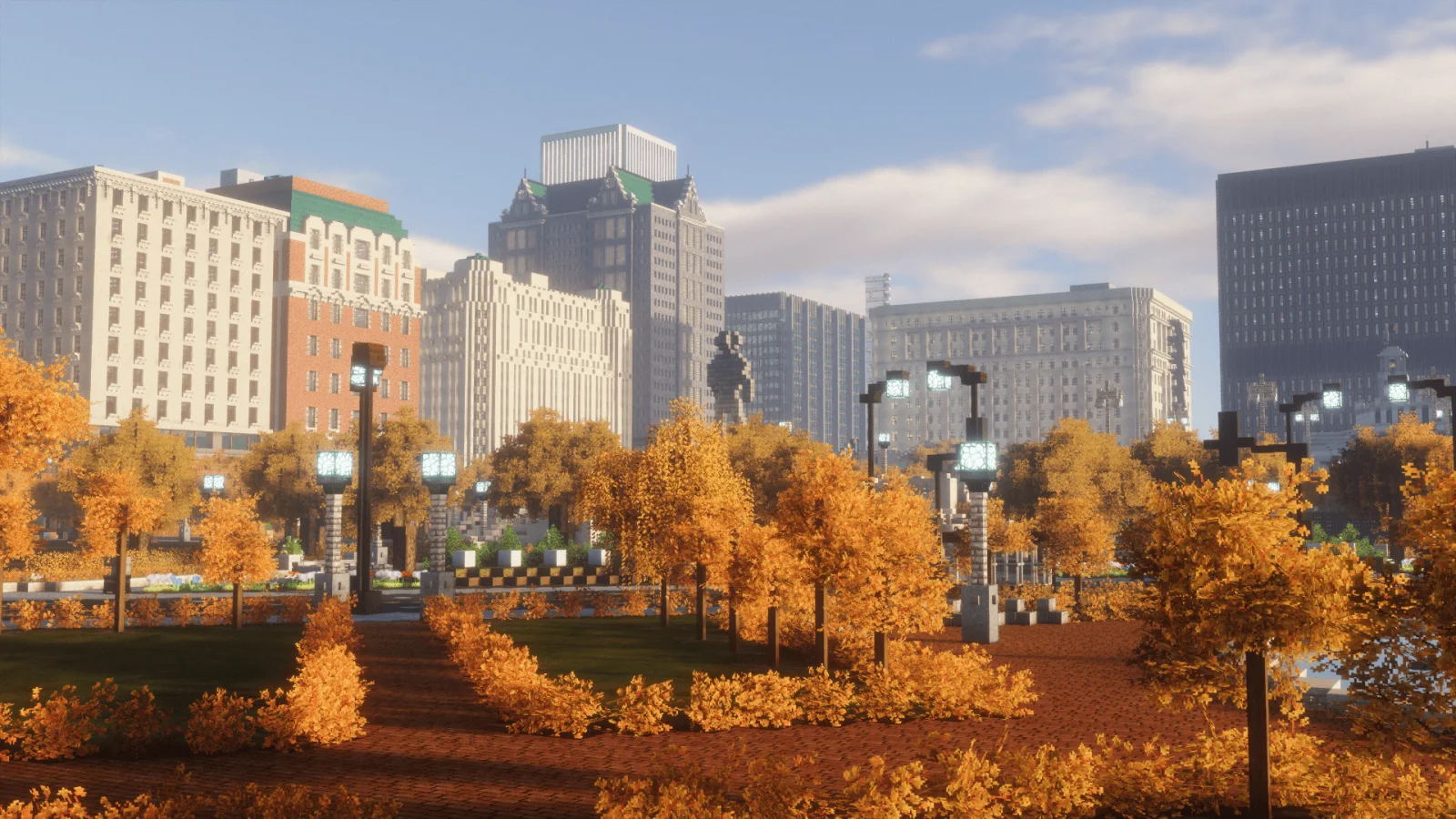
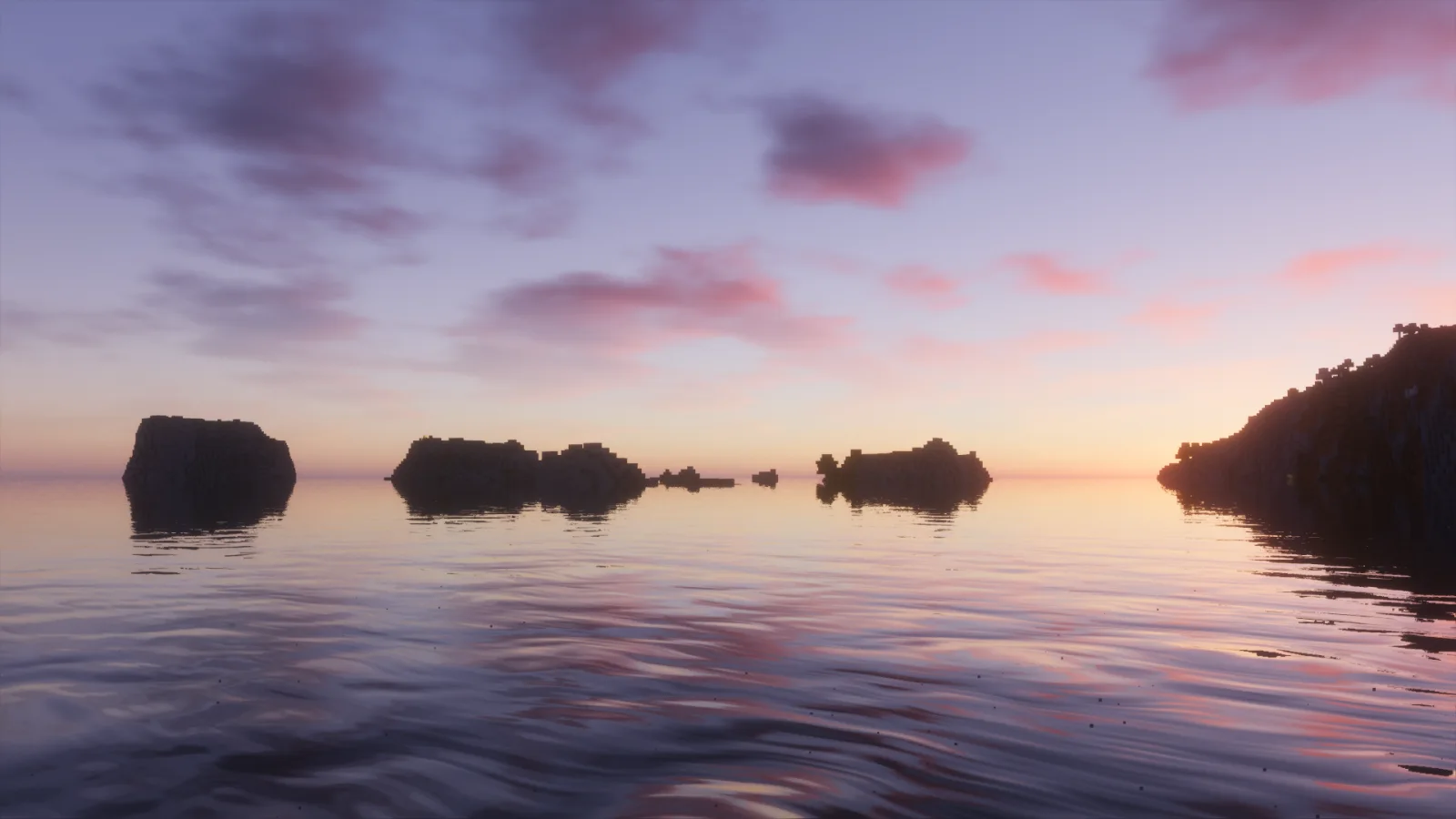
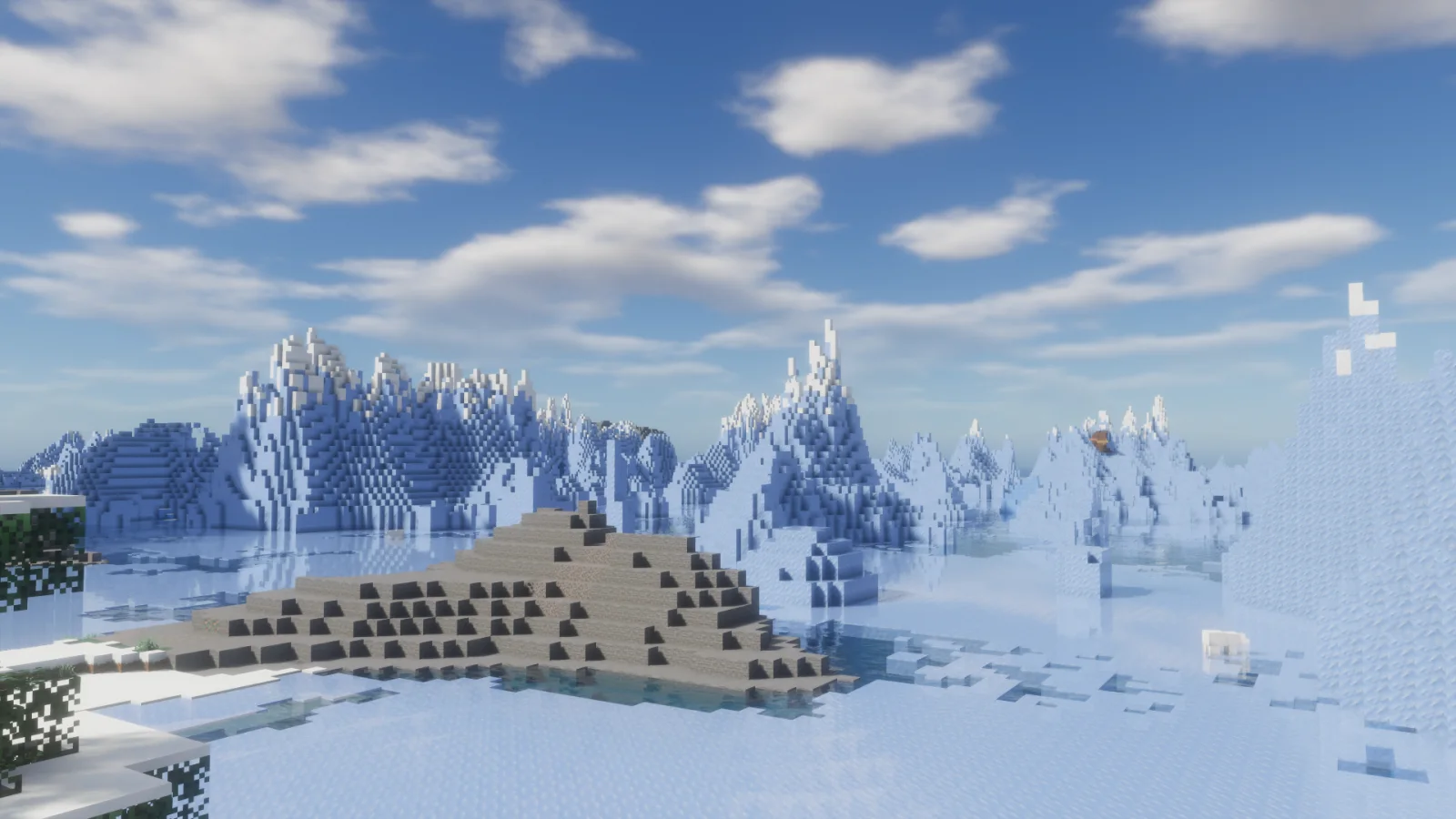
Forget-Me-Not Shaders (pack de shaders) es obra de ambrosia. Realistic shader pack for can-pipe with a focus on quality and immersion.
Es compatible con Minecraft 1.18 – 1.20. Se ha descargado 67,013 veces en Modrinth. La última actualización salió el 03/02/2024.
Forget-Me-Not Shaders ha publicado 7 versiones en Modrinth desde el 22/10/2022. Ninguna salió en el último año. La más reciente es v0.8.0, publicada el 03/02/2024. Está hecha para Minecraft 1.20.2. Funciona en Canvas. La descarga ocupa 625 KB.
| Versión | Publicado | Minecraft | Tipo |
|---|---|---|---|
v0.8.0 | 03/02/2024 | 1.20.2 | Estable |
v0.7.2 | 15/07/2023 | 1.19.2 – 1.20.1 | Estable |
v0.7.1 | 08/06/2023 | 1.19.4, 1.20 | Estable |
v0.7.0 | 15/05/2023 | 1.19.2, 1.19.3, 1.19.4 | Estable |
v0.6.0 | 29/11/2022 | 1.19.2 | Estable |
Forget-Me-Not Shaders es de código abierto. Su última versión en GitHub es Forget-me-not Shaders v0.7.2, publicada el 15/07/2023.
Antes: Forget-me-not Shaders v0.7.1 (08/06/2023), Forget-me-not Shaders v0.7.0 (20/05/2023).
Forget-me-not is a semi-realistic pipeline shader for the Can-Pipe mod, with the goal of using a wide variety of visual effects for a diverse Minecraft experience.
Can-Pipe is a continuation of Canvas, a client-side renderer mod that uses shaders for advanced rendering. Its rendering system is entirely different from Optifine, Aperture, Iris, and Sodium; thus, it will not work with any of these mods.
See the how to use section for installation instructions.
If you're a developer or mod hoster, Forget-me-not is licensed under the LGPL v3.0, so please make sure to read over its terms if you use any of Forget-me-not's original code or distribute it.
Additionally, the only places Forget-me-not is officially released to are the GitHub and Modrinth pages. If you're finding Forget-me-not on a mod rehosting site like 9minecraft, it's much safer to just download it from the official (ad-free!) pages instead.
Note: You can also get in-development versions of Forget-me-not on GitHub! The easiest way is to git clone the repository into your resource pack folder directly, but you can also download the repository as a .zip file (in which case you'll have to extract it).
Forget-me-not wouldn't have gotten as far as it did without the support of various people across the Canvas and shaderLABS communities. Special thanks to:
Escrita por ambrosia. Léela con imágenes en Modrinth.
Instala Iris (con Sodium) u OptiFine para tu versión de Minecraft: los shaders necesitan uno de ellos.
Descarga el archivo .zip desde Modrinth. No lo descomprimas.
En Minecraft, abre Opciones, luego Gráficos, luego Shader Packs y pulsa Abrir carpeta de shaders.
Suelta el archivo .zip en esa carpeta, elige Forget-Me-Not Shaders en la lista y pulsa Listo.
Los shaders exigen mucho a la tarjeta gráfica. Si el juego va lento, elige un perfil más bajo en sus ajustes.
| Recurso | Descargas | Versiones | Última actualización | Precio |
|---|---|---|---|---|
| Forget-Me-Not Shadersel que estabas viendo | 67K | 1.18 – 1.20 | 3 feb 2024 | Gratis |
| CoffeeShadersGamesofDev | 11K | 1.20 – 26.x | 2 jul 2026 | Gratis |
 Photon Shaderssixthsurge | 29.2M | 1.16 – 26.x | hace 25 días | Gratis |
 Luxora ShadersHoneyStudios | 7,676 | 1.21 | 16 mar 2026 | Gratis |
Todavía no. La versión más reciente que admite es Minecraft 1.20.
Sí. Forget-Me-Not Shaders se puede descargar gratis desde Modrinth.
Sí. La última actualización salió en el último día.
Los más parecidos son CoffeeShaders, Photon Shaders y Luxora Shaders. Comparar todas las alternativas
CoffeeShadersShaders · 1.20 – 26.xCoffee Shaders is a mid-quality shader pack designed to enhance your game with smooth, realistic shadows, adjustable settings for personalized control, and a…
Photon ShadersShaders · 1.16 – 26.xA gameplay-focused shader pack with a semi-realistic style
Luxora ShadersShaders · 1.21Warm toned shader pack with realistic lighting, golden sunsets, water reflections, and smooth performance.
 Samarium ShadersShaders · 1.21 – 26.x
Samarium Shaders is a custom, high-performance realistic shader pack built specifically for Minecraft Java Edition (supporting 1.21.11 and 26.2 using Fabric…
 Kappa ShaderShaders · 1.16 – 1.21
A high-quality realistic, yet also somewhat stylized shaderpack.
 Lux V1Shaders · 1.8 – 26.x
Lux is a high fidelity Minecraft: Java Edition shader pack based on Capt Tatsu's BSL Shaders.
Inicia sesión para dejar una reseña.