
 CoffeeShadersShadery · 1.20 – 26.x
Coffee Shaders is a mid-quality shader pack designed to enhance your game with smooth, realistic shadows, adjustable settings for personalized control, and a…
Za darmoPobrania: 10,736
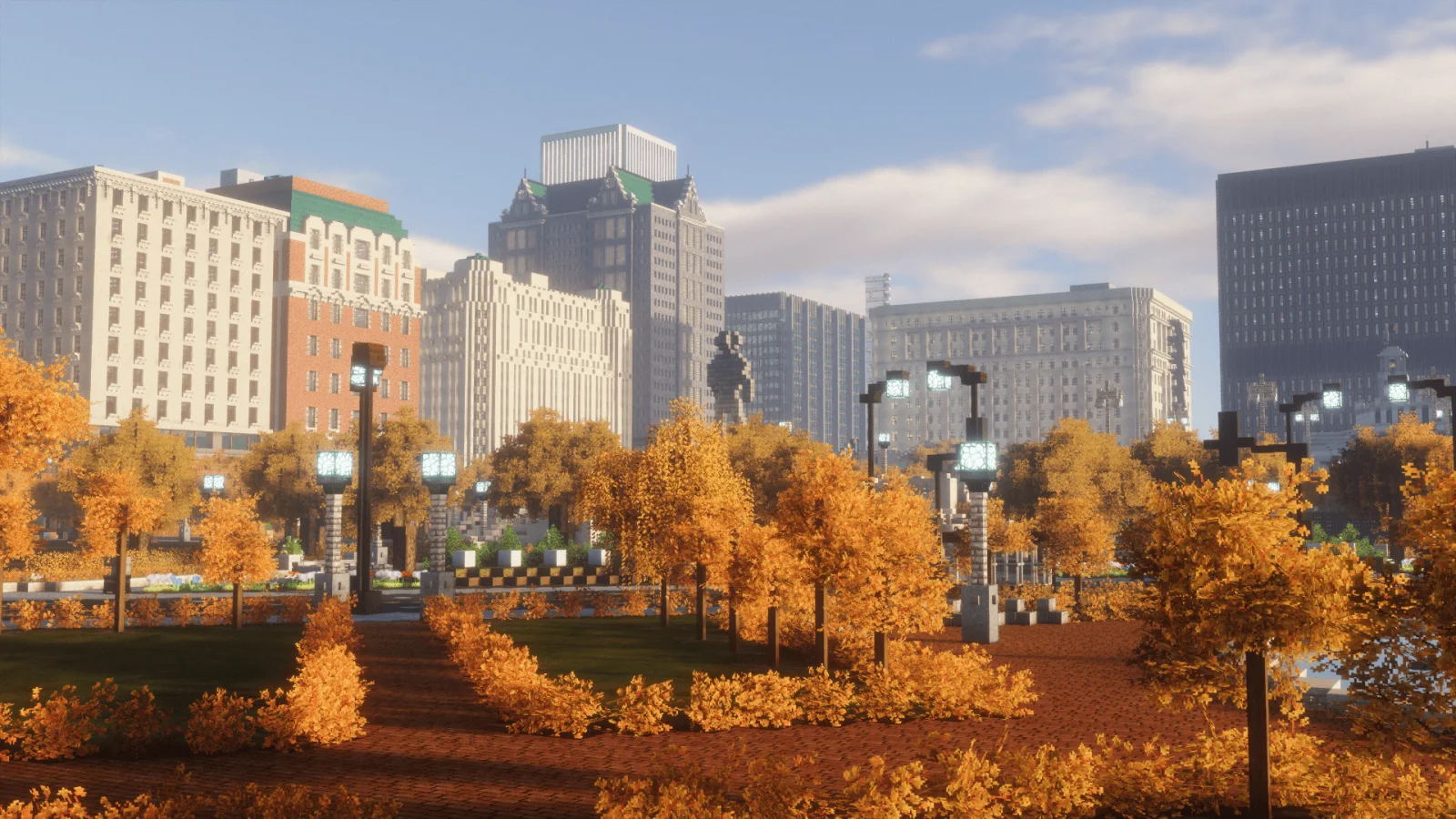
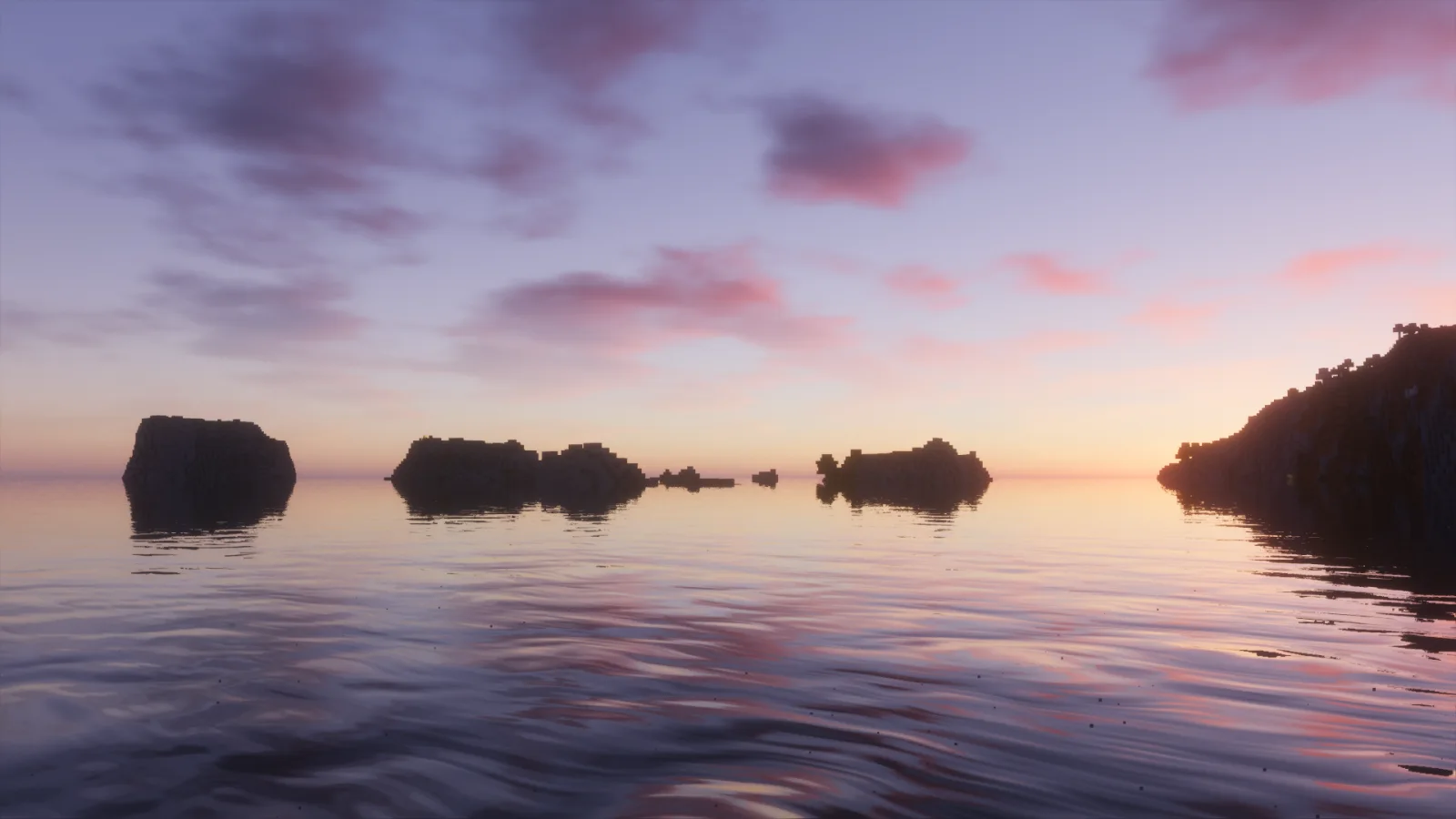
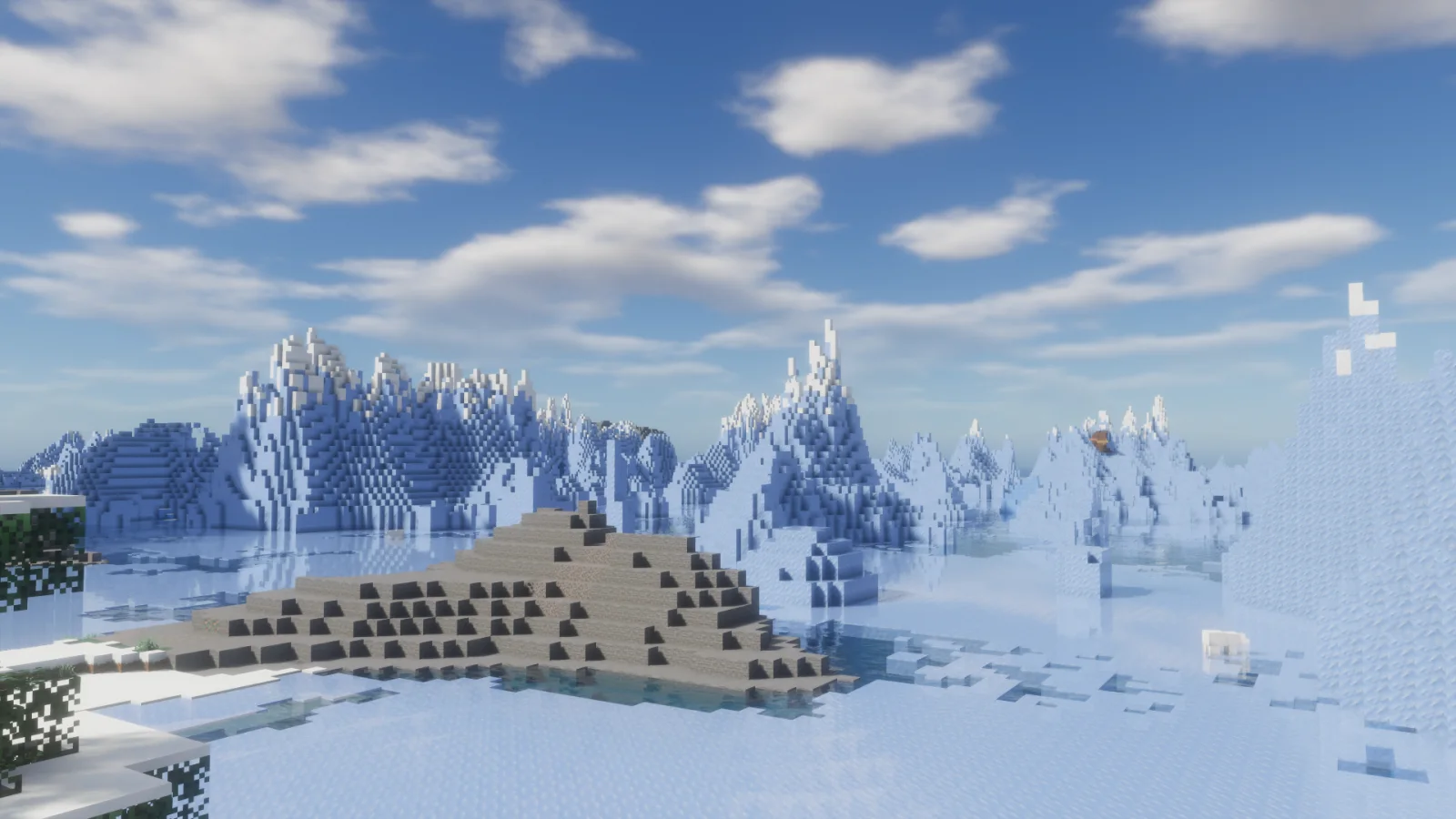
Forget-Me-Not Shaders to paczka shaderów, autor: ambrosia. Realistic shader pack for can-pipe with a focus on quality and immersion.
Obsługiwane wersje: Minecraft 1.18 – 1.20. Liczba pobrań w serwisie Modrinth: 67,013. Ostatnia aktualizacja: 03.02.2024.
Forget-Me-Not Shaders ma 7 wydań na Modrinth od 22.10.2022. Żadna nie wyszła w ostatnim roku. Najnowsza to v0.8.0, wydana 03.02.2024. Jest zrobiona dla Minecraft 1.20.2. Działa na Canvas. Plik ma 625 KB.
| Wersja | Wydano | Minecraft | Typ |
|---|---|---|---|
v0.8.0 | 03.02.2024 | 1.20.2 | Wydanie |
v0.7.2 | 15.07.2023 | 1.19.2 – 1.20.1 | Wydanie |
v0.7.1 | 08.06.2023 | 1.19.4, 1.20 | Wydanie |
v0.7.0 | 15.05.2023 | 1.19.2, 1.19.3, 1.19.4 | Wydanie |
v0.6.0 | 29.11.2022 | 1.19.2 | Wydanie |
Forget-Me-Not Shaders ma otwarty kod. Najnowsze wydanie na GitHubie to Forget-me-not Shaders v0.7.2, opublikowane 15.07.2023.
Wcześniej: Forget-me-not Shaders v0.7.1 (08.06.2023), Forget-me-not Shaders v0.7.0 (20.05.2023).
Forget-me-not is a semi-realistic pipeline shader for the Can-Pipe mod, with the goal of using a wide variety of visual effects for a diverse Minecraft experience.
Can-Pipe is a continuation of Canvas, a client-side renderer mod that uses shaders for advanced rendering. Its rendering system is entirely different from Optifine, Aperture, Iris, and Sodium; thus, it will not work with any of these mods.
See the how to use section for installation instructions.
If you're a developer or mod hoster, Forget-me-not is licensed under the LGPL v3.0, so please make sure to read over its terms if you use any of Forget-me-not's original code or distribute it.
Additionally, the only places Forget-me-not is officially released to are the GitHub and Modrinth pages. If you're finding Forget-me-not on a mod rehosting site like 9minecraft, it's much safer to just download it from the official (ad-free!) pages instead.
Note: You can also get in-development versions of Forget-me-not on GitHub! The easiest way is to git clone the repository into your resource pack folder directly, but you can also download the repository as a .zip file (in which case you'll have to extract it).
Forget-me-not wouldn't have gotten as far as it did without the support of various people across the Canvas and shaderLABS communities. Special thanks to:
Autor: ambrosia. Z obrazkami na Modrinth.
Zainstaluj Iris (z Sodium) albo OptiFine dla swojej wersji Minecrafta: shadery potrzebują jednego z nich.
Pobierz plik .zip z Modrinth. Nie rozpakowuj go.
W Minecrafcie otwórz Opcje, potem Ustawienia grafiki, potem Shadery i kliknij Otwórz folder shaderów.
Wrzuć plik .zip do tego folderu, wybierz Forget-Me-Not Shaders z listy i kliknij Gotowe.
Shadery mocno obciążają kartę graficzną. Jeśli gra zwalnia, wybierz niższy profil w ustawieniach shadera.
| Zasób | Pobrania | Wersje | Aktualizacja | Cena |
|---|---|---|---|---|
 Forget-Me-Not Shadersten, który oglądałeś | 67K | 1.18 – 1.20 | 3 lut 2024 | Za darmo |
| CoffeeShadersGamesofDev | 11K | 1.20 – 26.x | 2 lip 2026 | Za darmo |
 Photon Shaderssixthsurge | 29.2M | 1.16 – 26.x | 25 d. temu | Za darmo |
 Luxora ShadersHoneyStudios | 7,676 | 1.21 | 16 mar 2026 | Za darmo |
Jeszcze nie. Najnowsza obsługiwana wersja to Minecraft 1.20.
Tak. Forget-Me-Not Shaders można pobrać za darmo z serwisu Modrinth.
Tak. Ostatnia aktualizacja wyszła w ciągu ostatniej doby.
Najbliższe to CoffeeShaders, Photon Shaders i Luxora Shaders. Porównaj wszystkie alternatywy
CoffeeShadersShadery · 1.20 – 26.xCoffee Shaders is a mid-quality shader pack designed to enhance your game with smooth, realistic shadows, adjustable settings for personalized control, and a…
Photon ShadersShadery · 1.16 – 26.xA gameplay-focused shader pack with a semi-realistic style
Luxora ShadersShadery · 1.21Warm toned shader pack with realistic lighting, golden sunsets, water reflections, and smooth performance.
 Samarium ShadersShadery · 1.21 – 26.x
Samarium Shaders is a custom, high-performance realistic shader pack built specifically for Minecraft Java Edition (supporting 1.21.11 and 26.2 using Fabric…
 Kappa ShaderShadery · 1.16 – 1.21
A high-quality realistic, yet also somewhat stylized shaderpack.
 Lux V1Shadery · 1.8 – 26.x
Lux is a high fidelity Minecraft: Java Edition shader pack based on Capt Tatsu's BSL Shaders.
Zaloguj się, aby wystawić opinię.