
 FloodPassPlugins · 1.13 – 26.x
Floodgate Auto Login for AuthMe — passwordless Bedrock sign-in: Xbox-verified, automatic, zero typing
Gratis6 descargas

Login and registration for Paper servers, with premium and Bedrock auto-login, sessions, captcha, anti-bot checks and AuthMe import.
Descarga directa desde Modrinth · 1 descargas
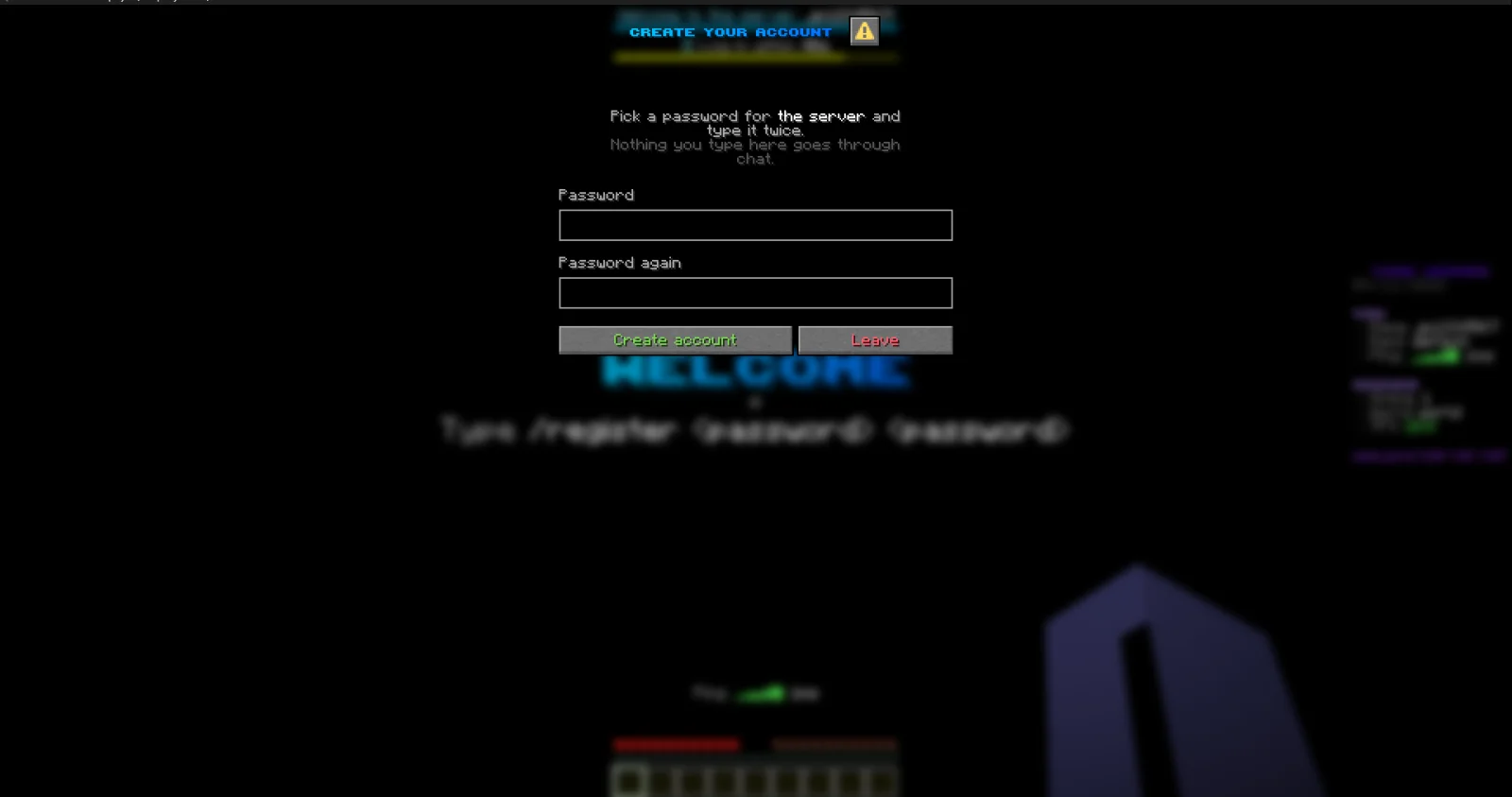
JPPlugins creó JPAuth (plugin) para servidores Paper / Spigot. Login and registration for Paper servers, with premium and Bedrock auto-login, sessions, captcha, anti-bot checks and AuthMe import.
Es compatible con Minecraft 26.x. Se ha descargado 1 veces en Modrinth. Eso lo sitúa en el puesto 434 de los 437 plugins de utilidades de esta lista. La última actualización salió el 09/11/2026.
La más reciente es 1.0.0, publicada el 08/11/2026. Está hecha para Minecraft 26.3. Funciona en Paper. La descarga ocupa 392 KB.
| Versión | Publicado | Minecraft | Tipo |
|---|---|---|---|
1.0.0 | 08/11/2026 | 26.3 | Estable |
Los comandos que aparecen en la página de JPAuth en Modrinth:
/register/login/email/recover/auth/jp/reg/changepassword/changepw/cpw/premium/captcha/mail/forgotpassword/authfreeze/afreezePermisos que se nombran allí, para dar con un plugin como LuckPerms:
jpauth.adminjpauth.bypass.antibotjpauth.bypass.captchajpauth.bypass.accountlimitLogin and registration for offline-mode Paper servers. Players with a paid Minecraft account and Bedrock players can skip the password, and everyone else gets a login that's hard to abuse.
Part of JP Plugins, but it works on its own.
Logging in
Premium players
Bedrock players
Protection
For server owners
Optional
Type /jp as an operator to see every JP plugin you have installed, its version and which optional plugins it found.
Full docs, the default config and setup guides are on the JPAuth page of the JP Plugins website.
Questions, bugs or ideas? Join the JP Plugins Discord.
JPAuth is free to use on any server, including servers that make money, but it is not open source. Don't reupload, sell or share modified copies of it. The full terms are in LICENSE.txt inside the jar.
Escrita por JPPlugins. Léela con imágenes en Modrinth.
Asegúrate de que tu servidor use Paper y Spigot en Minecraft 26.x.
Descarga el archivo .jar desde Modrinth y ponlo en la carpeta plugins de tu servidor.
Reinicia el servidor. Evita /reload, muchos plugins no lo llevan bien.
Escribe /plugins en la consola: JPAuth debería aparecer en verde. Sus archivos de configuración se crean en la carpeta plugins al primer arranque.
Guía completa: Cómo instalar plugins en un servidor de Minecraft
| Recurso | Descargas | Versiones | Última actualización | Precio |
|---|---|---|---|---|
| JPAuthel que estabas viendo | 1 | 26.x | hace 5 días | Gratis |
| FloodPassDalict | 6 | 1.13 – 26.x | hace 13 horas | Gratis |
 Omni AnticheatOneGamingv2 | 2,392 | 1.8 – 26.x | hace 6 días | Gratis |
 authmebiaMytai20100 | 995 | 1.21 – 26.x | hace 5 días | Gratis |
Sí. JPAuth es compatible con Minecraft 26.x. Todas las versiones compatibles: 26.x.
Sí. JPAuth se puede descargar gratis desde Modrinth.
JPAuth funciona en servidores Paper y Spigot.
Sí: Floodgate, PacketEvents. Instálalo antes de JPAuth.
Sí. La última actualización salió en el último día.
Los más parecidos son FloodPass, Omni Anticheat y authmebia. Comparar todas las alternativas
FloodPassPlugins · 1.13 – 26.xFloodgate Auto Login for AuthMe — passwordless Bedrock sign-in: Xbox-verified, automatic, zero typing
Omni AnticheatPlugins · 1.8 – 26.xAnti-cheat for Minecraft 1.8–26.x on Spigot, Paper and Purpur. Java and Bedrock, 63 checks, staff tools. One jar, commented config, a normal plugin nothing…
authmebiaPlugins · 1.21 – 26.xAn addon for AuthMe Reloaded that replaces dialog-based authentication of authme reloaded with dialogs customizable for login, registration, captcha, email…
 Simple LoginPlugins · 1.17 – 26.x
SimpleLogin is a plugin/mod that provides a secure login and registration system. It uses SQLite for storage, BCrypt for password hashing, and supports…
 MinerTrack Anti XRayPlugins · 1.18 – 26.x
The Powerful antixray, help you auto catch X-rayers and punish them according to your configuration.
 LoginToPlugins · 1.8 – 26.x
A complete authentication solution for Minecraft servers, providing secure login, database storage, premium autologin and secure otp code with qrcode
Inicia sesión para dejar una reseña.