
 Acid Shaders 1.5Shaders · 1.12 – 1.21
This is a minecraft shader pack that is a fan-made remaster of acid shaders, It has several different modes, and has a fast way to make your own custom…
Gratuit95,500 téléchargements
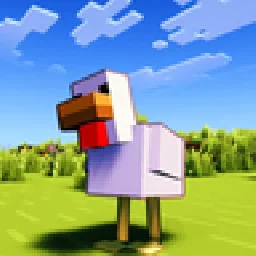
This Minecraft Shader Adds Custom Outlines to Every Mob!
Téléchargement direct depuis Modrinth · 10,124 téléchargements
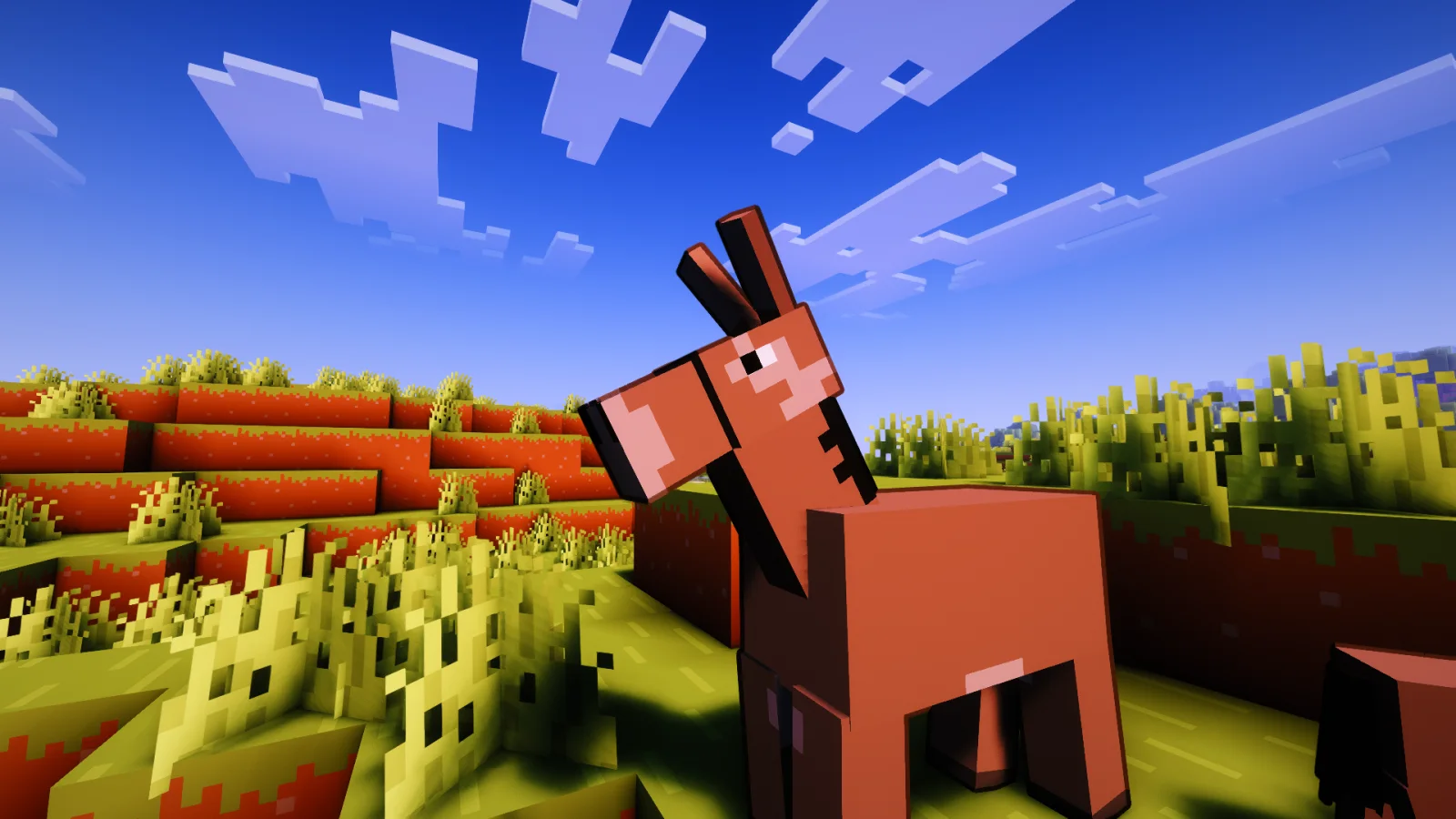
Contour Shaders (pack de shaders) est une création de Eleeter. This Minecraft Shader Adds Custom Outlines to Every Mob!
Versions prises en charge : Minecraft 1.16 – 26.x. On compte 10,124 téléchargements sur Modrinth. La dernière mise à jour date du 18/10/2026.
Contour Shaders a publié 8 versions sur Modrinth depuis le 05/06/2026. 8 sont sorties au cours de l'année passée. La plus récente est 1.0.5, sortie le 17/10/2026. Elle est faite pour Minecraft 1.16.5 – 26.3. Elle fonctionne sur Iris et Optifine. Le téléchargement fait 512 KB.
| Version | Publié | Minecraft | Type |
|---|---|---|---|
1.0.5 | 17/10/2026 | 1.16.5 – 26.3 | Stable |
1.0.4.2 | 09/10/2026 | 1.16.5 – 26.3 | Stable |
1.0.4.1 | 04/10/2026 | 1.16.5 – 26.3 | Stable |
1.0.4 | 02/10/2026 | 1.16.5 – 26.3 | Stable |
1.0.3 | 23/06/2026 | 1.16.5 – 26.1.2 | Stable |
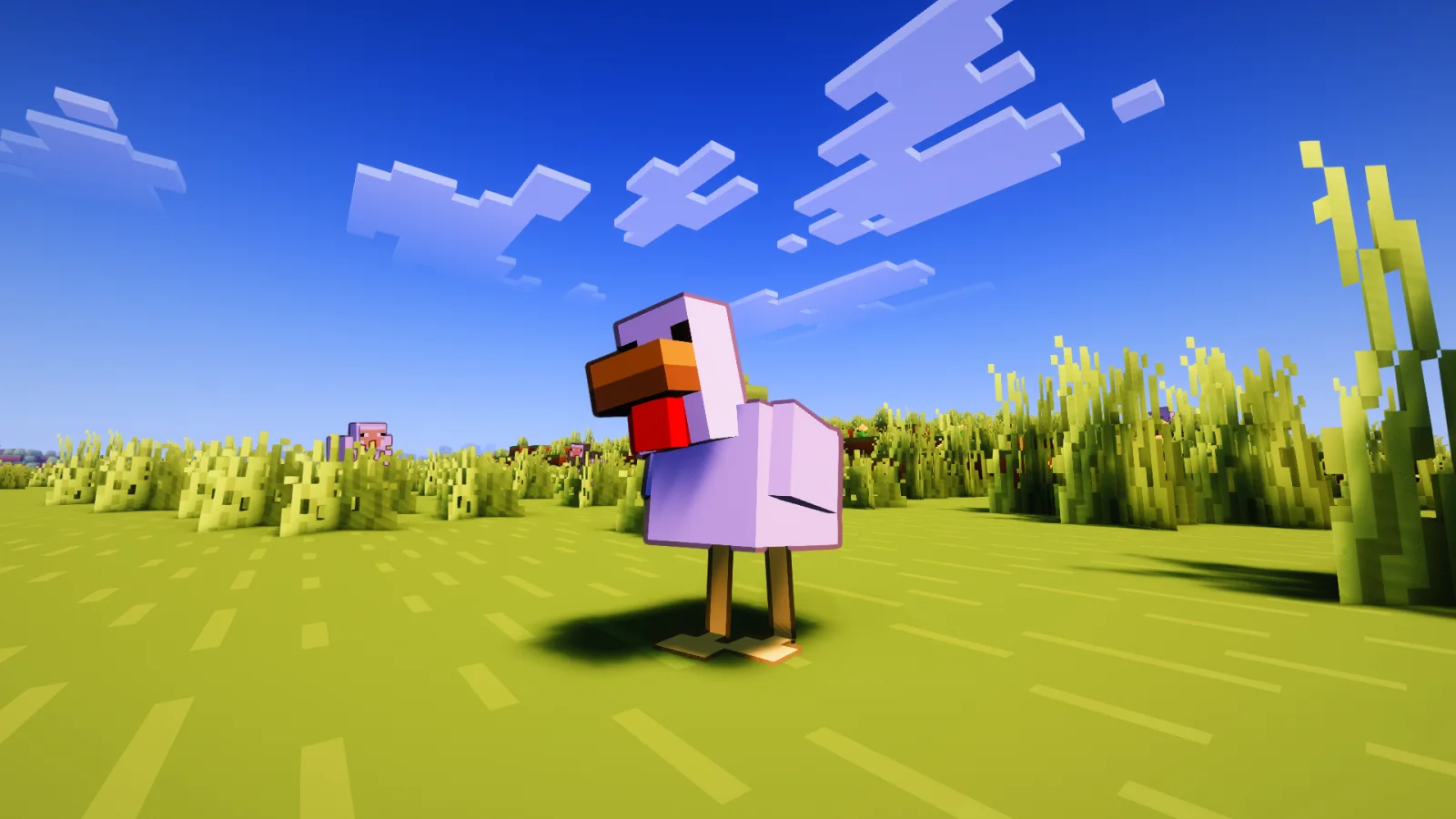
Contour Shaders brings the clean, vibrant outlines from official Minecraft trailers into the game.
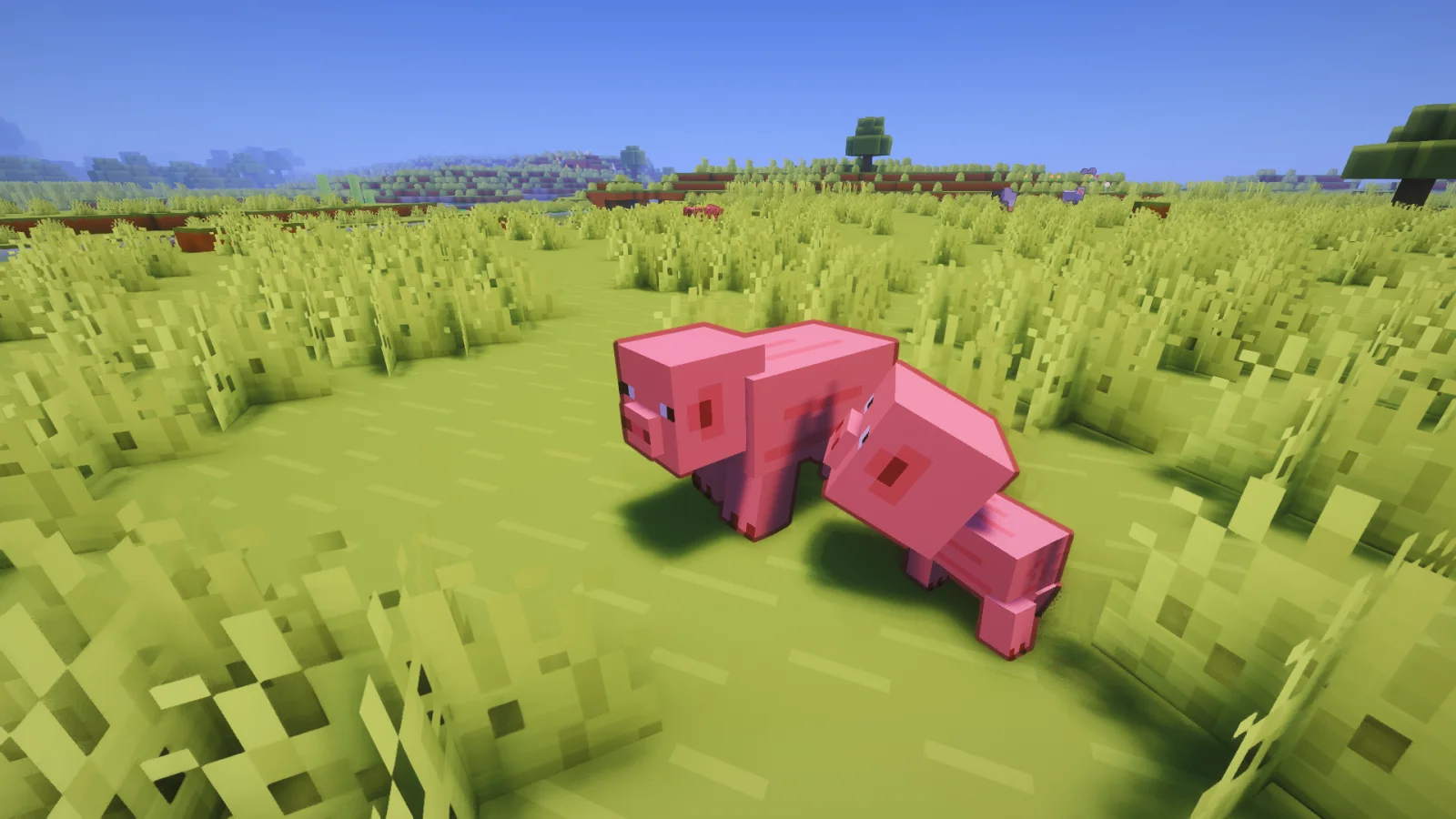
Contour Shaders introduces dynamic, color-coded entity outlines to every mob, player, and dropped item in your world.
The outline color matches the mob instead of using a plain black border. For example, Creepers get a green outline and Cows get a brown one, similar to the style used in official Minecraft artwork.
Setting · What it does
Outline Thickness · How thick the outline appears
Outline Darkness · How dark the outline color is
Base Distance · Distance where thickness starts shrinking
Outline on Hand · Toggle outline on your held item
Rainbow Mode · Enable rainbow coloring on the outline
Rainbow Animated · Toggle animated or fixed hue
Rainbow Fixed Color · Pick a specific hue when animation is off
Rainbow Speed · How fast the rainbow cycles
Glowing Outline · Enable glowing outlines with a bloom effect, or use the normal dark outline
Glow Intensity · Adjust the brightness of the glow and strength of the bloom
Glow Smoothness · Adjust the smoothness of the glowing outline
For unreleased early access versions, bug reports, or community support, join the Discord server:
**Crafty Hub Discord**
Écrite par Eleeter. À lire avec les images sur Modrinth.
Installe Iris (avec Sodium) ou OptiFine pour ta version de Minecraft : les shaders ont besoin de l'un des deux.
Télécharge le fichier .zip depuis Modrinth. Ne le décompresse pas.
Dans Minecraft, ouvre Options, puis Paramètres vidéo, puis Shaders, et clique sur Ouvrir le dossier des shaders.
Dépose le fichier .zip dans ce dossier, choisis Contour Shaders dans la liste et clique sur Terminé.
Les shaders sollicitent beaucoup la carte graphique. Si le jeu ralentit, choisis un profil plus bas dans leurs réglages.
| Ressource | Téléchargements | Versions | Mise à jour | Prix |
|---|---|---|---|---|
| Contour Shaderscelle que tu regardais | 10K | 1.16 – 26.x | il y a 25 jours | Gratuit |
| Acid Shaders 1.5edhxhejs | 96K | 1.12 – 1.21 | 14 sept. 2024 | Gratuit |
 Vanilish ShadersTypon | 67K | 1.8 – 1.21 | 16 févr. 2026 | Gratuit |
 Lomborebi ShaderspauschaL | 9,343 | 1.18 – 26.x | 9 oct. 2026 | Gratuit |
Oui. Contour Shaders prend en charge Minecraft 26.x. Toutes les versions prises en charge : 26.x, 1.21, 1.20, 1.19, 1.18, 1.17, 1.16.
Oui. Contour Shaders se télécharge gratuitement sur Modrinth.
Oui. La dernière mise à jour date des dernières 24 heures.
Les plus proches sont Acid Shaders 1.5, Vanilish Shaders et Lomborebi Shaders. Comparer toutes les alternatives
Acid Shaders 1.5Shaders · 1.12 – 1.21This is a minecraft shader pack that is a fan-made remaster of acid shaders, It has several different modes, and has a fast way to make your own custom…
Vanilish ShadersShaders · 1.8 – 1.21A lightweight shader that adds a realistic, warm atmosphere and soft lighting to Minecraft while maintaining the vanilla style.
Lomborebi ShadersShaders · 1.18 – 26.xAn anime-inspired Minecraft shader pack featuring crisp cel-shaded block outlines, fluffy clouds, and glowing ores. It gives the game a vibrant, cozy…
 DAP ShadersShaders · 1.16 – 26.x
The best shader to exist! Adds a ton of new graphic elements to the game.
 Elysium ShadersShaders · 1.21 – 26.x
Elysium Shaders is a shader pack that adds soft shadows, pleasing colors, and natural phenomena.
 LD ShadersShaders · 1.21
LD Shaders is a beautiful fantasy-like shader that adds clouds, water and stylized environments to Minecraft! Can be used with Iris Shaders. Currently only…
Connecte-toi pour laisser un avis.