
 Acid Shaders 1.5Shaders · 1.12 – 1.21
This is a minecraft shader pack that is a fan-made remaster of acid shaders, It has several different modes, and has a fast way to make your own custom…
Grátis95,543 downloads
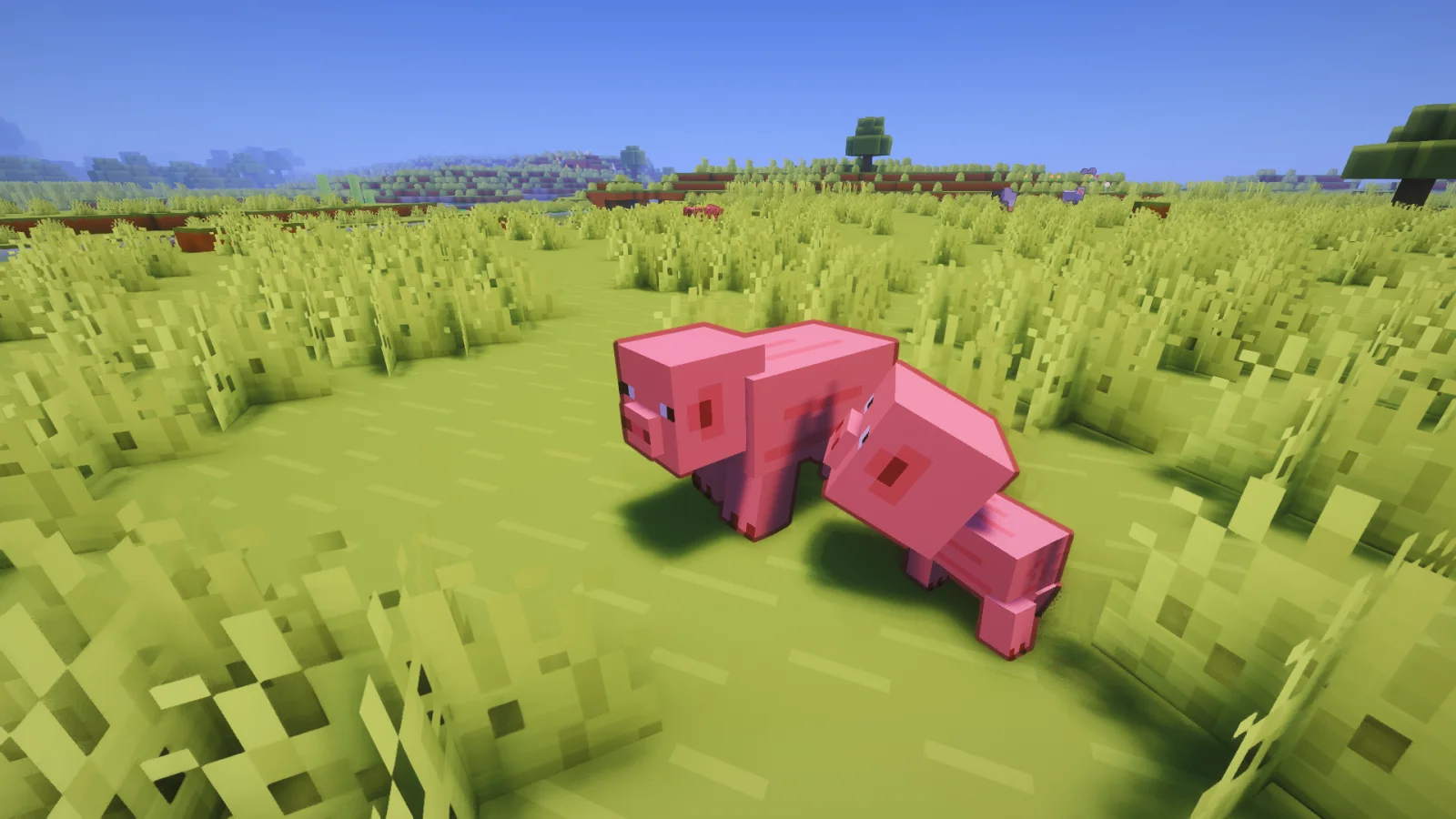
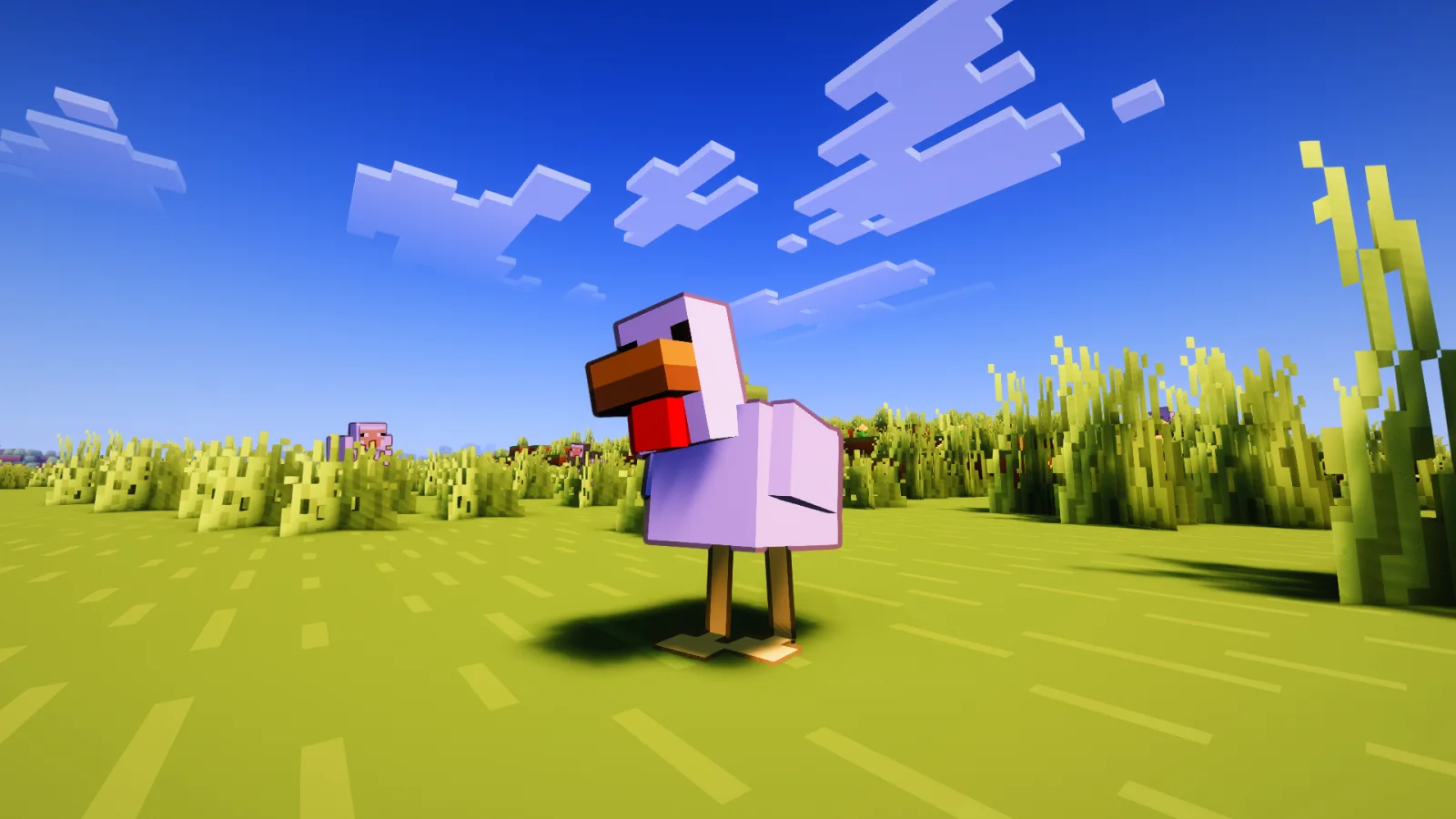
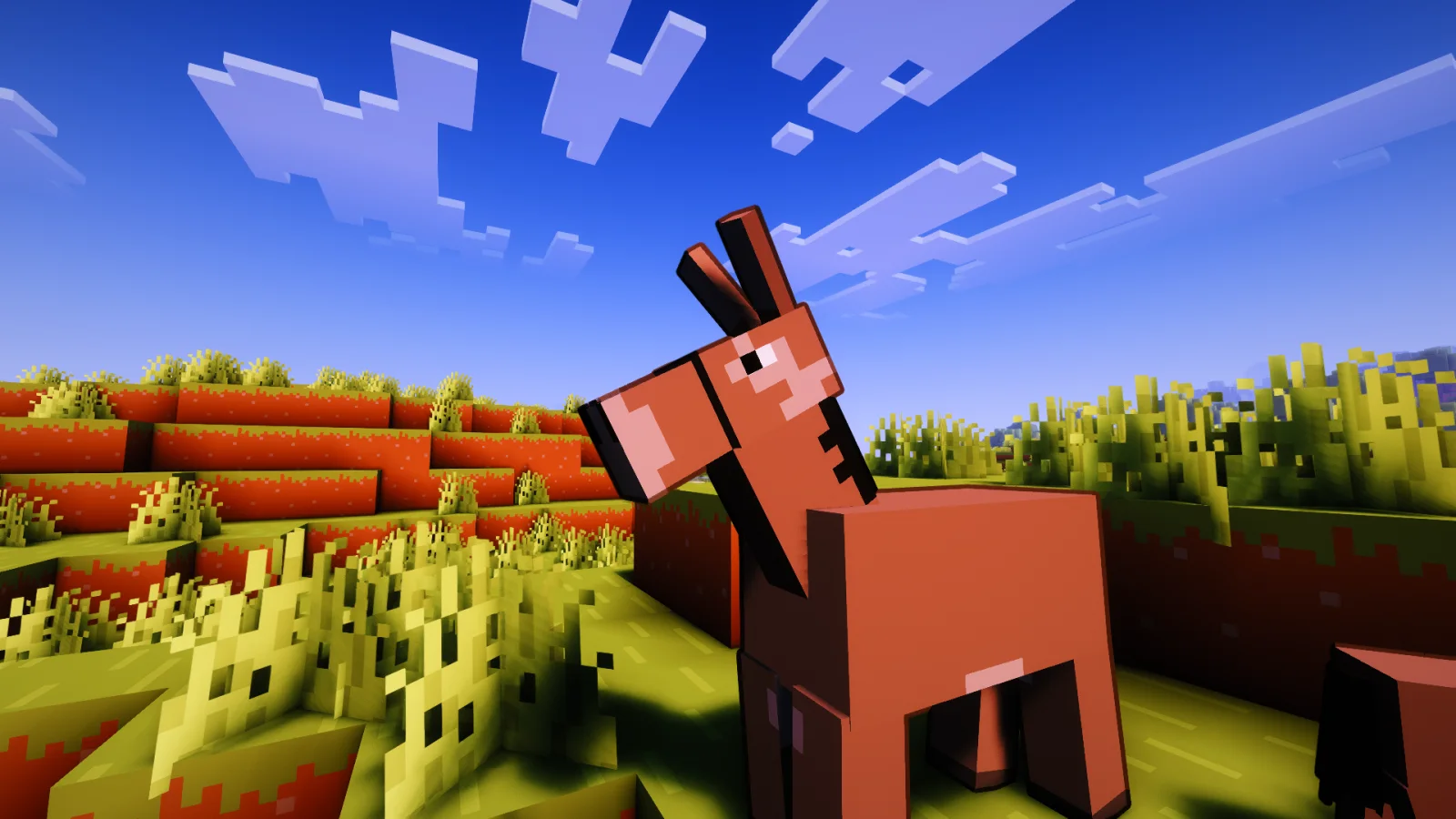
Contour Shaders (pacote de shaders) é obra de Eleeter. This Minecraft Shader Adds Custom Outlines to Every Mob!
É compatível com o Minecraft 1.16 – 26.x. Tem 10,191 downloads em Modrinth. A última atualização saiu em 18/10/2026.
Contour Shaders teve 8 versões no Modrinth desde 05/06/2026. 8 saíram no último ano. A mais recente é 1.0.5, lançada em 17/10/2026. Ela é feita para o Minecraft 1.16.5 – 26.3. Ela roda em Iris e Optifine. O download tem 512 KB.
| Versão | Lançado | Minecraft | Tipo |
|---|---|---|---|
1.0.5 | 17/10/2026 | 1.16.5 – 26.3 | Estável |
1.0.4.2 | 09/10/2026 | 1.16.5 – 26.3 | Estável |
1.0.4.1 | 04/10/2026 | 1.16.5 – 26.3 | Estável |
1.0.4 | 02/10/2026 | 1.16.5 – 26.3 | Estável |
1.0.3 | 23/06/2026 | 1.16.5 – 26.1.2 | Estável |
Contour Shaders brings the clean, vibrant outlines from official Minecraft trailers into the game.
Contour Shaders introduces dynamic, color-coded entity outlines to every mob, player, and dropped item in your world.
The outline color matches the mob instead of using a plain black border. For example, Creepers get a green outline and Cows get a brown one, similar to the style used in official Minecraft artwork.
Setting · What it does
Outline Thickness · How thick the outline appears
Outline Darkness · How dark the outline color is
Base Distance · Distance where thickness starts shrinking
Outline on Hand · Toggle outline on your held item
Rainbow Mode · Enable rainbow coloring on the outline
Rainbow Animated · Toggle animated or fixed hue
Rainbow Fixed Color · Pick a specific hue when animation is off
Rainbow Speed · How fast the rainbow cycles
Glowing Outline · Enable glowing outlines with a bloom effect, or use the normal dark outline
Glow Intensity · Adjust the brightness of the glow and strength of the bloom
Glow Smoothness · Adjust the smoothness of the glowing outline
For unreleased early access versions, bug reports, or community support, join the Discord server:
**Crafty Hub Discord**
Escrita por Eleeter. Leia com imagens no Modrinth.
Instale o Iris (com Sodium) ou o OptiFine para sua versão do Minecraft: shaders precisam de um deles.
Baixe o arquivo .zip pelo Modrinth. Não descompacte.
No Minecraft, abra Opções, depois Gráficos, depois Shader Packs e clique em Abrir pasta de shaders.
Coloque o arquivo .zip nessa pasta, escolha Contour Shaders na lista e clique em Concluído.
Shaders pesam na placa de vídeo. Se o jogo ficar lento, escolha um perfil mais baixo nas configurações.
| Recurso | Downloads | Versões | Última atualização | Preço |
|---|---|---|---|---|
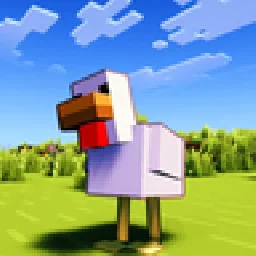 Contour Shaderso que você estava vendo | 10K | 1.16 – 26.x | há 26 dias | Grátis |
| Acid Shaders 1.5edhxhejs | 96K | 1.12 – 1.21 | 14 set 2024 | Grátis |
 Vanilish ShadersTypon | 68K | 1.8 – 1.21 | 16 fev 2026 | Grátis |
 Lomborebi ShaderspauschaL | 9,649 | 1.18 – 26.x | 9 out 2026 | Grátis |
Sim. Contour Shaders é compatível com o Minecraft 26.x. Todas as versões compatíveis: 26.x, 1.21, 1.20, 1.19, 1.18, 1.17, 1.16.
Sim. Você pode baixar Contour Shaders de graça em Modrinth.
Sim. A última atualização saiu no último dia.
Os mais parecidos são Acid Shaders 1.5, Vanilish Shaders e Lomborebi Shaders. Comparar todas as alternativas
Acid Shaders 1.5Shaders · 1.12 – 1.21This is a minecraft shader pack that is a fan-made remaster of acid shaders, It has several different modes, and has a fast way to make your own custom…
Vanilish ShadersShaders · 1.8 – 1.21A lightweight shader that adds a realistic, warm atmosphere and soft lighting to Minecraft while maintaining the vanilla style.
Lomborebi ShadersShaders · 1.18 – 26.xAn anime-inspired Minecraft shader pack featuring crisp cel-shaded block outlines, fluffy clouds, and glowing ores. It gives the game a vibrant, cozy…
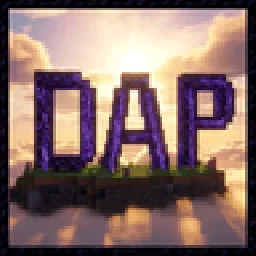 DAP ShadersShaders · 1.16 – 26.x
The best shader to exist! Adds a ton of new graphic elements to the game.
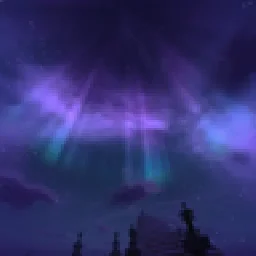 Elysium ShadersShaders · 1.21 – 26.x
Elysium Shaders is a shader pack that adds soft shadows, pleasing colors, and natural phenomena.
 LD ShadersShaders · 1.21
LD Shaders is a beautiful fantasy-like shader that adds clouds, water and stylized environments to Minecraft! Can be used with Iris Shaders. Currently only…
Entre para deixar uma avaliação.