
 Photon ShadersShaders · 1.16 – 26.x
A gameplay-focused shader pack with a semi-realistic style
Gratuit29,203,494 téléchargements
A pathtracing shader pack with quad raytracing.
Téléchargement direct depuis Modrinth · 6,949 téléchargements
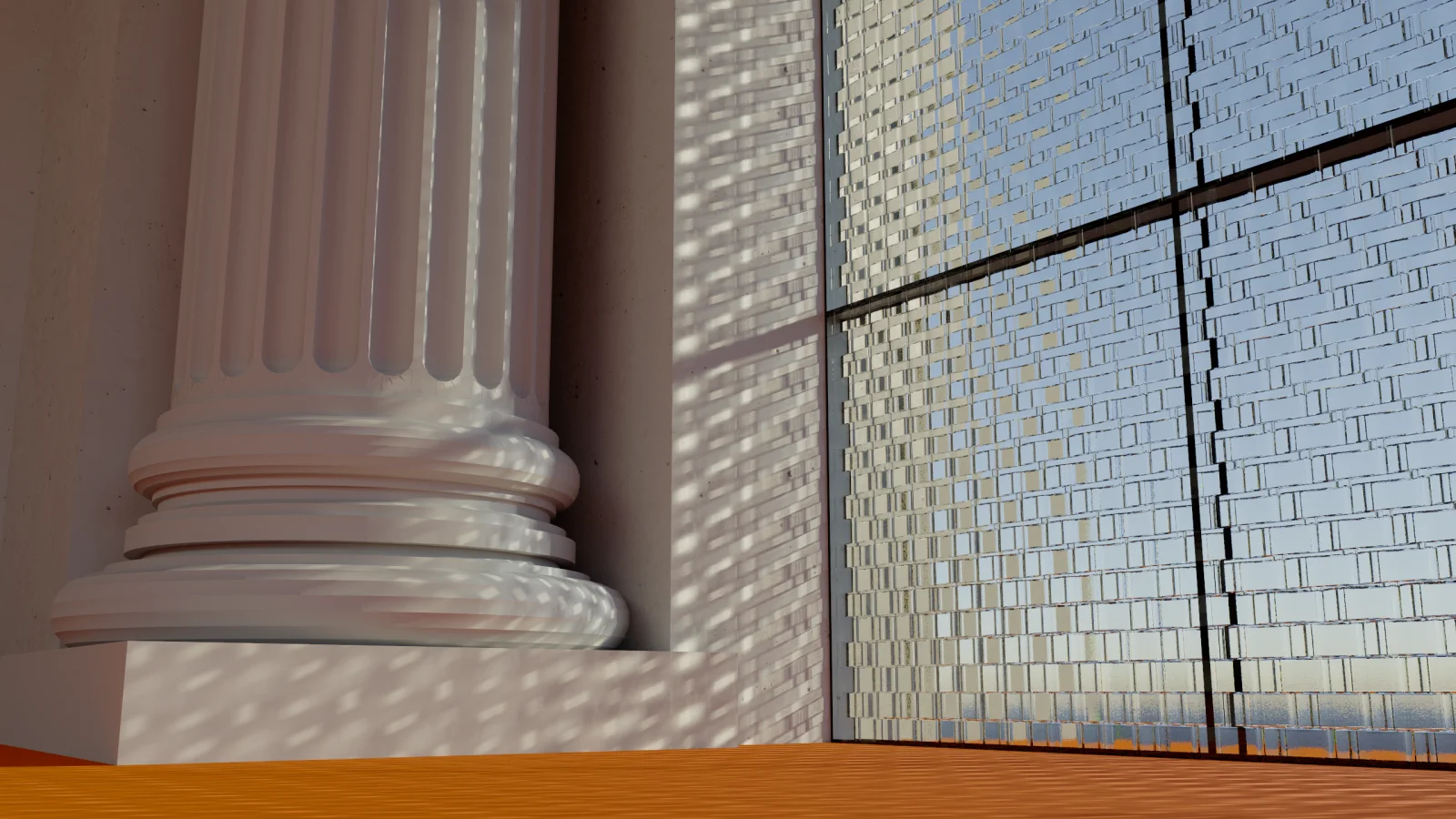
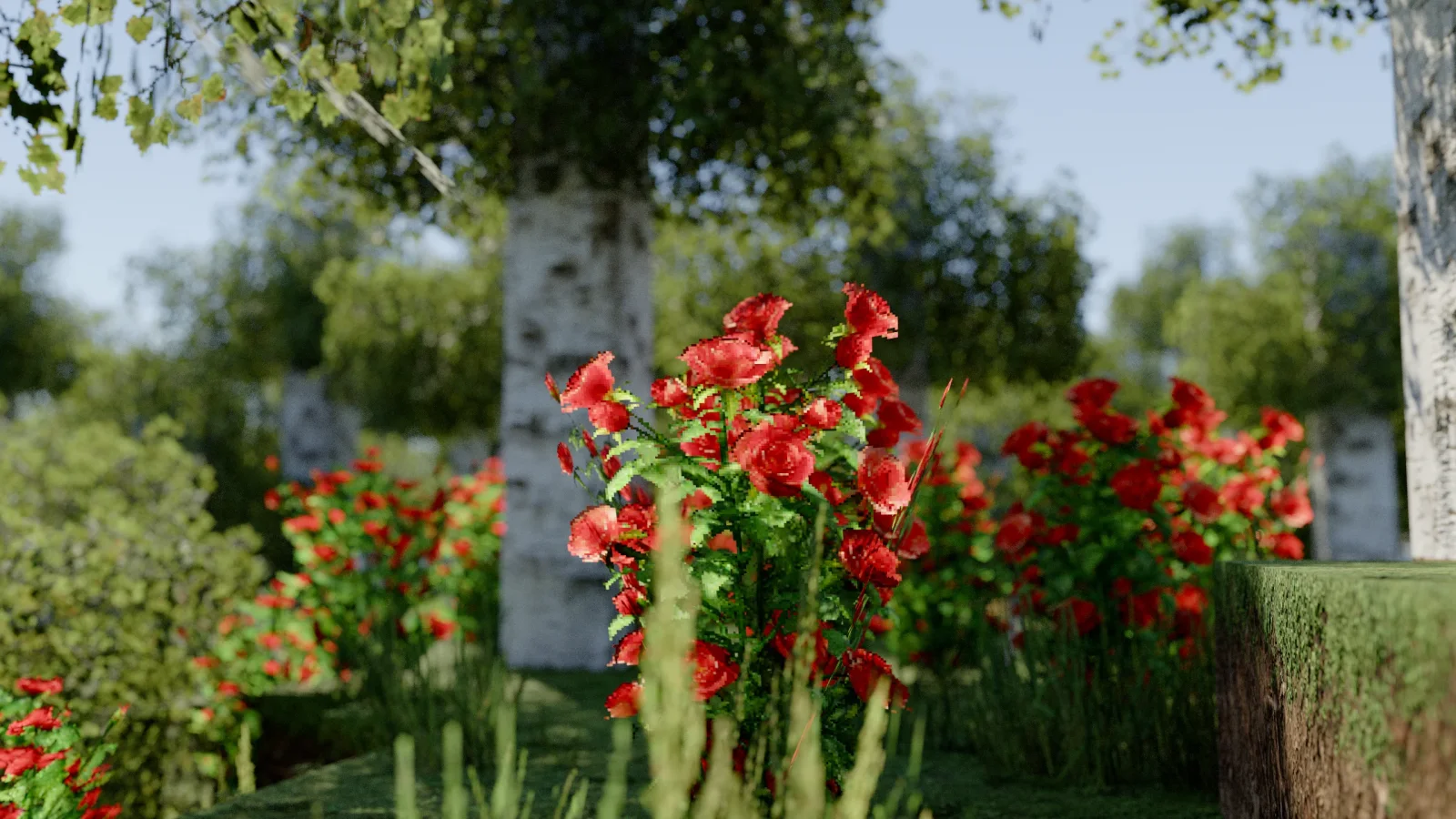
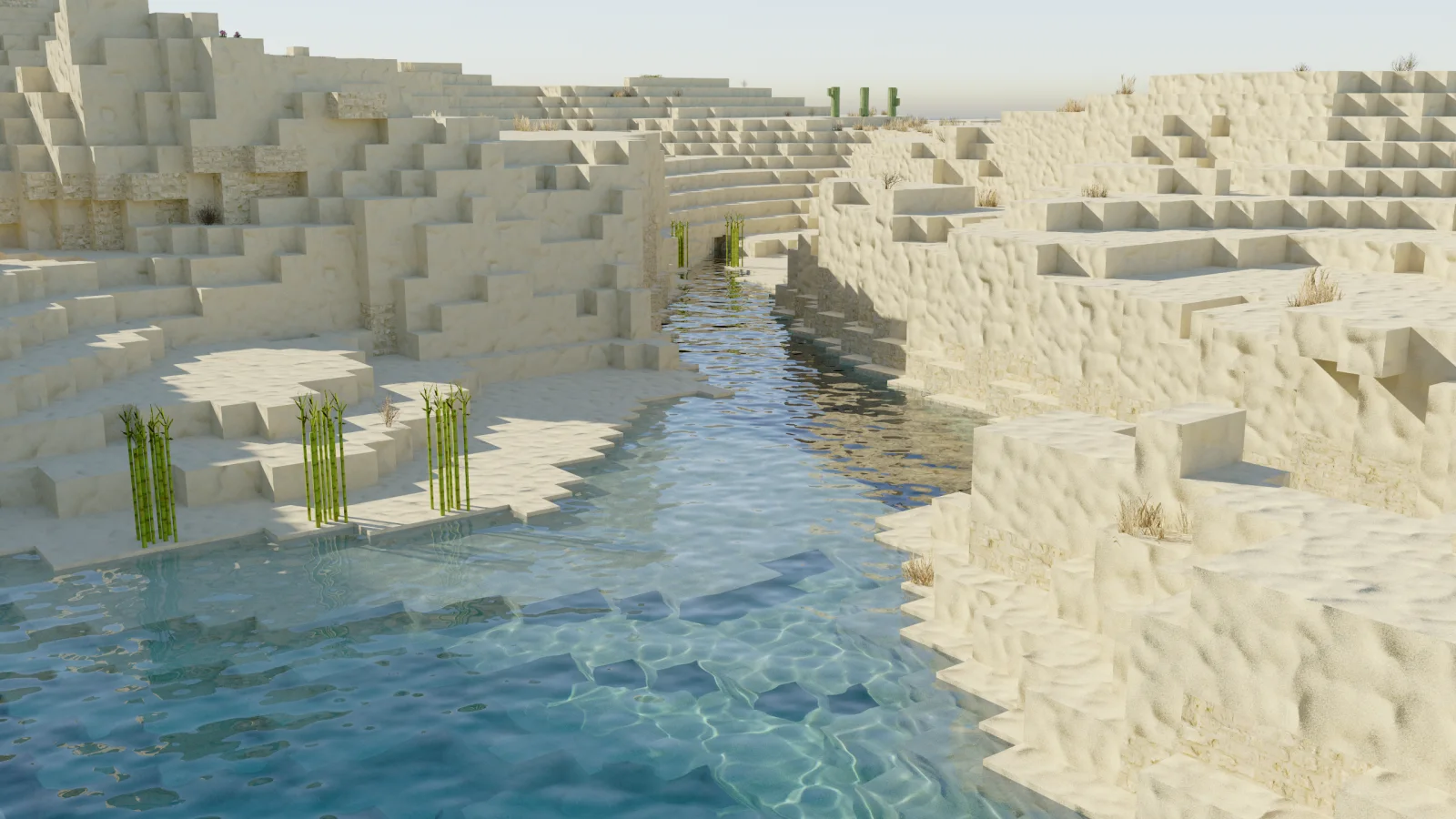
Camellia (pack de shaders) est une création de xirreal. A pathtracing shader pack with quad raytracing.
Versions prises en charge : Minecraft 1.21 – 26.x. On compte 6,949 téléchargements sur Modrinth. La dernière mise à jour date du 26/09/2026.
Camellia a publié 4 versions sur Modrinth depuis le 14/09/2026. 4 sont sorties au cours de l'année passée. La plus récente est 1.2.0, sortie le 26/09/2026. Elle est faite pour Minecraft 1.21.11 – 26.3. Elle fonctionne sur Iris. Le téléchargement fait 1.4 MB.
| Version | Publié | Minecraft | Type |
|---|---|---|---|
1.2.0 | 26/09/2026 | 1.21.11 – 26.3 | Stable |
1.1.1 | 20/09/2026 | 1.21.10 – 26.3 | Stable |
1.1.0 | 18/09/2026 | 1.21.10 – 26.3 | Stable |
1.0.0 | 14/09/2026 | 1.21.10 – 26.3 | Stable |
Camellia is a pathtracer shader for Minecraft.
It's my take on Quad Raytracing in Minecraft, using the state of the art techniques from the H-PLOC paper to build a BVH directly on the GPU.
While I tried my best, performance is still suboptimal and not yet suitable for real-time gameplay. Camellia is intended for research, experimentation, and learning.
This is NOT a realtime shader. You will need to stand still and let the shader accumulate samples, like a render in Blender.
Pressing F1 starts the accumulation and freezes input and geometry, so that the scene can't change anymore.
Some tips for faster renders:
Screenshots taken with Patrix 128x
Special thanks to sixthsurge for allowing me to use their clouds in my shader! Check out Photon for a surprisingly fast and stunning realtime shader.
Camellia's original work is shared under the source-available license in LICENSE; it is not an open-source license. Third-party code and research remain under their own terms. See THIRD_PARTY_NOTICES.md and licenses/.
I want people to learn from Camellia (especially what is wrong with it) so the license allows you to read and modify the source code for personal use. If you want to publish a derivative, you must contact me for permission. See the license for details.
If Camellia is useful to you, sponsor me on GitHub.Check out my other projects too!
Écrite par xirreal. À lire avec les images sur Modrinth.
Installe Iris (avec Sodium) ou OptiFine pour ta version de Minecraft : les shaders ont besoin de l'un des deux.
Télécharge le fichier .zip depuis Modrinth. Ne le décompresse pas.
Dans Minecraft, ouvre Options, puis Paramètres vidéo, puis Shaders, et clique sur Ouvrir le dossier des shaders.
Dépose le fichier .zip dans ce dossier, choisis Camellia dans la liste et clique sur Terminé.
Les shaders sollicitent beaucoup la carte graphique. Si le jeu ralentit, choisis un profil plus bas dans leurs réglages.
| Ressource | Téléchargements | Versions | Mise à jour | Prix |
|---|---|---|---|---|
| Camelliacelle que tu regardais | 6,949 | 1.21 – 26.x | 26 sept. 2026 | Gratuit |
| Photon Shaderssixthsurge | 29.2M | 1.16 – 26.x | il y a 23 jours | Gratuit |
 Super Duper VanillaEldeston | 8.3M | 1.13 – 1.21 | 8 juil. 2025 | Gratuit |
 Lux V1TechDevOnGitHub | 1.3M | 1.8 – 26.x | 26 sept. 2026 | Gratuit |
Oui. Camellia prend en charge Minecraft 26.x. Toutes les versions prises en charge : 26.x, 1.21.
Oui. Camellia se télécharge gratuitement sur Modrinth.
Oui. La dernière mise à jour date des dernières 24 heures.
Les plus proches sont Photon Shaders, Super Duper Vanilla et Lux V1. Comparer toutes les alternatives
Photon ShadersShaders · 1.16 – 26.xA gameplay-focused shader pack with a semi-realistic style
Super Duper VanillaShaders · 1.13 – 1.21A shader pack created to convey the style of the cancelled Super Duper Graphics Pack and other popular Minecraft titles.
Lux V1Shaders · 1.8 – 26.xLux is a high fidelity Minecraft: Java Edition shader pack based on Capt Tatsu's BSL Shaders.
 Builder's QOL ShadersShaders · 1.12 – 1.20
A lightweight shader pack designed to enhance the vanilla aesthetic.
 Vanilletix ShadersShaders · 1.13 – 26.x
A shader pack that is created to improve the graphics of your game, leaving it in vanilla style
 Spring ShadersShaders · 1.12 – 26.x
A fresh and clear shader pack themed around spring.
Connecte-toi pour laisser un avis.