
 Photon ShadersShaders · 1.16 – 26.x
A gameplay-focused shader pack with a semi-realistic style
Grátis29,235,947 downloads
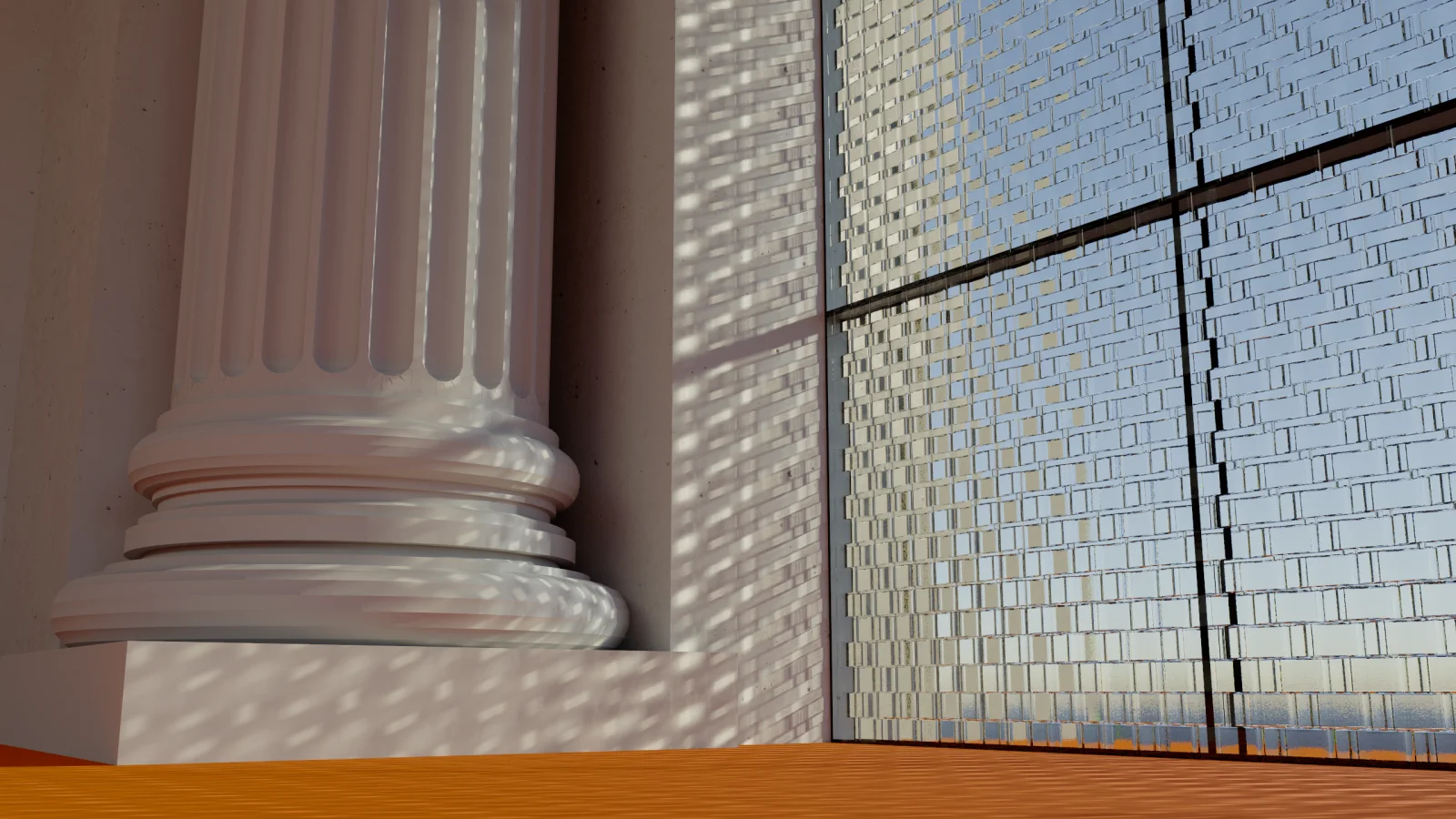
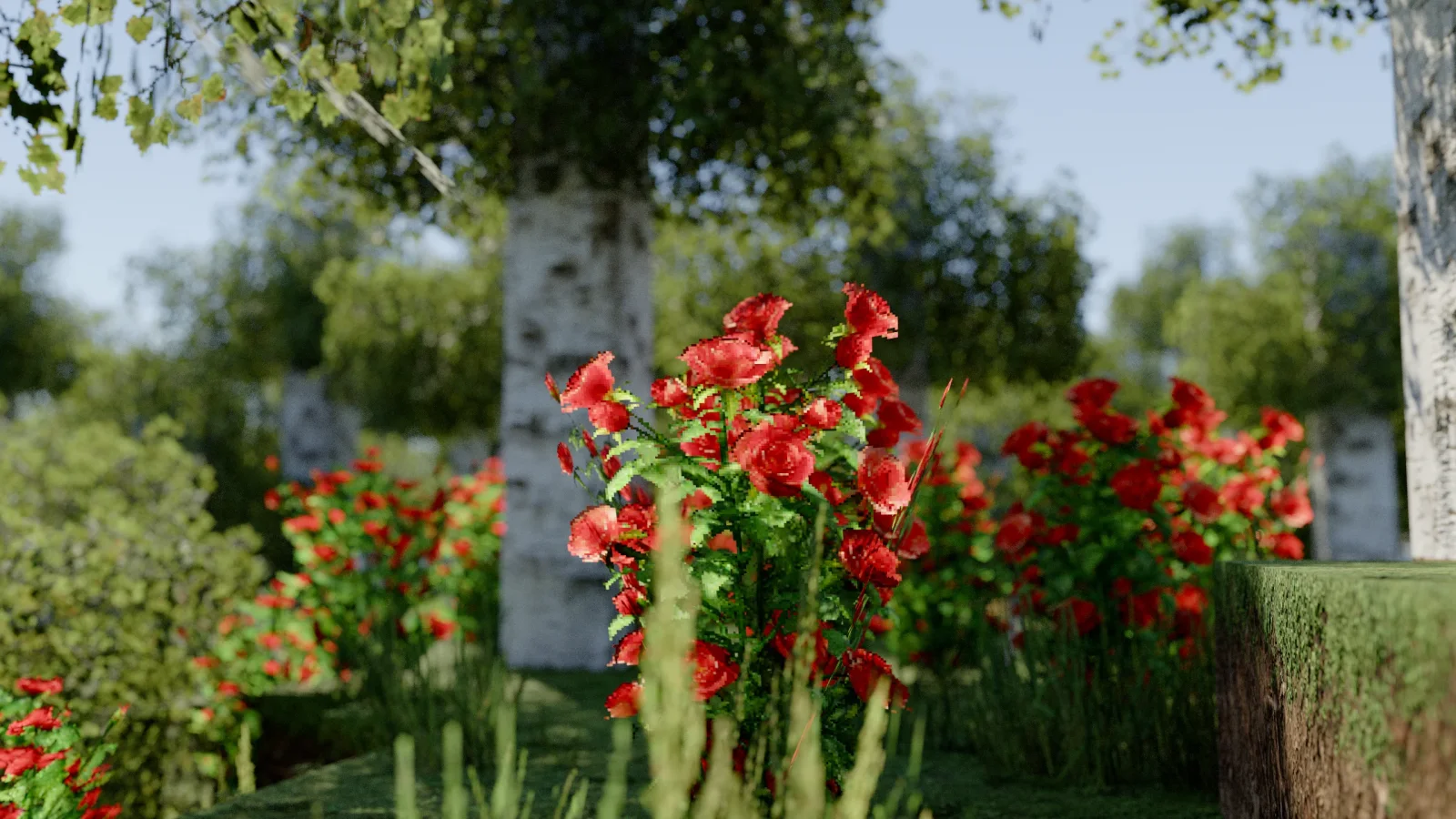
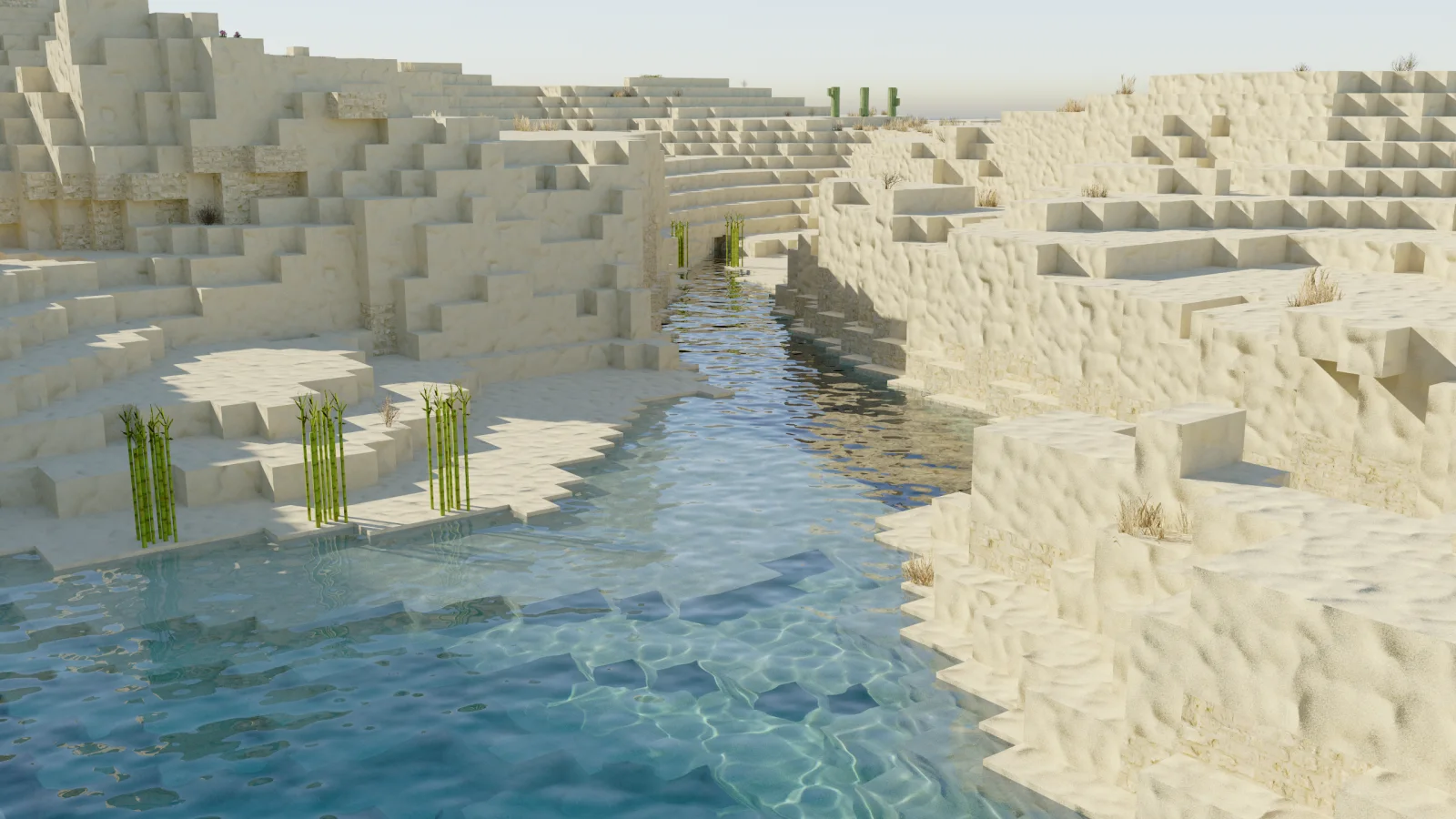
Camellia (pacote de shaders) é obra de xirreal. A pathtracing shader pack with quad raytracing.
É compatível com o Minecraft 1.21 – 26.x. Tem 7,005 downloads em Modrinth. A última atualização saiu em 26/09/2026.
Camellia teve 4 versões no Modrinth desde 14/09/2026. 4 saíram no último ano. A mais recente é 1.2.0, lançada em 26/09/2026. Ela é feita para o Minecraft 1.21.11 – 26.3. Ela roda em Iris. O download tem 1.4 MB.
| Versão | Lançado | Minecraft | Tipo |
|---|---|---|---|
1.2.0 | 26/09/2026 | 1.21.11 – 26.3 | Estável |
1.1.1 | 20/09/2026 | 1.21.10 – 26.3 | Estável |
1.1.0 | 18/09/2026 | 1.21.10 – 26.3 | Estável |
1.0.0 | 14/09/2026 | 1.21.10 – 26.3 | Estável |
Camellia is a pathtracer shader for Minecraft.
It's my take on Quad Raytracing in Minecraft, using the state of the art techniques from the H-PLOC paper to build a BVH directly on the GPU.
While I tried my best, performance is still suboptimal and not yet suitable for real-time gameplay. Camellia is intended for research, experimentation, and learning.
This is NOT a realtime shader. You will need to stand still and let the shader accumulate samples, like a render in Blender.
Pressing F1 starts the accumulation and freezes input and geometry, so that the scene can't change anymore.
Some tips for faster renders:
Screenshots taken with Patrix 128x
Special thanks to sixthsurge for allowing me to use their clouds in my shader! Check out Photon for a surprisingly fast and stunning realtime shader.
Camellia's original work is shared under the source-available license in LICENSE; it is not an open-source license. Third-party code and research remain under their own terms. See THIRD_PARTY_NOTICES.md and licenses/.
I want people to learn from Camellia (especially what is wrong with it) so the license allows you to read and modify the source code for personal use. If you want to publish a derivative, you must contact me for permission. See the license for details.
If Camellia is useful to you, sponsor me on GitHub.Check out my other projects too!
Escrita por xirreal. Leia com imagens no Modrinth.
Instale o Iris (com Sodium) ou o OptiFine para sua versão do Minecraft: shaders precisam de um deles.
Baixe o arquivo .zip pelo Modrinth. Não descompacte.
No Minecraft, abra Opções, depois Gráficos, depois Shader Packs e clique em Abrir pasta de shaders.
Coloque o arquivo .zip nessa pasta, escolha Camellia na lista e clique em Concluído.
Shaders pesam na placa de vídeo. Se o jogo ficar lento, escolha um perfil mais baixo nas configurações.
| Recurso | Downloads | Versões | Última atualização | Preço |
|---|---|---|---|---|
 Camelliao que você estava vendo | 7,005 | 1.21 – 26.x | 26 set 2026 | Grátis |
| Photon Shaderssixthsurge | 29.2M | 1.16 – 26.x | há 25 dias | Grátis |
 Super Duper VanillaEldeston | 8.3M | 1.13 – 1.21 | 8 jul 2025 | Grátis |
 Lux V1TechDevOnGitHub | 1.3M | 1.8 – 26.x | 26 set 2026 | Grátis |
Sim. Camellia é compatível com o Minecraft 26.x. Todas as versões compatíveis: 26.x, 1.21.
Sim. Você pode baixar Camellia de graça em Modrinth.
Sim. A última atualização saiu no último dia.
Os mais parecidos são Photon Shaders, Super Duper Vanilla e Lux V1. Comparar todas as alternativas
Photon ShadersShaders · 1.16 – 26.xA gameplay-focused shader pack with a semi-realistic style
Super Duper VanillaShaders · 1.13 – 1.21A shader pack created to convey the style of the cancelled Super Duper Graphics Pack and other popular Minecraft titles.
Lux V1Shaders · 1.8 – 26.xLux is a high fidelity Minecraft: Java Edition shader pack based on Capt Tatsu's BSL Shaders.
 Builder's QOL ShadersShaders · 1.12 – 1.20
A lightweight shader pack designed to enhance the vanilla aesthetic.
 Vanilletix ShadersShaders · 1.13 – 26.x
A shader pack that is created to improve the graphics of your game, leaving it in vanilla style
 Spring ShadersShaders · 1.12 – 26.x
A fresh and clear shader pack themed around spring.
Entre para deixar uma avaliação.