
 Energy Shaders JavaShadery · 1.20 – 26.x
Energy Shaders for Java. A vanilla Minecraft shaderpack that aims on making the game more vibrant and aesthetic. Giving Minecraft a completely new Style. No…
Za darmoPobrania: 98,351
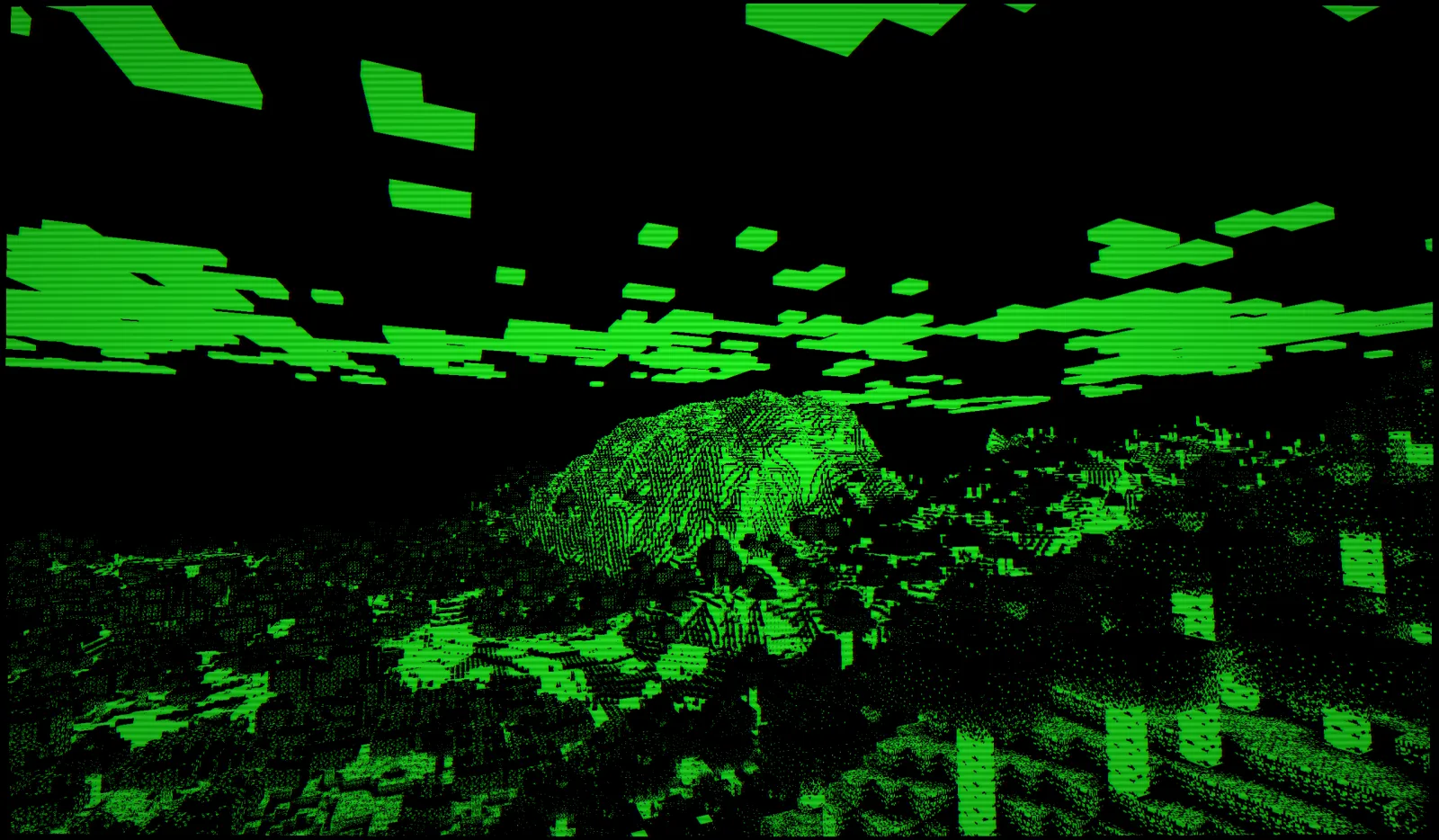
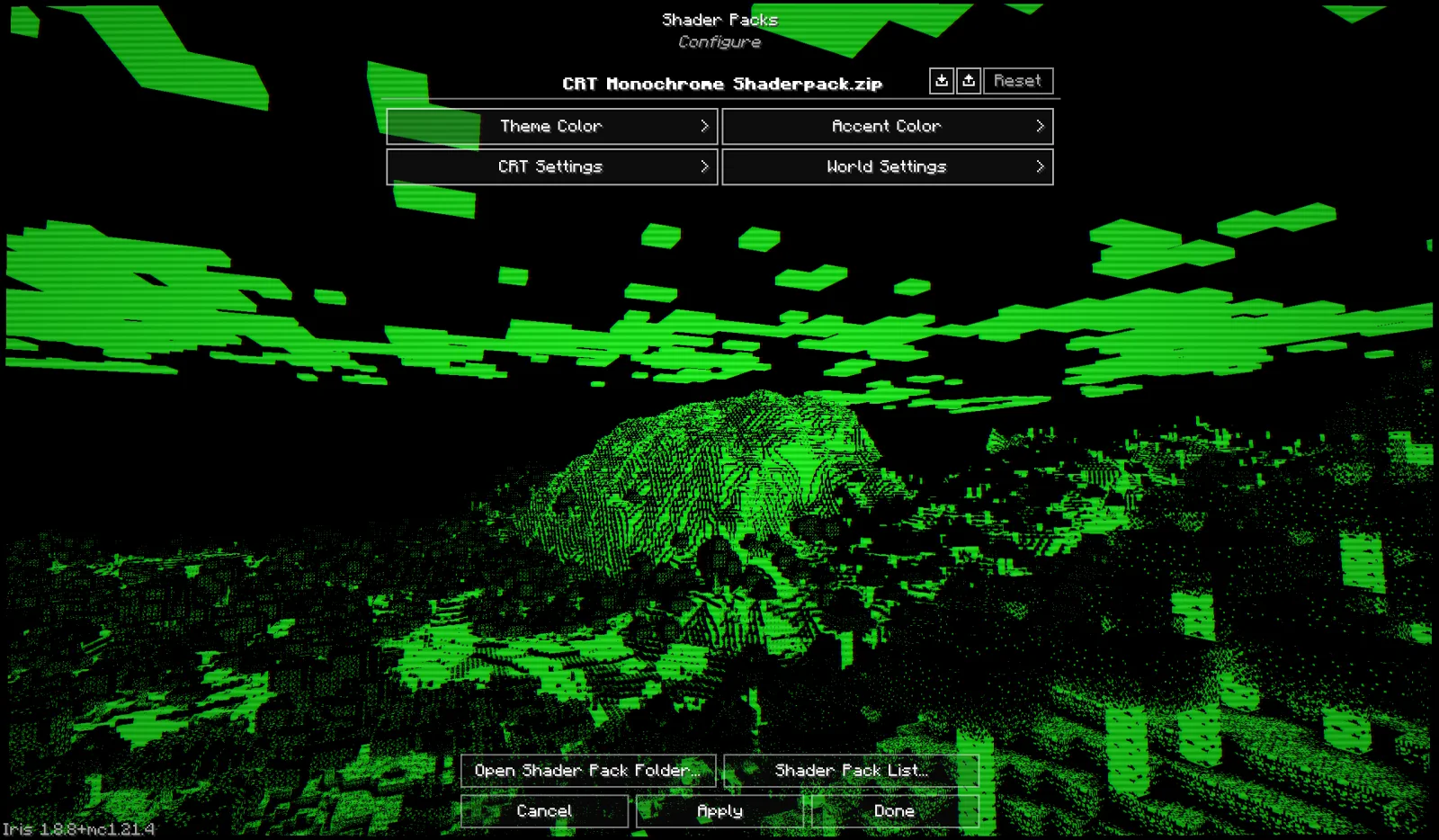
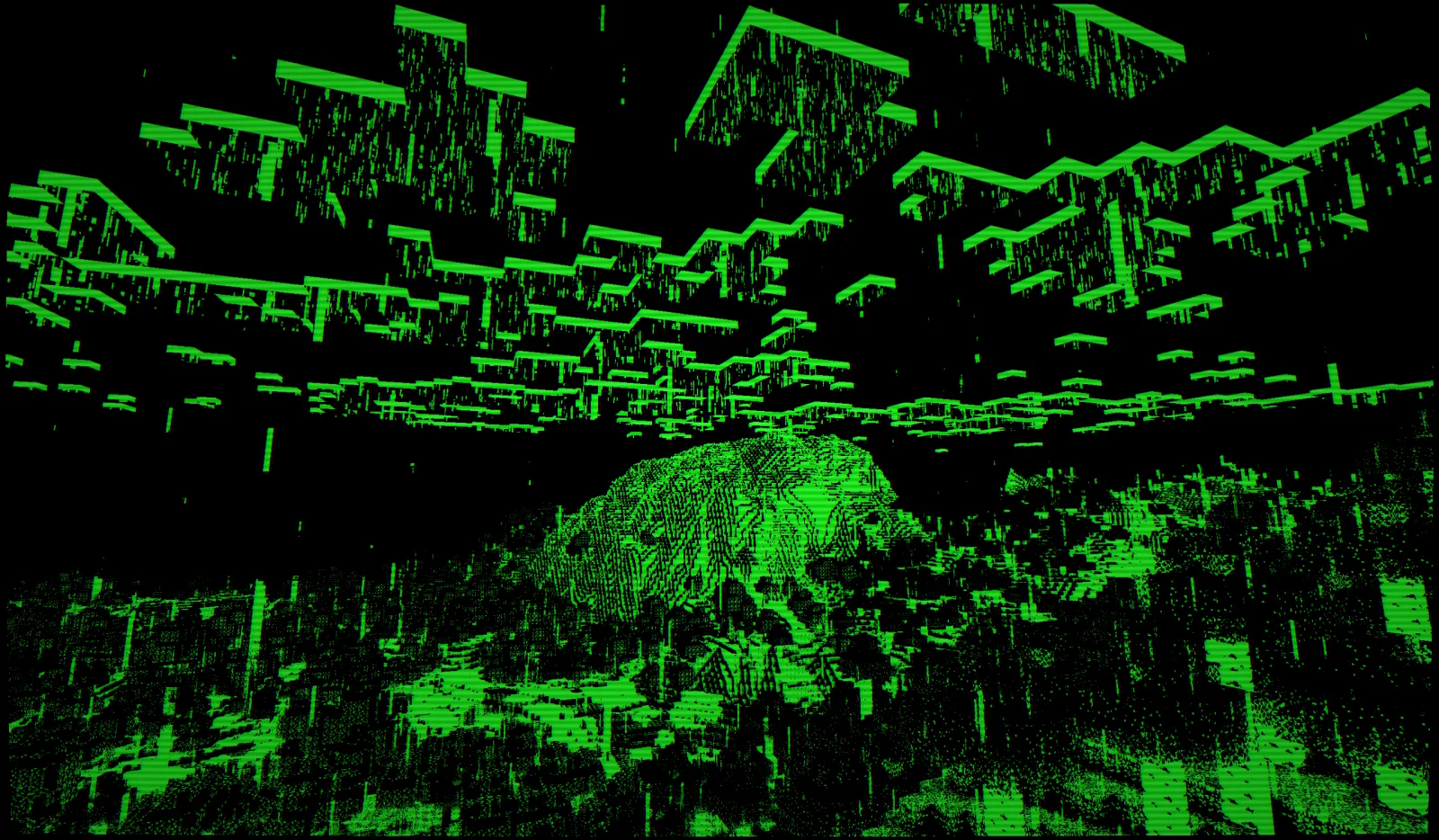
CRT Monochrome Shaderpack to paczka shaderów, autor: h1ggsk. This shaderpack turns your game into a retro 1980s-style CRT screen.
Obsługiwane wersje: Minecraft 1.8 – 1.21. Liczba pobrań w serwisie Modrinth: 11,303. Ostatnia aktualizacja: 25.01.2026.
Najnowsza to 1.0, wydana 25.01.2026. Jest zrobiona dla Minecraft 1.10 – 1.20.3. Działa na Iris i Optifine. Plik ma 9 KB.
| Wersja | Wydano | Minecraft | Typ |
|---|---|---|---|
1.0 | 25.01.2026 | 1.10 – 1.20.3 | Wydanie |
CRT Monochrome Shaderpack ma otwarty kod. Najnowsze wydanie na GitHubie to CRT Monochrome Shaderpack 1.0, opublikowane 25.01.2026.
Release 1.0 of CRT Monochrome Shaderpack. Add to .minecraft/shaderpacks folder and make sure Iris/OptiFine is installed to load the shader.
Full Changelog: https://github.com/H1ggsK/crt-monochrome-shaderpack/commits/1.0
"End of Line."
CRT Monochrome Shaderpack is a lightweight GLSL shader pack for Minecraft Java Edition (Iris/OptiFine) that replicates the high-contrast, phosphor-display aesthetic of early 80s computing.
It replaces standard rendering with a strict two-tone wireframe/threshold visualization, simulating a monochromatic CRT monitor inside the game.
By default, the pack utilizes the "P1 Apple Green" (#33FF33) color scheme, mimicking the high-persistence green phosphor monitors of the Apple II era. The world is rendered as a stark contrast between illuminated geometry and a pure black void.
The pack includes a fully procedural CRT post-processing stack:
While the default is Green, the pack is fully configurable via the Shader Options menu in-game.
You can manually mix the phosphor color using 0-255 sliders.
If you see the screen "smearing" or trails following your movement, your Depth Buffer is not being cleared correctly.
If hand items look like solid blocks of color:
Note: For the best experience, ensure "Render Regions" is enabled if using OptiFine.
If you feature this shader pack in a stream or video, please provide credit by linking to the official project page or mentioning h1ggsk. I’d love to see what you create with it!
Copyright © 2026 h1ggsk. All Rights Reserved.
This software is the intellectual property of h1ggsk.
Autor: h1ggsk. Z obrazkami na Modrinth.
Zainstaluj Iris (z Sodium) albo OptiFine dla swojej wersji Minecrafta: shadery potrzebują jednego z nich.
Pobierz plik .zip z Modrinth. Nie rozpakowuj go.
W Minecrafcie otwórz Opcje, potem Ustawienia grafiki, potem Shadery i kliknij Otwórz folder shaderów.
Wrzuć plik .zip do tego folderu, wybierz CRT Monochrome Shaderpack z listy i kliknij Gotowe.
Shadery mocno obciążają kartę graficzną. Jeśli gra zwalnia, wybierz niższy profil w ustawieniach shadera.
| Zasób | Pobrania | Wersje | Aktualizacja | Cena |
|---|---|---|---|---|
 CRT Monochrome Shaderpackten, który oglądałeś | 11K | 1.8 – 1.21 | 25 sty 2026 | Za darmo |
| Energy Shaders Javalinusdev | 98K | 1.20 – 26.x | 28 wrz 2026 | Za darmo |
 Fabulous VHSneddiebones | 35K | 1.20 – 26.x | 20 kwi 2026 | Za darmo |
 CRT ShaderBouncingElf10 | 25K | 1.8 – 26.x | 18 sie 2024 | Za darmo |
Jeszcze nie. Najnowsza obsługiwana wersja to Minecraft 1.21.
Tak. CRT Monochrome Shaderpack można pobrać za darmo z serwisu Modrinth.
Tak. Ostatnia aktualizacja wyszła w ciągu ostatniej doby.
Najbliższe to Energy Shaders Java, Fabulous VHS i CRT Shader. Porównaj wszystkie alternatywy
Energy Shaders JavaShadery · 1.20 – 26.xEnergy Shaders for Java. A vanilla Minecraft shaderpack that aims on making the game more vibrant and aesthetic. Giving Minecraft a completely new Style. No…
Fabulous VHSShadery · 1.20 – 26.xThis shaderpack adds a VHS style to the good old game minecraft!
CRT ShaderShadery · 1.8 – 26.xA stylized shader aimed to make your game look retro!
 MellowShadery · 1.8 – 26.x
Shaderpack with a painterly aesthetic made for people who want to actually play the game. It's easy on your eyes and on your computer!
 CTR VCRShadery · 1.12 – 26.x
Retro stylized shader that brings artifacts from CRT and VCR / VHS
 Amethyst ShadersShadery · 1.8 – 1.21
[WIP] A Semi-Realistic Minecraft Shaderpack, with a Vibrant Visuals Style. Based on Complementary Reimagined.
Zaloguj się, aby wystawić opinię.