
 Customizable TotemPaczki zasobów · 1.17 – 26.x
By adding your own skin to the pack, the totem of undying will update to look like ClownPierce's or Theobald's totem but with your skin!
Za darmoPobrania: 136,538
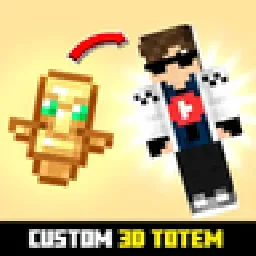
Customizable 3D Totem resource pack that lets you use your own skin as the Totem of Undying
Bezpośrednie pobieranie z Modrinth · 248,343 pobrań
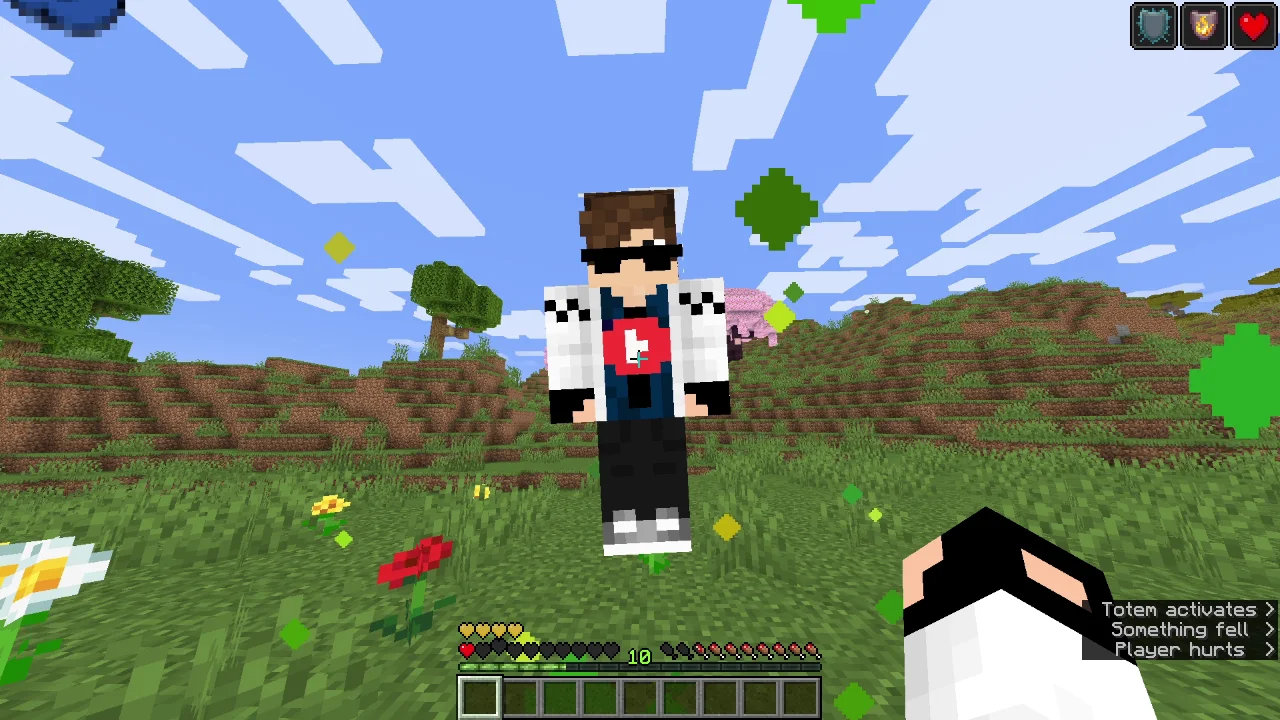
Custom Totem 3D to paczka zasobów, autor: spunkyinsaan. Customizable 3D Totem resource pack that lets you use your own skin as the Totem of Undying.
Obsługiwane wersje: Minecraft 1.16 – 26.x. Liczba pobrań w serwisie Modrinth: 248,343. Ostatnia aktualizacja: 25.03.2026.
Custom Totem 3D ma 4 wydań na Modrinth od 06.09.2025. Jedna z nich wyszła w ostatnim roku. Najnowsza to 26.1, wydana 25.03.2026. Jest zrobiona dla Minecraft 26.1, 26.1.1, 26.1.2. Działa na Minecraft. Plik ma 55 KB.
| Wersja | Wydano | Minecraft | Typ |
|---|---|---|---|
26.1 | 25.03.2026 | 26.1, 26.1.1, 26.1.2 | Wydanie |
1.21 | 15.09.2025 | 1.21 – 1.21.11 | Wydanie |
1.20 | 15.09.2025 | 1.20 – 1.20.6 | Wydanie |
1.16 | 06.09.2025 | 1.16 – 1.16.5 | Wydanie |
Replace the boring default Totem of Undying with your very own Minecraft skin!
The Spunky Custom Totem 3D Resourcepack lets you carry a miniature version of yourself every time you hold or use the Totem of Undying.
If you want to suggest anything, report a bug, or vote on future packs, then join my discord and you can message me in there. I will usually respond very quickly.
Autor: spunkyinsaan. Z obrazkami na Modrinth.
Pobierz plik .zip z Modrinth. Nie rozpakowuj go.
W Minecraft otwórz Opcje, potem Paczki zasobów, a potem Otwórz folder paczek.
Wrzuć plik .zip do tego folderu i wróć do gry.
Przenieś Custom Totem 3D na listę po prawej i kliknij Gotowe.
Jest zrobiona pod Minecraft 1.16 – 26.x. Na innych wersjach Minecraft oznacza ją jako niezgodną, ale często i tak działa.
| Zasób | Pobrania | Wersje | Aktualizacja | Cena |
|---|---|---|---|---|
| Custom Totem 3Dten, który oglądałeś | 248K | 1.16 – 26.x | 25 mar 2026 | Za darmo |
| Customizable TotemAlphaLeoli | 137K | 1.17 – 26.x | 5 paź 2025 | Za darmo |
 Custom Skin TotemTARUNEXE | 66 | 1.18 – 26.x | 18 d. temu | Za darmo |
 Vanilla EvolvedVixel | 567K | 1.16 – 1.21 | 18 maj 2025 | Za darmo |
Tak. Custom Totem 3D działa w wersji Minecrafta 26.x. Wszystkie obsługiwane wersje: 26.x, 1.21, 1.20, 1.16.
Tak. Custom Totem 3D można pobrać za darmo z serwisu Modrinth.
Tak. Ostatnia aktualizacja wyszła w ciągu ostatniej doby.
Najbliższe to Customizable Totem, Custom Skin Totem i Vanilla Evolved. Porównaj wszystkie alternatywy
Customizable TotemPaczki zasobów · 1.17 – 26.xBy adding your own skin to the pack, the totem of undying will update to look like ClownPierce's or Theobald's totem but with your skin!
Custom Skin TotemPaczki zasobów · 1.18 – 26.xA simple custom totem featuring a unique player skin, designed to replace the default Totem of Undying with a personalized Minecraft look.
Vanilla EvolvedPaczki zasobów · 1.16 – 1.21A vanilla minecraft resource pack with an enhanced artistic vision through the use of custom models and textures.
 Aria Math X Cinematic OrchestraPaczki zasobów · 1.21 – 26.x
Give your in-game music a fresh new vibe! This resource pack swaps the default "cat" music disc with your own custom soundtrack. 🌟 Features: 🎶 Custom Audio…
 Jakotens' Pokémon Trainer CosmeticsPaczki zasobów · 1.20 – 1.21
This resource pack includes custom hats and player skins for most playable characters from the main series Pokémon games from generations 1-8, perfect for…
 Classic Minecraft YouTuber Skin PackPaczki zasobów · 1.20 – 1.21
A custom Minecraft Skin Pack created to be used with the Legacy Skins addon for Legacy4J.
Zaloguj się, aby wystawić opinię.