Bad WiFi (pacote de shaders) é obra de xsoras. Simulates unstable internet streaming artifacts.
É compatível com o Minecraft 1.8 – 26.x. Tem 11,091 downloads em Modrinth. A última atualização saiu em 12/09/2026.
Bad WiFi teve 2 versões no Modrinth desde 01/06/2026. 2 saíram no último ano. A mais recente é 1.1, lançada em 12/09/2026. Ela é feita para o Minecraft 1.10 – 1.14. Ela roda em Iris e Optifine. O download tem 10 KB.
| Versão | Lançado | Minecraft | Tipo |
|---|---|---|---|
1.1 | 12/09/2026 | 1.10 – 1.14 | Estável |
1.0 | 01/06/2026 | 1.10 – 1.20.3 | Estável |
Broken signal. Corrupted frames. Controlled chaos.
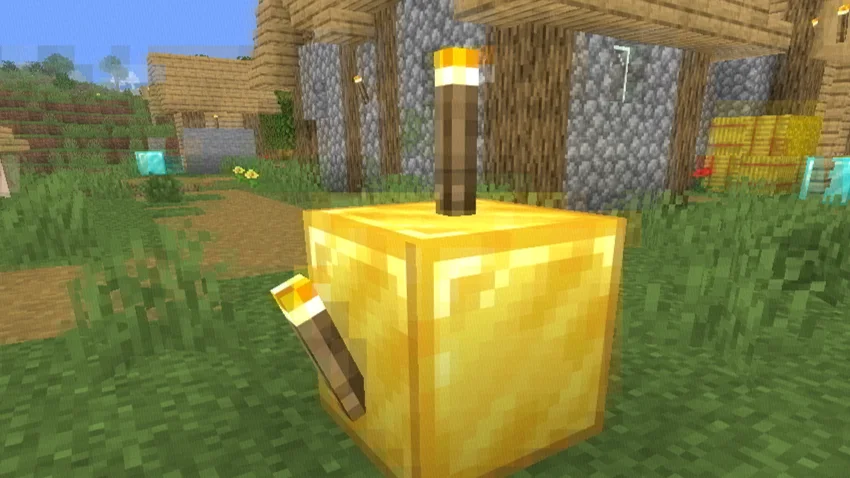
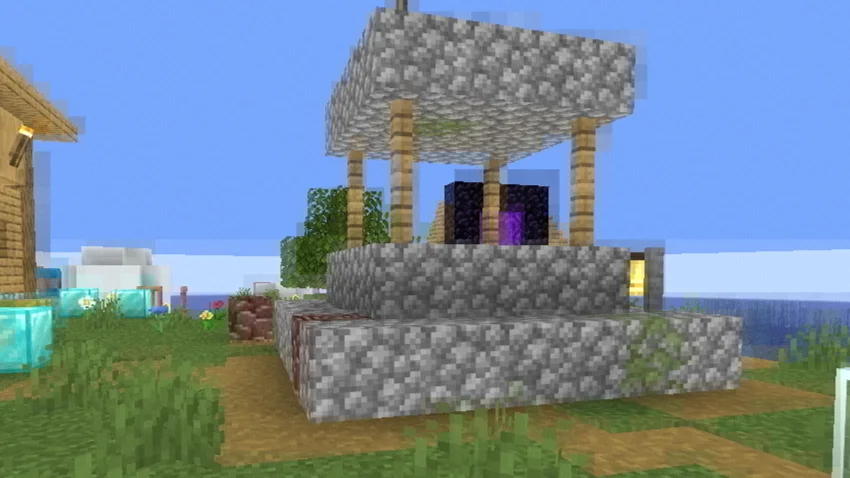
Bad WiFi is a real-time Minecraft Java shader effect that recreates the visual artifacts of unstable internet connections, damaged video streams, and low-bitrate compression. Designed for cinematic projects, machinimas, horror maps, and stylized gameplay footage, it brings authentic digital distortion directly into Minecraft.
Realistic packet loss simulation.
Frames break apart into fragmented blocks, mimicking the appearance of interrupted video transmission and unstable network connections.
Macroblocking & compression artifacts.
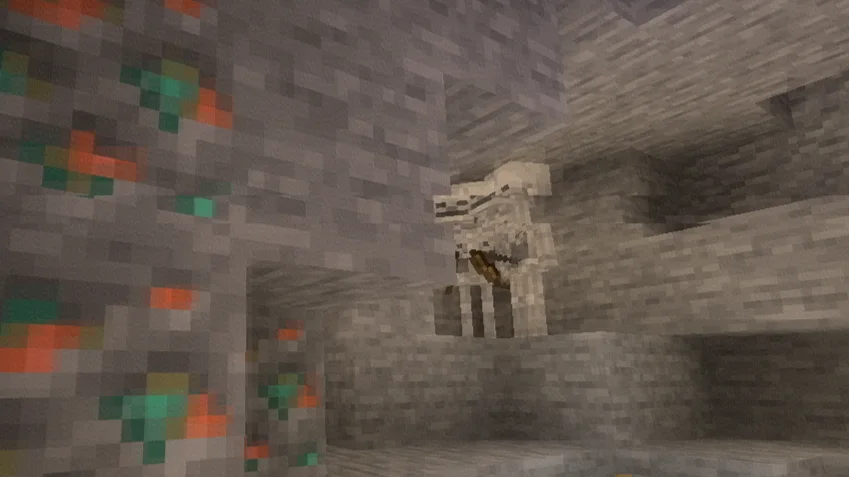
Large compression blocks, corrupted image regions, and bitrate degradation reproduce the look of heavily compressed online videos.
RGB signal corruption.
Subtle chromatic offsets and color channel separation create the appearance of damaged digital signals and transmission errors.
Ghosting & frame persistence.
Previous frames linger momentarily, producing realistic streaming desynchronization and buffering effects.
Dynamic glitch patterns.
Artifact placement changes continuously, preventing repetitive distortion and creating a believable corrupted-stream aesthetic.
Performance-friendly implementation.
Designed to achieve convincing visual corruption without excessive GPU overhead.
Loader · OptiFine / Iris
Java Edition · 1.7.3+
GLSL · #version 120
Type · Post-Processing Effect
Built for creators who want authentic digital corruption effects without external video editing.
Escrita por xsoras. Leia com imagens no Modrinth.
Instale o Iris (com Sodium) ou o OptiFine para sua versão do Minecraft: shaders precisam de um deles.
Baixe o arquivo .zip pelo Modrinth. Não descompacte.
No Minecraft, abra Opções, depois Gráficos, depois Shader Packs e clique em Abrir pasta de shaders.
Coloque o arquivo .zip nessa pasta, escolha Bad WiFi na lista e clique em Concluído.
Shaders pesam na placa de vídeo. Se o jogo ficar lento, escolha um perfil mais baixo nas configurações.
Sim. Bad WiFi é compatível com o Minecraft 26.x. Todas as versões compatíveis: 26.x, 1.21, 1.20, 1.19, 1.18, 1.17, 1.16, 1.13, 1.12, 1.8.
Sim. Você pode baixar Bad WiFi de graça em Modrinth.
Sim. A última atualização saiu no último dia.
Entre para deixar uma avaliação.