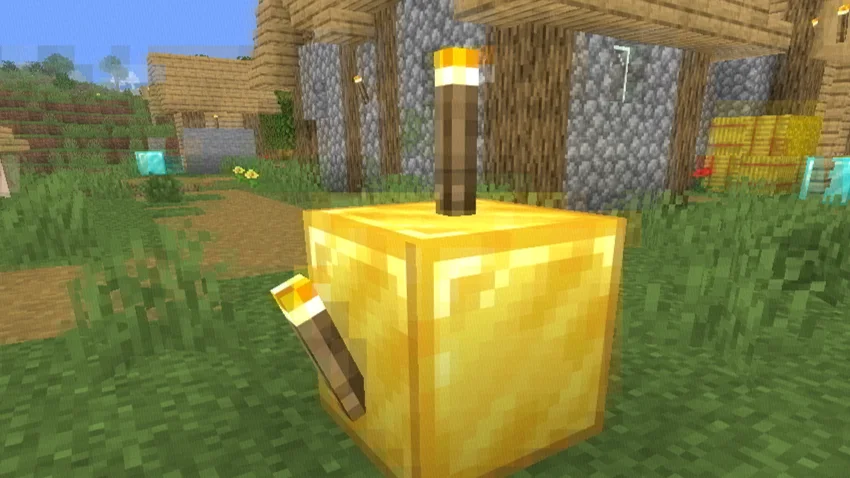
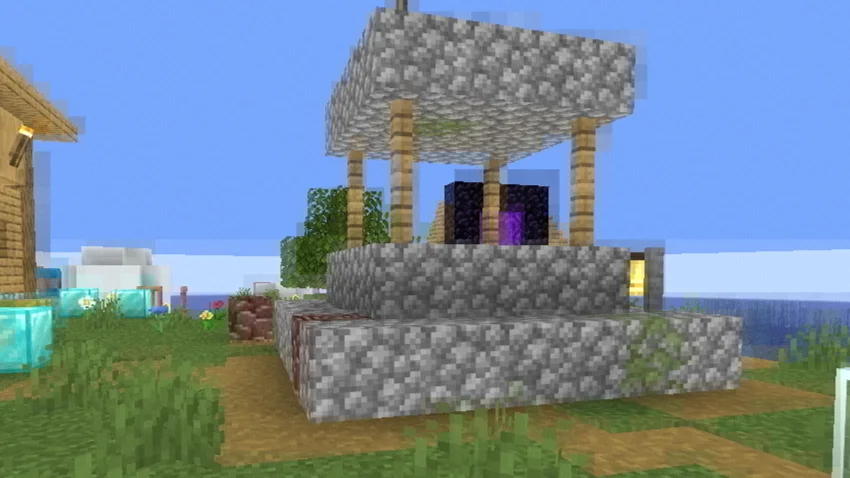
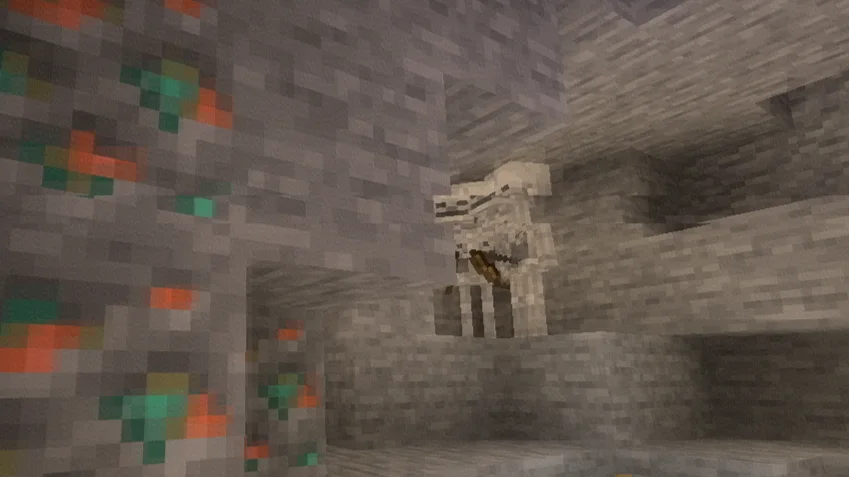
Bad WiFi to paczka shaderów, autor: xsoras. Simulates unstable internet streaming artifacts.
Obsługiwane wersje: Minecraft 1.8 – 26.x. Liczba pobrań w serwisie Modrinth: 11,018. Ostatnia aktualizacja: 12.09.2026.
Bad WiFi ma 2 wydań na Modrinth od 01.06.2026. 2 z nich wyszło w ostatnim roku. Najnowsza to 1.1, wydana 12.09.2026. Jest zrobiona dla Minecraft 1.10 – 1.14. Działa na Iris i Optifine. Plik ma 10 KB.
| Wersja | Wydano | Minecraft | Typ |
|---|---|---|---|
1.1 | 12.09.2026 | 1.10 – 1.14 | Wydanie |
1.0 | 01.06.2026 | 1.10 – 1.20.3 | Wydanie |
Broken signal. Corrupted frames. Controlled chaos.
Bad WiFi is a real-time Minecraft Java shader effect that recreates the visual artifacts of unstable internet connections, damaged video streams, and low-bitrate compression. Designed for cinematic projects, machinimas, horror maps, and stylized gameplay footage, it brings authentic digital distortion directly into Minecraft.
Realistic packet loss simulation.
Frames break apart into fragmented blocks, mimicking the appearance of interrupted video transmission and unstable network connections.
Macroblocking & compression artifacts.
Large compression blocks, corrupted image regions, and bitrate degradation reproduce the look of heavily compressed online videos.
RGB signal corruption.
Subtle chromatic offsets and color channel separation create the appearance of damaged digital signals and transmission errors.
Ghosting & frame persistence.
Previous frames linger momentarily, producing realistic streaming desynchronization and buffering effects.
Dynamic glitch patterns.
Artifact placement changes continuously, preventing repetitive distortion and creating a believable corrupted-stream aesthetic.
Performance-friendly implementation.
Designed to achieve convincing visual corruption without excessive GPU overhead.
Loader · OptiFine / Iris
Java Edition · 1.7.3+
GLSL · #version 120
Type · Post-Processing Effect
Built for creators who want authentic digital corruption effects without external video editing.
Autor: xsoras. Z obrazkami na Modrinth.
Zainstaluj Iris (z Sodium) albo OptiFine dla swojej wersji Minecrafta: shadery potrzebują jednego z nich.
Pobierz plik .zip z Modrinth. Nie rozpakowuj go.
W Minecrafcie otwórz Opcje, potem Ustawienia grafiki, potem Shadery i kliknij Otwórz folder shaderów.
Wrzuć plik .zip do tego folderu, wybierz Bad WiFi z listy i kliknij Gotowe.
Shadery mocno obciążają kartę graficzną. Jeśli gra zwalnia, wybierz niższy profil w ustawieniach shadera.
Tak. Bad WiFi działa w wersji Minecrafta 26.x. Wszystkie obsługiwane wersje: 26.x, 1.21, 1.20, 1.19, 1.18, 1.17, 1.16, 1.13, 1.12, 1.8.
Tak. Bad WiFi można pobrać za darmo z serwisu Modrinth.
Tak. Ostatnia aktualizacja wyszła w ciągu ostatniej doby.
Zaloguj się, aby wystawić opinię.