
Simulates unstable internet streaming artifacts.
Direct download from Modrinth · 10,981 downloads
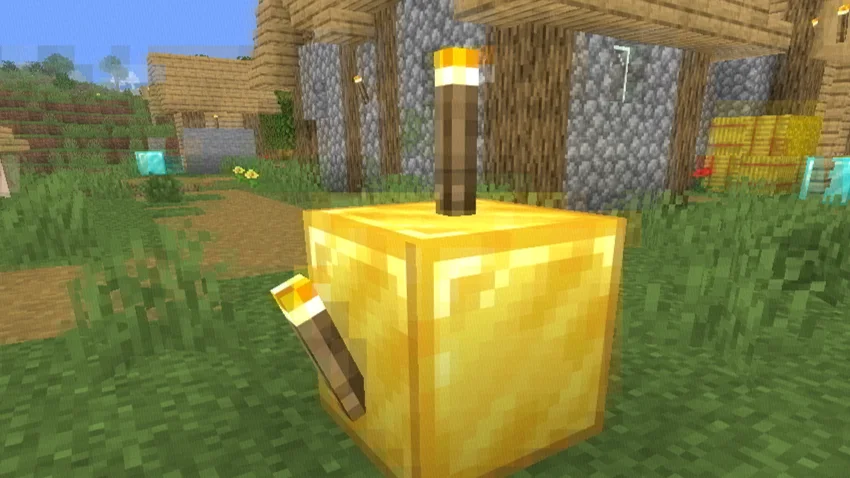
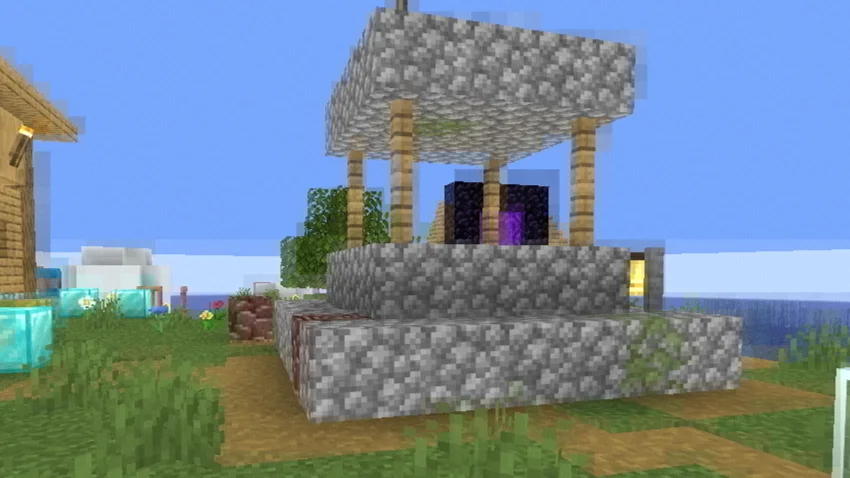
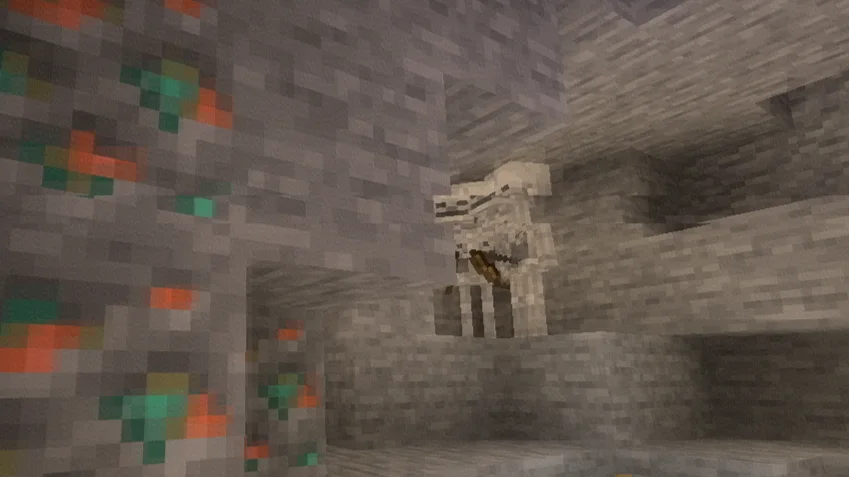
Bad WiFi is a shader pack made by xsoras. Simulates unstable internet streaming artifacts.
It supports Minecraft 1.8 – 26.x. It has been downloaded 10,981 times on Modrinth. The last update came out on Sep 12, 2026.
Bad WiFi has had 2 releases on Modrinth since Jun 1, 2026. 2 of them came out in the past year. The newest is 1.1, released on Sep 12, 2026. It is made for Minecraft 1.10 – 1.14. It runs on Iris and Optifine. The download is 10 KB.
| Version | Released | Minecraft | Type |
|---|---|---|---|
1.1 | Sep 12, 2026 | 1.10 – 1.14 | Release |
1.0 | Jun 1, 2026 | 1.10 – 1.20.3 | Release |
Broken signal. Corrupted frames. Controlled chaos.
Bad WiFi is a real-time Minecraft Java shader effect that recreates the visual artifacts of unstable internet connections, damaged video streams, and low-bitrate compression. Designed for cinematic projects, machinimas, horror maps, and stylized gameplay footage, it brings authentic digital distortion directly into Minecraft.
Realistic packet loss simulation.
Frames break apart into fragmented blocks, mimicking the appearance of interrupted video transmission and unstable network connections.
Macroblocking & compression artifacts.
Large compression blocks, corrupted image regions, and bitrate degradation reproduce the look of heavily compressed online videos.
RGB signal corruption.
Subtle chromatic offsets and color channel separation create the appearance of damaged digital signals and transmission errors.
Ghosting & frame persistence.
Previous frames linger momentarily, producing realistic streaming desynchronization and buffering effects.
Dynamic glitch patterns.
Artifact placement changes continuously, preventing repetitive distortion and creating a believable corrupted-stream aesthetic.
Performance-friendly implementation.
Designed to achieve convincing visual corruption without excessive GPU overhead.
Loader · OptiFine / Iris
Java Edition · 1.7.3+
GLSL · #version 120
Type · Post-Processing Effect
Built for creators who want authentic digital corruption effects without external video editing.
Written by xsoras. Read it with pictures on Modrinth.
Install Iris (with Sodium) or OptiFine for your Minecraft version: shaders need one of them.
Download the .zip file from Modrinth. Do not unzip it.
In Minecraft, open Options, then Video Settings, then Shader Packs, and click Open Shader Pack Folder.
Drop the .zip file into that folder, pick Bad WiFi in the list and click Done.
Shaders are heavy on the graphics card. If the game gets slow, pick a lower profile in the shader settings.
Full guide: How to install Minecraft shaders
Yes. Bad WiFi supports Minecraft 26.x. All supported versions: 26.x, 1.21, 1.20, 1.19, 1.18, 1.17, 1.16, 1.13, 1.12, 1.8.
Yes. Bad WiFi is free to download from Modrinth.
Yes. The last update came out in the past day.
Log in to leave a review.
