
 LagFixerEklentiler · 1.13 – 26.x
⚡️ Best Performance Solution! 🗄️Trusted by 3000+ servers! ✅ Lightweight and highly Asynchronous!
Ücretsiz344,183 indirme

Highly Optimized and Supported Spawner Plugin. Folia, All Paper Forks, Spigot. 1.21.x - 26.3
Modrinth üzerinden doğrudan indirme · 2 indirme
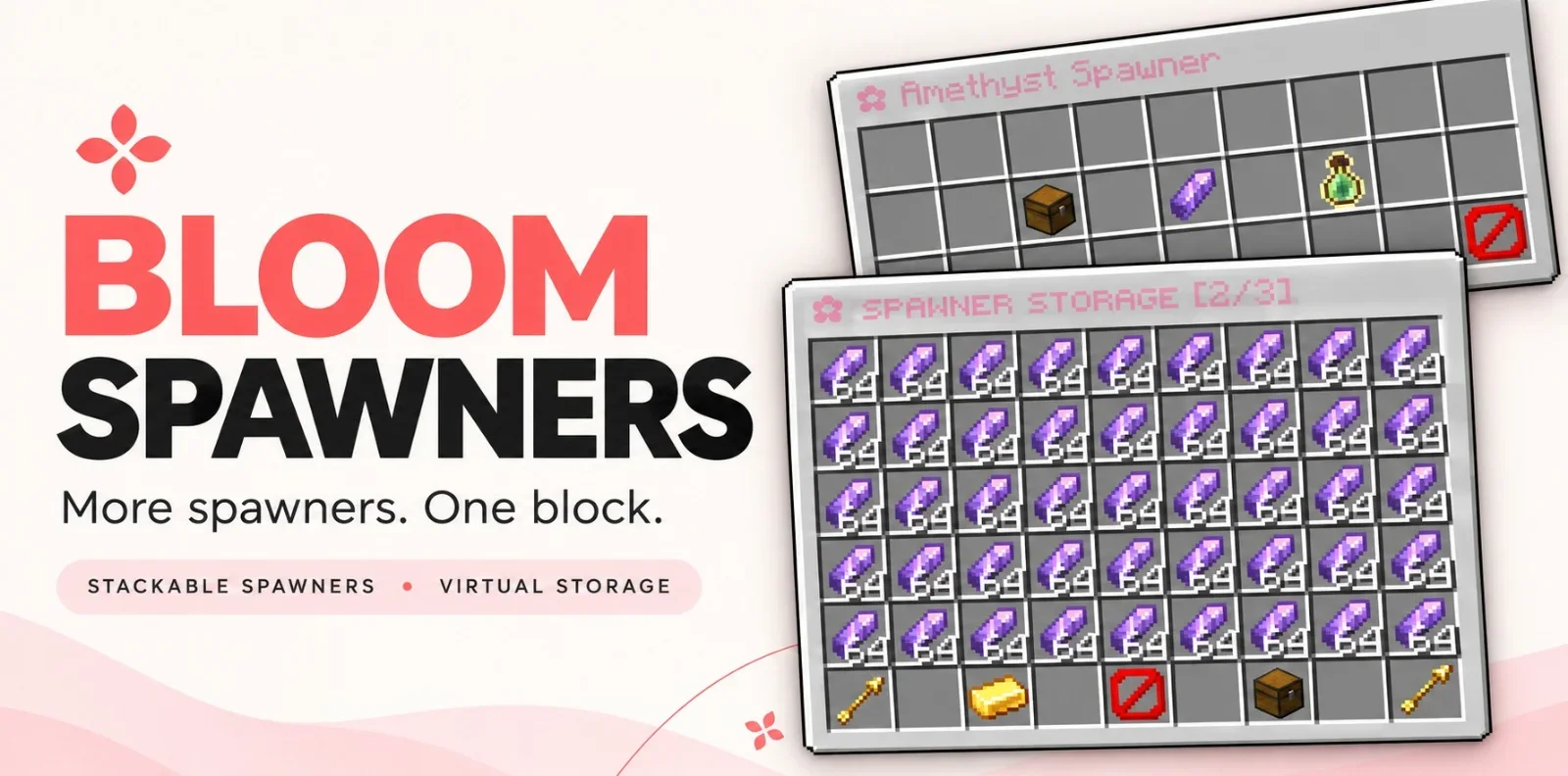
Bloom Spawners, Metene tarafından Paper / Spigot sunucuları için yapılmış bir eklenti. Highly Optimized and Supported Spawner Plugin. Folia, All Paper Forks, Spigot. 1.21.x - 26.3.
Desteklediği sürümler: Minecraft 1.21 – 26.x. Modrinth üzerinde 2 kez indirildi. Böylece burada listelenen performans eklentileri (115 adet) arasında 107. sırada yer alıyor. Son güncelleme 06.11.2026 tarihinde çıktı.
En yenisi 06.11.2026 tarihinde çıkan 1.0.0. Minecraft 1.21 – 26.3 için yapıldı. Bukkit, Folia, Paper, Purpur ve Spigot üzerinde çalışır. İndirme boyutu 352 KB.
| Sürüm | Yayın tarihi | Minecraft | Tür |
|---|---|---|---|
1.0.0 | 06.11.2026 | 1.21 – 26.3 | Kararlı |
Bloom Spawners için Modrinth sayfasında geçen komutlar:
/bsp/bloomspawnersBloom Spawners is a Minecraft server plugin that turns a single spawner block into a source of items and XP. Place a spawner, stay nearby, and collect its rewards from a simple inventory menu. Drops go straight into virtual storage without spawning mobs.
More spawners. One block. No resource pack required.
Feature Photos
Spawner stacks, stored items, and XP persist across restarts. Players can share access to a spawner, subject to server permissions and supported region protections.
Item and XP collection work without an economy plugin. Selling requires Vault, a compatible economy provider, and configured item prices.
Command · Description
/bsp or /bsp help · Show available commands.
/bsp give [amount] · Give a player spawners. Admin only.
/bsp reload · Reload the plugin configuration. Admin only.
/bsp hologram [on\ · off] · Toggle or set your personal hologram visibility.
/bloomspawners is an alias for /bsp.
Found a bug or need help with setup? Join the support Discord. Include your Minecraft version, server platform, and plugin version so the issue is easier to reproduce.
Yazan: Metene. Resimli halini Modrinth sayfasında oku.
Sunucunun Minecraft 1.21 – 26.x üzerinde Paper ve Spigot çalıştırdığından emin ol.
.jar dosyasını Modrinth üzerinden indir ve sunucunun plugins klasörüne koy.
Sunucuyu yeniden başlat. /reload kullanma, birçok eklenti bununla sorun çıkarır.
Konsola /plugins yaz: Bloom Spawners yeşil olarak listelenmeli. Ayar dosyaları ilk açılışta plugins klasöründe oluşturulur.
Detaylı rehber: Minecraft sunucusuna eklenti nasıl kurulur
| Kaynak | İndirmeler | Sürümler | Son güncelleme | Fiyat |
|---|---|---|---|---|
| Bloom Spawnersbaktığın | 2 | 1.21 – 26.x | 6 gün önce | Ücretsiz |
| LagFixerlajczi | 344K | 1.13 – 26.x | 23 gün önce | Ücretsiz |
 SuperHarvestdru40309 | 36K | 1.8 – 26.x | 5 Mar 2026 | Ücretsiz |
 Spartan AntiCheat & AntiExploitVagdedes | 23K | 1.8 – 26.x | 27 gün önce | Ücretsiz |
Evet. Bloom Spawners, Minecraft 26.x sürümünü destekliyor. Desteklenen tüm sürümler: 26.x, 1.21.
Evet. Bloom Spawners, Modrinth üzerinden ücretsiz indirilebilir.
Bloom Spawners, Paper ve Spigot sunucularında çalışır.
Evet. Son güncelleme son 24 saat içinde çıktı.
En yakın olanlar LagFixer, SuperHarvest ve Spartan AntiCheat & AntiExploit. Tüm alternatifleri karşılaştır
LagFixerEklentiler · 1.13 – 26.x⚡️ Best Performance Solution! 🗄️Trusted by 3000+ servers! ✅ Lightweight and highly Asynchronous!
SuperHarvestEklentiler · 1.8 – 26.xFast harvest, mining and tree chopping easily with a single mine, 3 in one to Vein-Mining with Animations but without lag! It's light weight lag free. [Open…
Spartan AntiCheat & AntiExploitEklentiler · 1.8 – 26.xOptimized | Customizable | Cross-Version | Adaptive | Folia Support | Geyser Detections
 WildRTPEklentiler · 1.13 – 26.x
Another RTP Plugin build on Performance & Features
 SchedulerEklentiler · 1.17 – 26.x
Create timed events easily with a highly optimized plugin!
 ActionHealthEklentiler · 1.8 – 26.x
Shows the health of the player or mob that you hit or look at, in the action bar. One jar for Spigot, Paper and Folia 1.8 to 26.3.
Yorum yazmak için giriş yap.