
 LagFixerPlugins · 1.13 – 26.x
⚡️ Best Performance Solution! 🗄️Trusted by 3000+ servers! ✅ Lightweight and highly Asynchronous!
Free344,183 downloads

Highly Optimized and Supported Spawner Plugin. Folia, All Paper Forks, Spigot. 1.21.x - 26.3
Direct download from Modrinth · 2 downloads
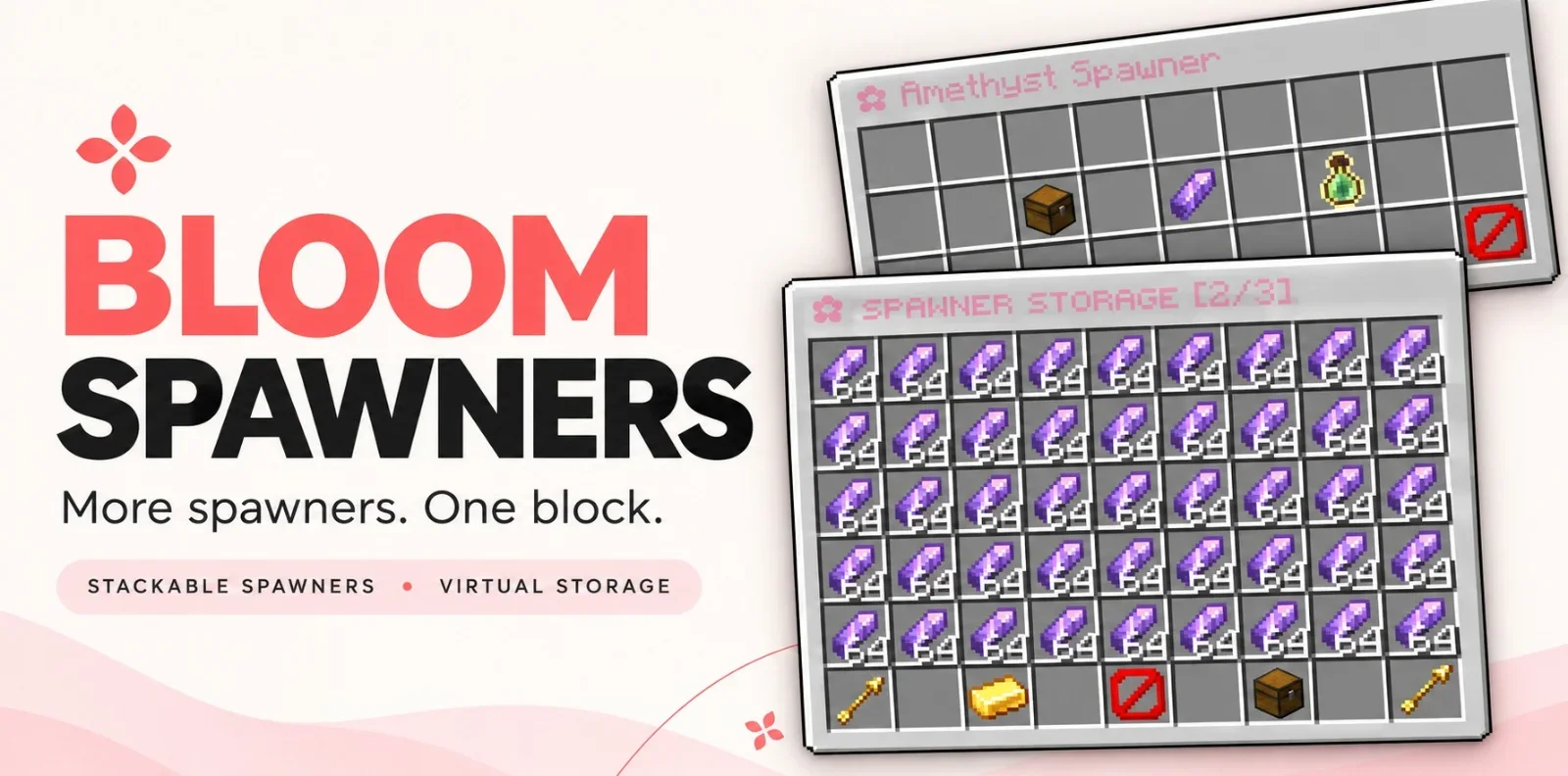
Bloom Spawners is a plugin for Paper / Spigot servers, made by Metene. Highly Optimized and Supported Spawner Plugin. Folia, All Paper Forks, Spigot. 1.21.x - 26.3.
It supports Minecraft 1.21 – 26.x. It has been downloaded 2 times on Modrinth. That puts it at #107 of the 115 performance plugins listed here. The last update came out on Nov 6, 2026.
The newest is 1.0.0, released on Nov 6, 2026. It is made for Minecraft 1.21 – 26.3. It runs on Bukkit, Folia, Paper, Purpur and Spigot. The download is 352 KB.
| Version | Released | Minecraft | Type |
|---|---|---|---|
1.0.0 | Nov 6, 2026 | 1.21 – 26.3 | Release |
The commands named on the Modrinth page of Bloom Spawners:
/bsp/bloomspawnersBloom Spawners is a Minecraft server plugin that turns a single spawner block into a source of items and XP. Place a spawner, stay nearby, and collect its rewards from a simple inventory menu. Drops go straight into virtual storage without spawning mobs.
More spawners. One block. No resource pack required.
Feature Photos
Spawner stacks, stored items, and XP persist across restarts. Players can share access to a spawner, subject to server permissions and supported region protections.
Item and XP collection work without an economy plugin. Selling requires Vault, a compatible economy provider, and configured item prices.
Command · Description
/bsp or /bsp help · Show available commands.
/bsp give [amount] · Give a player spawners. Admin only.
/bsp reload · Reload the plugin configuration. Admin only.
/bsp hologram [on\ · off] · Toggle or set your personal hologram visibility.
/bloomspawners is an alias for /bsp.
Found a bug or need help with setup? Join the support Discord. Include your Minecraft version, server platform, and plugin version so the issue is easier to reproduce.
Written by Metene. Read it with pictures on Modrinth.
Make sure your server runs Paper and Spigot on Minecraft 1.21 – 26.x.
Download the .jar file from Modrinth and put it in the plugins folder of your server.
Restart the server. Avoid /reload, many plugins do not handle it well.
Type /plugins in the console: Bloom Spawners should be listed in green. Its config files are created in the plugins folder on the first start.
Full guide: How to install plugins on a Minecraft server
| Resource | Downloads | Versions | Last update | Price |
|---|---|---|---|---|
| Bloom Spawnersthe one you looked at | 2 | 1.21 – 26.x | 6 days ago | Free |
| LagFixerlajczi | 344K | 1.13 – 26.x | 23 days ago | Free |
 SuperHarvestdru40309 | 36K | 1.8 – 26.x | Mar 5, 2026 | Free |
 Spartan AntiCheat & AntiExploitVagdedes | 23K | 1.8 – 26.x | 27 days ago | Free |
Yes. Bloom Spawners supports Minecraft 26.x. All supported versions: 26.x, 1.21.
Yes. Bloom Spawners is free to download from Modrinth.
Bloom Spawners runs on Paper and Spigot servers.
Yes. The last update came out in the past day.
The closest ones are LagFixer, SuperHarvest and Spartan AntiCheat & AntiExploit. Compare all alternatives
LagFixerPlugins · 1.13 – 26.x⚡️ Best Performance Solution! 🗄️Trusted by 3000+ servers! ✅ Lightweight and highly Asynchronous!
SuperHarvestPlugins · 1.8 – 26.xFast harvest, mining and tree chopping easily with a single mine, 3 in one to Vein-Mining with Animations but without lag! It's light weight lag free. [Open…
Spartan AntiCheat & AntiExploitPlugins · 1.8 – 26.xOptimized | Customizable | Cross-Version | Adaptive | Folia Support | Geyser Detections
 WildRTPPlugins · 1.13 – 26.x
Another RTP Plugin build on Performance & Features
 SchedulerPlugins · 1.17 – 26.x
Create timed events easily with a highly optimized plugin!
 ActionHealthPlugins · 1.8 – 26.x
Shows the health of the player or mob that you hit or look at, in the action bar. One jar for Spigot, Paper and Folia 1.8 to 26.3.
Log in to leave a review.