
 Earth ShadersShader · 1.20 – 26.x
A bright, realistic Minecraft scene showcasing smooth lighting, soft shadows, and clear water reflections, giving the world a calm and natural atmosphere.
Kostenlos45,058 Downloads
Brighter and cleaner lighting for Minecraft
Direkter Download von Modrinth · 3,539 Downloads
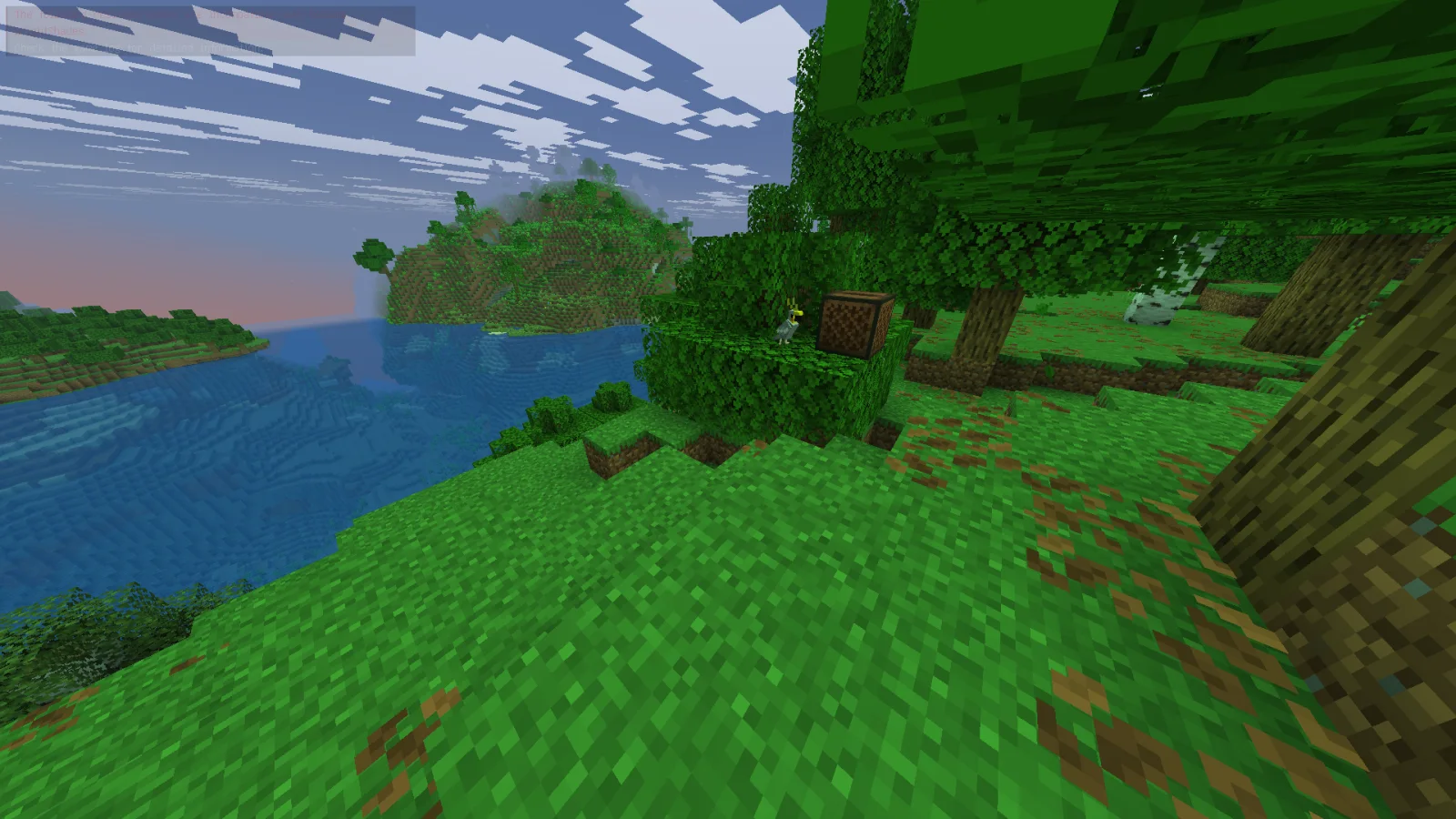
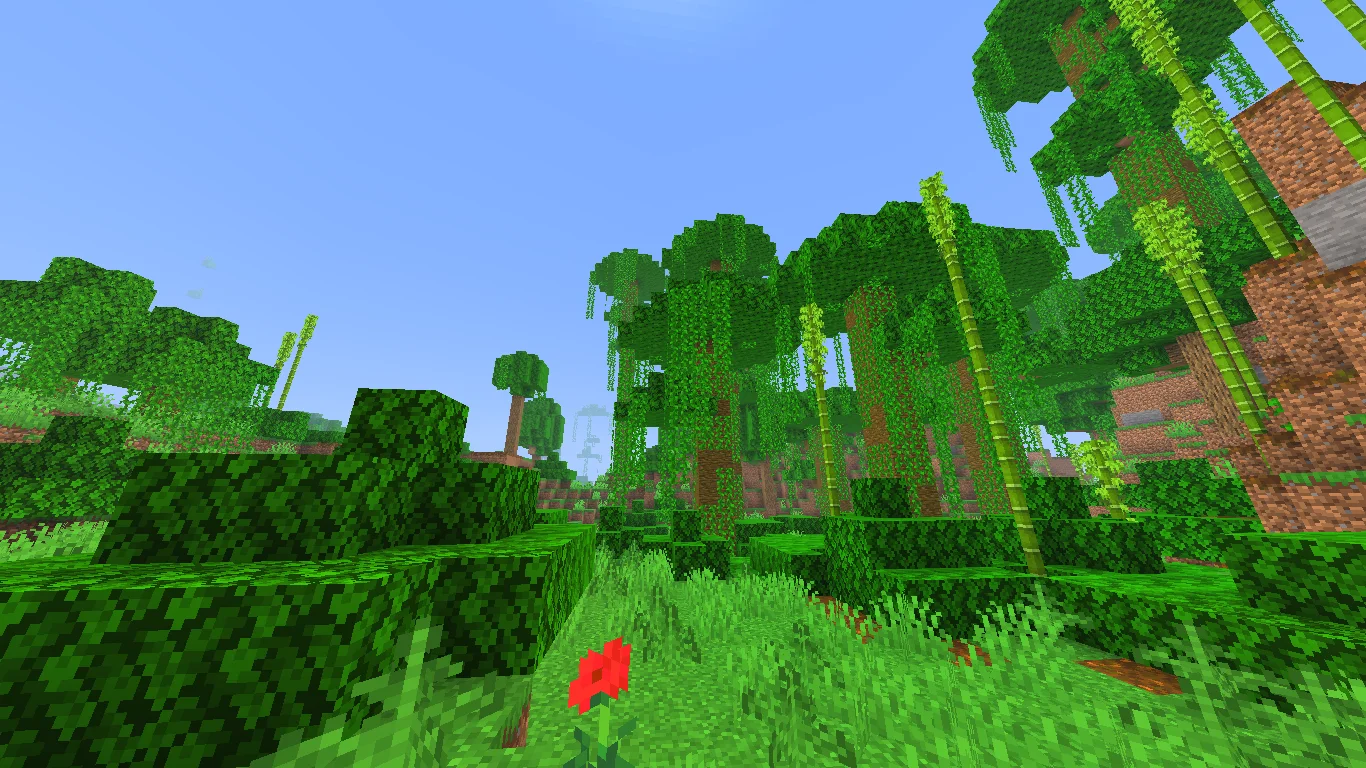
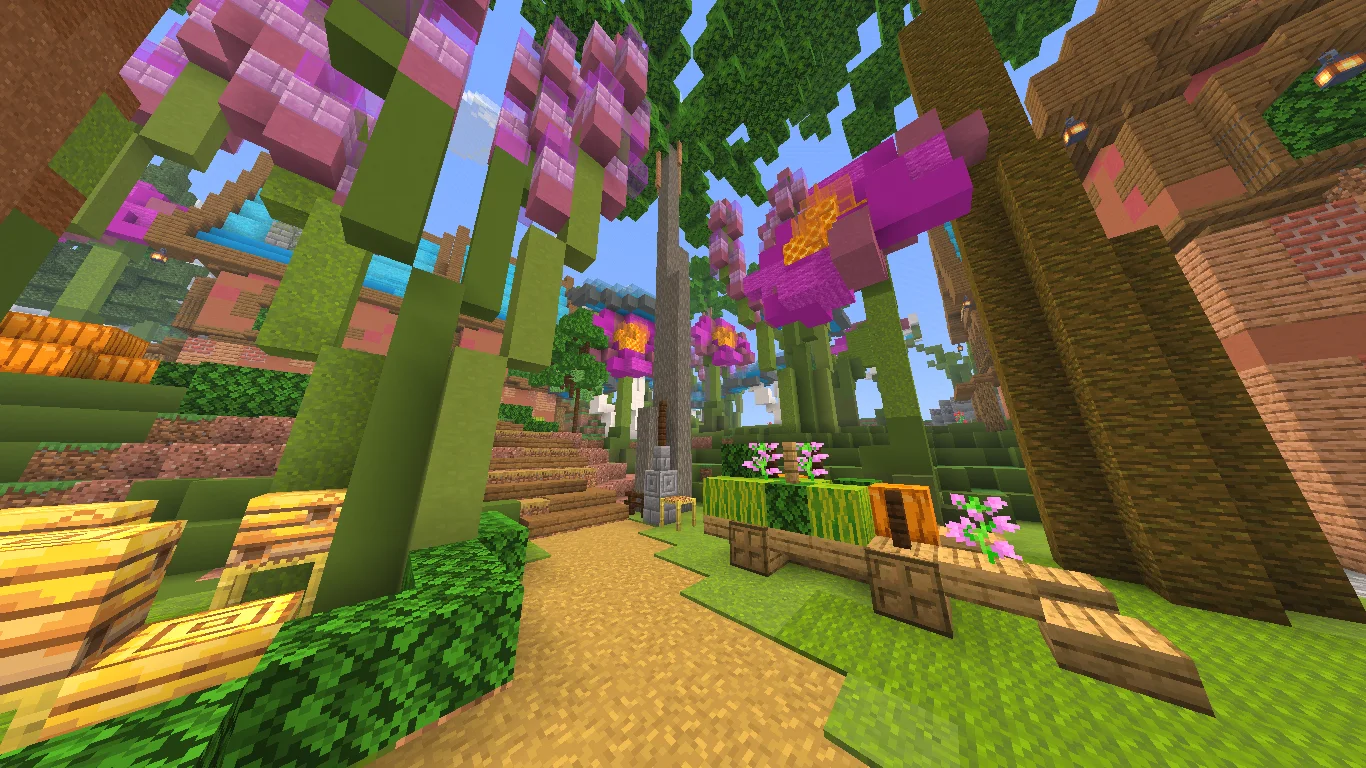
Bright Shades (Shaderpack) stammt von MinexInd. Brighter and cleaner lighting for Minecraft.
Unterstützt wird Minecraft 1.21. Auf Modrinth gibt es 3,539 Downloads. Das letzte Update erschien am 20.03.2026.
Bright Shades hat seit 25.11.2025 5 Versionen auf Modrinth veröffentlicht. 5 davon erschienen im letzten Jahr. Die neueste ist 1.2, erschienen am 20.03.2026. Sie ist für Minecraft 1.21.11 gemacht. Sie läuft auf Minecraft. Der Download ist 395 KB groß.
| Version | Veröffentlicht | Minecraft | Typ |
|---|---|---|---|
1.2 | 20.03.2026 | 1.21.11 | Release |
1.2 | 20.03.2026 | 1.21.10 | Release |
1.2 | 20.03.2026 | 1.21.9 | Release |
1.1 | 20.03.2026 | 1.21.6, 1.21.7, 1.21.8 | Release |
1.1 | 25.11.2025 | 1.21.2 – 1.21.5 | Release |
Bright Shades is a small core-shader resourcepack that makes Minecraft look brighter, smoother, and more colorful without changing the original style.
It’s lightweight, doesn’t need any mods, and keeps the game running fast.
Geschrieben von MinexInd. Mit Bildern auf Modrinth lesen.
Installiere Iris (mit Sodium) oder OptiFine für deine Minecraft-Version: Shader brauchen eins davon.
Lade die .zip-Datei von Modrinth herunter. Entpacke sie nicht.
Öffne in Minecraft Optionen, dann Grafikeinstellungen, dann Shaderpacks und klicke auf Shaderpack-Ordner öffnen.
Lege die .zip-Datei in diesen Ordner, wähle Bright Shades in der Liste und klicke auf Fertig.
Shader belasten die Grafikkarte. Wird das Spiel langsam, wähle in den Shader-Einstellungen ein niedrigeres Profil.
Noch nicht. Die neueste unterstützte Version ist Minecraft 1.21.
Ja. Bright Shades kannst du kostenlos bei Modrinth herunterladen.
Ja. Das letzte Update kam innerhalb des letzten Tages.
Earth ShadersShader · 1.20 – 26.xA bright, realistic Minecraft scene showcasing smooth lighting, soft shadows, and clear water reflections, giving the world a calm and natural atmosphere.
Logg dich ein, um eine Bewertung zu schreiben.